










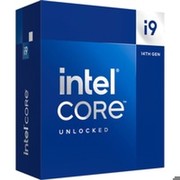

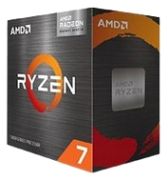

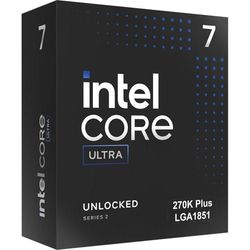
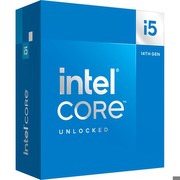
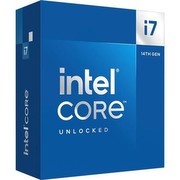
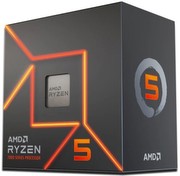
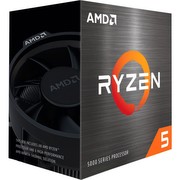
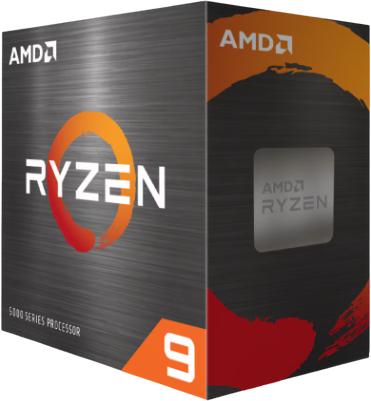
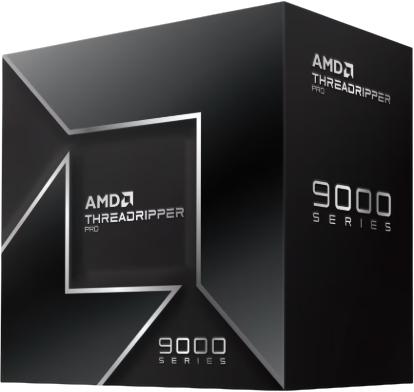


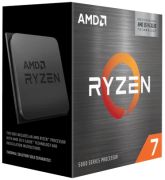
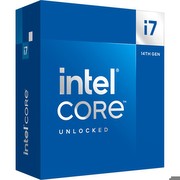
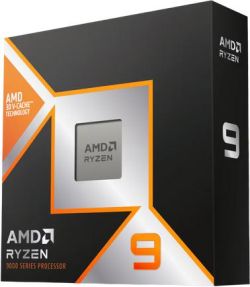



Newly Added Products







Buy CPUs cheaply: consumer tips
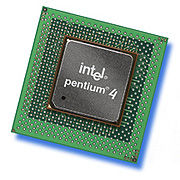
A fan provides adequate cooling when the CPU heats up during task processing. You can choose between processors from Intel or AMD. Both types work in both notebooks and desktop PCs. But which processor is best suited for your computer? You will find out in our guide.
A fast processor is the heart of your computer
The CPU is rightly considered the central processing unit. Modern microprocessors have numerous transistors, a cache, and sometimes even an integrated graphics chip. When you work with your computer, the CPU manages all applications and responds to interrupts (so-called interrupts). A high number of transistors and a fast clock frequency ensure optimal performance. A CPU can consist of a single core or multiple cores. Servers often work with six-core processors, while for home use or in the office, dual-core CPUs with an average clock rate of two gigahertz are sufficient. Note before purchasing that a higher clock frequency and thus speed often requires a higher power consumption.
CPUs from Intel and processors from AMD
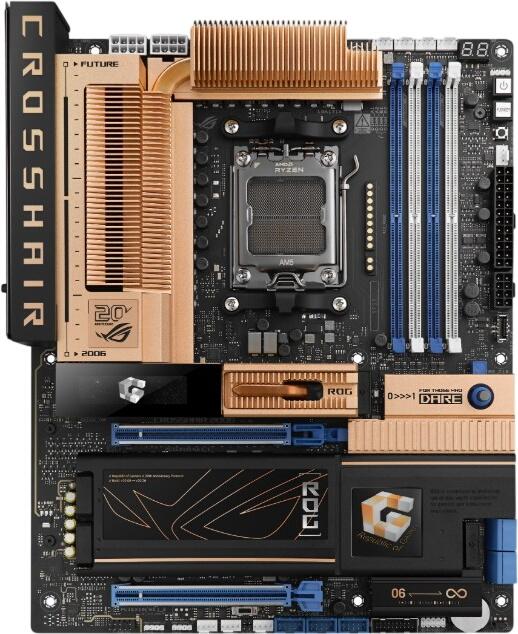
Whether you buy a CPU from Intel or choose an AMD processor is generally irrelevant. If you only want to upgrade the processor without changing the motherboard and other hardware, the underlying socket is crucial. Popular AMD CPUs like the Phenom II use the AM3 or AM3+ socket. Intel primarily uses socket 1155 for its Core processors i3, i5, and i7. Both Intel and AMD often equip their CPUs with a graphics processor, so you do not need to use an external graphics card. Intel relies on its own Intel HD chip here, while AMD uses Radeon graphics chips.
Dual-core, quad-core or just a single core?
CPUs with only one processing core are hardly in circulation anymore. Multi-core processors are generally more powerful and faster even at a lower clock frequency. At the same time, they consume less power, resulting in higher energy efficiency. A dual-core processor like the Intel i3 is sufficient for most office and multimedia applications. If you need more power for detailed games or video editing, an Intel Core i7 Extreme or an AMD FX processor with six processing cores each may be advisable.
Cheap CPUs with a fan in a box
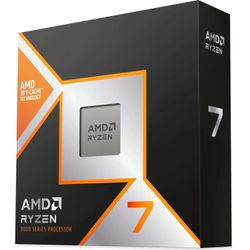
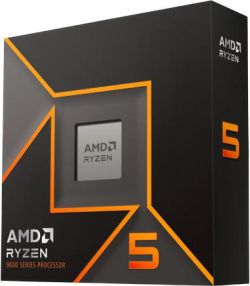
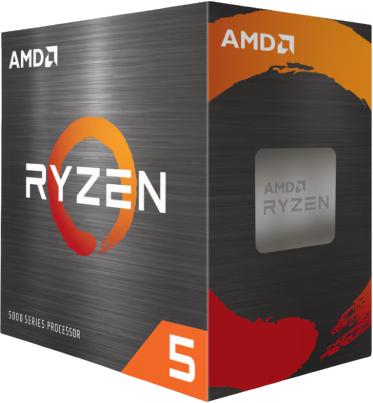
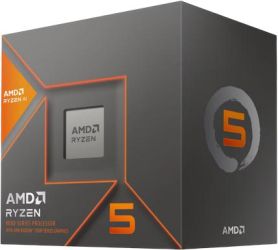
As fast processors heat up during operation, they require appropriate cooling. Special fans on the CPU ensure regulated temperatures. If you want to buy a new processor, you can choose affordable boxed CPUs. These include both the processing unit and a fan. There is no need to install a separate cooling system. Once you have inserted the processor into the socket, simply attach the fan included in the box to the CPU. This way, your computer is quickly ready for use again.
Tips for buying a new processor
- Check the socket of your motherboard
- If you want to use a new CPU generation, a new motherboard and compatible RAM are usually required
- Pay attention not only to the clock frequency but also to the size of the L3 cache
- Compare the power consumption of multi-core processors
- A maximum consumption of around 80 watts is appropriate for a CPU