










Tablets: Consumer tips

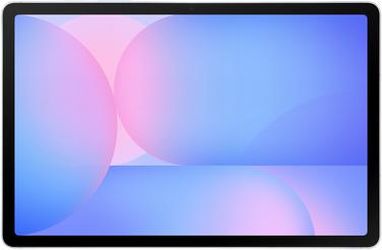
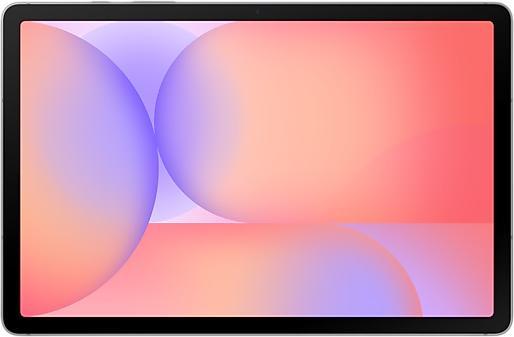
Thanks to the touchscreen, they can be operated directly with the fingers, and many models also support input via an active stylus. Compared with a notebook, tablets are thinner, lighter and easier to use on the move. For many users, they are therefore a practical secondary device and, for school, university, travel or private use, often even the most important mobile computing solution. For simpler tasks such as emails, web research, streaming, digital learning materials or office work, a good tablet is now often entirely sufficient. However, anyone who regularly works with specialised desktop software, uses many windows at the same time or has particularly demanding requirements in terms of multitasking and peripherals will generally be better served by a notebook or desktop PC. Whether a tablet is sufficient as a primary device therefore depends heavily on the user’s individual needs.
Key features and technical differences
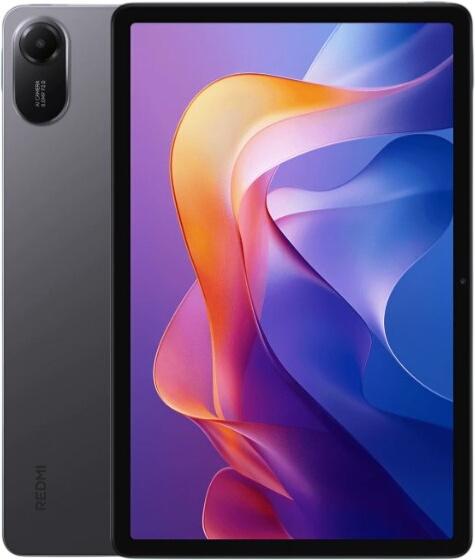
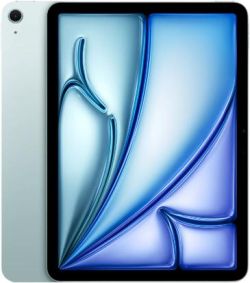
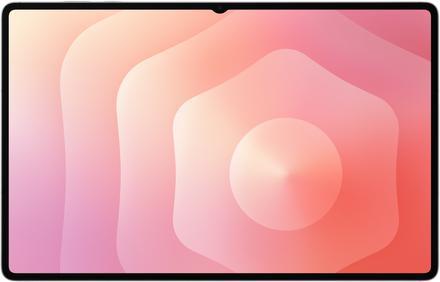
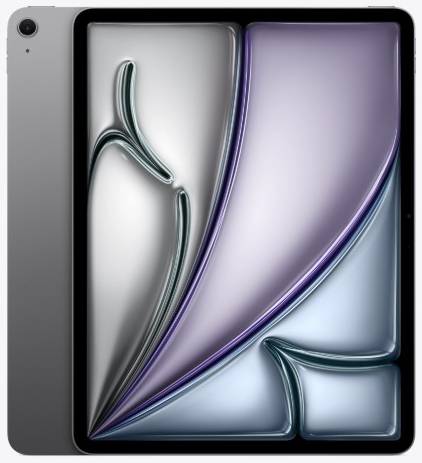
When choosing a tablet, the most important factors are display size, performance, memory, battery life, connectivity and weight. Smaller models with screens of around 8 to 9 inches are especially well suited to reading, travelling or as compact devices for casual entertainment. Devices in the 10 to 11-inch range represent the most versatile compromise for many users, as they are large enough for web browsing, streaming and note-taking while still remaining portable. Larger tablets with 12 to 13-inch displays are aimed at users who want to work more productively, do a lot of writing or drawing, or use the tablet with a keyboard as a notebook replacement. There are also noticeable differences in weight and form factor. Compact tablets are especially light, while larger models with more powerful hardware and larger batteries are often significantly heavier. For this reason, the display size should never be considered in isolation: the interaction between size, weight and intended use is what really matters.
In terms of processors, most tablets still rely on energy-efficient chips of the kind generally also found in smartphones or other ultra-mobile devices. Depending on the price category, however, they now offer very different levels of performance. Entry-level tablets are sufficient for browsing, streaming and communication, while more powerful models can also handle photo editing, more demanding multitasking, gaming or creative work with a stylus and keyboard. Memory also plays an important role here: in 2026, 4 GB of RAM is really only sensible in very basic entry-level devices. 8 GB is considered a solid basis for everyday use, while 12 or 16 GB is becoming increasingly common in more powerful tablets intended for heavier multitasking. As tablet memory cannot usually be upgraded later, it is worth taking a close look at the specification before buying.
Battery life also remains a key purchasing criterion. Modern tablets often last a full working day under typical use, although actual runtime depends heavily on display size, brightness, processor efficiency, mobile data use and the type of applications being used. Particularly power-hungry tasks include high-resolution displays, gaming, video editing, video conferencing and permanently active mobile connections.
In terms of connectivity, Wi-Fi is naturally standard. Depending on the model, current standards such as Wi-Fi 6, Wi-Fi 6E or Wi-Fi 7 may be supported. Anyone wanting to work or stay online while away from hotspots should consider a tablet with a mobile network module. In newer and more premium devices, 5G is increasingly available instead of only LTE. Port selection is equally important: USB-C has become the standard connection on tablets, although its actual capabilities and speed can vary greatly depending on the device. On some models, the port is used only for charging and basic data transfer, while on others it also supports monitors, docking solutions or high-speed accessories.
Tablet operating systems
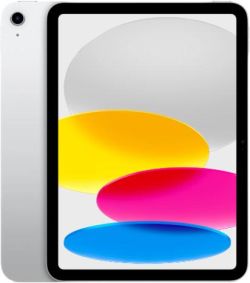
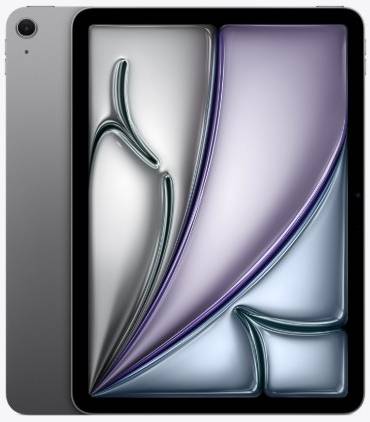
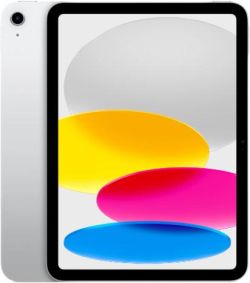
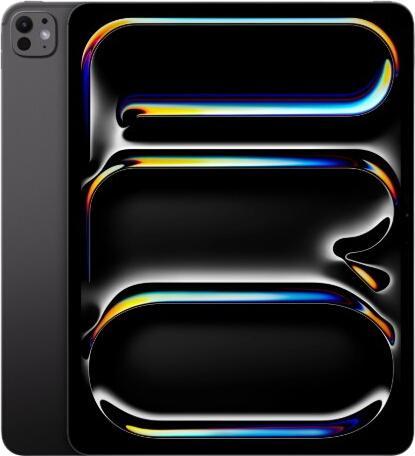
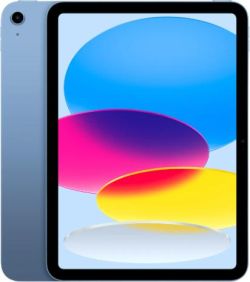
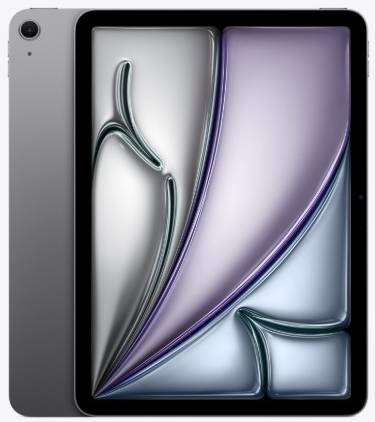
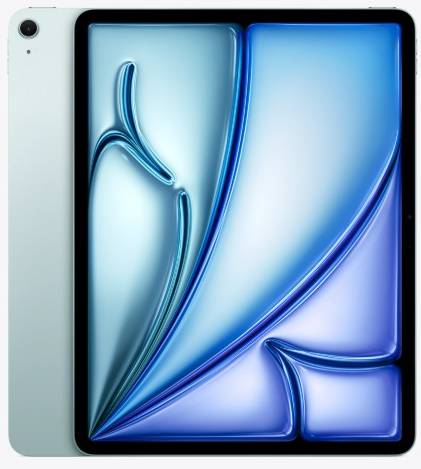
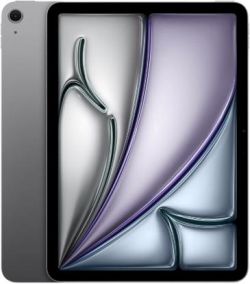
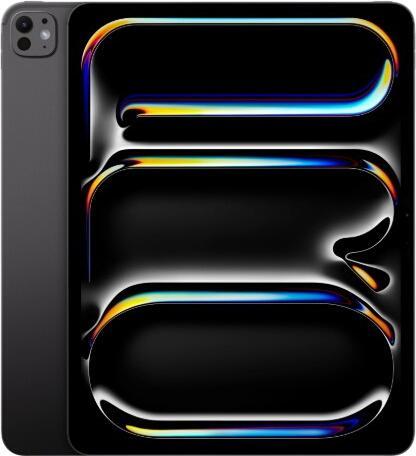
- Apple’s iPadOS runs exclusively on iPads and is closely optimised for the manufacturer’s own hardware. The operating system evolved from iOS in 2019 and has since been further developed specifically for larger screens and more productive use. It offers a clear user interface, good optimisation and strong integration with other Apple devices. At the same time, the system remains relatively closed, even though Apple has introduced greater flexibility in recent years through widgets, multitasking features and more options for interface customisation.
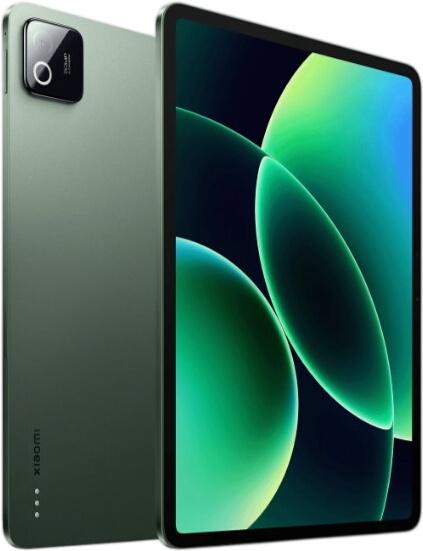
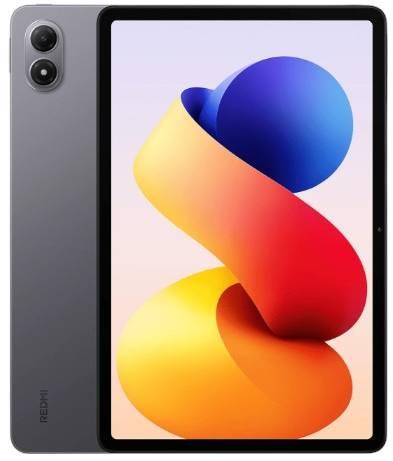
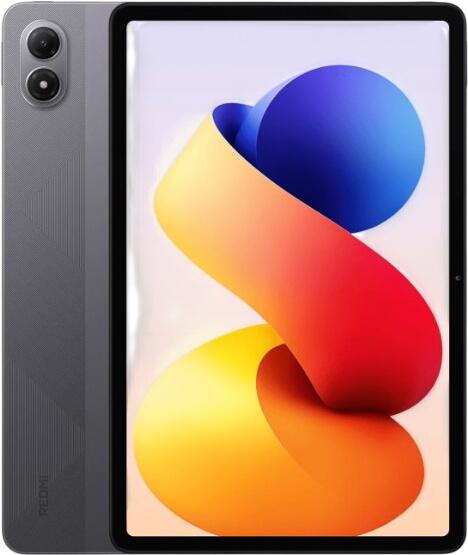
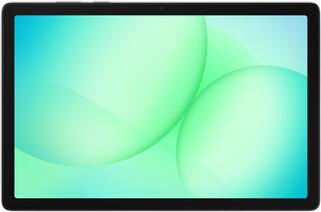
- Android is the main alternative to iPadOS and is found on tablets from many manufacturers across a wide range of price points. The system is generally more open and can be tailored more extensively to personal preferences. At the same time, the quality of software support depends heavily on the individual manufacturer. Not all Android tablets receive updates equally quickly or for the same length of time. Anyone choosing an Android tablet should therefore consider the manufacturer’s update policy alongside the hardware itself.
- Windows tablets occupy a special position because, at their core, they are full PCs in a highly mobile form. They are especially suitable for users who need familiar desktop programs, traditional file management and close integration with Windows working environments. Combined with a keyboard and touchpad, many models can replace a notebook to a large extent. At the same time, not every Windows tablet is as consistently designed for mobility, battery life and touch operation as a classic iPad or Android tablet.
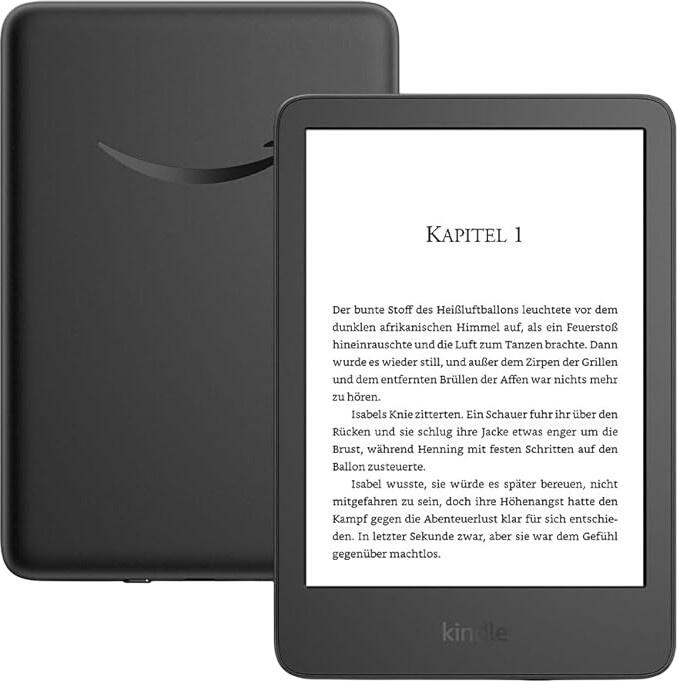
- Fire OS is used on Amazon’s Fire tablets and is based on Android, but centres on Amazon’s own services and app infrastructure. These devices are usually inexpensive and primarily intended for streaming, e-books, simple apps and everyday use. Google services are not officially available in the same way as on conventional Android devices. Before buying, it is therefore important to check whether the desired apps are actually available in Amazon’s app ecosystem. Depending on the model and pricing structure, advertising may also appear on the lock screen or in parts of the interface.
Working more productively with a stylus and keyboard
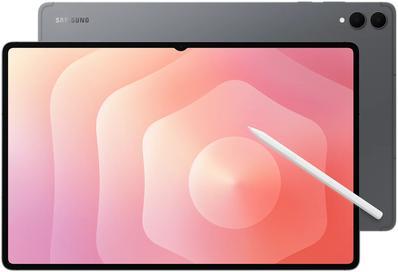
One major advantage of many tablets is the option to expand them with a stylus and keyboard. An active stylus is ideal for handwritten notes, sketches, annotations in documents or creative work. In school, university, professional contexts and design applications in particular, it can significantly increase the usefulness of a tablet. Manufacturers offer dedicated styluses for this purpose, some of which attach magnetically to the device, charge wirelessly or provide especially low input latency. In many cases, however, these accessories work only with specific models or within a particular brand ecosystem.
For longer texts, a touchscreen alone is usually less comfortable. That is why many tablets are available with keyboards that can be attached or docked, in some cases including a touchpad. This creates devices that can be used as 2-in-1s or detachables. Such solutions combine the mobility of a tablet with part of the working style of a notebook. Especially with larger and more powerful models, this can significantly increase their productivity value. However, it should be borne in mind that keyboards and styluses are often not included in the box, which can noticeably increase the total cost.