AMD Motherboards: Consumer tips
What makes AMD motherboards special, and which platforms are available?
Compared with Intel platforms, AMD motherboards are often known for a more upgrade-friendly approach to compatibility, with AMD historically keeping a socket in service across multiple CPU generations. That makes platform upgrades easier, because users can often replace the processor without changing the entire motherboard platform. AM4 was the clearest example of this philosophy, and AMD now says that Socket AM5 support is planned through 2029.
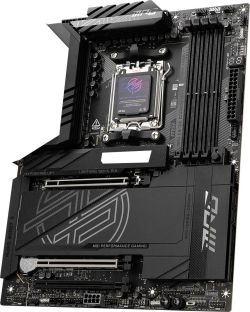
The current mainstream platform is AM5, which supports Ryzen 7000, Ryzen 8000 and Ryzen 9000 desktop processors, including the especially popular X3D gaming models. AMD has positioned AM5 as its modern consumer platform with DDR5-only memory support and broad support for current interfaces.
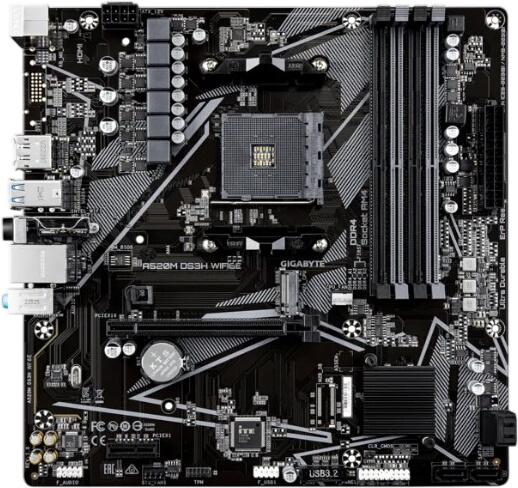
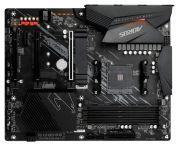
The older AM4 platform illustrates AMD’s long-socket strategy particularly well. It remained relevant across several CPU generations and became one of the longest-lived mainstream desktop platforms in PC history. Today it still occupies a niche at the lower end of the market for especially budget-focused systems, although it is no longer AMD’s forward-looking mainstream platform. AMD’s current mainstream chipset focus is clearly on AM5.
For workstation systems, AMD Ryzen Threadripper uses separate platforms such as TRX50 and WRX90. AMD states that TRX50 offers 4-channel memory and up to 80 PCIe lanes, while WRX90 targets the highest-end workstation segment with 8-channel memory and much greater PCIe 5.0 expansion capability.
Which chipsets are available on AMD AM5 motherboards?
AMD offers a fairly clear hierarchy for AM5, with the newer 800-series sitting above the older 600-series, which remains widely available and often attractive on price. AMD’s AM5 chipset page lists feature differences including PCIe support, overclocking support and USB4 availability.
X870E and X870 for enthusiasts: these are the flagship consumer chipsets. AMD says the newer X870E and X870 platform supports technologies such as PCIe 5.0, DDR5, USB4 and Wi‑Fi 7. In practice, this makes them the most fully featured AM5 boards for users who want the broadest connectivity and the fewest compromises. AMD also lists processor overclocking and DDR5 memory overclocking support on these high-end chipsets.
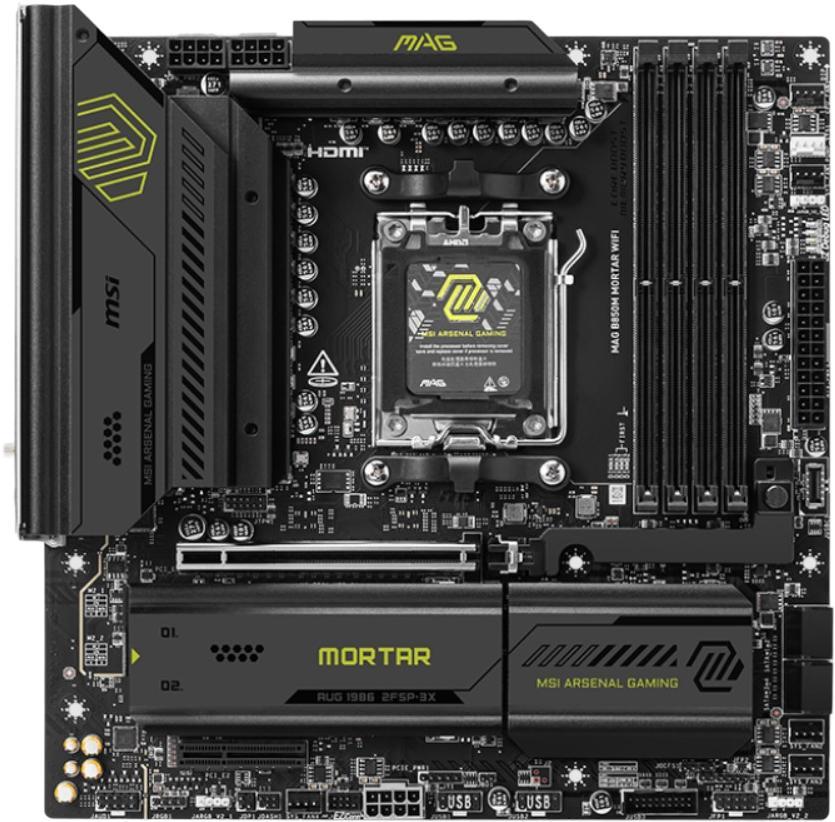
B850 and B650E for the mainstream: these occupy the upper mid-range and are often the most sensible choice for demanding everyday users and gamers. AMD’s chipset information confirms that Ryzen processor overclocking and DDR5 memory overclocking support vary by chipset, and these B-series boards generally preserve most of the practical features needed for performance-oriented systems at a lower price than X-series boards. Exact PCIe lane layouts and whether the main graphics slot runs at PCIe 4.0 or 5.0 depend on the individual motherboard design, not just the chipset name.
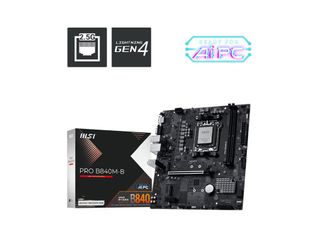
B840 and A620 for tighter budgets: these are aimed at less expensive builds and are more limited in features. AMD’s own AM5 chipset table shows that feature support differs significantly at this level, including PCIe capabilities and CPU overclocking options. So while these boards are perfectly usable for efficient office or lower-cost gaming systems, they are not intended as the most expandable or enthusiast-friendly options.
What distinguishes AM4 from AM5, and when is each worthwhile?
For most buyers, the choice between the older AM4 platform and the newer AM5 platform is largely a matter of budget. AM4 remains a mature and comparatively inexpensive option, with affordable Ryzen 5000 processors and DDR4 memory still widely available. That makes it viable for very low-cost functional systems, especially where maximum upgrade headroom is not important. However, AM4 is no longer AMD’s platform for new mainstream desktop generations.
AM5, by contrast, offers the more modern foundation: DDR5 support, access to AMD’s current Ryzen 7000/8000/9000 families, support for newer motherboard features and a socket roadmap AMD now says extends through 2029. As DDR5 and AM5 motherboard prices have come down, the value gap has narrowed. For gamers and productivity users building a system intended to remain relevant for the next several years, AM5 is generally the stronger long-term choice.
How important is the VRM in AMD systems?
The VRM (voltage regulator module) is particularly important on AMD motherboards because it supplies the processor with the precise, low-voltage power it needs under highly variable loads. Stable, efficient power delivery is important for both sustained performance and component longevity, especially with higher-end Ryzen processors. This is a general motherboard design principle, but it matters more on boards intended for top-tier CPUs. AMD’s platform pages emphasise overclocking support on a wide range of AM5 chipsets, which makes VRM quality especially relevant on enthusiast boards.
High-end processors such as Ryzen 9 models benefit most from stronger VRM implementations and better heatsinks, because weaker boards may run hotter and sustain boost clocks less effectively under prolonged heavy loads. By contrast, simpler boards are often entirely adequate for Ryzen 5 or more modest Ryzen 7 configurations. The exact value of a stronger VRM depends on the CPU class and intended workload rather than on a single fixed rule. This is a technical inference based on normal motherboard behaviour.
How does overclocking work on AMD motherboards?
AMD offers extensive tuning options on its desktop platforms. AMD EXPO serves as AMD’s equivalent to Intel XMP and makes it easy to load memory profiles certified by the RAM manufacturer through the BIOS. AMD’s AM5 chipset information explicitly lists support for DDR5 memory overclocking with EXPO on supported boards.
Manual CPU overclocking support depends on the chipset, and AMD’s chipset matrix clearly distinguishes which chipsets allow processor overclocking. AMD also supports automated behaviour-enhancement features such as Precision Boost Overdrive (PBO) on compatible systems, allowing the CPU to make more aggressive use of its boost behaviour when cooling and motherboard conditions permit.
As for DDR5 tuning, broad claims about a universal “sweet spot” such as DDR5-6000 to DDR5-6400 should be treated as a practical guideline rather than a hard rule. Real-world results vary according to CPU sample quality, BIOS maturity, memory kit, DIMM count and motherboard layout. That said, many AM5 systems do perform especially well in that range, which is a widely accepted practical observation rather than a strict AMD guarantee.
Which memory configurations are optimal on AMD platforms?
Memory configuration has a strong influence on performance on AMD systems, particularly because AM5 is a DDR5-only platform and memory tuning remains relevant for both gaming and productivity workloads. AMD confirms the platform-level DDR5 requirement for AM5.
In practice, two-module configurations are usually preferable to four-module full population if the goal is the highest memory speeds and easiest stability. Using four DIMMs places more electrical stress on the memory controller and often reduces the maximum stable frequency, especially with faster DDR5 kits. That is a general electrical characteristic of current consumer DDR5 platforms, not a uniquely AMD-specific quirk.
Which manufacturers lead the AMD motherboard market?
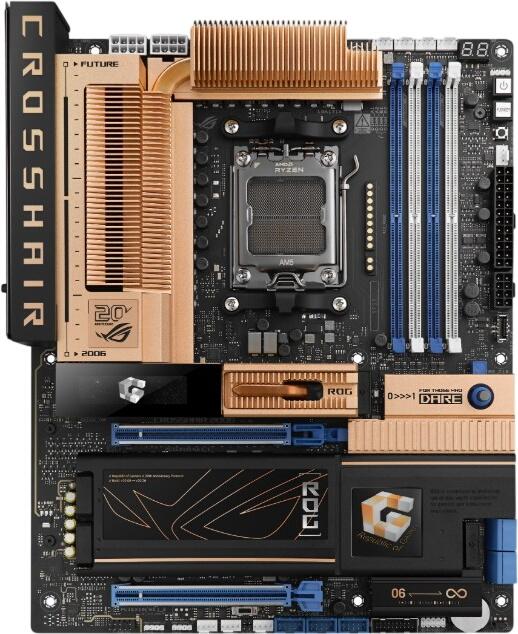
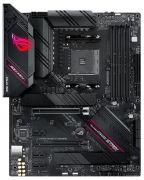
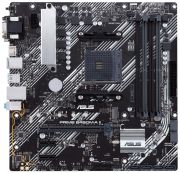
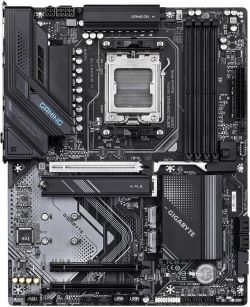
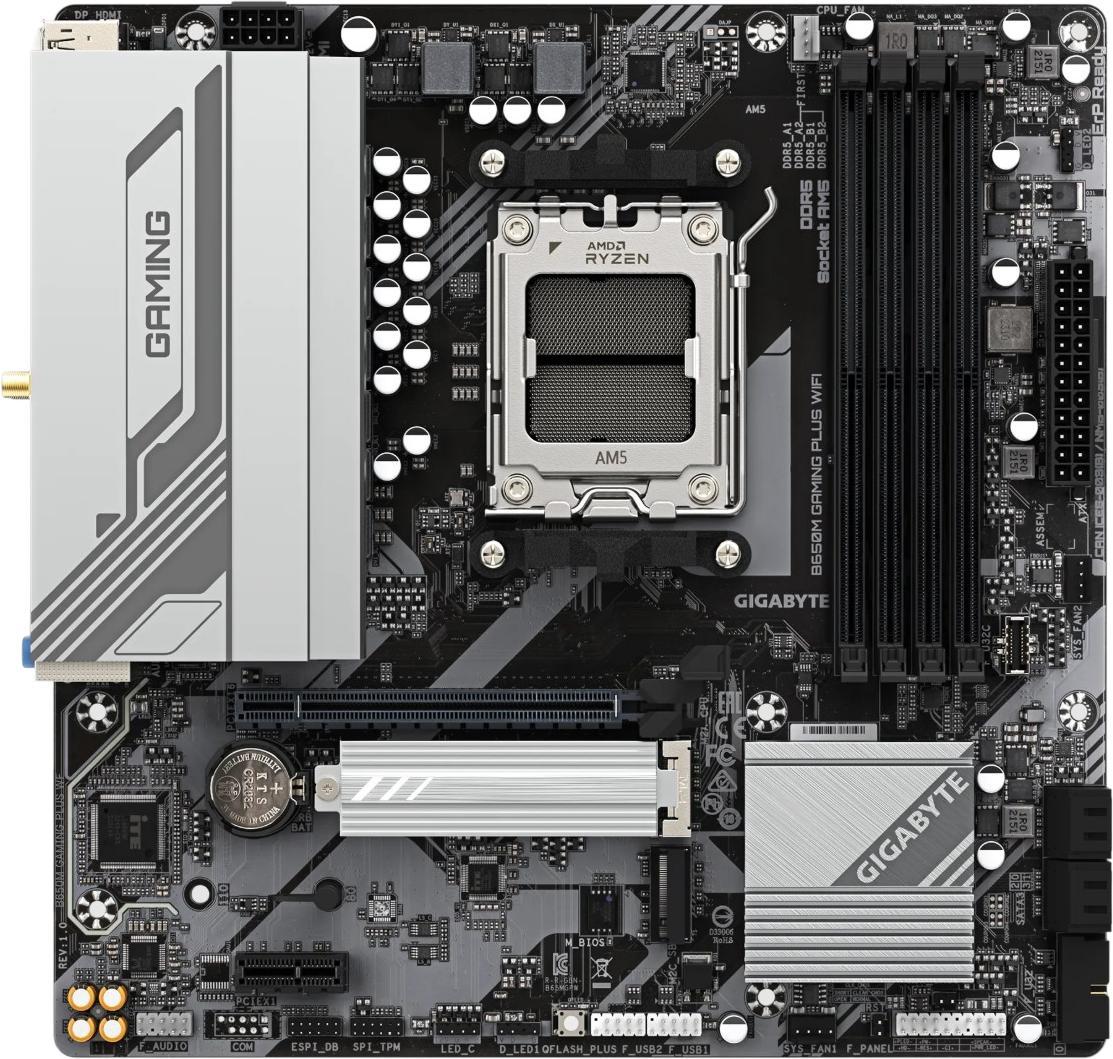
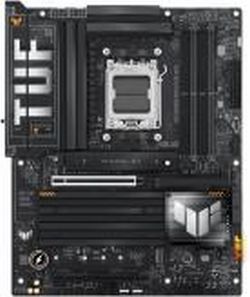
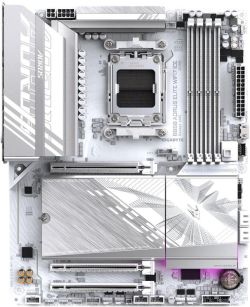
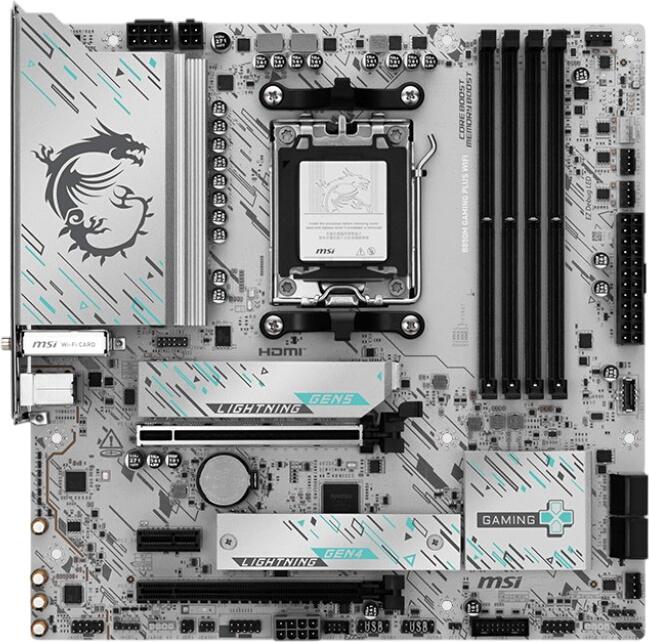
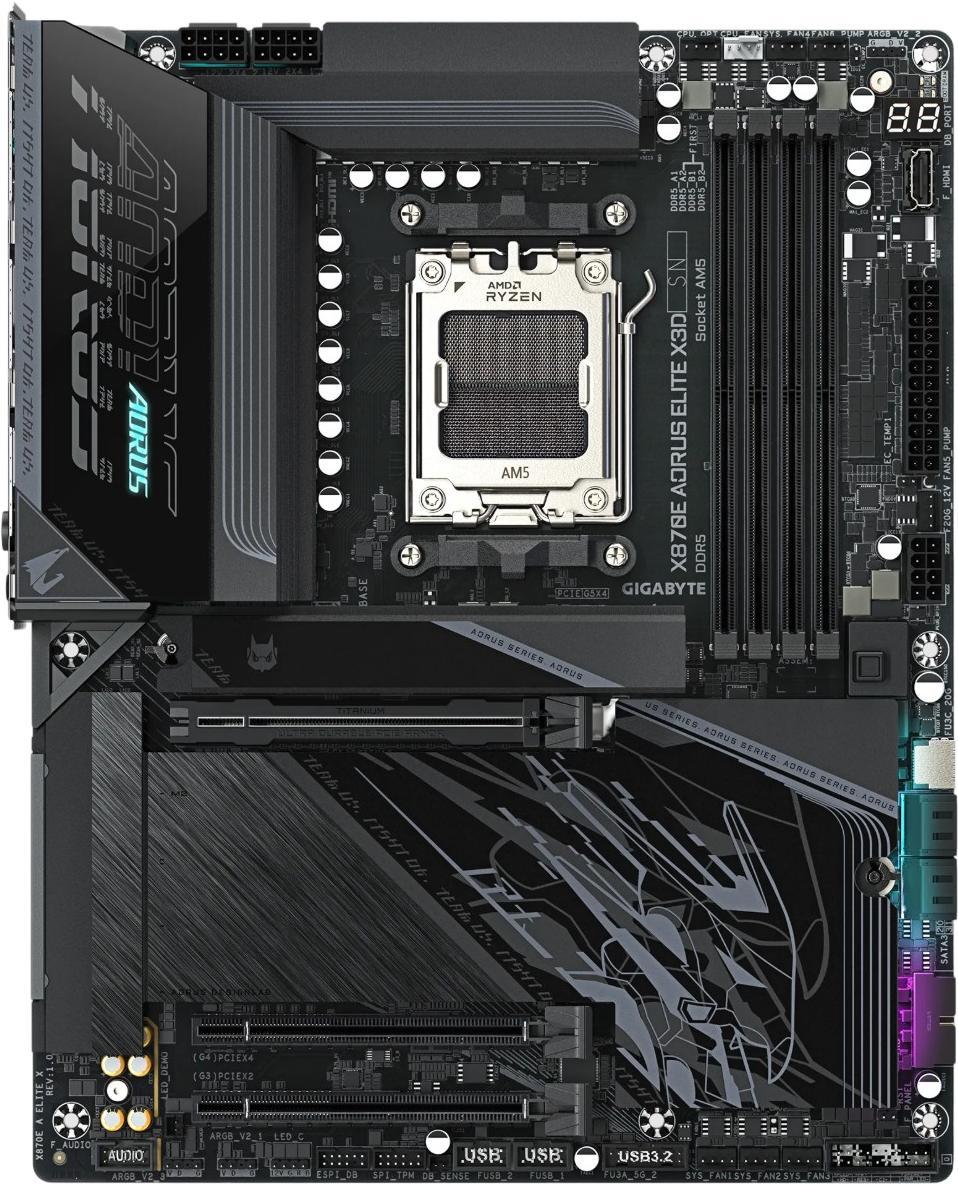
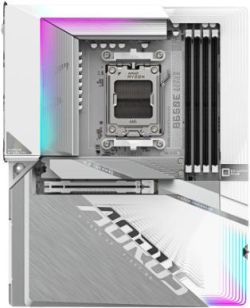
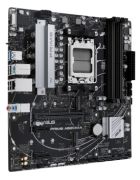
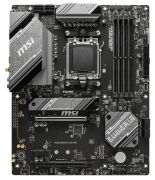
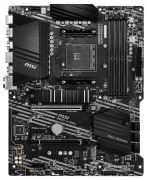
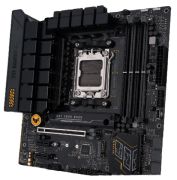
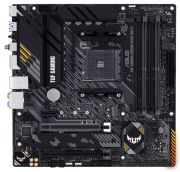
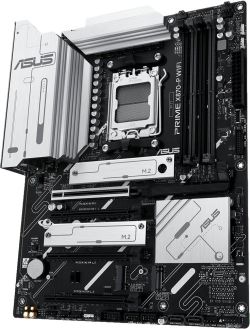
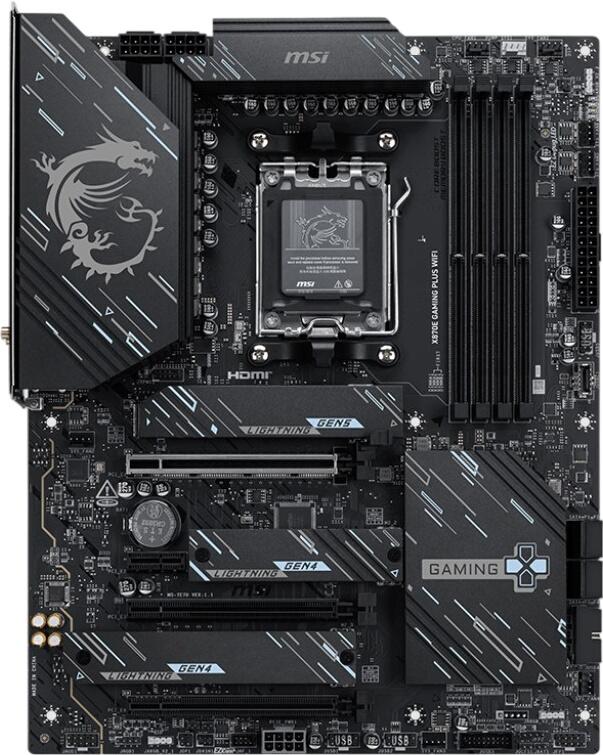
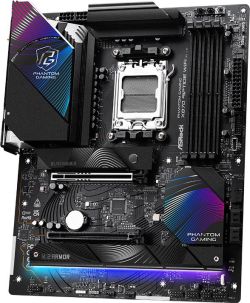
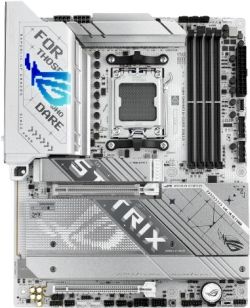
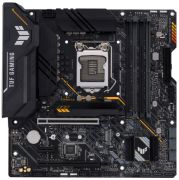
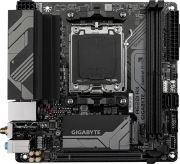
The best-known AMD motherboard brands remain ASUS, MSI, Gigabyte and ASRock, and all four cover a broad spread from budget boards to enthusiast products. Product families such as ASUS Prime, TUF Gaming, ROG Strix and ROG Crosshair, MSI MAG, Gigabyte AORUS, and ASRock Steel Legend, Pro and Taichi are all well established in the market. Which brand is “best” in BIOS quality, value or overclocking friendliness is ultimately subjective and often varies more by individual model than by manufacturer name alone. That is an evaluative judgement rather than something AMD itself formally establishes.
What price classes exist for AMD motherboards?
Budget: typically A620, B840 or simpler B650 boards. These focus on core functionality for office systems or lower-cost gaming builds and generally make more compromises in expansion, cooling and premium connectivity. AMD’s chipset matrix reflects those feature differences clearly.
Mid-range: this is the most competitive segment, usually dominated by B650, B650E and B850 boards. For many users, this is the sweet spot, because it often combines competent VRM cooling, multiple M.2 slots, solid networking and enough expansion without the price premium of high-end X-series boards. This is a market inference grounded in the feature spread shown by AMD’s chipset stack.
Premium: X870, X870E and some X670E boards sit at the top, offering the fullest connectivity, broadest PCIe 5.0 support and the most enthusiast-oriented designs. AMD specifically highlights USB4 as part of the X870E/X870 positioning.
What should you look for when buying an AMD motherboard?
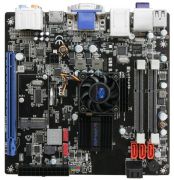
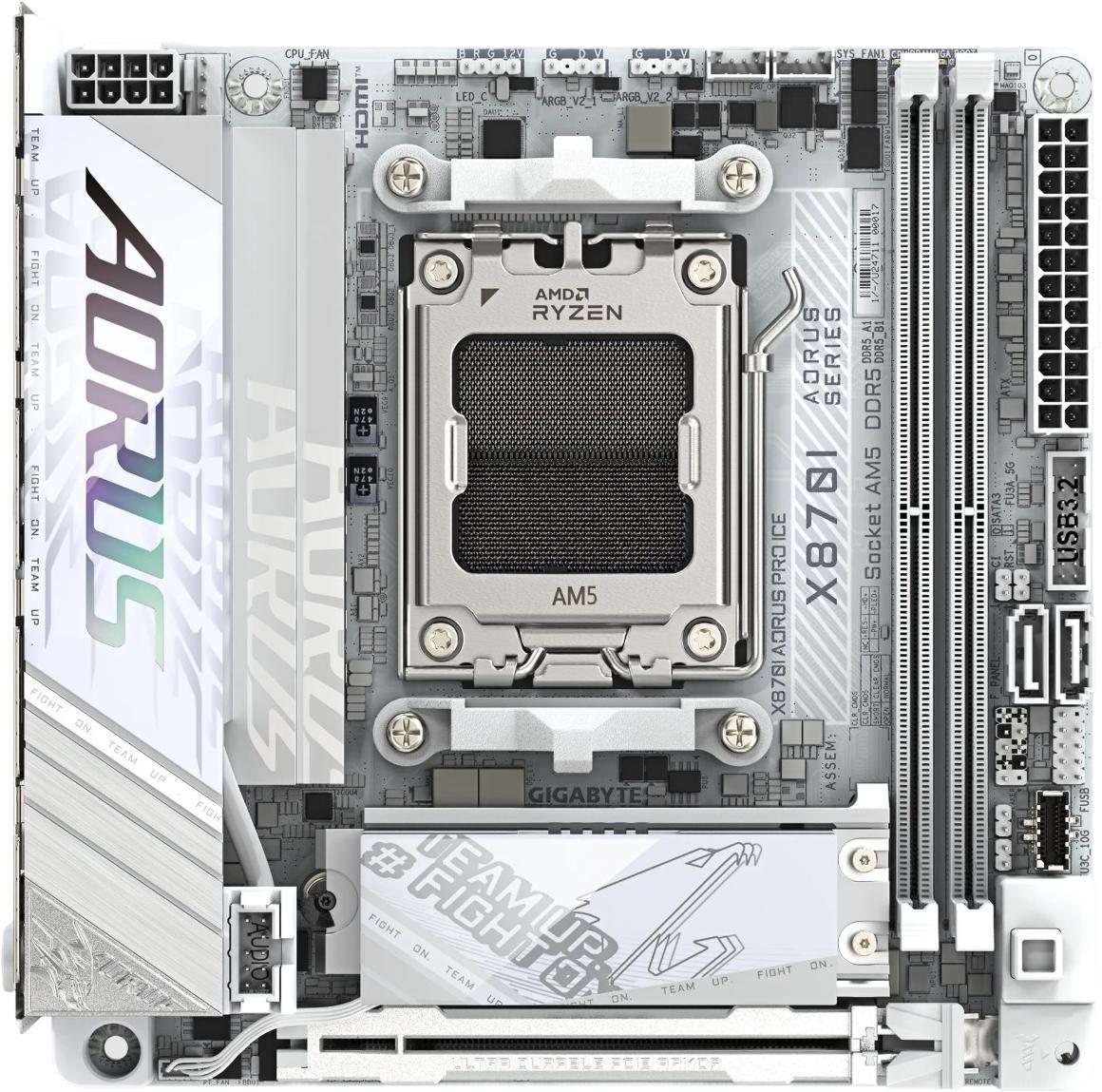
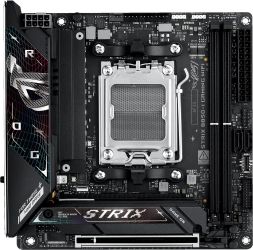
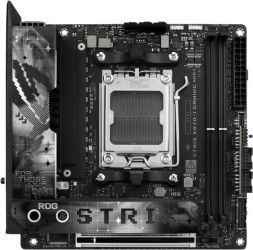
- Check the form factor: the board must fit the case. ATX remains the standard, Micro-ATX suits more compact and price-conscious builds, and Mini-ITX is intended for very small form factor systems.
- Check RAM compatibility: if you want to minimise risk, compare the exact model number of the desired DDR5 kit against the motherboard maker’s QVL. This is especially sensible with faster memory kits and smaller-form-factor boards.
- Check connectivity carefully: work out in advance how many M.2 SSDs you want, whether you need integrated Wi‑Fi, and whether your case has front USB-C or other connectors that require matching internal headers on the motherboard. AMD’s chipset features may define the broad ceiling, but the exact port selection always depends on the individual board.