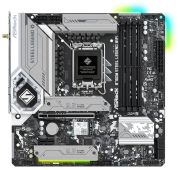
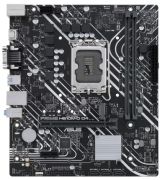
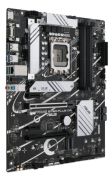
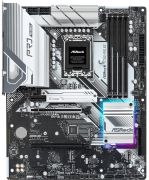
Intel Motherboards: Consumer tips
What makes Intel motherboards special, and which platforms are available?
Intel motherboards often take an early lead when it comes to new interfaces and platform standards. Intel has played a major role in driving technologies such as Thunderbolt, USB4 and PCIe 5.0, and Intel platforms are generally regarded as strong in memory compatibility and broad feature support.
The current flagship desktop platform is built around the LGA1851 socket, which arrived together with the Intel Core Ultra Desktop Processors (Series 2), also known as Arrow Lake in Intel’s desktop roadmap. This platform marks a clean break from the older DDR4 era and uses DDR5 memory only, while also pairing with Intel’s newer 800-series desktop chipsets.
For more budget-conscious systems, the older LGA1700 platform remains a very sensible choice. It supports 12th-, 13th- and 14th-generation Intel Core desktop processors and, depending on the motherboard, allows builders to choose between lower-cost DDR4 and more modern DDR5 memory.
For users who need true workstation-class performance for rendering, compute-heavy professional workloads or specialised expansion, Intel also offers workstation platforms based on LGA4677 and the W790 chipset for Xeon W processors. These platforms provide substantially more PCIe connectivity and memory bandwidth than mainstream desktop systems. Intel’s own documentation confirms that Xeon W-2400/W-3400 workstation processors support DDR5 RDIMM memory and that the higher-end Xeon W-3400 tier offers more memory channels and PCIe resources than lower workstation tiers.
Which chipsets are available on Intel motherboards?
Intel traditionally divides its motherboard chipsets into a clear hierarchy identified by letter. For today’s consumer desktop market, this means the 800 series for LGA1851 and the older 600/700 series for LGA1700.
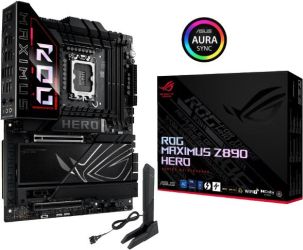
Z-series chipsets for enthusiasts (for example Z890 / Z790): these represent the top end. Intel’s Z-series chipsets are the main choice for users who want the fullest set of tuning and overclocking options. For example, Intel lists support for overclocking on the Z890 chipset, including CPU and memory tuning support. High-end Z-series boards also tend to offer the broadest I/O configuration and the most premium board designs.
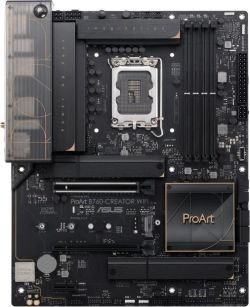
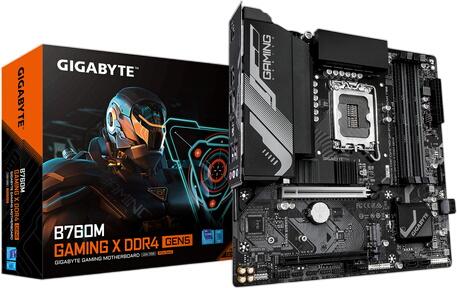
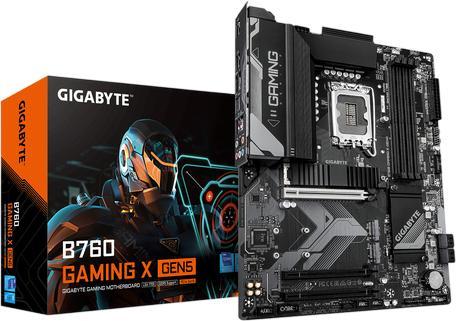
B-series chipsets for the mainstream (for example B860 / B760): these are the most popular option for many gamers and everyday users. They generally omit full CPU overclocking, but are often very well equipped and commonly support memory overclocking profiles such as XMP. In practice, they usually provide the best balance of price, features and performance for mainstream gaming and productivity systems. This is an inference based on Intel’s platform segmentation and common board positioning.
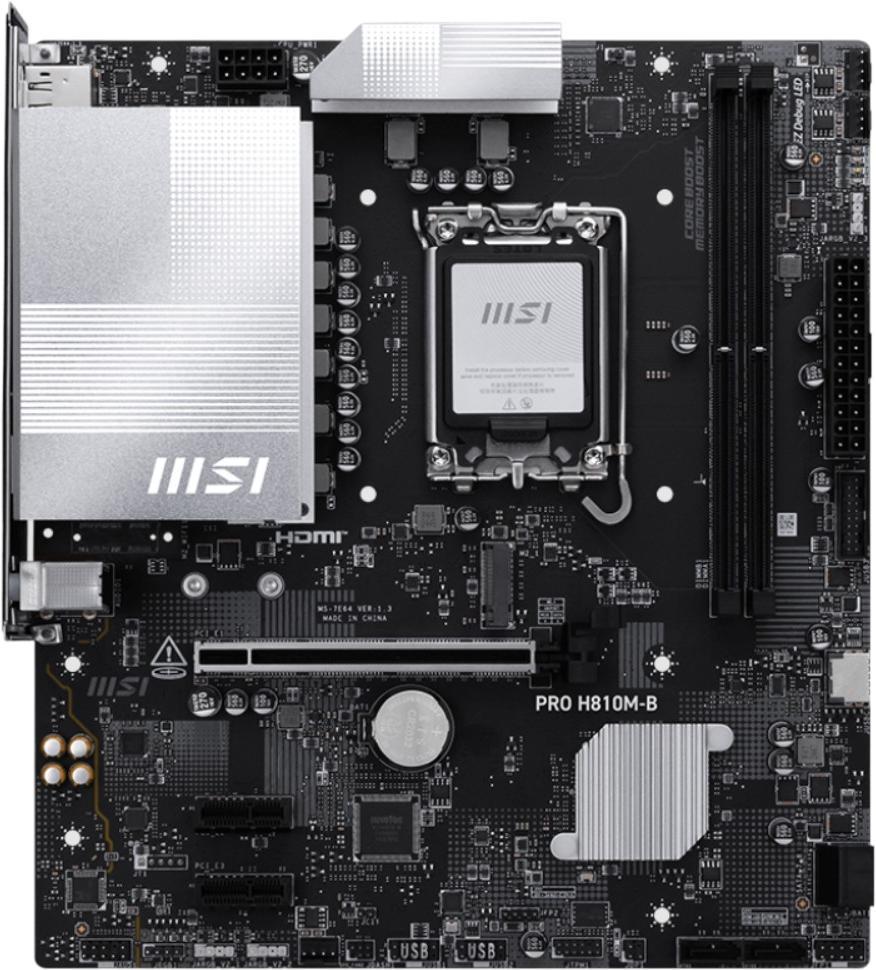
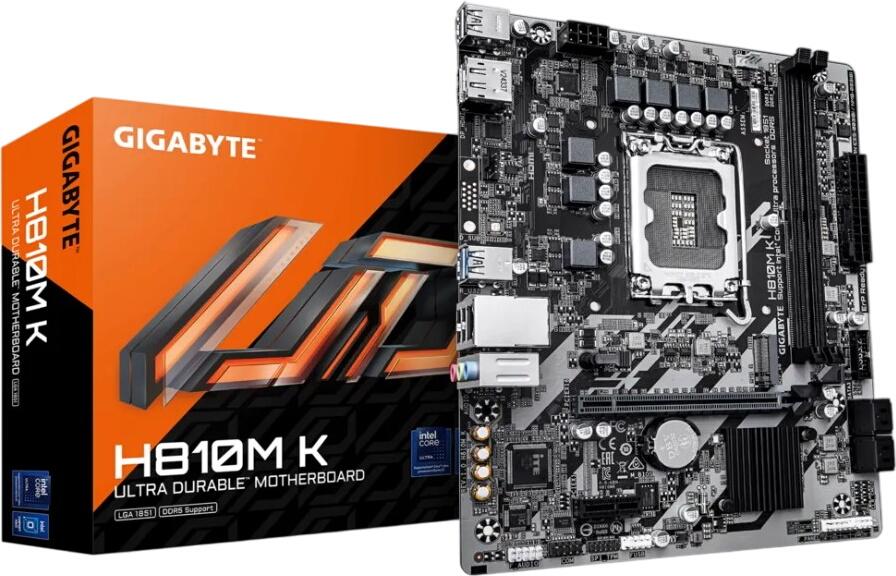
H-series chipsets for entry-level systems (for example H810): these sit at the lower end of the market, with more limited I/O, fewer expansion options and fewer enthusiast features. They are best suited to inexpensive office PCs or simple home systems. This is again an inference from Intel’s established chipset hierarchy.
What distinguishes older Intel platforms from newer ones, and when is each worthwhile?
The transition between Intel platform generations creates a fairly clear split. The older LGA1700 platform is still an excellent option for cost-conscious buyers. Because compatible motherboards, processors and DDR4 memory have now been on the market for some time, it is often possible to build a very powerful PC with a particularly strong price-to-performance ratio on this platform. Intel confirms that LGA1700 covers the 12th, 13th and 14th Core desktop generations.
The newer LGA1851 platform, by contrast, is the more forward-looking investment. Intel positions Core Ultra 200S desktop processors as its first enthusiast desktop AI PC processors, with lower power consumption than the previous generation and new AI-related capabilities. The platform also moves to the newer 800-series chipsets and DDR5-only memory support.
One important point, however, is that platform longevity should be described with caution. Intel confirms that LGA1851 is not compatible with older 600- or 700-series chipsets, but whether it will support multiple future desktop CPU generations is not something that should be assumed unless Intel explicitly confirms it.
How important is the VRM in Intel systems?
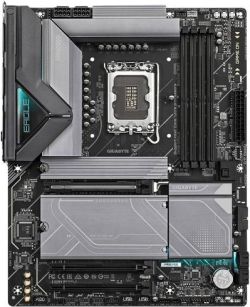
The voltage regulation system, or VRM, plays an important role on Intel motherboards, especially in higher-end builds. Powerful Intel desktop processors can draw substantial power under boost behaviour and sustained heavy load, so stable and thermally efficient power delivery is essential for maintaining performance and system stability. Intel’s desktop and enthusiast positioning around unlocked processors and overclocking-capable chipsets makes VRM quality particularly relevant on higher-end Z-series boards.
A weak VRM design can lead to thermal limitations and reduced sustained performance, especially when paired with top-tier CPUs and inadequate cooling. Conversely, better boards usually include larger heatsinks, stronger power stages and more robust overall power delivery. For mid-range processors, a solid B-series motherboard is often entirely sufficient, while flagship CPUs benefit more clearly from stronger VRM cooling and board design. This reflects typical platform behaviour and board segmentation rather than a single Intel specification.
How does overclocking work on Intel motherboards?
Intel separates overclocking capabilities relatively clearly. For full CPU multiplier overclocking, users generally need an unlocked processor and a suitable Z-series motherboard. Intel’s own Z890 chipset specifications explicitly list support for CPU and memory overclocking. Memory overclocking is less restrictive. XMP profiles make it easy to run RAM at its rated speed, and this support is commonly available beyond the very top chipset tier, depending on the board.
Claims about specific “sweet spot” DDR5 speeds, such as DDR5-6000 to DDR5-6400 on older platforms or DDR5-7200 to DDR5-8000+ on newer ones, are best treated as board-, CPU- and memory-kit-dependent rather than universal rules. In practice, achievable memory speeds vary with motherboard design, BIOS maturity, memory controller quality and DIMM configuration. That is a technical inference rather than a fixed Intel guarantee.
Which memory configurations are optimal on Intel platforms?
Intel platforms generally benefit from both higher memory bandwidth and good latency behaviour, but the optimal configuration depends on the platform and use case. For mainstream desktop systems, using two matched DIMMs in dual-channel mode is usually the most sensible choice for a balance of speed, stability and upgrade flexibility. This is standard platform advice rather than a uniquely Intel specific rule.
Populating all four DIMM slots can place a heavier electrical load on the memory controller and may reduce the maximum stable memory speed, particularly with high-frequency DDR5 kits. As a result, two-DIMM configurations are often preferred for easier plug-and-play operation at faster XMP settings. This is a common technical characteristic of current consumer DDR5 platforms.
Which manufacturers are leading the market?
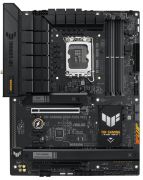
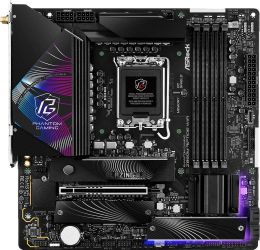
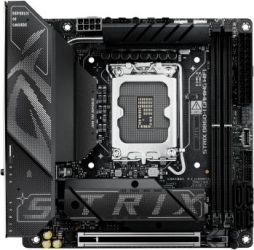
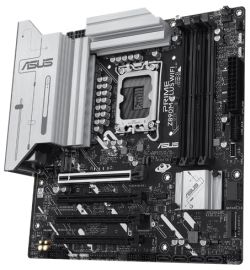
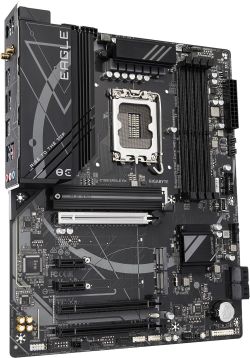
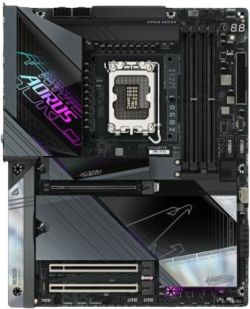
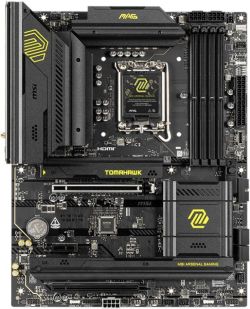
Among the best-known Intel motherboard manufacturers are ASUS, MSI, Gigabyte and ASRock. These brands cover everything from budget models to enthusiast boards and all have strong positions in the retail DIY market. Statements about which brand is the “leader” in BIOS quality, value or innovation are ultimately somewhat subjective and depend heavily on the exact model range rather than the logo alone. So, while series such as ROG Maximus, ROG Strix, TUF Gaming, MSI MAG Tomahawk, Gigabyte AORUS and ASRock Taichi are all well established, the better buying approach is to compare individual boards rather than rely purely on brand reputation. This is an evaluative judgement rather than something established by Intel documentation.
What price classes exist for Intel motherboards?
Prices vary significantly depending on socket, chipset, board size and onboard features.
Budget: typically entry-level H-series boards or simpler B-series models, aimed at office PCs and inexpensive starter systems.
Mid-range: usually the sweet spot for most buyers, often including well-equipped B760 or B860 boards and some lower-end Z-series options. At this level, features such as decent VRM cooling, multiple M.2 slots, 2.5 Gigabit Ethernet and integrated Wi‑Fi become much more common.
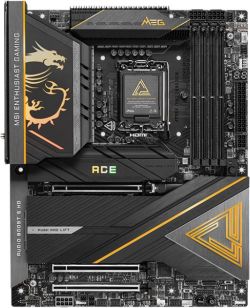
Premium: high-end Z-series boards, especially on current flagship platforms, with stronger power delivery, richer connectivity, more M.2 cooling, premium networking and convenience features such as diagnostic displays or onboard buttons. These distinctions are based on typical market segmentation rather than fixed Intel categories.
What should you look for when buying an Intel motherboard?
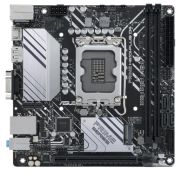
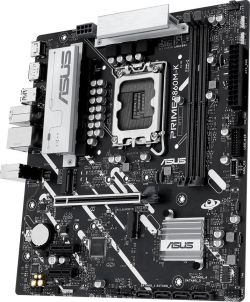
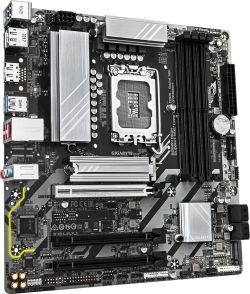
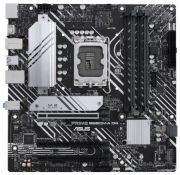
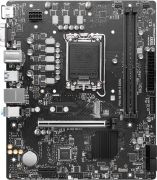
Form factor and compatibility: make sure the board fits the case. ATX offers the most room for expansion cards, Micro-ATX is usually cheaper and more compact, and Mini-ITX is required for very small form factor builds.
- CPU and chipset pairing: if you are buying an unlocked Intel CPU specifically for overclocking, it makes sense to pair it with a Z-series motherboard so that you can actually use that capability. Intel’s Z-series remains the main overclocking-oriented tier.
- Connectivity and ports: think carefully about how many M.2 SSDs you want to install, whether you need a fast front USB-C header, whether integrated Wi‑Fi matters, and whether standard Ethernet is enough. Also keep in mind that lane sharing can affect how many devices can run at full speed simultaneously on some boards. This depends on the specific board design and should always be checked in the manual or specification sheet.
- Power delivery and cooling: for high-end CPUs in particular, it is worth checking independent testing to make sure the motherboard’s VRM cooling is adequate for sustained heavy workloads. That recommendation is based on general board evaluation practice rather than Intel’s own product pages.