

PC speakers: Consumer tips

Why PC speakers are still worth buying
Built-in laptop and monitor speakers are often convenient, but they rarely deliver full, detailed sound. A dedicated speaker set can improve:
- music playback
- dialogue clarity in videos and films
- gaming immersion
- general volume and depth
- day-to-day listening comfort
Even a compact desktop speaker pair can sound much fuller than built-in audio.
2.0, 2.1 and 5.1: what is the difference?
This is one of the first things to understand when choosing PC speakers.
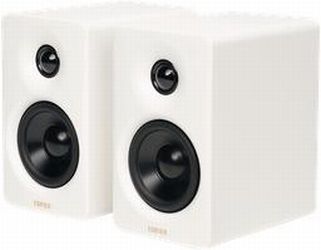
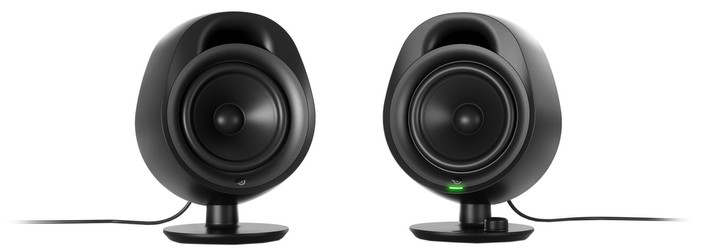
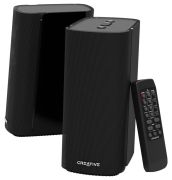
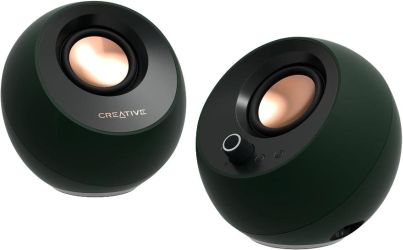
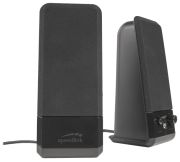
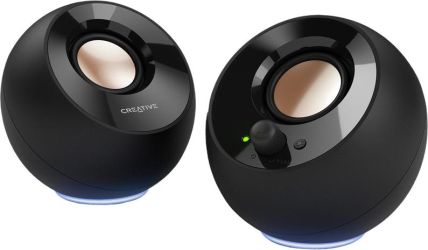
2.0 speakers
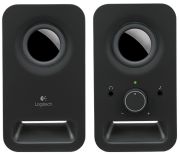
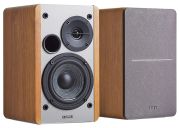
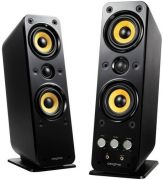
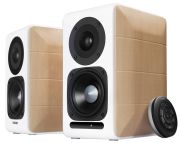
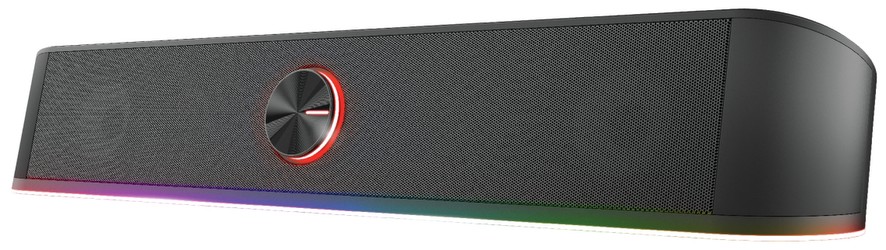
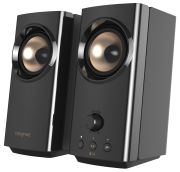
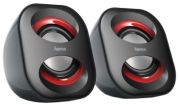
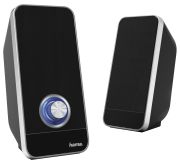
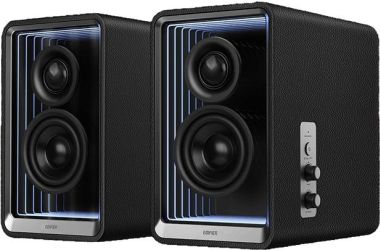
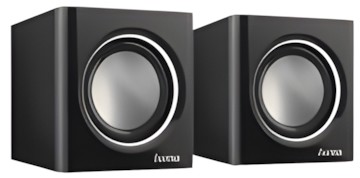
A 2.0 setup includes:
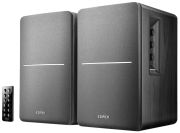
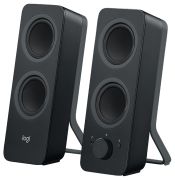
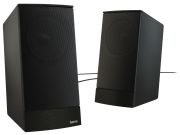
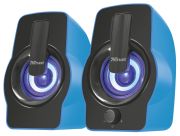
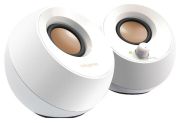
- two standard speakers
- no separate subwoofer
This is a good choice if you want:
- a simple desk setup
- less cable clutter
- balanced everyday audio
- music, podcasts and office use
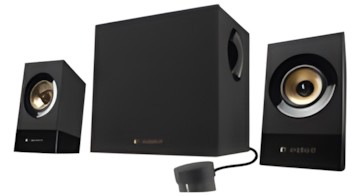
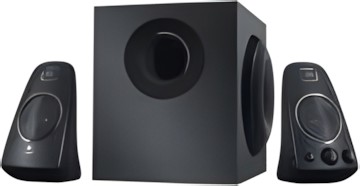
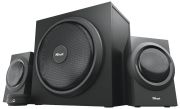
2.1 speakers
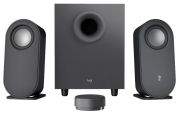
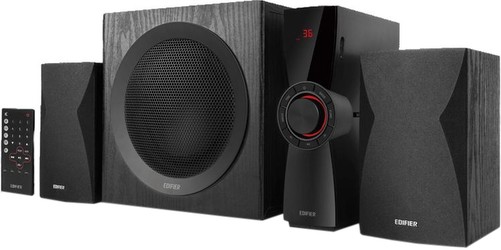
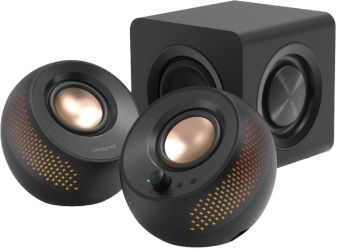
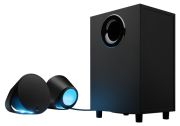
A 2.1 system includes:
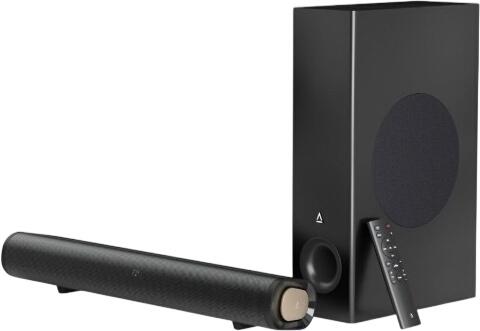
- two main speakers
- one subwoofer
The subwoofer handles lower frequencies, giving more weight to bass in music, games and films. For many users, 2.1 is the sweet spot because it adds more depth without the complexity of a larger surround system.
5.1 speakers
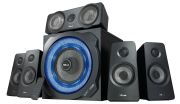
A 5.1 system usually includes:
- front left and right speakers
- centre speaker
- rear or surround speakers
- one subwoofer
This can create a more immersive surround effect, especially for films and some games. However, it needs more space, more cables and a setup that actually suits surround playback. For many desktop users, 5.1 is only worthwhile if the room and use case justify it.
Which setup suits most people?
For most buyers, the choice is straightforward:
- 2.0 for general desktop use and smaller spaces
- 2.1 for fuller sound with stronger bass
- 5.1 for more immersive gaming or film viewing where space allows
If your desk is small or you want a tidy setup, a quality 2.0 pair may be a better buy than a cheap 2.1 system.
Sound controls and tuning
Many PC speakers now include some form of onboard sound adjustment. This may include:
- bass control
- treble adjustment
- volume dial
- EQ presets
- app-based controls on selected models
These features can be useful if you want to tailor the sound to your room, desk position or listening habits. A little adjustment can make speech clearer or bass less overpowering in smaller spaces.
Connectivity matters
Modern PC speakers are not all limited to a simple analogue connection. Depending on the model, you may now find:
- 3.5mm audio input
- USB audio
- USB-C connectivity
- Bluetooth
- headphone output
- additional line-in options for other devices
USB-C and Bluetooth are particularly useful for modern desks with laptops, tablets and phones in the mix. If you want speakers that can switch between several devices, these features are worth checking before you buy.
What about power and loudness?
Speaker loudness is often linked to sensitivity or efficiency, commonly measured in decibels, but louder does not automatically mean better. For desktop use, clarity and balance matter more than simply choosing the highest output figure.
A good PC speaker should sound:
- clear at low and medium volumes
- controlled rather than distorted
- balanced across music, voices and effects
For most home users, a well-tuned compact speaker system is more useful than an overly powerful set that never gets used near its maximum output.
Frequency response and impedance: useful, but not everything
Technical specifications can help, but they should be read with caution. You may often see figures such as:
- 20Hz to 20,000Hz frequency response
- 4 to 8 ohms impedance
These are common reference points, but they are not guarantees of quality and they are not universal rules for every PC speaker. Real-world sound depends heavily on tuning, cabinet design, driver quality and room placement.
In other words, specifications are helpful as a rough guide, but they do not tell the whole story.
What gamers and film fans should look for
If your main priority is gaming or watching films, you may want:
- stronger bass response
- wider stereo separation
- a subwoofer
- low-latency wired or reliable wireless connectivity
- clearer dialogue performance
For competitive gaming, many users still prefer headphones, but speakers can be a great choice for single-player games, casual play and shared entertainment at a desk.
What everyday users should look for
For work, music, YouTube and general home use, priorities are often simpler:
- compact size
- easy controls
- clean sound
- reliable connection
- sensible price
- enough power for a desk or small room
In many cases, a good 2.0 speaker set is more than enough.
What to check before buying
Before you choose a set of PC speakers, think about:
- how much space you have on or under the desk
- whether you want a subwoofer
- what type of connection your PC or laptop supports
- whether Bluetooth would be useful
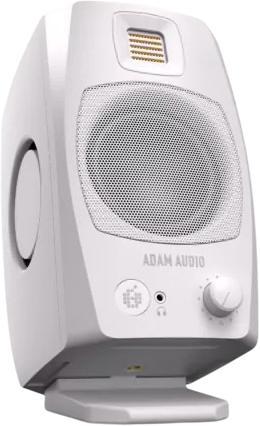
- whether you want front-facing controls or headphone output
- whether the speakers are mainly for music, games, films or work