Buy webcams cheaply: Consumer tips

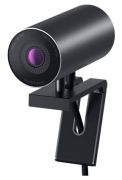
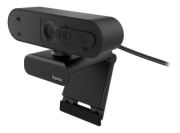
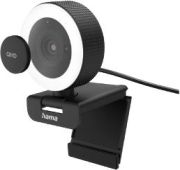
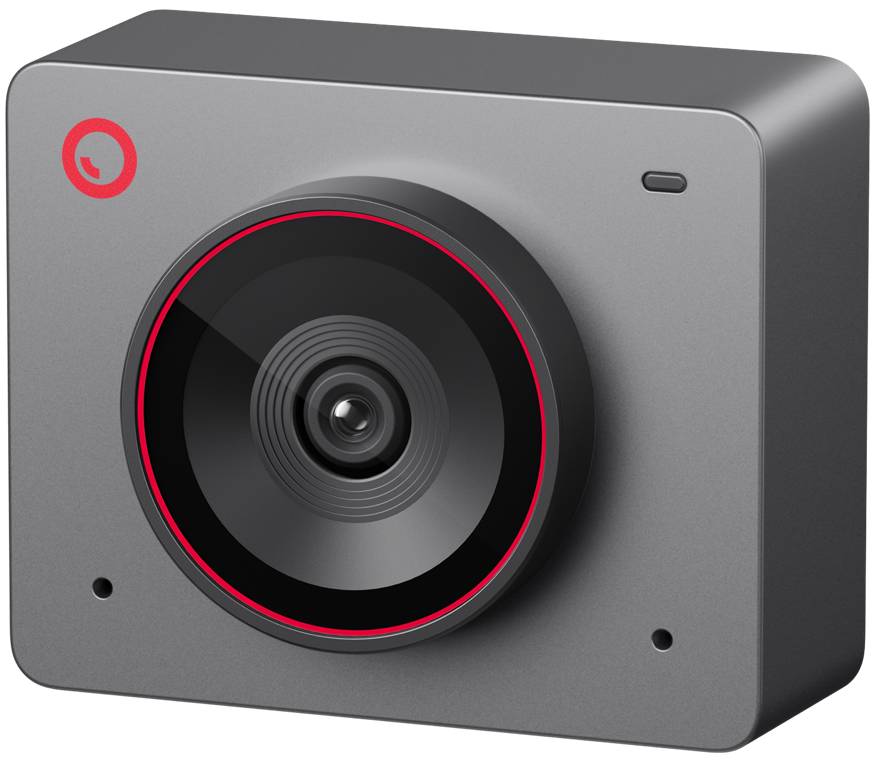
It is essentially a compact digital camera that captures photos and videos and sends them to the connected computer via cable or wirelessly. Unlike a digital camera, however, a webcam does not have storage. Typically, a webcam updates images at short intervals; sometimes a so-called livestream is used, where the transmitted media stream runs continuously and is played back immediately.
What are CMOS and CCD?
CMOS (Complementary Metal Oxide Semiconductor) and CCD (Charge Coupled Devices) are different image sensors used in webcams that capture and digitise incoming light through the lens. CMOS sensors have lower light sensitivity than CCD sensors and higher image noise, but they are cheaper to produce. Since CCD sensors are quite expensive, they are often used in high-quality devices such as digital cameras. CMOS sensors were more common in webcams due to their low production costs, but they are increasingly being replaced by CCD sensors. While not all CMOS sensors are of lower quality than CCD sensors, those who place a high value on good image quality will be on the safe side with a CCD sensor.
What should be considered when buying?
Not only the quality of the camera plays a significant role in the purchase, but also your own internet connection. Even the highest resolution is of no use if the internet connection is not fast enough to handle the large amount of data. However, if you have a fast internet connection, you should opt for a higher resolution. The resolution is specified in dpi (dots per inch) and indicates how many pixels make up an image. Generally, the higher the resolution, the sharper the image. Important aspects such as frame rate, interface, software, microphone, and mobility should also be considered when purchasing. The frame rate is measured in fps (frames per second) and indicates how many images are recorded per second. If you want the transmission to be smooth or to record a smooth video, the camera should be able to record at least 25 frames per second. There are various options for the interface of webcams. Most are now connected to the computer via USB. However, some webcams also have a Firewire, Ethernet, or WLAN interface and can thus be connected to networks. The software should also be taken into account when making a purchase decision. While it is not necessary for exclusive operation, it can offer nice features such as image and video editing. A microphone is not integrated into every webcam, but it can be very useful during a video chat. Built-in microphones are perfectly adequate for video chats, although they are not of very high quality. Lastly, for some buyers, the aspect of mobility is certainly important. In that case, one should opt for a small camera that can be clipped to the monitor or notebook.