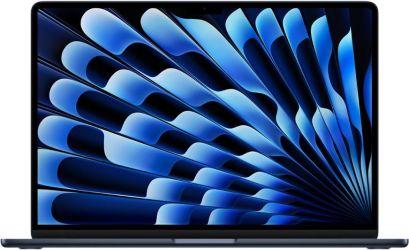

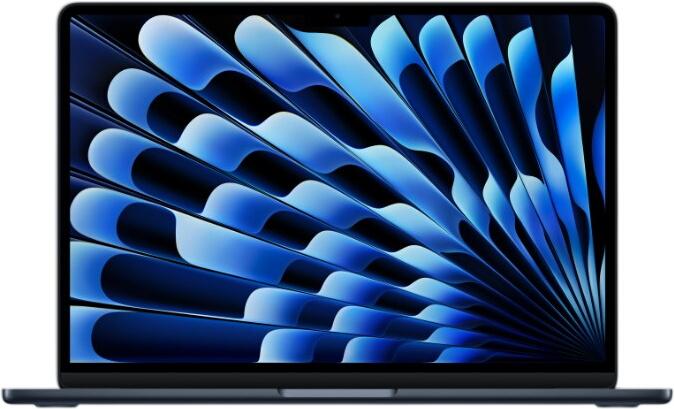
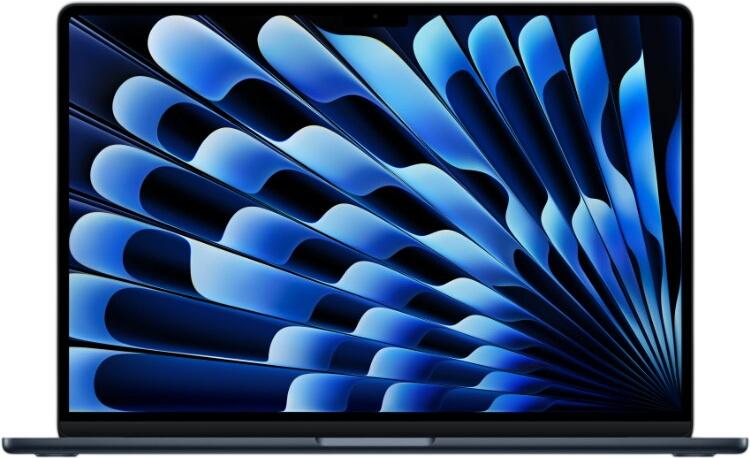


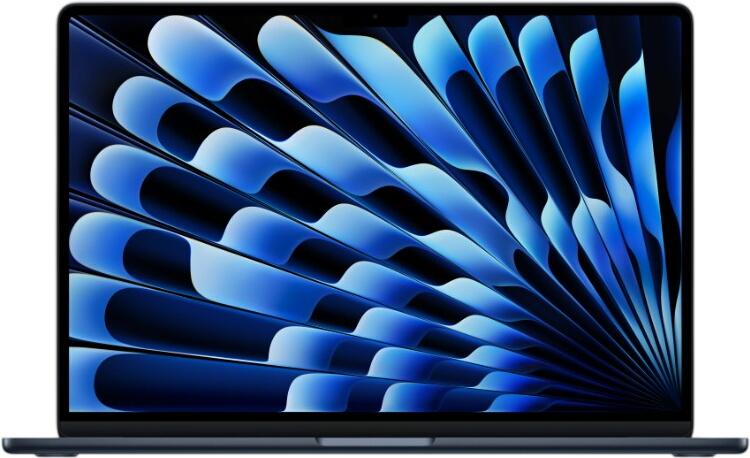
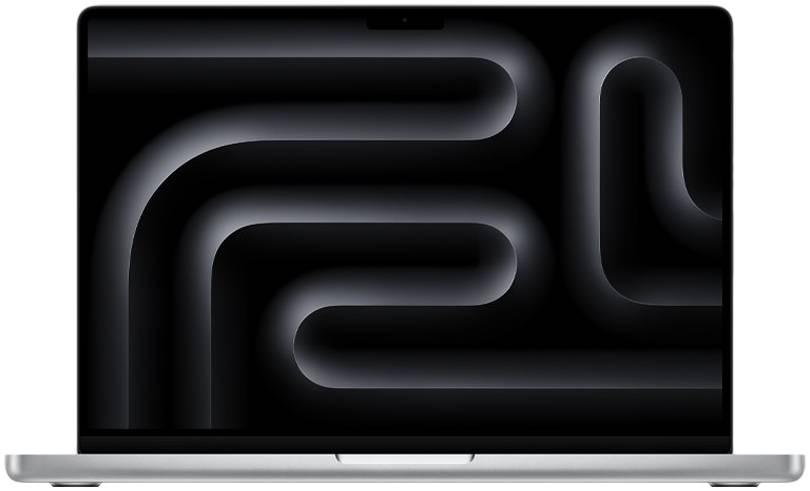

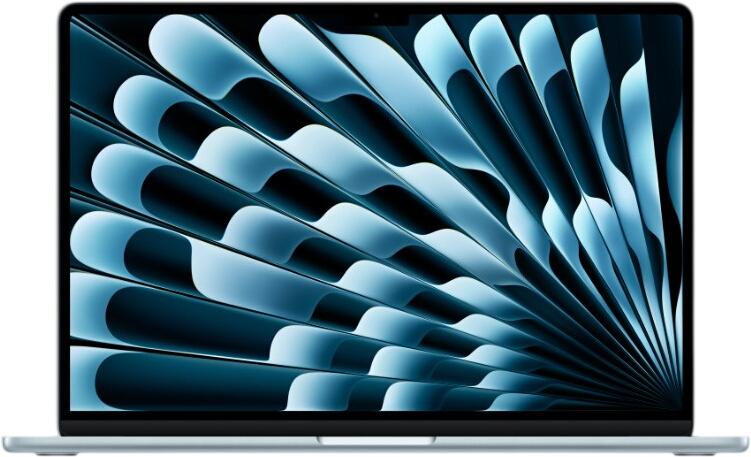
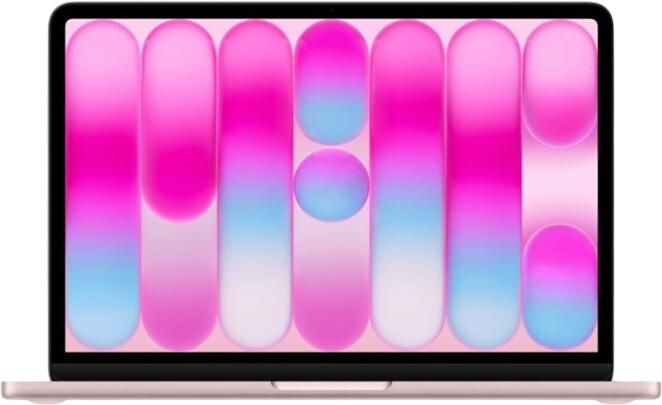
Newly Added Products






Notebooks: Consumer tips

Laptops are the mobile alternative to desktop PCs. That convenience is why laptops remain the default choice for students, home workers and anyone who needs one computer that can move easily between desk, sofa and travel bag. Many models also work well with external monitors, docks and accessories, so a laptop can double as your main home setup.
Laptop, gaming laptop or mobile workstation?
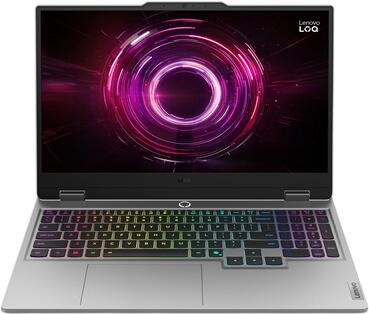
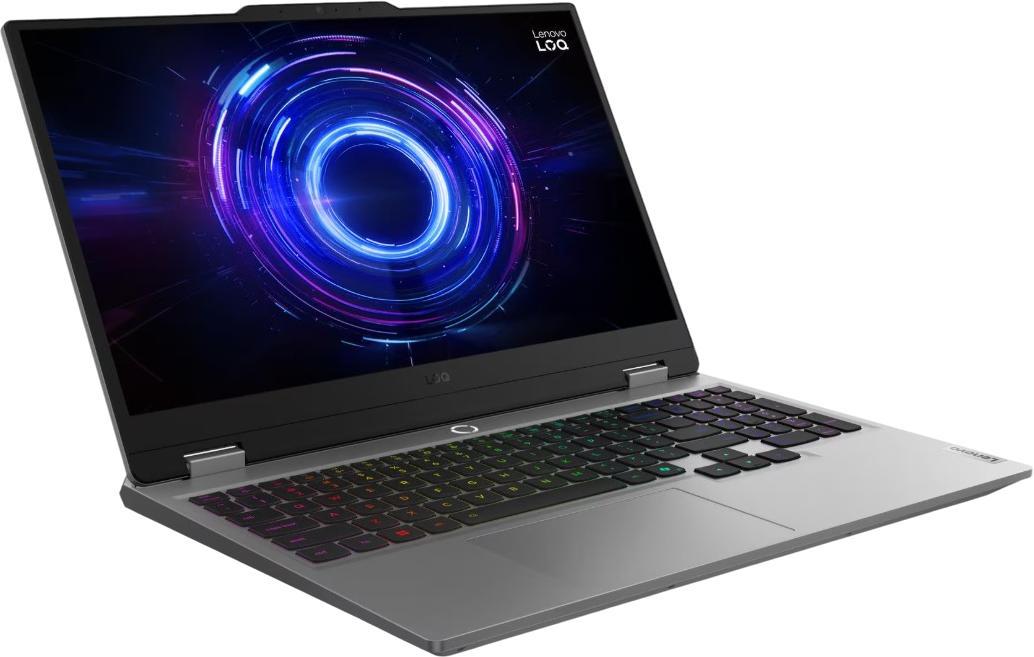
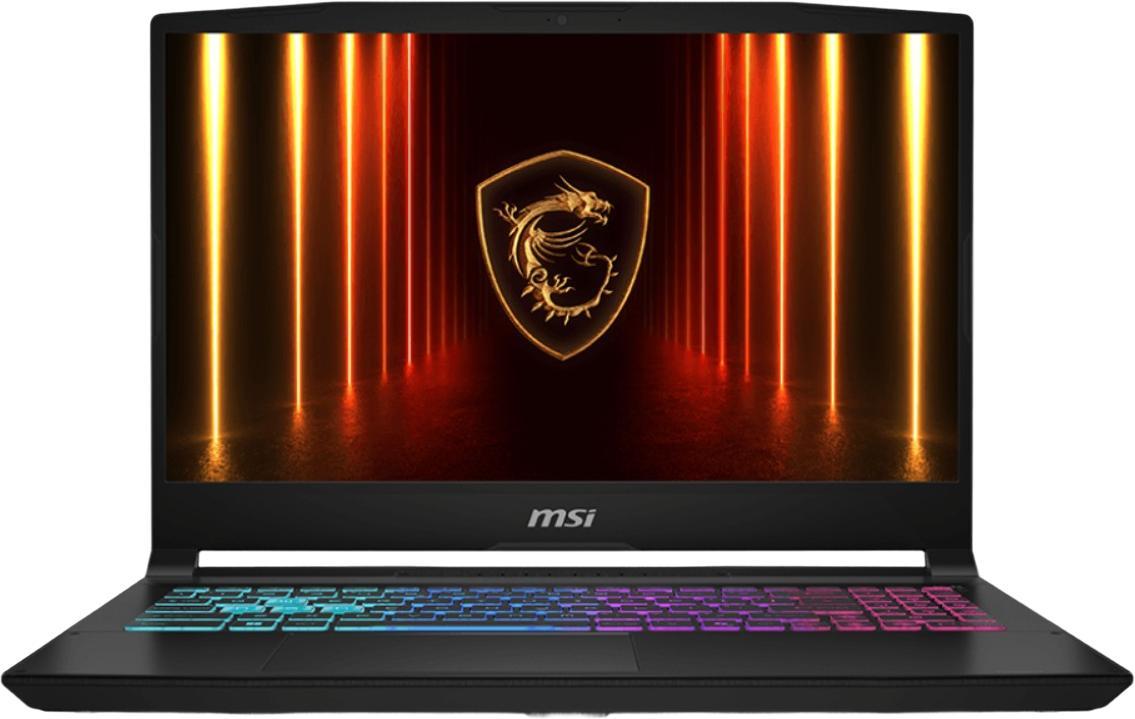
The right type of laptop depends first on your workload. If you mainly browse, stream, write documents and join video calls, a mainstream everyday laptop is usually enough. If you want to play modern games, you will need a gaming laptop with a dedicated graphics card and stronger cooling. If your work involves CAD, 3D design, professional video editing or large datasets, a mobile workstation is the more suitable choice.
Screen size is a major part of the decision. 14-inch and 16-inch laptops are especially mainstream, offering a useful balance between portability and usable workspace. Smaller 13-inch models still appeal to frequent travellers, while 15-inch and 17-inch machines remain relevant for buyers who prioritise screen space over portability. If you travel often, size and weight can matter just as much as specifications.
A good shortlist starts with these questions:
- Do you want a light everyday laptop, a gaming laptop or a mobile workstation?
- Will you mostly use it at home, on campus, in the office or while travelling?
- Is battery life more important than peak performance?
- Do you need a larger screen for spreadsheets, editing or multitasking?
- Will you connect to a monitor or docking station most of the time?
Why laptops remain so popular
Desktop PCs still make sense for fixed workspaces, but they are far less convenient if you need to move around. A laptop combines screen, keyboard, trackpad, battery and computing power in one compact device. That makes it much easier to carry between home, work and study spaces.
Laptops also fit more smoothly into mixed setups than they used to. Many users work with Bluetooth accessories, USB-C docks, wireless headphones and cloud storage across several devices. As a result, a laptop no longer feels like a compromise compared with a desktop for many everyday tasks. For a large number of buyers, it is the main computer rather than the secondary one.
2-in-1 laptops and touchscreens
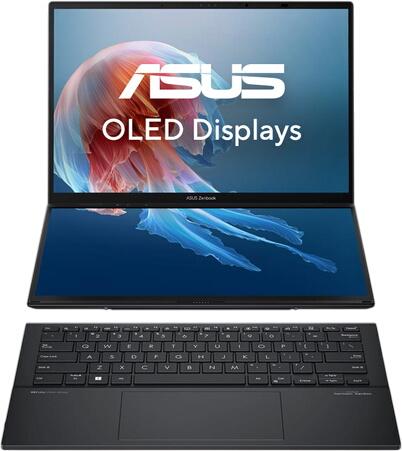
2-in-1 laptops remain a strong option for students, hybrid workers and anyone who likes a more flexible form factor. These devices can switch between laptop and tablet-style use, either with a 360-degree hinge or a detachable keyboard. They are particularly handy for note-taking, presentations, sketching, reading and travel.
Windows laptops with touchscreens are now a well-established part of the market, and devices from brands such as Acer, HP, Lenovo, ASUS and Dell often support stylus input on selected models. Touch is not essential for everyone, but it can be genuinely useful if you annotate documents, draw diagrams or want a more tablet-like experience without carrying a second device.
When comparing 2-in-1 models, focus on:
- whether the design is convertible or detachable
- the quality of the hinge or keyboard connection
- stylus support
- screen brightness and colour quality
- battery life in real use
- weight in both laptop and tablet mode
What about Windows and macOS?
Most laptops run Windows, while Apple laptops use macOS. Windows remains the broadest ecosystem for general compatibility, business software, gaming support and hardware choice. It is available across a very wide price range, from affordable student laptops to premium business and creator models.
Apple laptops are chosen for their build quality, battery efficiency, display quality and close integration with other Apple devices. For creative work, macOS remains a strong choice, but it is no longer accurate to frame it only around creatives. Many general users, developers and office-based buyers also choose MacBooks because they prefer the hardware and software experience.
Is a MacBook the right choice?
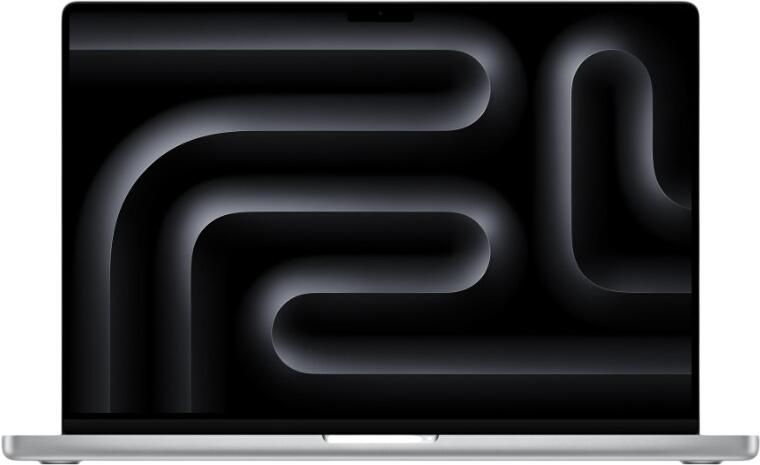
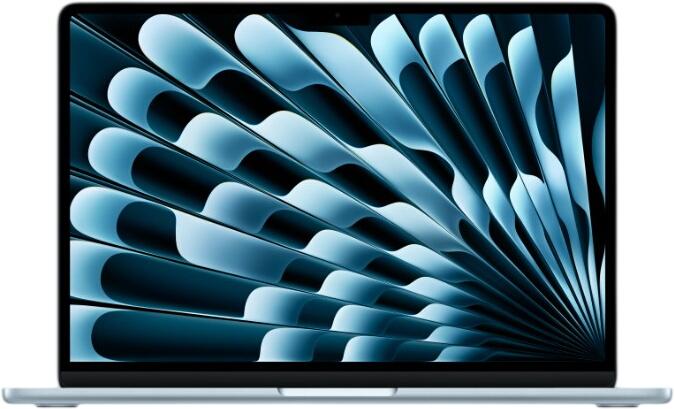
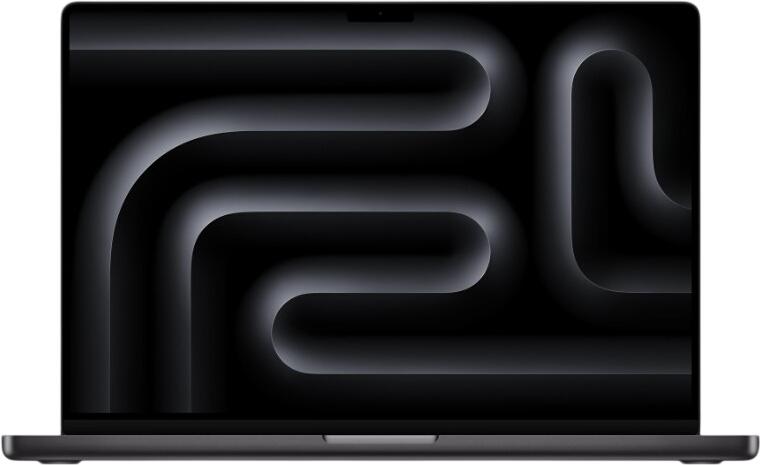
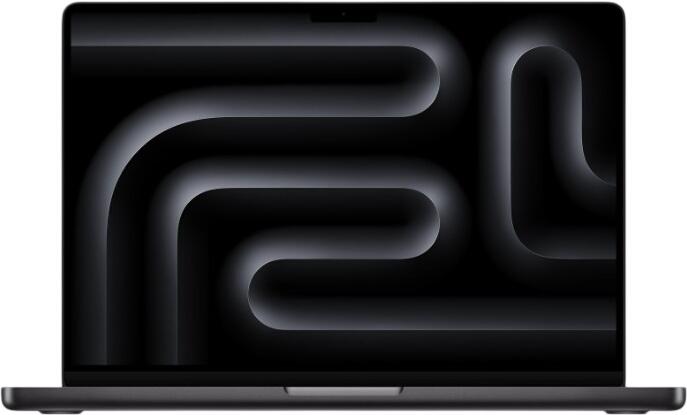
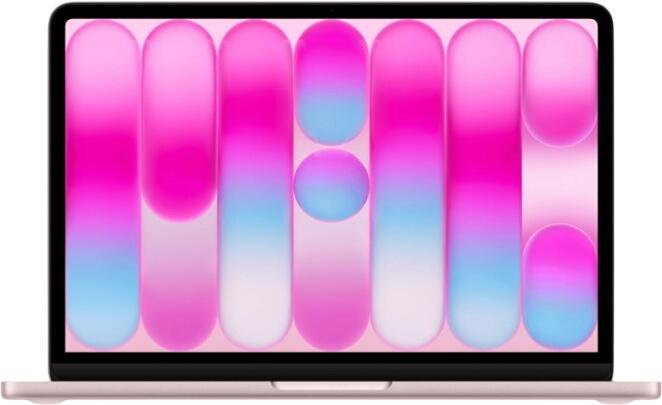
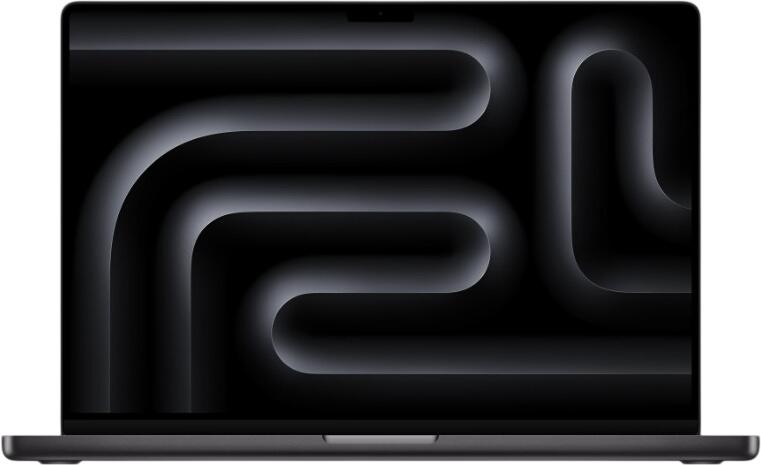
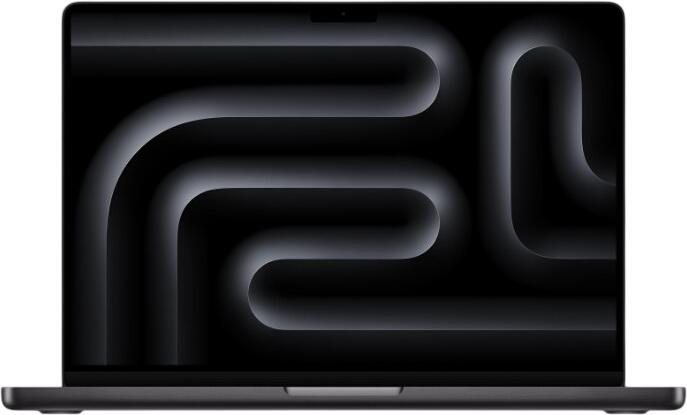
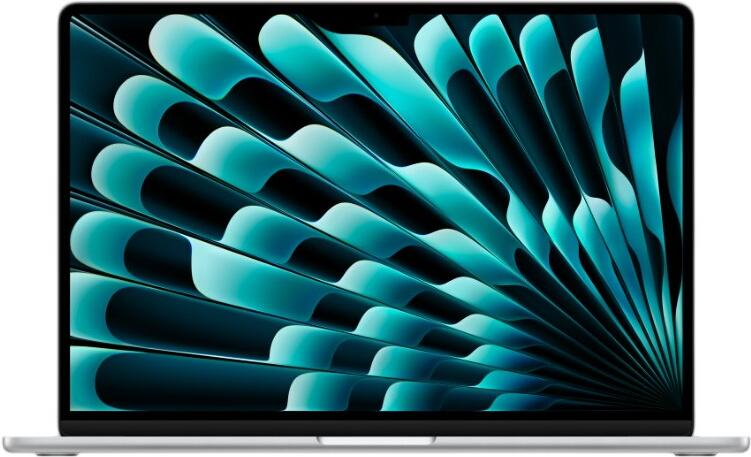
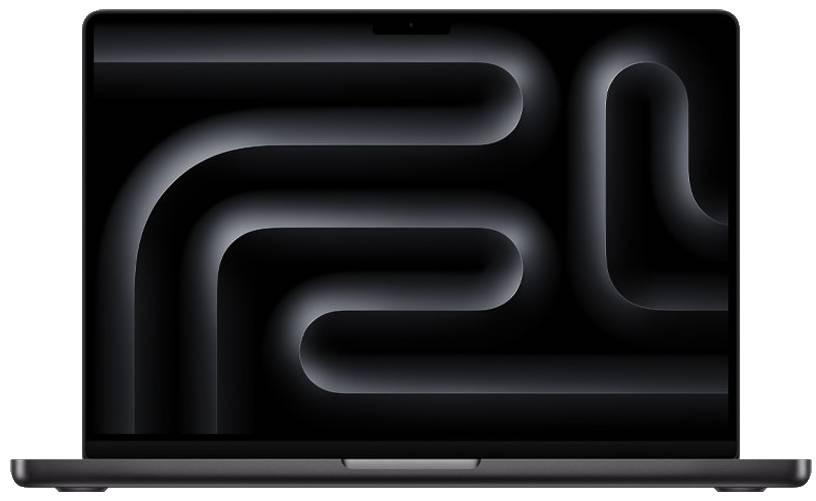
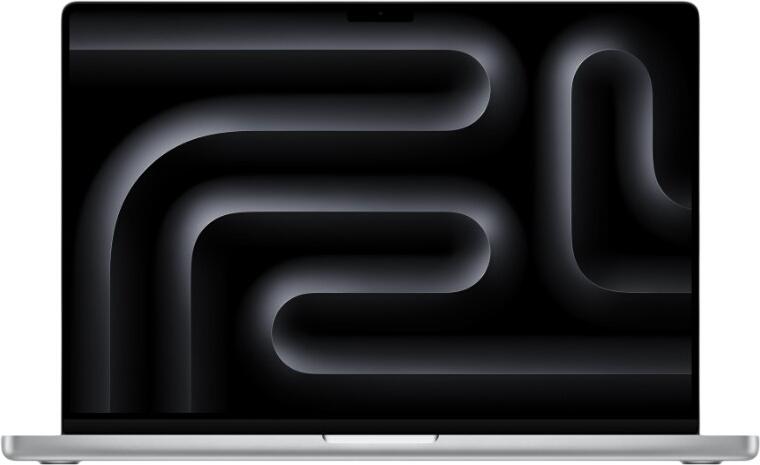
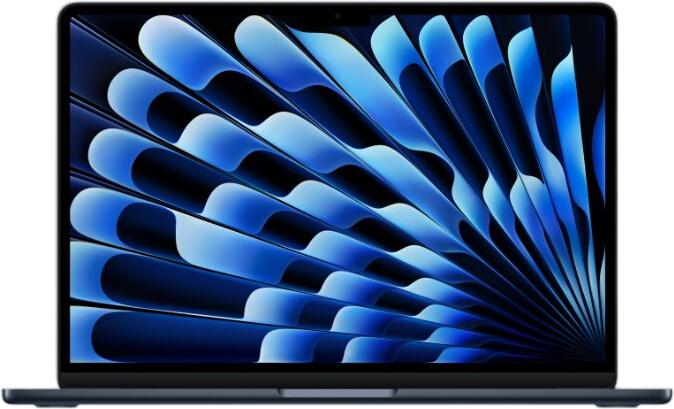
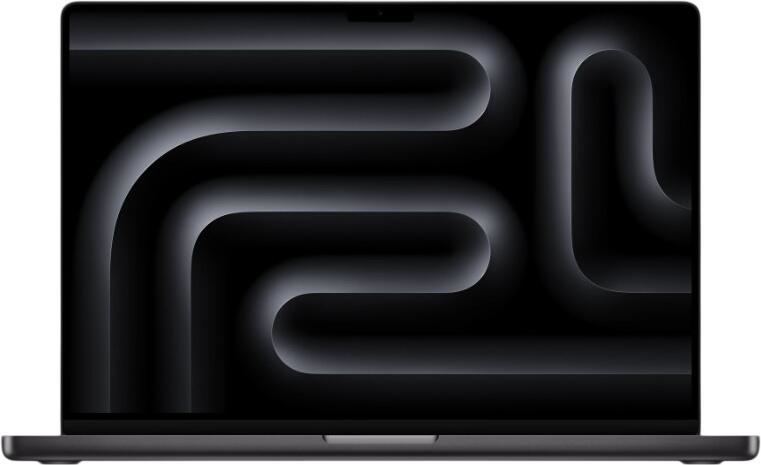
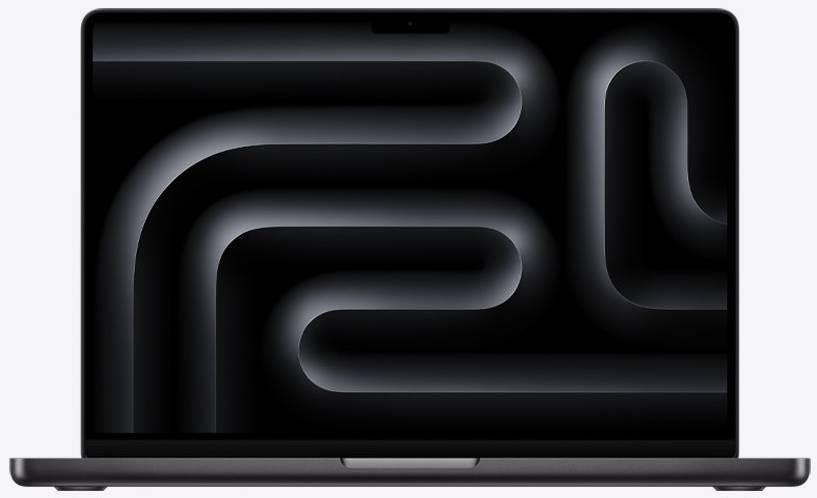
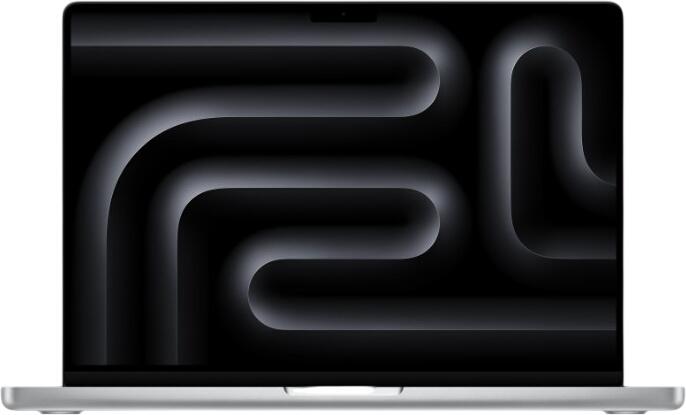
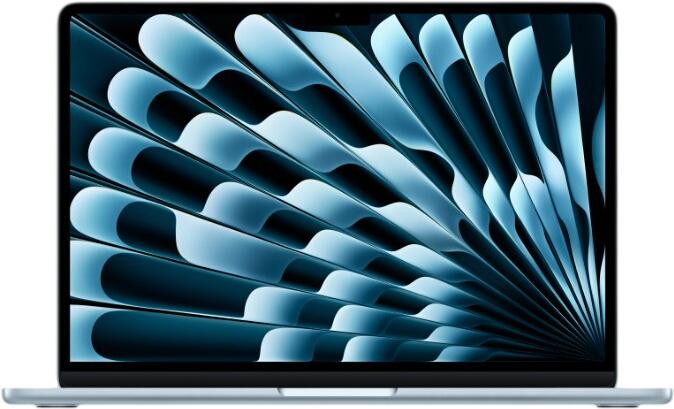
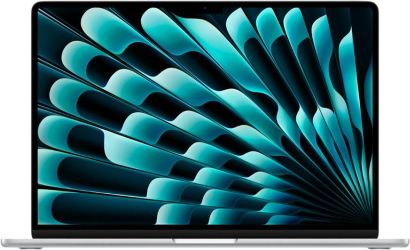
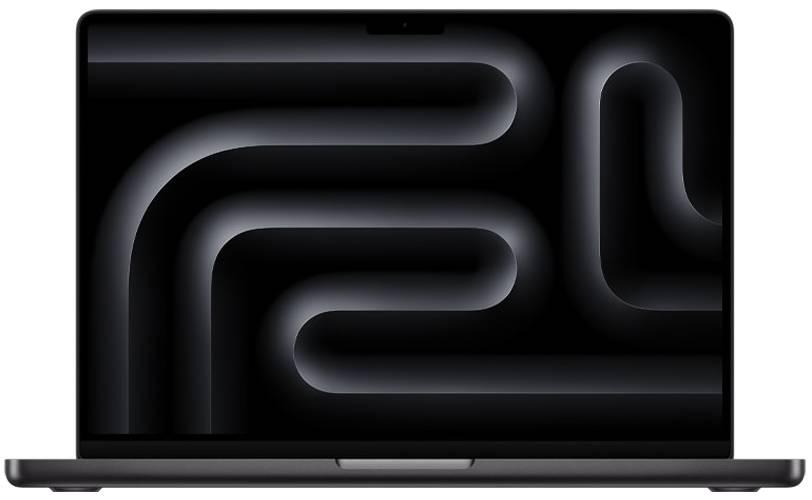
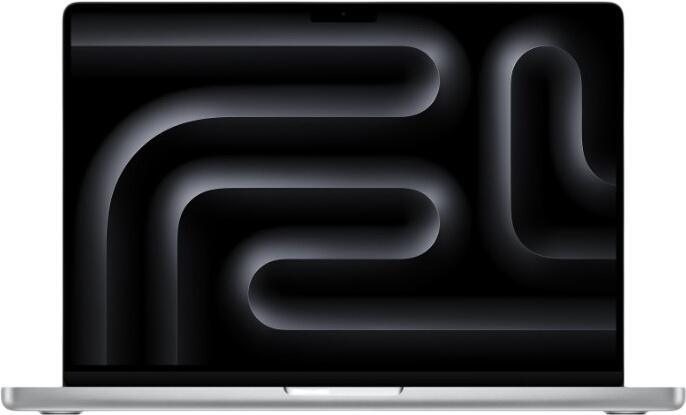
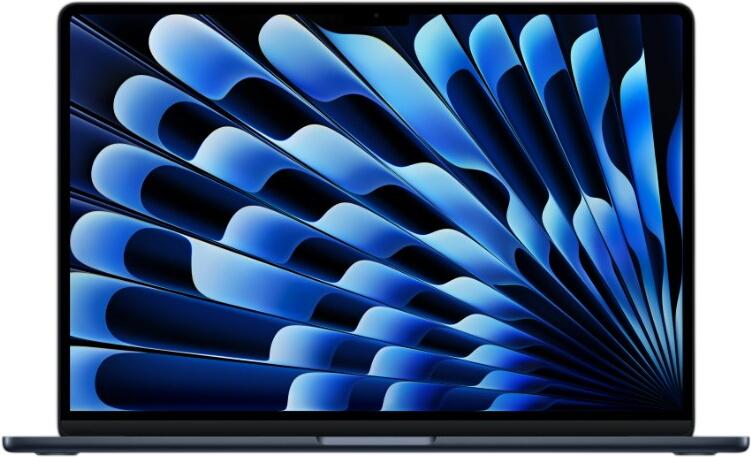
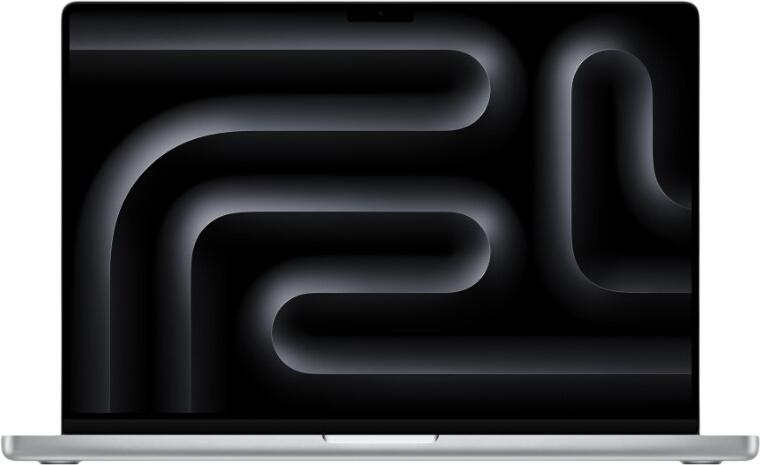
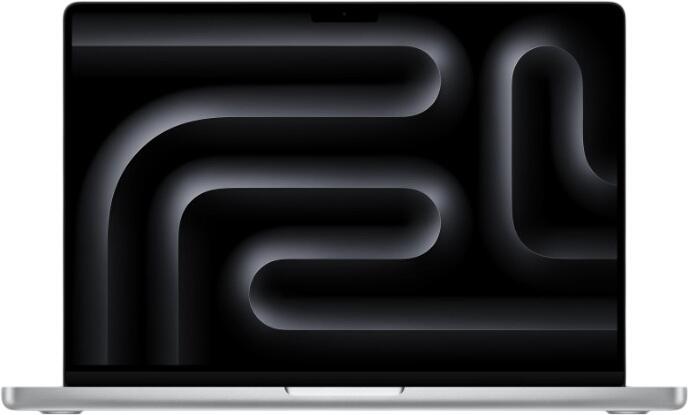
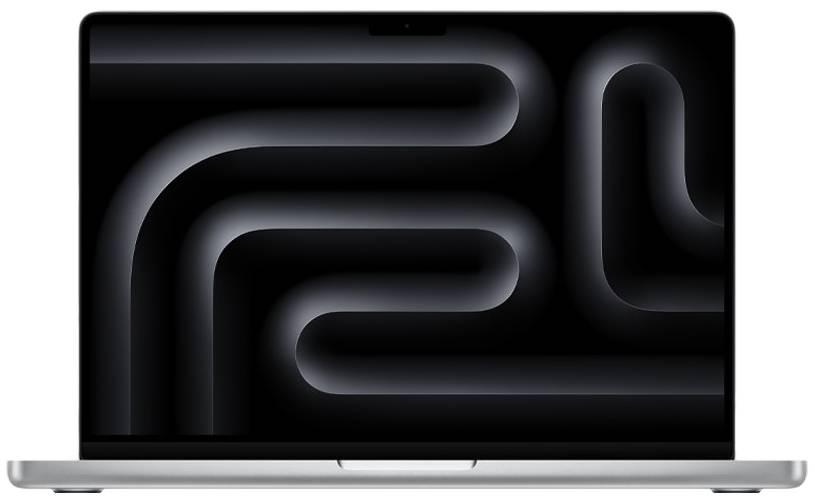
If you are considering a MacBook, the main choice is usually between MacBook Air and MacBook Pro. The Air is often the better fit for portability, everyday work, study and lighter creative tasks. The Pro line is more suitable for heavier sustained workloads, larger displays and buyers who need more ports or more performance headroom.
A MacBook may suit you well if you value:
- strong battery efficiency
- quiet everyday operation
- a high-quality display and trackpad
- close integration with other Apple devices
- macOS-specific workflows or software preferences
What features matter most?
The best laptop is not just the one with the fastest processor. In everyday use, a balanced specification is often more important than one standout component. A good keyboard, clear webcam, solid battery life, fast charging and a sharp display can make a much bigger difference than a small performance increase you barely notice.
Battery life should also be judged realistically. It is better to look for independent real-use expectations rather than vague promises of “all-day power”. Fast charging is now a significant convenience feature too, especially for people who move between locations and may only have short charging windows.
Key features to compare include:
- screen size, with 14-inch and 16-inch being especially common
- display quality, including brightness and resolution
- processor from Intel, AMD or Apple Silicon
- enough RAM for your workload
- suitable SSD storage
- battery life and charging speed
- port selection, especially USB-C
- webcam, speakers and keyboard quality