


Newly Added Products






Buy network cheaply: consumer tips

For home use, routers play a key role. If you want to connect multiple devices to the internet via cable, a switch may be required. Configuring a network and setting up a functioning Wi-Fi is not rocket science. Our guide shows you how to keep track of it all.
Important components for the home network
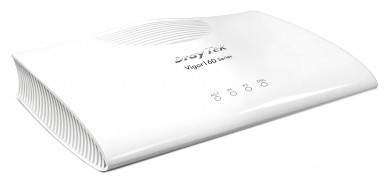
The networking of various media is continuously evolving. The increasing number of internet-enabled devices is proof that people simply want to be online. To access the internet, devices such as computers, smartphones and televisions require a network adapter. Earlier computers often used network cards for this purpose. In modern PCs and other areas of consumer electronics, the controller is integrated directly into the motherboard. To enable communication with the WWW, you need a modem or a router with an integrated modem. The device is connected to your telephone line and can access the internet lines. All internet-enabled electrical devices can now exchange data via cable or wirelessly through the router.
Router, CAT cables and Wi-Fi from the socket
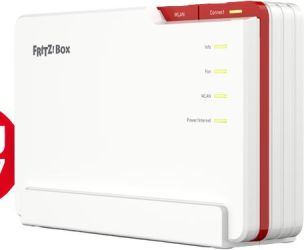
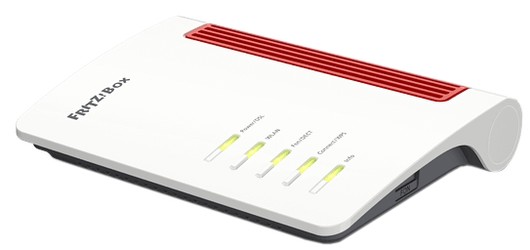
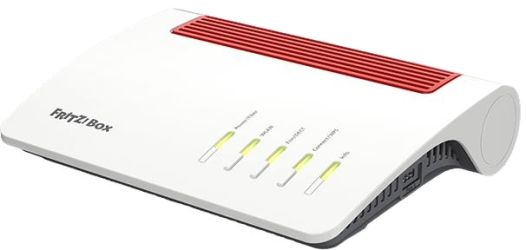
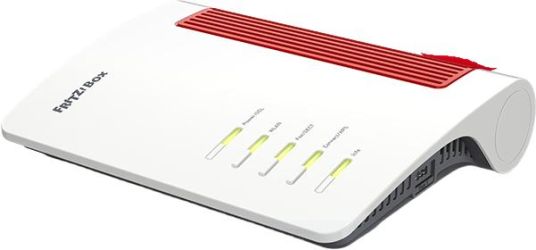
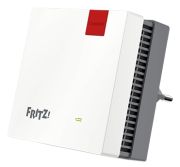
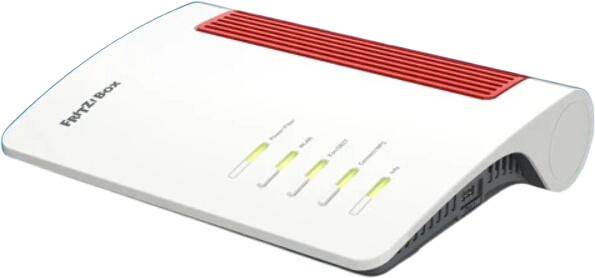
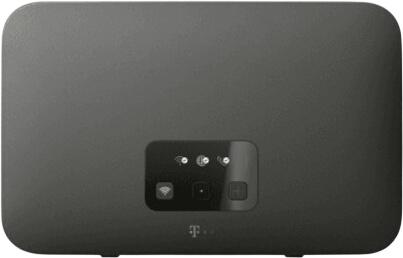
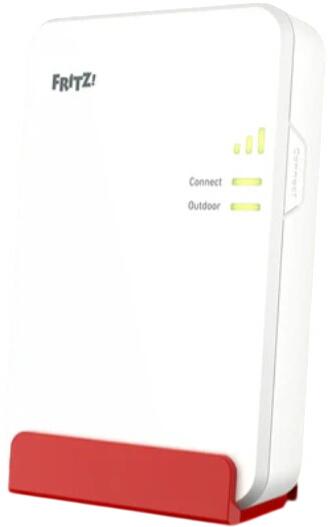
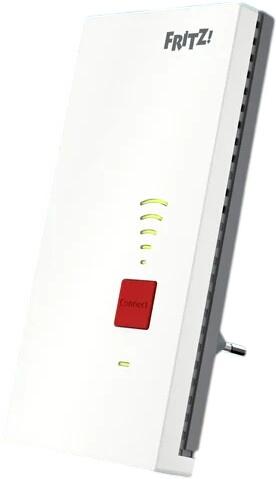
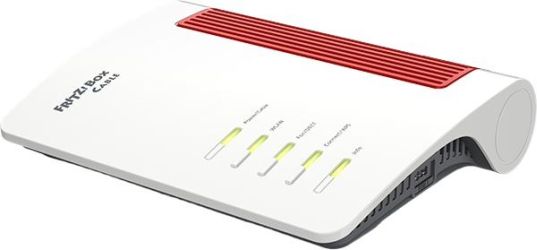
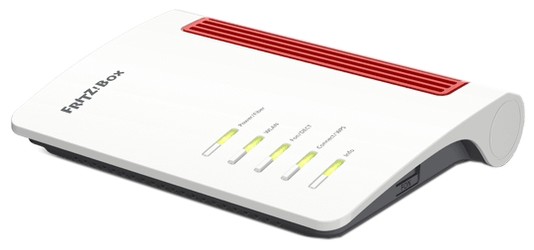
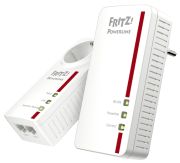
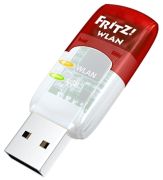
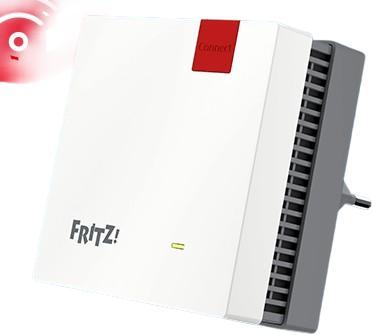
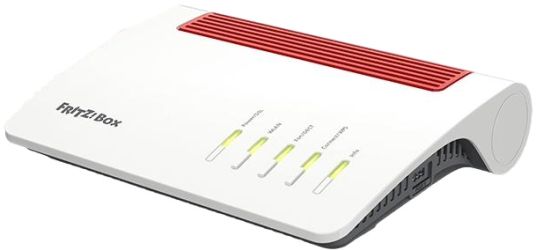
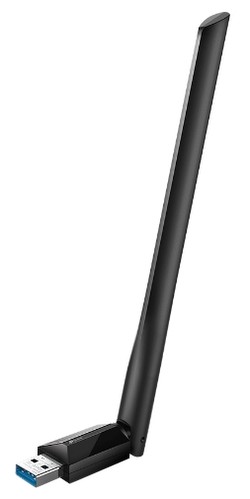
There are various routers that allow you to set up an internet connection via cable or wirelessly. A Fritz! Box from AVM offers you numerous individual configuration options as well as a high level of security. If you need to connect your devices to the router via cable, you may require a switch. This includes several LAN ports to which you can connect all participants. You can use modern shielded CAT cables with a network plug. The higher the number after the word CAT, the higher the standard. If you want to access the internet wirelessly, you can connect all Wi-Fi-enabled devices to your network. For this, you need the name (SSID) and the set password (WPA key). If the signal from the router does not reach the end device, you can use special Wi-Fi power adapters in the socket to improve the range.
File server in your own network
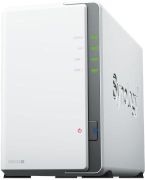
If you want to offload data, you can use a NAS (Network Attached Storage). This is a simple file server that you can integrate into your home network. Each participant can now access the data. To set up a NAS, you need a case and suitable hard drives. The network connection is made via Ethernet, i.e., via cable. File servers are also useful with large hard drives in your own computer, especially since you can configure access from other devices individually.
Perfectly networked with USB
You can exchange data not only over a local network or the internet. You can also copy and back up data thanks to USB, especially with the fast USB 3.0. If you need to connect multiple devices like an external hard drive, an MP3 player and a smartphone to a computer, you can use a USB hub to access additional ports.
Some rules for networks
- The modems provided by the internet service provider often do not meet the security standards of high-performance routers
- Remember to protect your wireless network with a security key
- You can set access rights for NAS individually to prevent unauthorised access
- USB 3.0 is backward compatible and can also be operated on a 2.0 port