





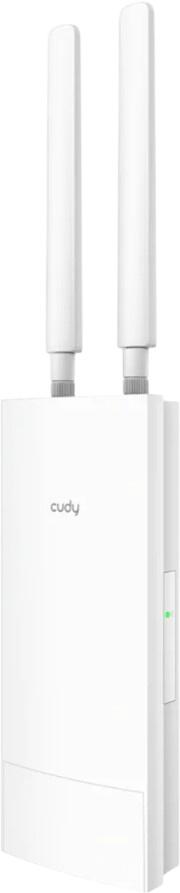
Access Points: Consumer tips

What is an access point?
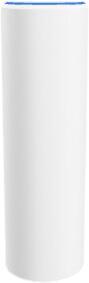
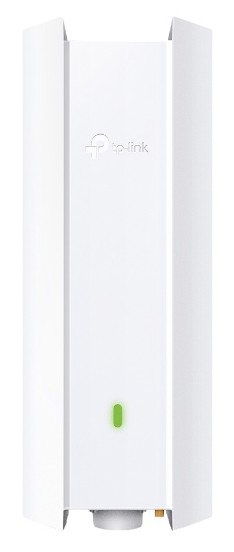
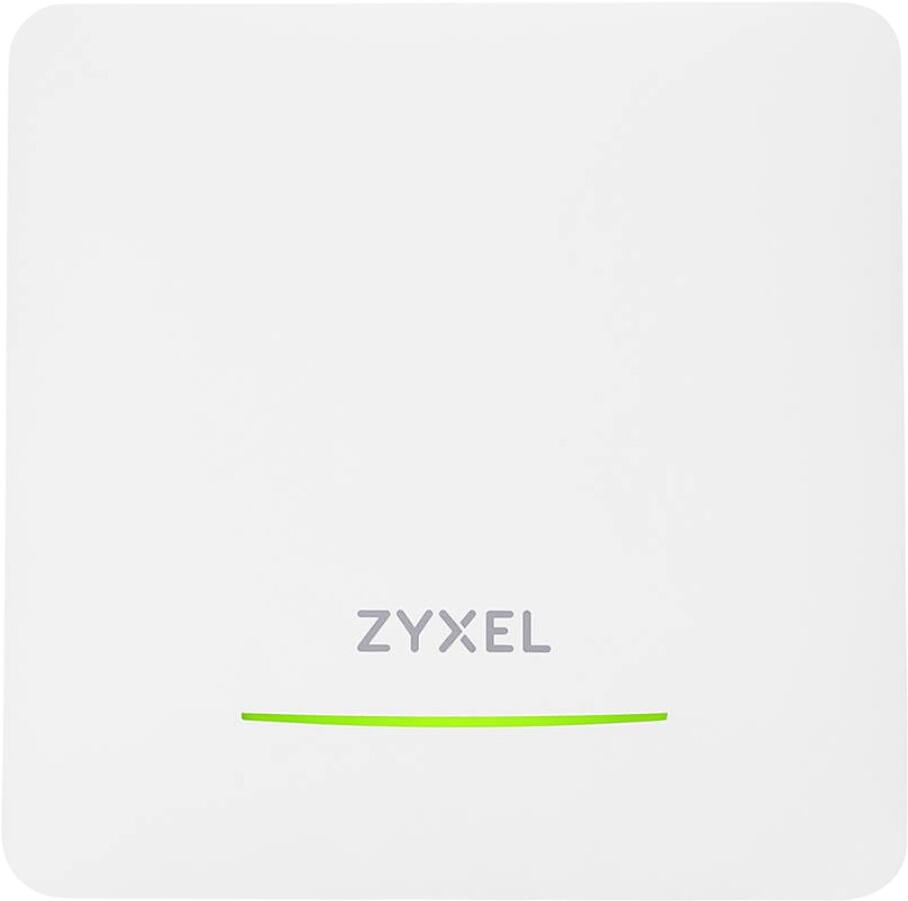
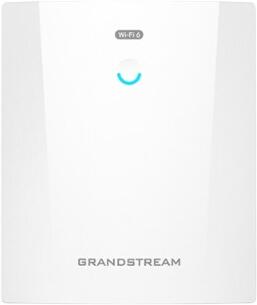
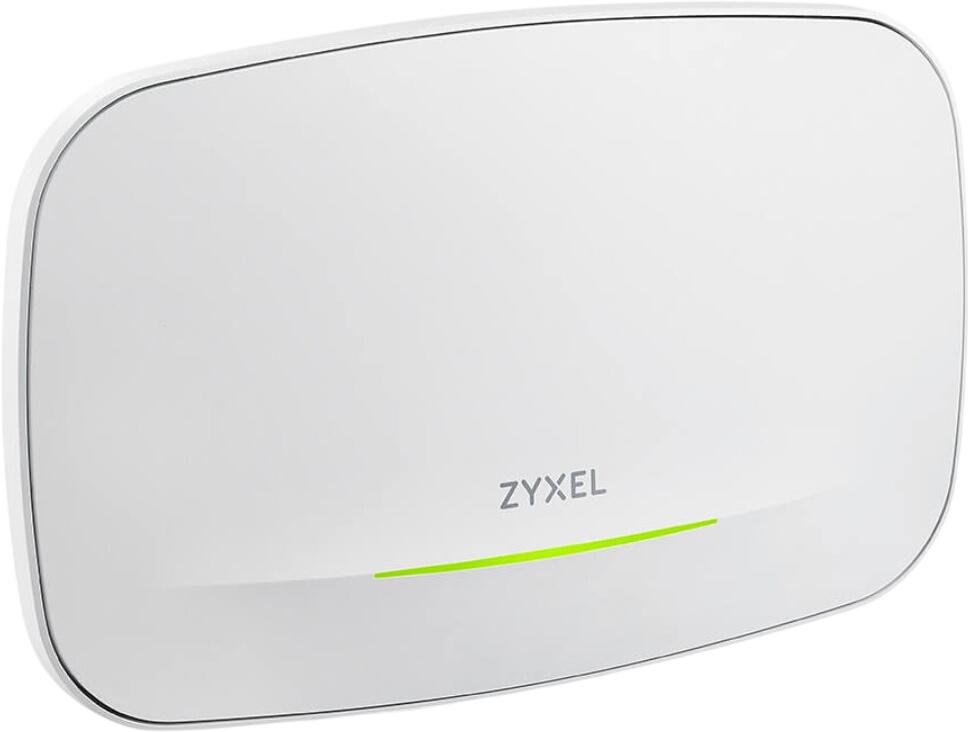
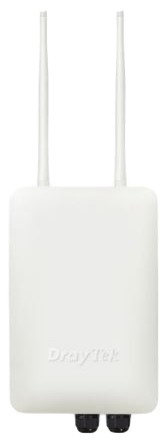
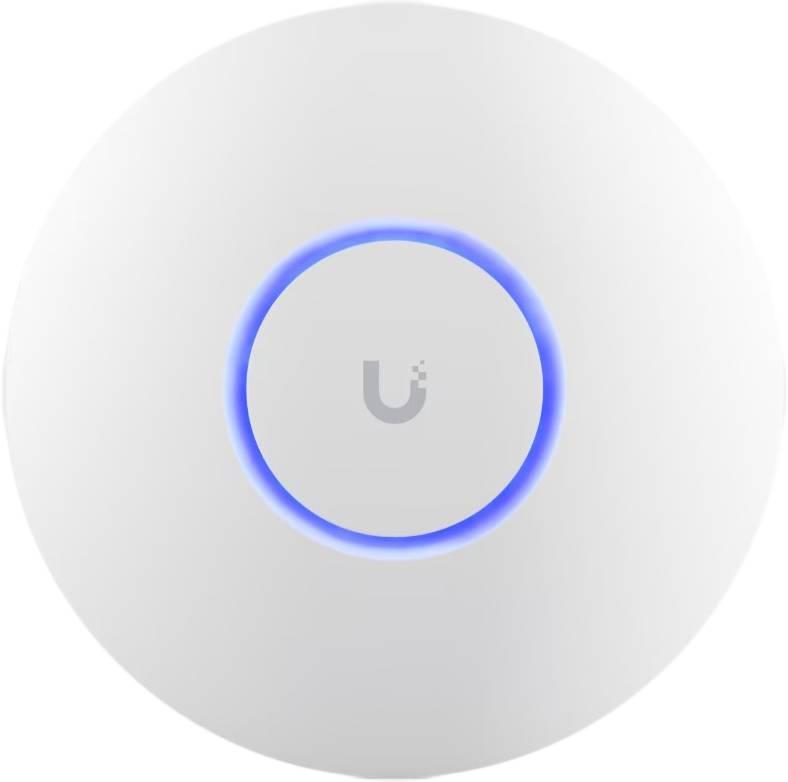
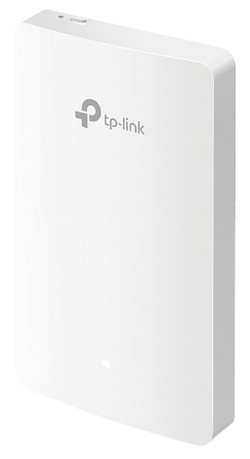
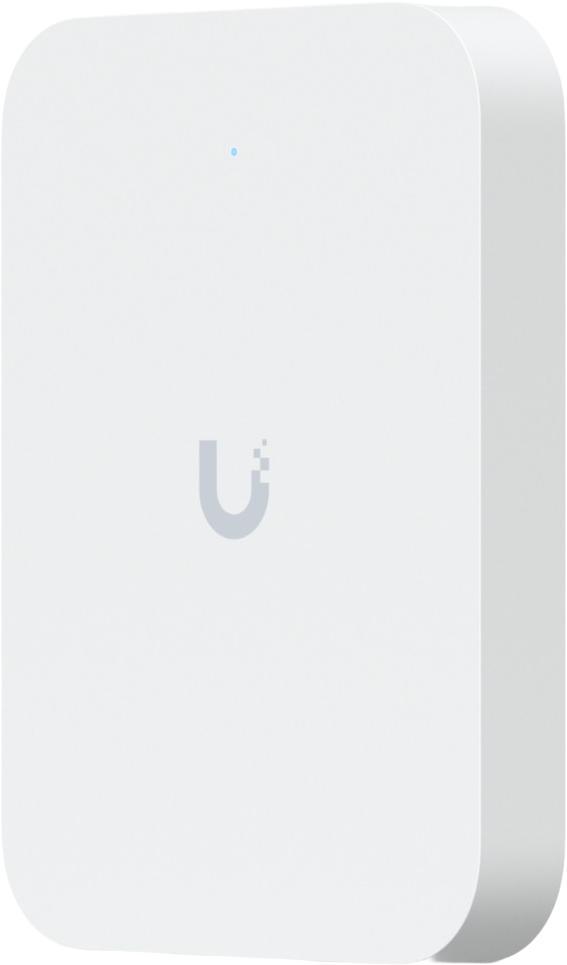
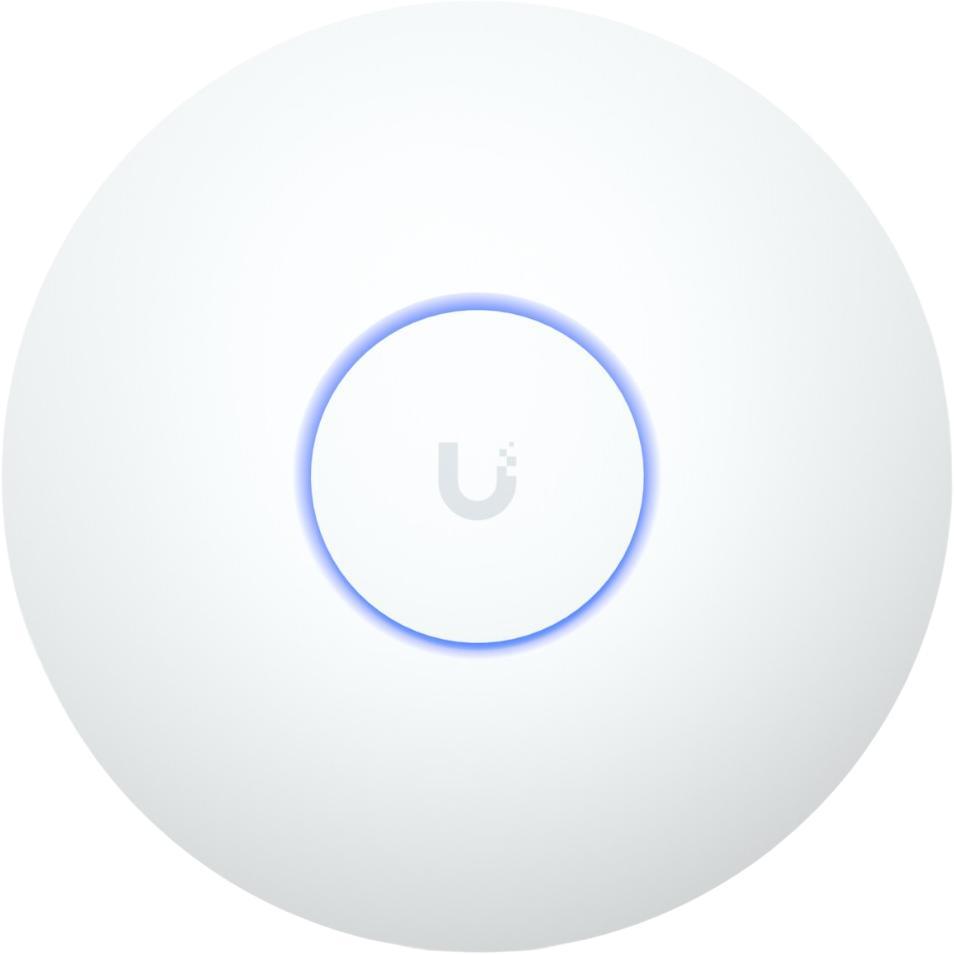
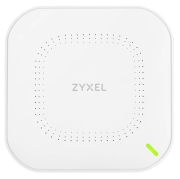
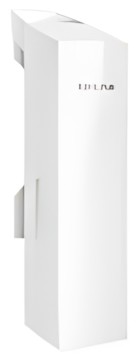
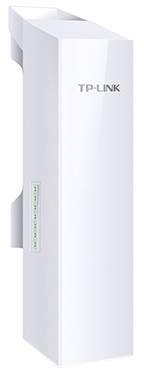
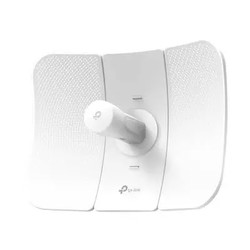
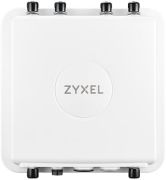
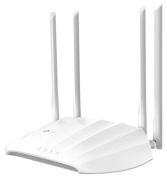
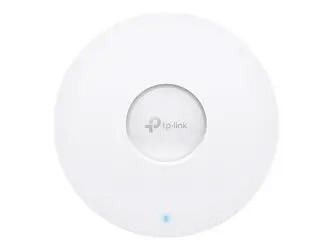
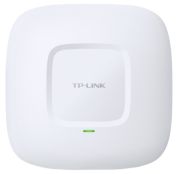
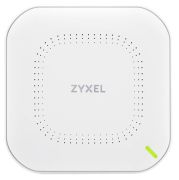
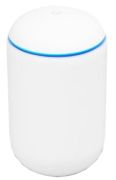
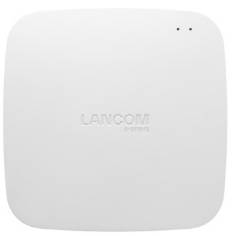
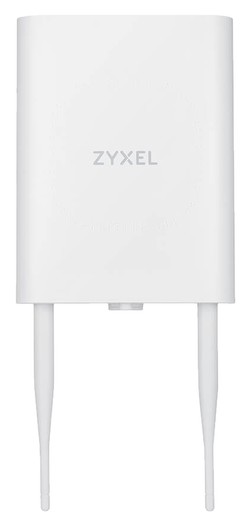
An access point creates a wireless connection point for your network. In most setups, it does not replace the router. Instead, it works alongside the router to extend or improve wireless coverage. This is especially useful in larger homes, offices, outbuildings or places where thick walls weaken signal strength.
Typical uses include:
- Improving Wi‑Fi in rooms with weak signal
- Adding wireless coverage to an extension, loft or garden office
- Supporting more devices in busy households
- Providing business Wi‑Fi in shops, offices or shared spaces
- Adding newer Wi‑Fi features without replacing the whole router
In simple terms, the router manages the internet connection and network traffic, while the access point provides additional wireless access where you need it.
Access point, router or mesh system?
This is the most important distinction for buyers. An access point works best when you can run an Ethernet cable to the location where you want better Wi‑Fi. If you want the strongest and most stable wireless performance in a second room or on another floor, a wired access point is often a very effective solution.
A quick comparison:
- Router: the main device that connects your home network to the internet
- Access point: adds or extends Wi‑Fi via a wired connection
- Mesh system: uses multiple units to spread Wi‑Fi more seamlessly across the home
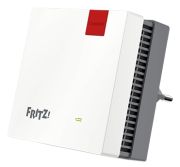
- Wi‑Fi extender: boosts signal wirelessly, but usually with more compromise than a wired access point
An access point is a strong choice if Ethernet cabling is already available or can be added easily.
What should you pay attention to when buying?
Compatibility still matters, but modern buying advice should go much further than that. In 2026, the most important factors are wireless standard support, management features, security, speed and how the device fits into your wider network.
Key things to look for include:
- Wi‑Fi 6, Wi‑Fi 6E or Wi‑Fi 7 support
- Dual-band or tri-band capability
- Good real-world throughput for your broadband and device mix
- Mesh compatibility if you want to expand later
- PoE support if you want power and data over one Ethernet cable
- App or web-based management
- Multiple SSIDs or guest network support
- WPA3 security support
- Ceiling, wall or desktop mounting options depending on location
Wi‑Fi 6 remains a solid choice for many households, while Wi‑Fi 6E and Wi‑Fi 7 are more relevant if you want higher-end performance, lower congestion or newer premium devices to take advantage of the extra capability.
Security: what matters now?
Security settings are far more important than simply hiding the network name. In fact, using a vague or non-descriptive SSID may slightly reduce visibility, but it is not a meaningful security feature on its own. What matters more is using strong encryption and good access controls.
For a secure setup, you should prioritise:
- WPA3 security where supported
- WPA2 if WPA3 is not available across all devices
- A strong, unique Wi‑Fi password
- Separate guest network access for visitors
- Updated firmware
- Admin password changes from the factory default
- Disabling unused remote management features if not needed
Guest networks are especially useful in family homes and small offices because they let visitors connect without giving them access to your main devices and shared storage.
Where are access points most useful?
Access points are particularly effective in properties where the broadband router is stuck in an inconvenient location, such as near the front door or in a utility cupboard. They are also a smart option for larger homes, garden rooms and business premises where one wireless router is not enough.
Common use cases include:
- Upstairs coverage in larger homes
- Garden offices and detached workspaces
- Busy family homes with lots of devices
- Retail spaces or offices needing more reliable Wi‑Fi
- Properties with thick internal walls
If you have the option of wiring the access point back to the router or switch, performance is usually better than relying on a wireless extender.