
Buy sound cards cheaply: Consumer tips

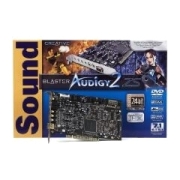
Only with a sound card can you play music or other sounds through a computer or the speakers connected to it. When purchasing, one should pay particular attention to the sampling rate, resolution, interfaces, and number of channels. The sampling rate is also known as the sample rate and is specified in kHz (kilohertz). It is the input or output frequency of the analogue signal.
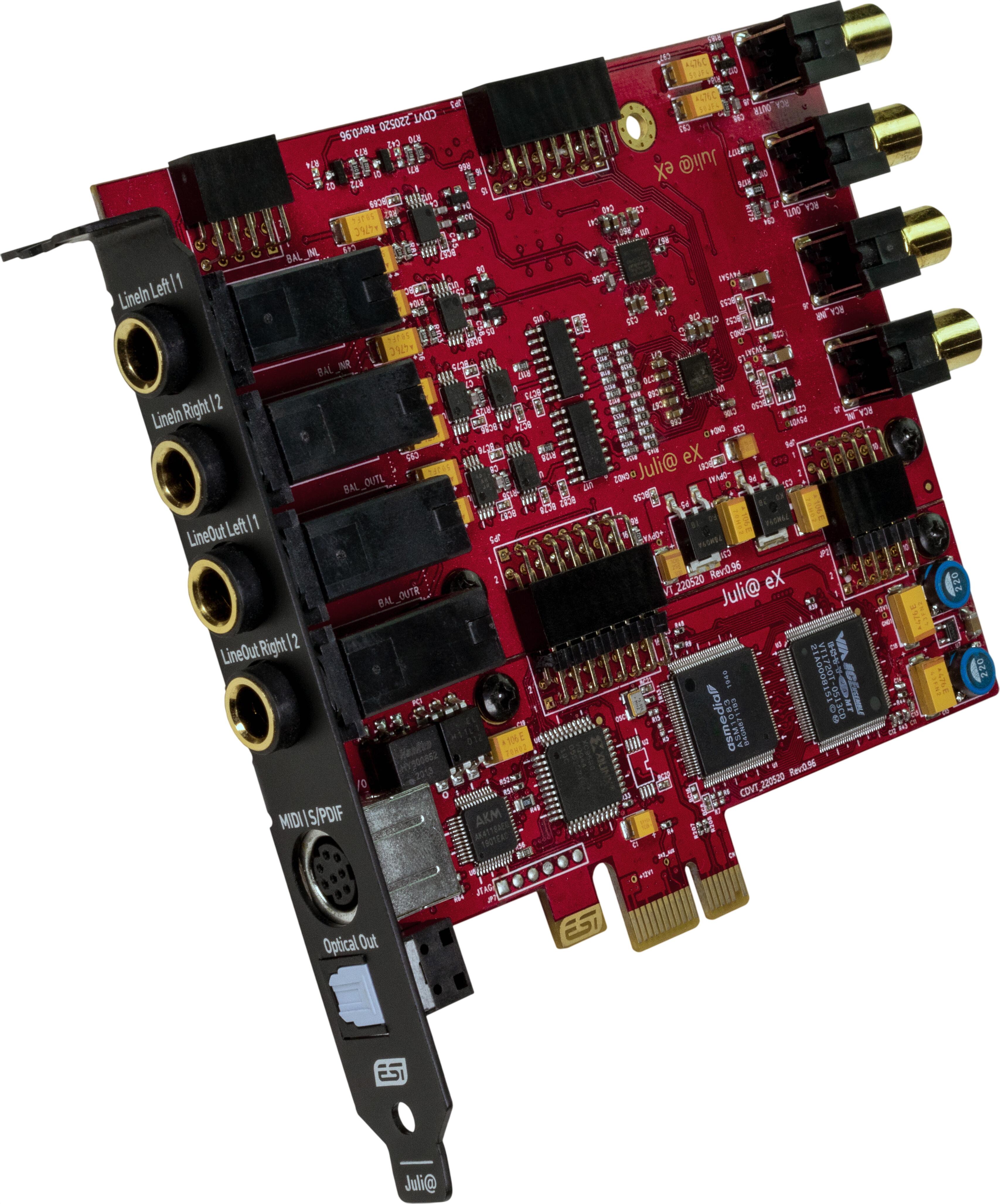
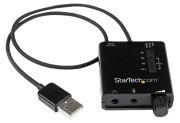
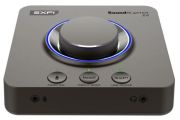
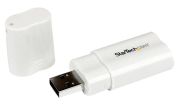
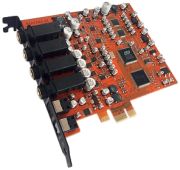
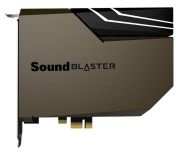
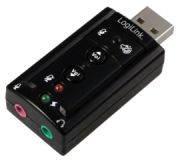
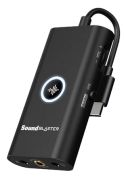
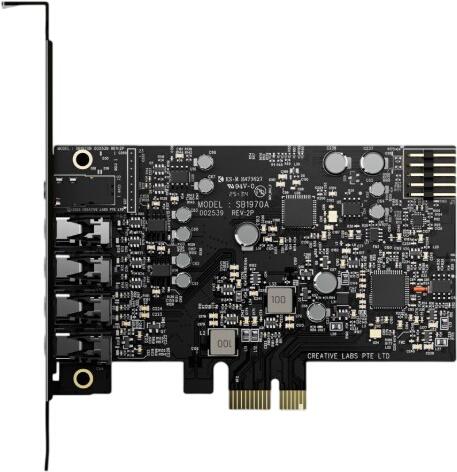
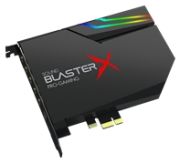
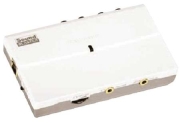
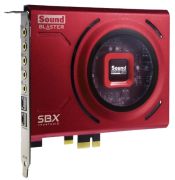
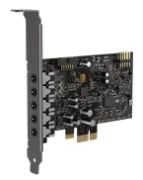
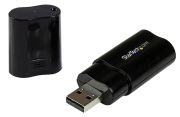
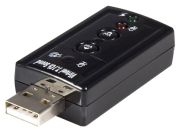
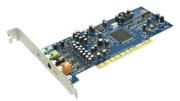
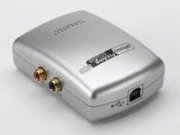
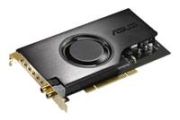
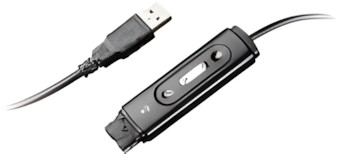
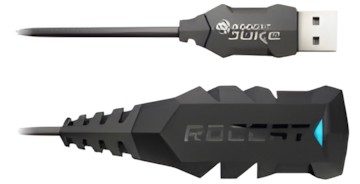
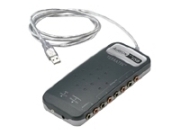
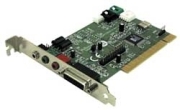
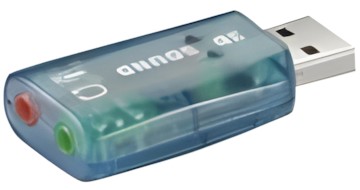
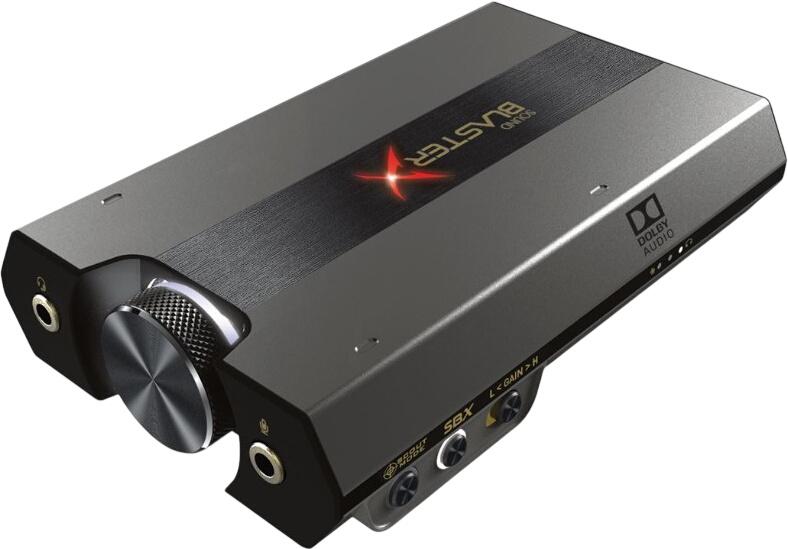
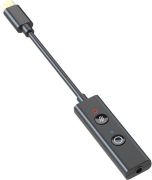
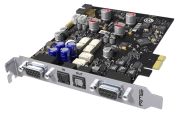
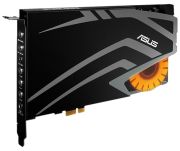
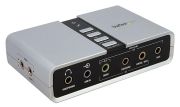
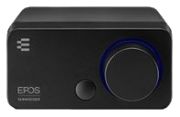
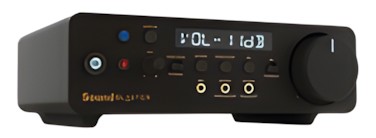
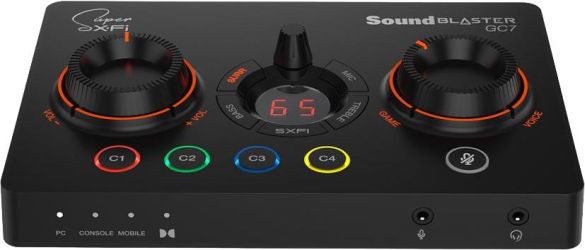
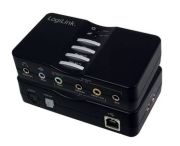
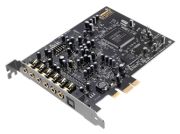
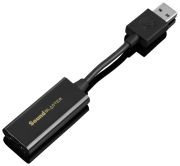
To ensure that the sound is reproduced as faithfully as possible, the sampling rate should be high. Normally, it is 48 kHz, but newer models can also reach 96 kHz. In addition to the sampling rate, the resolution is also crucial for sound quality. It is specified in bits and is usually 16 bits, which is perfectly sufficient for the quality of a CD. However, some manufacturers also offer sound cards with 24 bits. Internal sound cards are installed in a PCI slot on the motherboard. External sound cards, on the other hand, can be connected to the computer via USB or a Firewire interface. The number of channels indicates how many different audio outputs a sound card has. If the card only supports stereo sound, it has two channel outputs, meaning that two speakers can be connected. In a 5.1 surround sound setup, six channels are output. If the card is a 6.1 or 7.1 sound card, additional channels provide a realistic surround sound experience.