





Newly Added Products






Input devices: Consumer tips
The category of input devices represents only one part of computer accessories, but it is a significantly more important one. We explain what characterises an input device, where its advantages and disadvantages lie, and what else to consider when purchasing in our consumer tips.
The Mouse
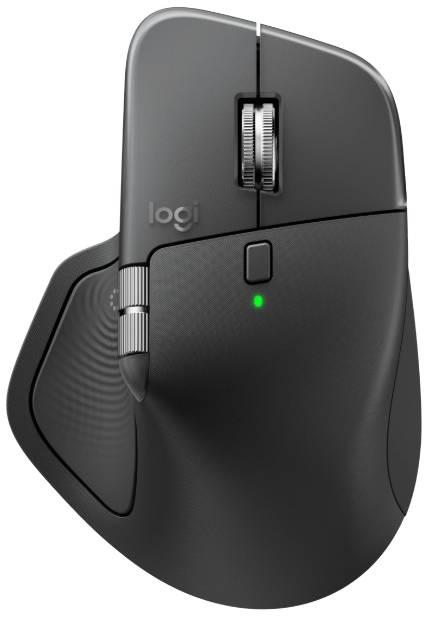
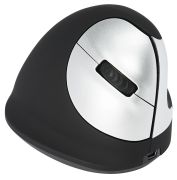
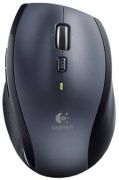
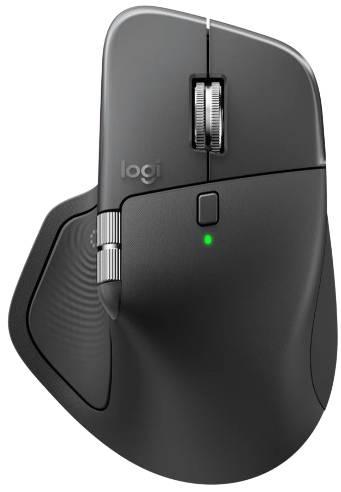
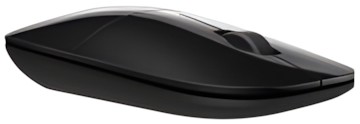
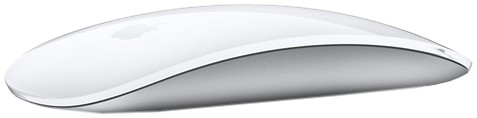
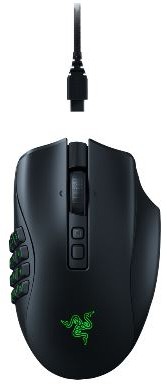
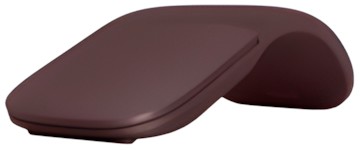
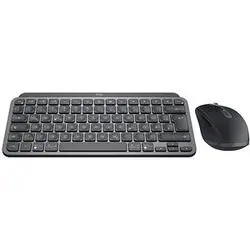
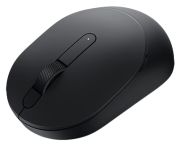
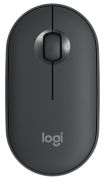
The classic of input devices is the computer mouse: Even many laptop owners, who use the built-in touchpads for their inputs, often prefer to use a mouse. It makes inputs easier and more comfortable. Nowadays, wireless mice have overtaken wired ones. Wireless mice are powered by a rechargeable battery or disposable batteries and prevent the annoying cable clutter on the desk. They connect to the PC or laptop via Bluetooth or infrared. This also includes gaming mice with various special function keys, RGB lighting, or particularly ergonomically designed models. A gamer will certainly place a high value on a wide range of functions and precise control, while the average user is satisfied with a standard mouse with two to four buttons and a scroll wheel.
The Keyboard
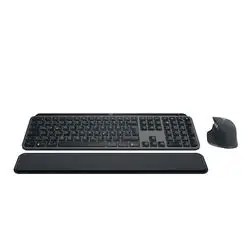
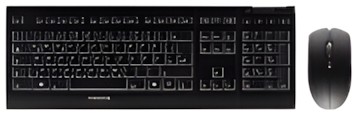
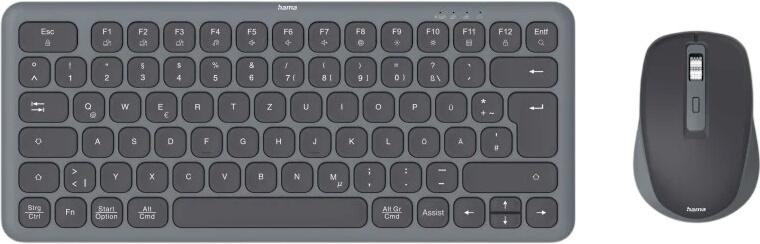
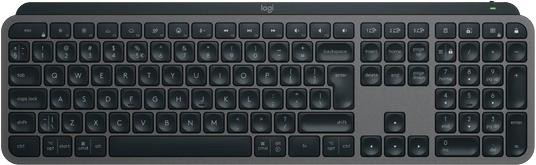
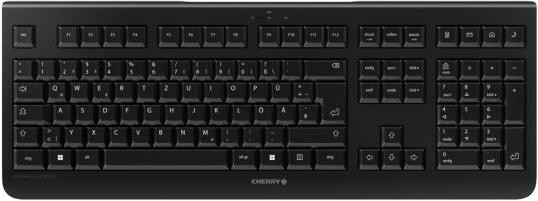
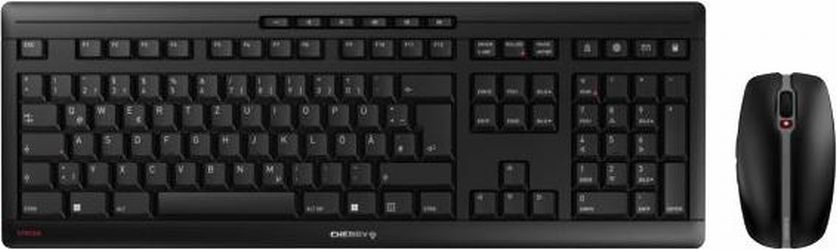
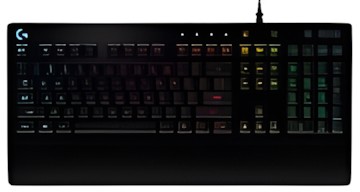
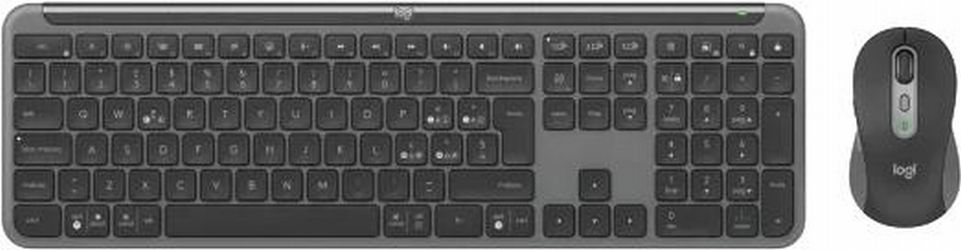
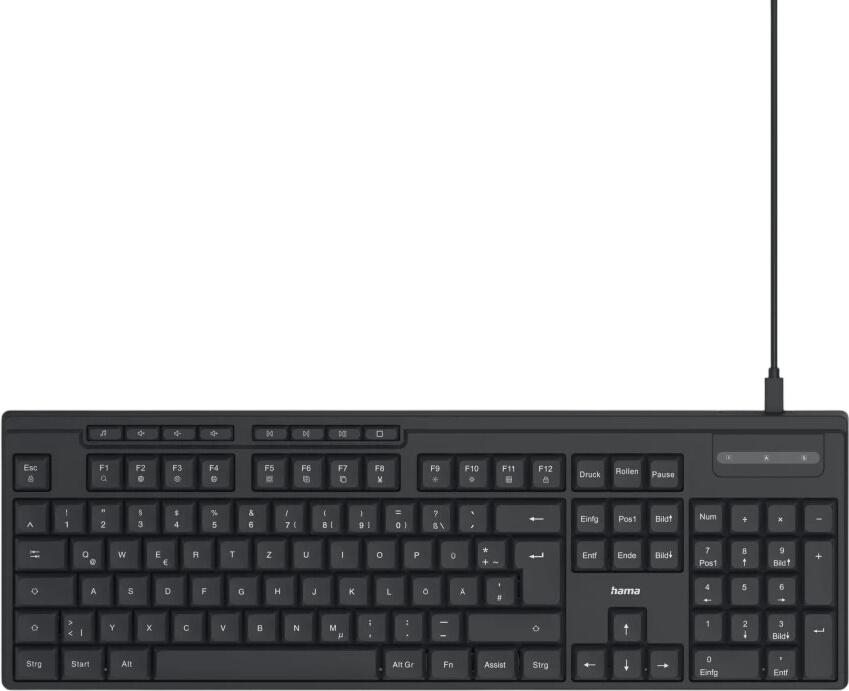
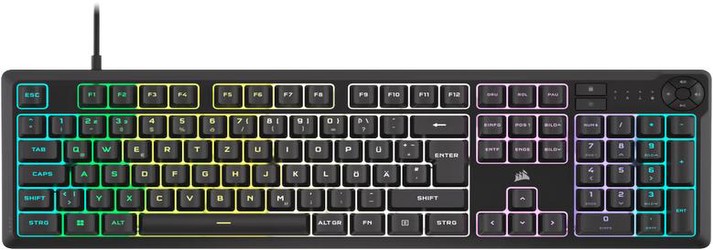
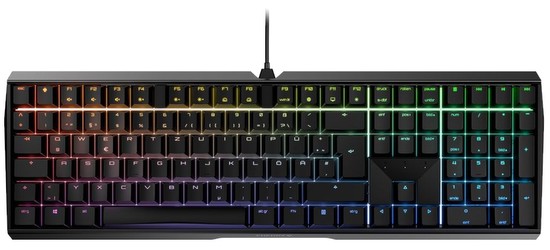
Alongside the mouse, the keyboard is used. This is the most important input device for computers. Similar to the mouse, gaming keyboards offer many extra keys or RGB lighting, which are less important for the average user. Additionally, a high-end keyboard is significantly more expensive than a 'classic' keyboard. When choosing a keyboard, buyers often have the option to choose between a USB and a wireless version. While a USB version has a cable, a wireless connection allows you to take the keyboard anywhere and type from, for example, your bed. The downside: connection errors can occur, and the devices are often battery-operated. For a particularly good typing experience, a keyboard with mechanical keys is recommended. However, these tend to be relatively loud. So-called silent keyboards provide a solution and are particularly pleasant in offices.
The Touchpad
In the age of touchscreens, it is not surprising that there are also touch-sensitive input forms for computers. Those who desire a sensitive and seamless operation will likely be pleased with touchpads. Otherwise, misinterpretations, short battery life, and connection difficulties can make PC usage more challenging. A quite sensible and cost-effective alternative is the combination of a touchpad and keyboard. This allows the PC user to comfortably watch a movie on the sofa while also performing various tasks or inputs on the desktop PC.
Graphic Tablets
Graphic tablets are particularly interesting for architects, designers, and artists. While you can also draw with a mouse, it is not really comfortable. With the help of a stylus, pressure and tilt angle are transferred to the graphic tablet. Function keys are located next to the drawing area, which can be assigned as desired. For example, you can draw with one hand and select the colour palette with the other. Another development is pen displays. With these, you draw directly on the monitor and see the image being created.
Gamepads and Game Controllers
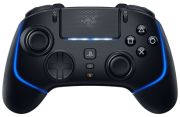
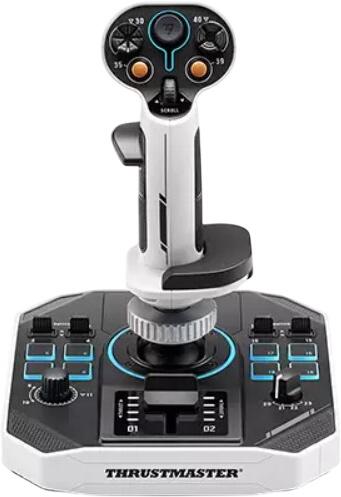
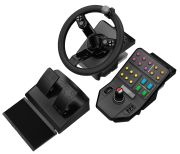
To bring the console feeling to your home PC, you need a gamepad or game controller. Since many games are developed cross-platform, the control is also designed for a gamepad. While shooters are still better played with a keyboard and mouse, if you want to play a console game on your PC via the cloud, you cannot do without a corresponding controller. For racing and flight simulation fans, there are special steering wheels or joysticks with pedals and vibration function (force feedback).
Special Types of Input Devices
- Mice for gamers with many functions and RGB lighting
- USB and infrared keyboards
- Special touchpads
- Game controllers for games
- Graphic tablets for designers