





Keyboards: Consumer tips
What types of keyboards are available?
There are several main keyboard categories, each suited to different users and environments.
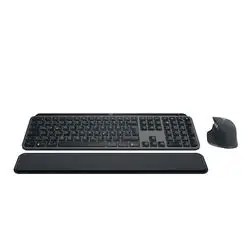
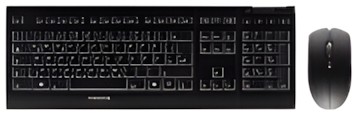
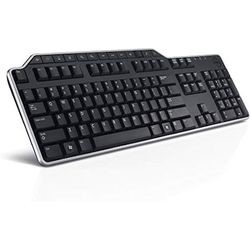
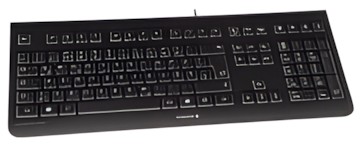
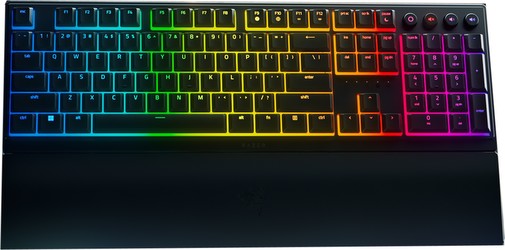
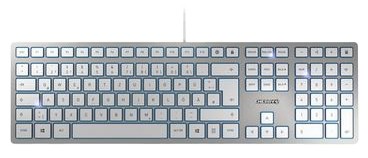
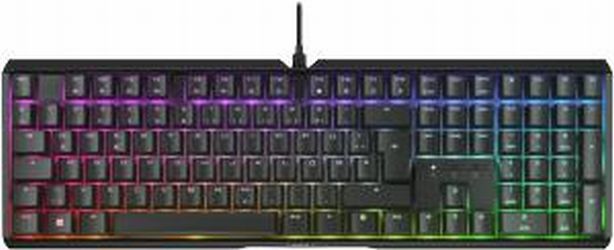
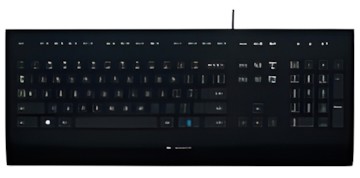
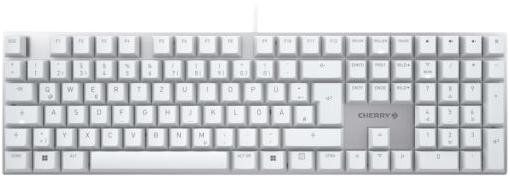
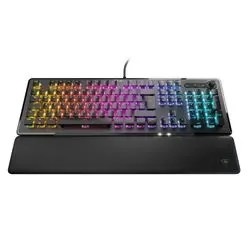
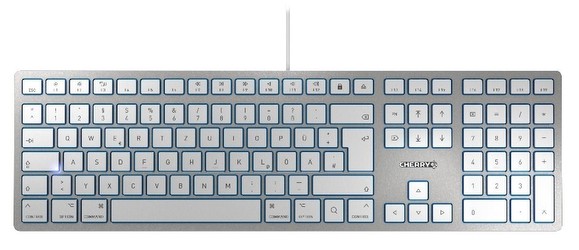
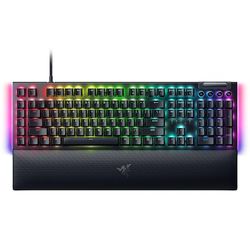
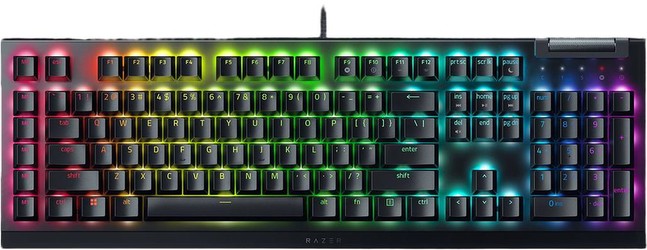
Full-size keyboards
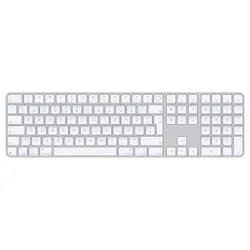
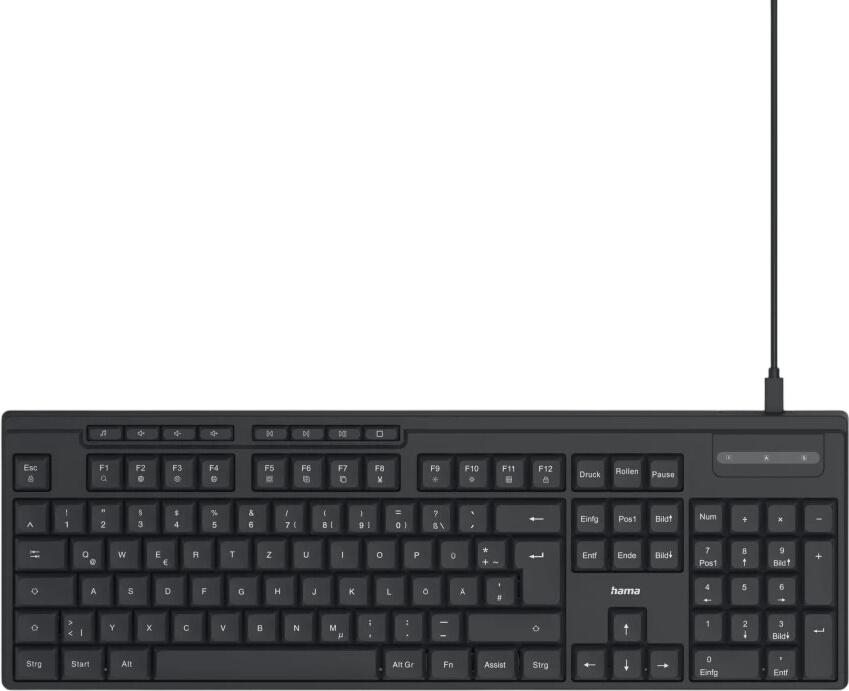
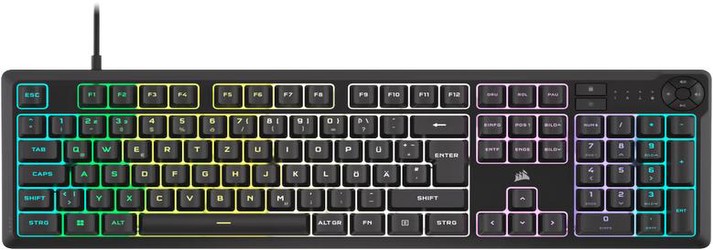
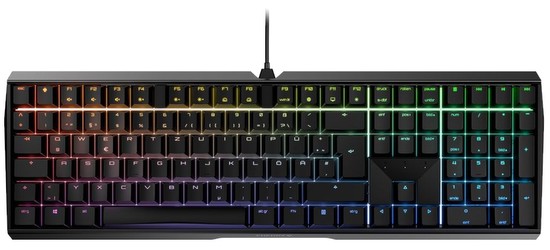
These include the main typing area, function row, arrow keys and a numeric keypad. They are a good fit for:
- office work
- spreadsheets
- home desktops
- users who regularly enter numbers
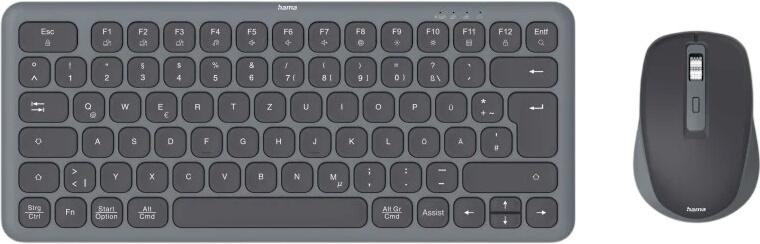
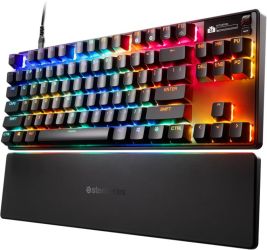
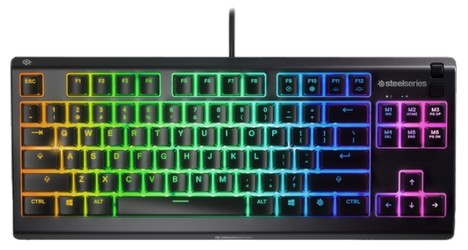
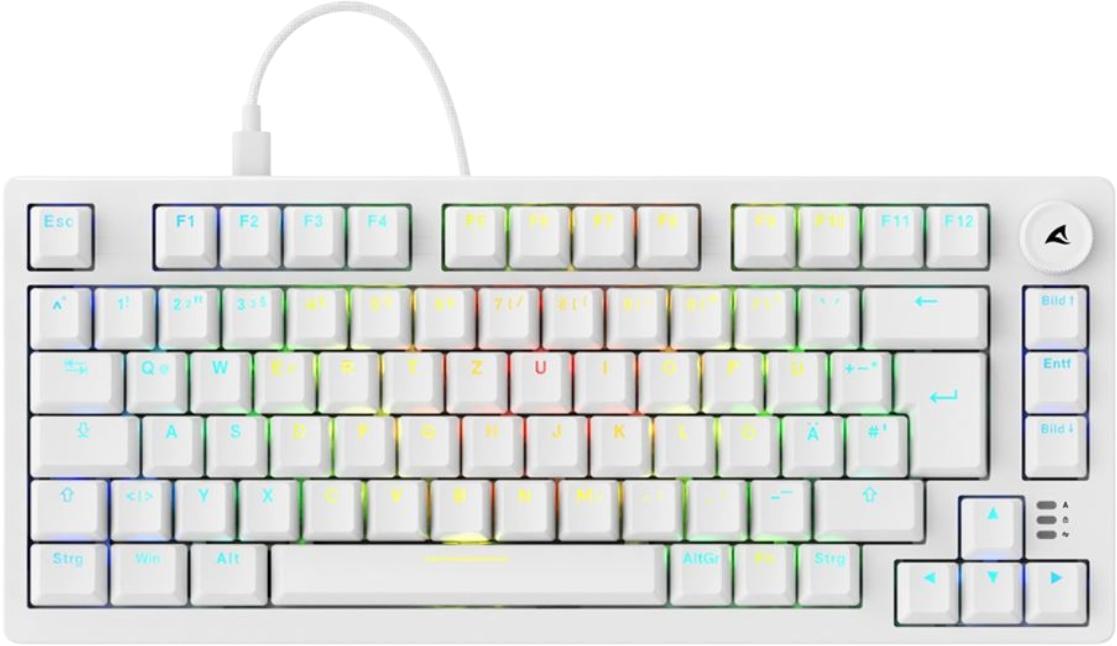
Tenkeyless and compact keyboards
These remove the number pad, or reduce the layout further, to save desk space. They are popular with:
- people using smaller desks
- users who want more mouse space
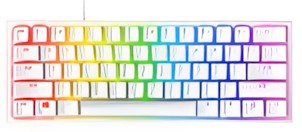
- gamers
- those who prefer a cleaner setup
Ergonomic keyboards
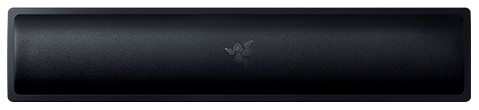
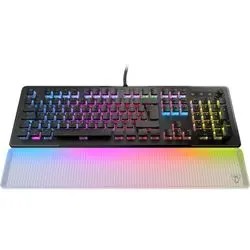
Ergonomic models are designed to reduce strain during long typing sessions. Some have a split layout, some use a curved design, and many include a wrist rest. They can be a sensible choice for people who type for hours every day or want a more comfortable working-from-home setup.
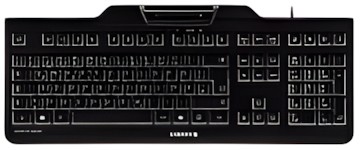
Rugged or specialist keyboards
For shared workspaces, industrial settings or demanding environments, some keyboards are built for easier cleaning and heavier wear. These are more relevant in places such as:
- schools
- libraries
- healthcare settings
- reception areas
- public-facing workplaces
Flexible keyboards
Roll-up or highly flexible keyboards still exist, but they are niche products rather than mainstream recommendations. For most buyers, a standard wireless or compact keyboard is the more practical option.
Mechanical or membrane?
This is one of the biggest buying decisions today.
Membrane keyboards
These are usually:
- quieter
- cheaper
- lighter
- well suited to everyday office and home use
Mechanical keyboards
These are often preferred for:
- more precise key feel
- clearer tactile feedback
- gaming
- longer typing sessions
- greater switch choice
Mechanical keyboards now come in a wide range of styles, including quieter office-friendly versions and slim low-profile models. They are no longer only for enthusiasts.
If you type a lot, the feel of the keys matters far more than many people expect. The best option is the one that feels comfortable and consistent for your hands.
Wired or wireless?
Modern wireless keyboards are much better than older ones, and the choice is no longer simply about avoiding cables.
Wired keyboards
A wired model is often best if you want:
- a simple plug-and-play setup
- no charging or battery concerns
- minimal input delay
- a reliable desktop setup
Wireless keyboards
Wireless models are ideal if you want:
- a tidier desk
- easier portability
- flexible placement
- use with multiple devices
The main wireless connection methods to look for are:
- Bluetooth
- 2.4GHz wireless via USB receiver
Infrared is no longer a mainstream buying consideration for consumer keyboards and should not influence a modern purchase decision.
Many wireless keyboards now use rechargeable batteries via USB-C, while others still rely on replaceable batteries. Rechargeable designs are often more convenient for regular use, but battery life still varies widely from model to model.
Multi-device pairing and modern connectivity
A very useful feature on current wireless keyboards is multi-device pairing. This allows you to switch between, for example:
- a laptop
- a desktop PC
- a tablet
- a phone
For anyone working across several devices, this can be much more useful than older “extra features” that sounded good on paper but saw little real use.
It is also worth checking whether the keyboard offers:
- USB-C charging
- Bluetooth support for your devices
- a USB receiver included in the box
- compatibility with Windows, macOS and other systems if needed
Ergonomics: more than just shape
Ergonomic claims can be misleading, so it is worth looking at what actually improves comfort. A keyboard does not become ergonomic just because it has an unusual shape. What matters more is whether it supports a natural hand and wrist position for your setup.
Helpful comfort features can include:
- split or angled design
- wrist support
- adjustable tilt
- low typing height
- key switches that do not require excessive force
If you type for long periods, these details can matter far more than styling.
UK keyboard layout: do not overlook it
One of the most important checks for buyers in the UK is the keyboard layout. Many online listings include both UK and US versions, and they are not identical.
A UK QWERTY keyboard typically differs from a US layout in several ways, including:
- the placement of the £ symbol
- a different Enter key shape
- different positions for some punctuation keys
- the presence and layout of certain symbols used in British typing
If you order the wrong layout, the keyboard may still work, but it can feel frustrating in everyday use. Always confirm that the listing states UK layout if that is what you want.
Extra features worth considering
Modern keyboards can offer a wide range of extras, but not all of them matter to every buyer. Useful features may include:
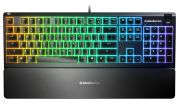
- backlighting
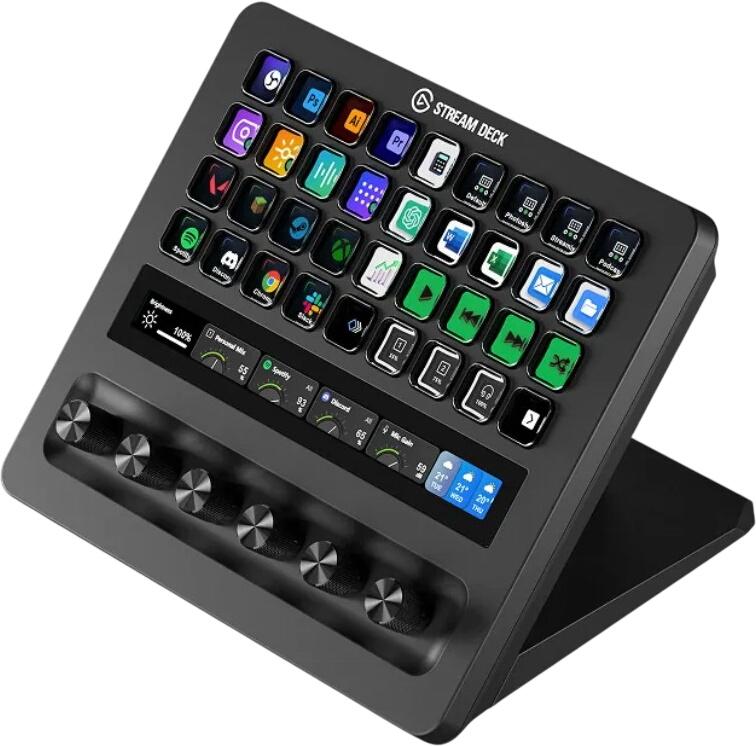
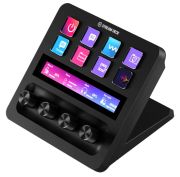
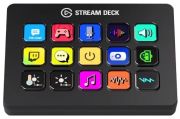
- programmable shortcut keys
- media controls
- quiet switches
- USB passthrough
- detachable cables
- hot-swappable switches on some mechanical models
A USB port or passthrough on the keyboard can still be convenient for quick access to a USB drive or other accessory, especially if your desktop tower is not easy to reach. That said, a USB-C hub or dock may now solve that problem more effectively for many users.
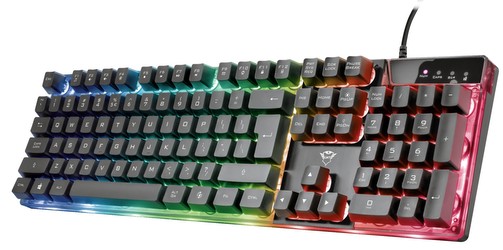
What gamers should look for
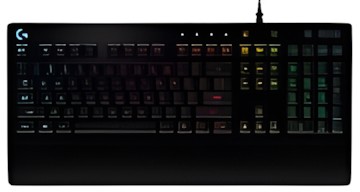
Gaming keyboards are now more varied than the old broad category suggests. Instead of simply looking for a “gaming keyboard”, it is better to compare features such as:
- switch type
- actuation feel
- polling rate
- anti-ghosting or n-key rollover
- programmable keys
- low-latency wireless, if relevant
- build quality
Some gamers prefer full-size boards, while others want a compact layout for more mouse space. RGB lighting may be attractive, but key feel and responsiveness matter more.
What office and home users should look for
If the keyboard is mainly for work, study or general home use, priorities are usually different. In that case, look for:
- comfortable key travel
- low noise
- reliable wireless connection if needed
- a practical layout
- strong battery life
- good build quality
For working from home, a quiet and comfortable keyboard often makes more sense than a feature-heavy gaming model.
What to check before you buy
Before choosing a keyboard, make sure you know:
- whether you want full-size or compact
- whether you prefer mechanical or membrane
- whether you need wired or wireless
- whether the keyboard has a UK layout
- whether it charges by USB-C or uses replaceable batteries
- whether you need multi-device pairing
- whether the key feel suits typing, gaming or both