


Affordable Graphics Tablets: Consumer Tips
Graphics tablets are highly precise input devices that assist in creating artworks and illustrations, as well as 3D modelling and animation. There are many factors to consider, including the size of the tablet, the resolution, the pen pressure sensitivity, the connectivity options, and additional features such as express keys and multitouch capabilities. The following information can help you find the perfect graphics tablet.
What is a graphics tablet?
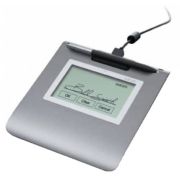
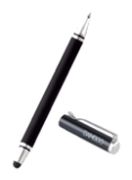
A graphics tablet is a computer input device used to transfer handwritten drawings or sketches into digital formats. Graphics tablets are often used by graphic designers, artists, architects, and other creative minds, as they allow for drawing or painting directly on a flat surface with a special pen, similar to using a pen or brush on paper. These tablets can also be used as a mouse to move the cursor on the screen, and they are particularly useful for tasks that require high accuracy and control, such as graphic design, image editing, or 3D modelling. Another significant advantage of graphics tablets lies in their pressure sensitivity. They can not only detect the direction but also the speed and pressure that the user applies while drawing on the tablet. This enables an impressive range of creative expression, from fine, almost transparent lines to thick, bold strokes.
What types of graphics tablets are there?
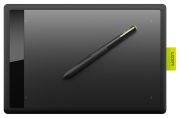
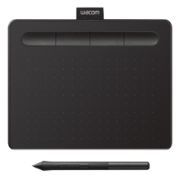
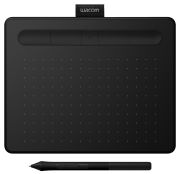
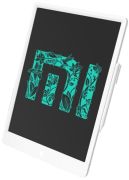
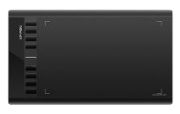
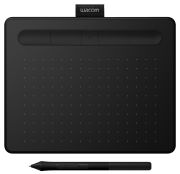
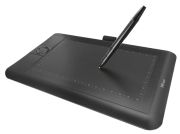
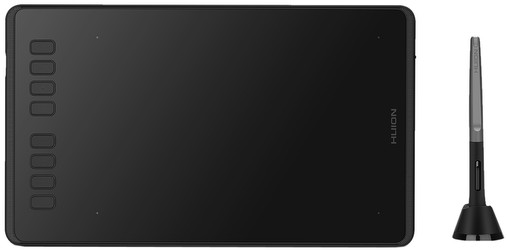
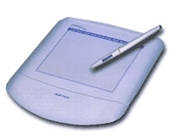
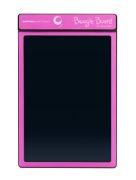
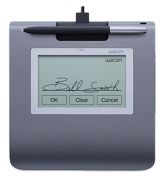
- Non-screen graphics tablets are significantly more affordable than their display counterparts. This makes them a good choice for those starting out in digital painting or for those on a limited budget. They feature a flat, pressure-sensitive surface that can be drawn on with a special pen. The drawing is then transferred to the computer screen. Due to their high pressure sensitivity and precision, they are suitable for a variety of creative tasks such as drawing, painting, and image editing.
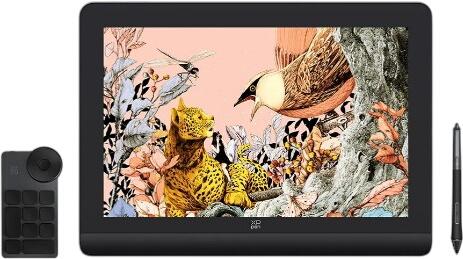
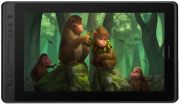
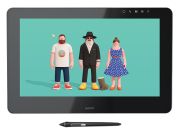
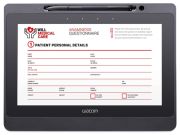
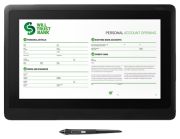
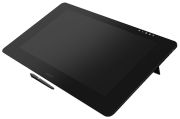
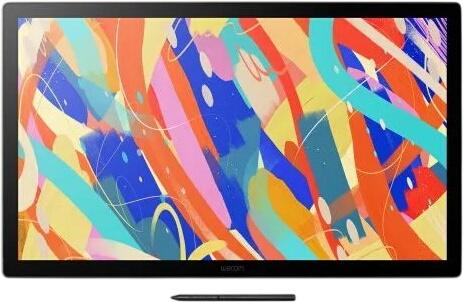
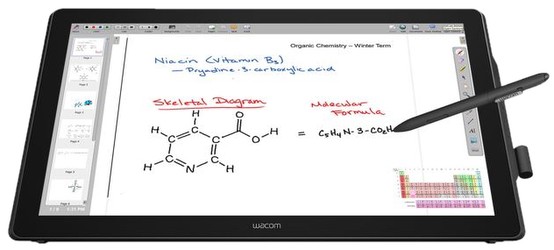
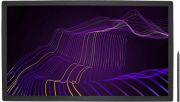
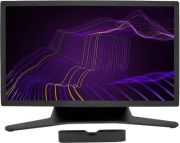
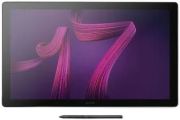
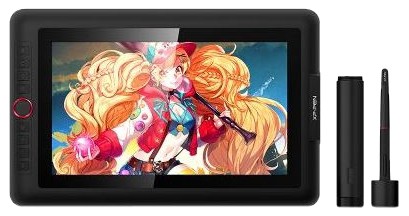
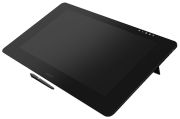
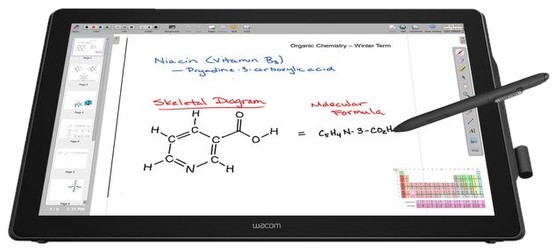
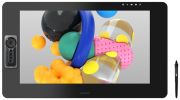
- Screen graphics tablets offer a more intuitive drawing experience, as you can draw directly on the display. This is more akin to traditional drawing on paper. With tilt recognition and pressure sensitivity selection, drawing on the screen feels even more natural. The touch function also makes zooming, rotating, and moving the image easier.
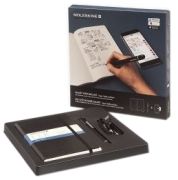
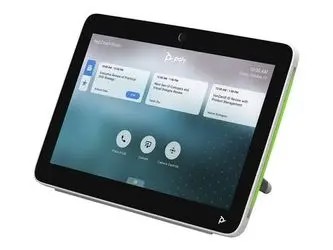
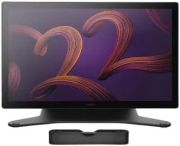
- Hybrid tablets are a combination of pen tablets and screen tablets. They can be used both as a regular graphics tablet and as a standalone computer on which applications can be run directly. Hybrid tablets are usually the most expensive but offer the greatest flexibility and mobility.
What should be considered when buying a graphics tablet?
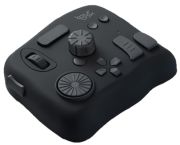
When selecting a suitable graphics tablet, various factors need to be considered. Firstly, the size of the tablet is an important criterion. Larger tablets offer more drawing space but are generally more expensive and harder to transport. On the other hand, smaller tablets are more affordable and easier to handle but limit the drawing area. Another important aspect is the resolution of the graphics tablet. It determines the accuracy with which the drawing board captures drawings. Tablets with high resolution allow the user to draw finer details and achieve greater precision. The pressure sensitivity of the pen also plays a crucial role. It determines how well the tablet detects changes in the pressure applied to the pen. The higher the pressure sensitivity, the better the stroke thickness and colour can be controlled and varied, which is essential for many creative tasks. The type of connection of the tablet to the computer should also be considered. Most graphics tablets require a connection that can be made via USB, Bluetooth, or even Wi-Fi. While wireless tablets offer more freedom of movement, they are generally more expensive and have a shorter battery life. Finally, additional features offered by many graphics tablets should also be taken into account. These include hotkeys that can be programmed for specific actions or commands, and multitouch capabilities that allow the user to operate the tablet with multiple fingers simultaneously. All these factors should be considered when selecting the right graphics tablet.