

Newly Added Products






Laptop accessories: Consumer tips
Some people still think of laptops as compromised desktop replacements, but that is no longer the right way to look at them. Modern laptops are powerful and versatile, yet many still benefit from add-ons such as a better keyboard, a larger screen, extra storage or a proper dock. The key is to buy accessories that solve real limitations rather than simply adding clutter.
The most useful laptop accessories
For most buyers, the most practical laptop accessories are:
- an external monitor
- a wireless mouse
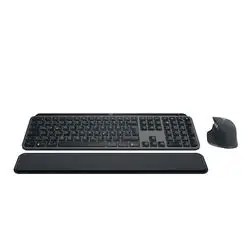
- an external keyboard
- a USB-C dock or hub
- a headset or wireless headphones
- a webcam, if the built-in one is poor
- an external SSD
- a printer, if you still need paper output at home
These are the accessories most likely to improve comfort, productivity and flexibility in everyday use.
External monitor, mouse and keyboard
One of the easiest ways to improve a laptop setup is to make it feel more like a proper workstation. Many laptop screens are fine for portable use, but they can feel cramped for spreadsheets, multitasking, creative work or long study sessions.
An external monitor gives you:
- more screen space
- a more comfortable viewing position
- easier multitasking
- a better setup for home working
An external mouse and keyboard are also worthwhile if you spend hours at a desk. Laptop touchpads are convenient on the move, but they are rarely the most comfortable option for full-day use. A separate keyboard can also improve posture if you raise the laptop on a stand and position the screen at a better height.
If any built-in part becomes unreliable, such as the keyboard or touchpad, external accessories can also be a practical alternative to an expensive repair.
USB-C docks and hubs: often the most important upgrade
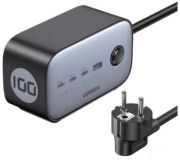
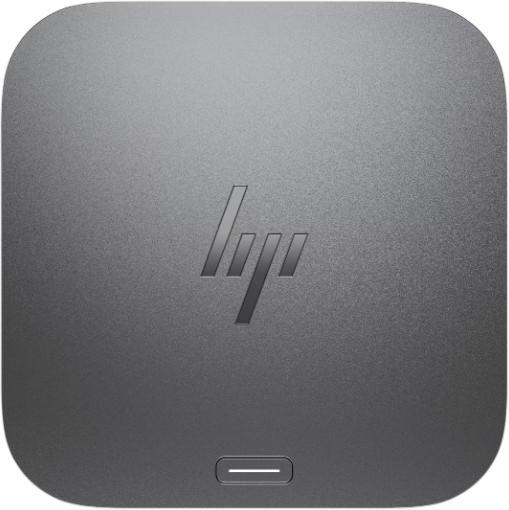
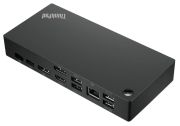
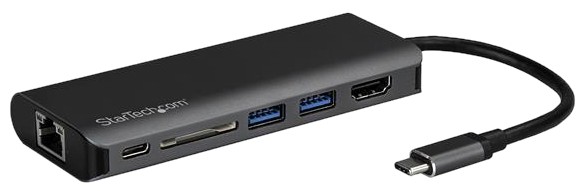
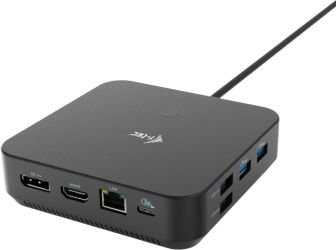
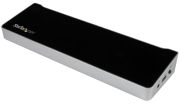
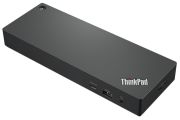
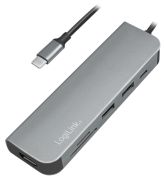
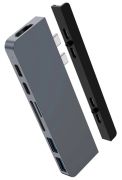
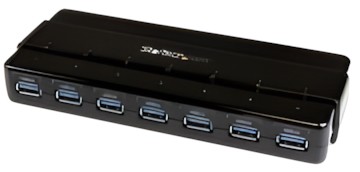
Port selection now matters more than ever. Many newer laptops are slim and portable, but they may offer only a small number of USB-C ports. That is where a USB-C hub or USB-C / Thunderbolt dock becomes extremely useful.
A good dock can add:
- extra USB ports
- HDMI or DisplayPort output
- Ethernet
- SD or microSD card slots
- audio connections
- charging passthrough on compatible laptops
For anyone using a laptop as a main home computer, a dock is often one of the smartest accessories you can buy. It helps you connect multiple devices neatly and makes it much easier to move between desk use and portable use.
Before buying, always check:
- whether your laptop supports USB-C video output
- whether it supports Thunderbolt, if relevant
- how much charging power the dock can pass through
- whether you need one external display or several
Better sound: speakers, headsets and headphones
Laptop audio has improved, but built-in speakers are still often a weak point, especially on thin models. If you watch films, listen to music, join meetings or play games, better audio can make a noticeable difference.
External speakers
A compact pair of desktop speakers can improve:
- music playback
- film and TV sound
- general entertainment
- casual gaming
Headsets and headphones
For most people, a Bluetooth headset, wireless headphones or a good pair of wired headphones will be even more useful. They are ideal for:
- video calls
- working from home
- commuting
- listening in shared spaces
- gaming and voice chat
If calls are a priority, look for strong microphone quality rather than focusing only on sound.
Webcam accessories for meetings and streaming
Most modern laptops include a webcam, but the quality still varies a lot. If you regularly join meetings, teach online, interview remotely or stream content, an external webcam can give a much sharper and more professional result.
This is especially useful for:
- working from home
- online study
- video calls with family
- live streaming
- content creation
There is no need to mention outdated platforms. The real point is simple: if you rely on video calls, a better webcam and microphone setup can improve both picture quality and convenience.
External storage is more useful than ever
An external SSD is one of the best modern laptop accessories. Compared with older external hard drives, SSDs are faster, more compact and easier to carry around. They are ideal for:
- backing up important files
- expanding laptop storage
- moving large video or photo libraries
- storing games or project files
- keeping work and personal data separate
If you work with large files, storage speed matters. For lighter use, even a basic portable SSD can be a very worthwhile upgrade.
Accessories for creators and music users
Creative users often need more specialised accessories, but the terminology should be current and clear. Instead of older phrases such as “master keyboard”, most buyers today would be looking for a MIDI keyboard or MIDI controller for music production.
Depending on your workflow, useful extras might include:
- a USB audio interface
- a MIDI keyboard/controller
- studio headphones
- monitor speakers
- an external SSD for project storage
For video editing or design work, a colour-accurate monitor and fast external storage are often more important than general-purpose accessories.
Printers still matter, but not every old office accessory does
A printer can still be a worthwhile laptop accessory for home offices, students and households that regularly handle forms, labels or occasional paperwork. However, older examples such as fax machines are no longer mainstream buying advice and are not relevant for most shoppers.
If you do need paper output, a printer is the office accessory most people should focus on. In many homes, that will be enough.
Compatibility matters before you buy
Laptop accessories are easy to buy, but not every device works equally well with every laptop. Before you order, check:
- available ports
- USB-C or Thunderbolt compatibility
- display output support
- Bluetooth version if relevant
- charging requirements
- operating system support
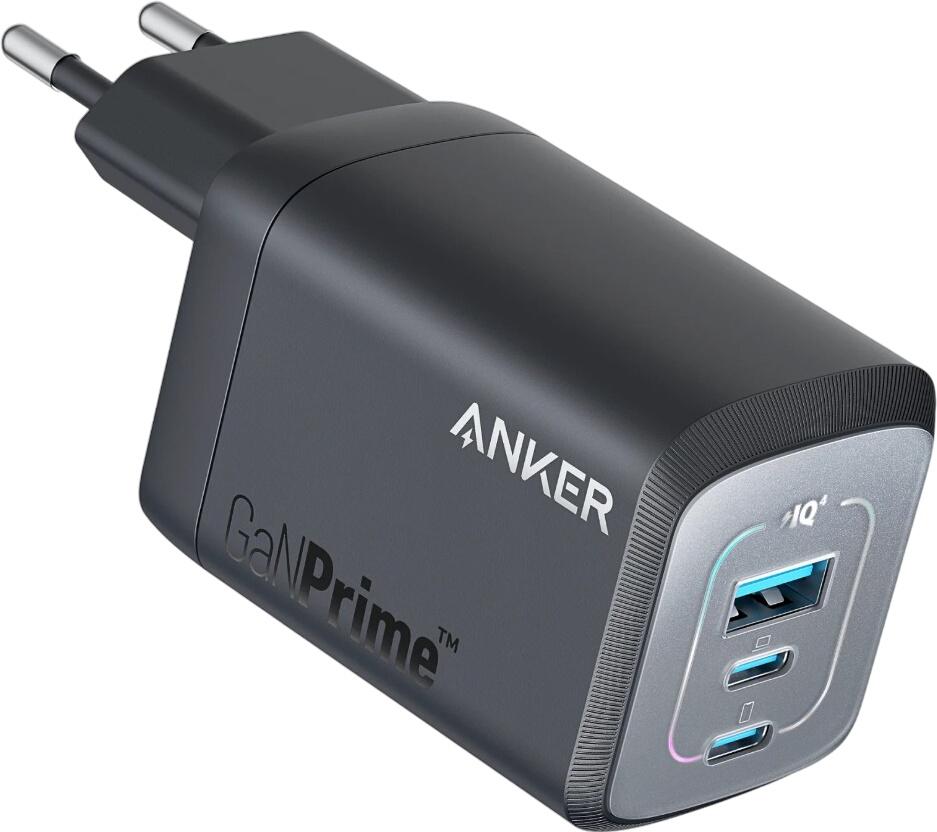
If you are buying power-related accessories in the UK, it is also worth checking whether the product comes with a UK plug where needed.
A few smart upgrades go further than lots of cheap extras
It is usually better to buy a few accessories that meaningfully improve the experience than to fill your desk with gadgets you rarely use. For many people, the best-value upgrade path is:
- external monitor
- wireless mouse
- proper keyboard
- USB-C dock
- headset or headphones
- external SSD
That combination covers most everyday needs for home working, study and entertainment.
Advantages of laptop accessories
- they can extend the useful life of your laptop
- they improve comfort and productivity
- many are simple to install and replace
- they let you tailor the laptop to your own routine
- they are often cheaper than buying a new device