








Buy various laptop accessories cheaply: Consumer tips

Docking station
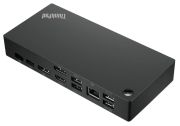
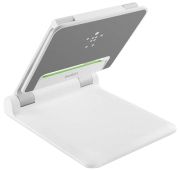
A docking station is used to connect portable devices to a fixed network. When plugging the laptop into the docking station, the battery is automatically charged. Docking stations also often have the advantage of raising the laptop to an ergonomically correct height. Additionally, the device offers enormous user comfort, as you can avoid cable management and plugging in the charger. Purchasing a docking station is recommended for those who prefer to work with an external mouse and keyboard. When buying, one must pay attention to the fact that docking stations are usually built for a specific type of laptop and can only be used for that. However, there are also universal docking stations.
Port replicators
Various laptop accessories such as port replicators are very similar to a docking station, but unlike docking stations, they only provide the interfaces that the laptop itself has. You can plug the laptop into the replicator and automatically connect it to printers, mouse, keyboard, etc. Replicators connect via a USB cable and offer a high level of comfort. When acquiring a port replicator, one must ensure that it is compatible with the laptop.
Keyboard
Typically, laptop keyboards are smaller than conventional external ones. Only large laptops have a numeric keypad. If your laptop does not have a numeric keypad but you urgently need one, you can also purchase a separate one. Small laptops with 12 inches or less often lack not only a numeric keypad but also have smaller keys than normal keyboards. Laptops are not designed for ergonomics. Therefore, if you type a lot on your laptop, an external keyboard is recommended.
Fingerprint scanner
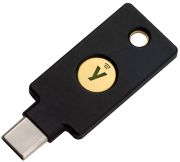
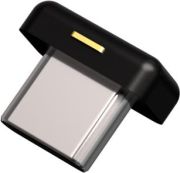
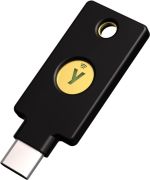
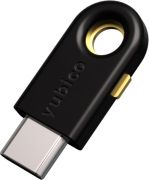
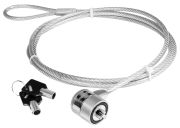
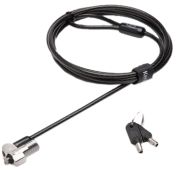
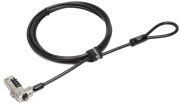
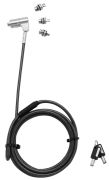
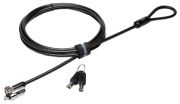
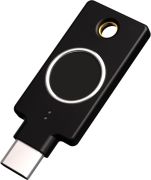
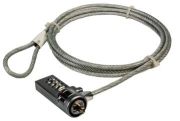
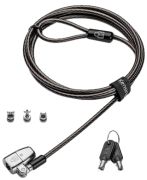
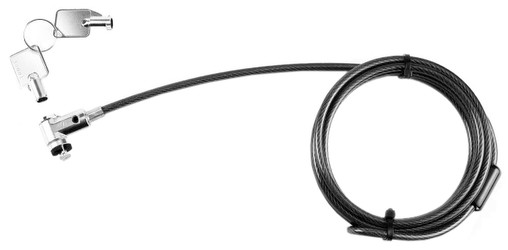
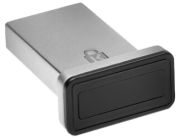
Fingerprint scanners work like a password. They can lock access to the laptop or individual folders. The scanner scans the fingerprint and compares it with stored data for identification. Some laptops already have a built-in fingerprint scanner, but if you have one without it and do not trust your memory regarding passwords, you can buy an external device. If you also want to physically protect your laptop, you can get a laptop lock. This locks the laptop to a fixed place with a steel cable.
Laptop cooler
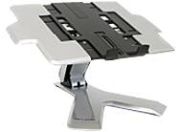
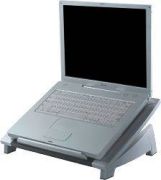
Laptop coolers cool the laptop from underneath. However, experts have differing opinions on the effectiveness of a cooler for laptops. Gamers, in particular, face the problem of laptops overheating quickly, so a cooler is especially recommended. When purchasing, one should ensure that the cooler does not raise the laptop too much, as this can make working on the laptop uncomfortable.
Surge protector
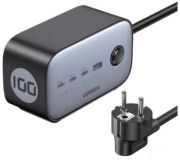
Surges are caused by lightning or by capacitive or inductive coupling from other electrical systems. A surge protector prevents the laptop from being damaged by a lightning strike, as lightning can induce high voltage in the lines even within a radius of 1.5 kilometres from the strike point. This can exceed the actual value of about 230 V in the socket. With a surge protector, you can efficiently protect laptops, as power supplies or electronic components usually cannot withstand such an event and can literally burn out. Thus, all data would be lost. Prices for surge protectors vary, and some providers even offer a guarantee on connected devices.
External drives
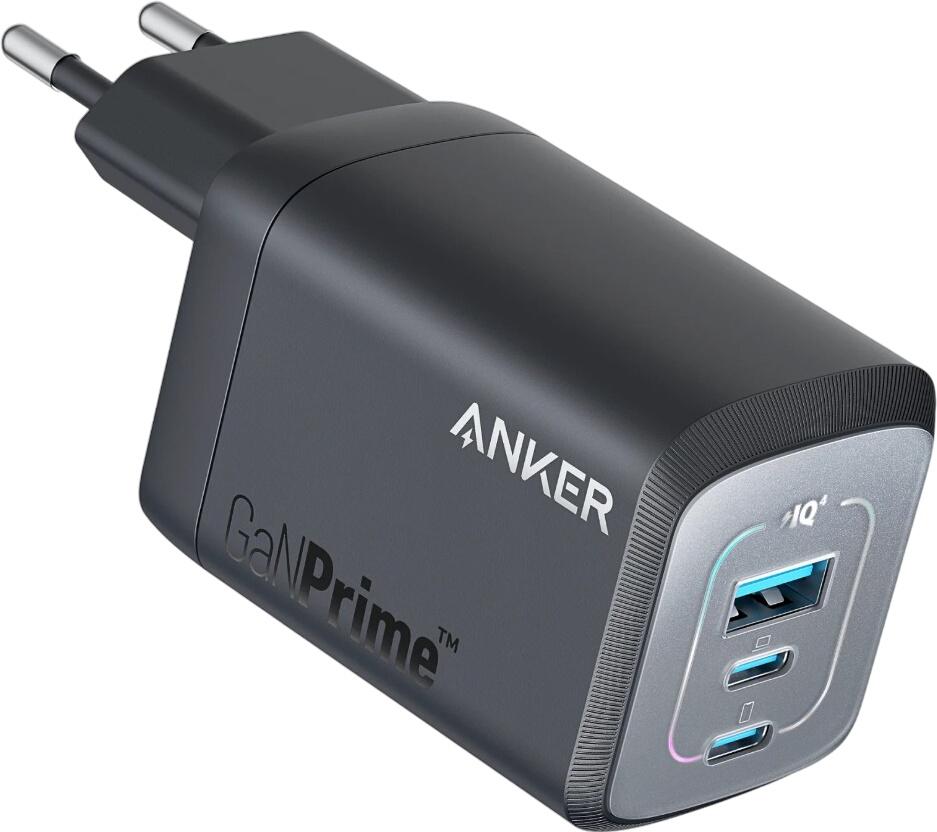
External drives are connected to the laptop from the outside via a cable. They have the advantage of being able to connect to various PCs. Which drive should be purchased depends solely on the individual use case of the laptop. Hard drives, CD-ROM and DVD drives are among the most common drives today. External drives are particularly suitable for laptops, as not everyone dares to remove and replace the low-performance hardware inside the laptop. External laptop accessories can often compensate for the lack of equipment in laptops. For example, the speakers of a laptop are not of high quality and should be replaced with external ones, so you can enjoy music, movies, etc. on the laptop without sacrificing sound quality. Some accessories are included, such as a remote control, which allows you to operate multimedia functions and presentations. Other accessories are essential for on-the-go use, such as various adapters that enable power supply in cars, airplanes, or similar situations.