

Newly Added Products






Buy hard drives cheaply: consumer tips

Over the decades, storage capacity has continuously increased. Nowadays, you can buy hard drives with several terabytes of storage space, where all your data can fit. Which variant you need depends on various factors. For example, you need to distinguish between desktop PCs and laptops. The type of storage also varies. We will show you what differences you need to consider.
Interesting facts about hard drives: storage capacity and interfaces
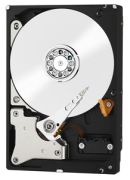
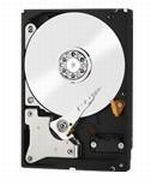
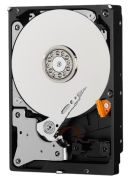
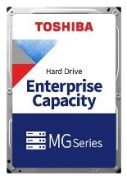
A (also known as HDD - Hard Disk Drive) has numerous sectors where data is stored. The fixed size of the sector multiplied by the total number of sectors gives the total storage capacity. Depending on the model, a sector is 512, 2,048, or 4,096 bytes in size. Total volumes of three or four terabytes are not uncommon for the classic HDD. Short access times are required for this. In earlier PC systems, hard drives primarily used the IDE interface, which is still common in consoles today. Many modern variants use the faster S-ATA interfaces on the motherboard.
Hard drives for laptops and desktop PCs and as practical external storage on the go
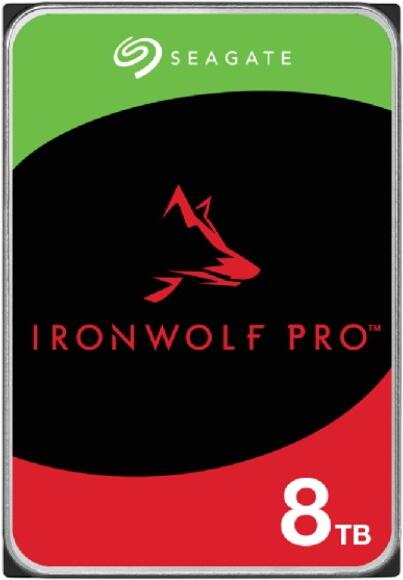
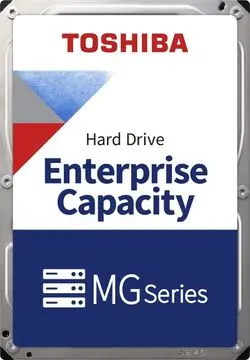
There are PC hard drives in various form factors. These are usually specified in inches. Larger variants with 3.5 inches are used in both desktop PCs and in an external case with a separate power supply. In contrast, the more compact 2.5-inch hard drives are primarily found in laptops and as USB storage volumes. Computer storage with a size of 1.8 inches is somewhat rarer but also available. These compact storage volumes have been used in subnotebooks and larger MP3 players since 2003. Even more compact or larger form factors have not gained further traction.
HDD vs SSD – from magnetic to electronic computer storage
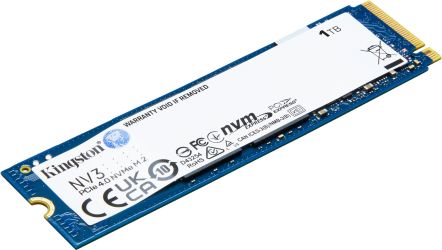
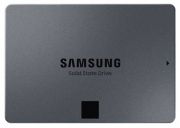
In a standard HDD, rotating disks on a magnetised plate are responsible for storing and processing data. The mechanical operation is susceptible to shocks and higher temperatures. A magnetic hard drive with 7,200 revolutions per minute can heat up significantly in an unfavourable environment and suffer damage. A fall can also lead to data loss. Solid-State Drives (SSD) provide a solution here, as the drives operate purely electronically and no longer mechanically. The basis is a type of NAND flash memory, which also serves as the foundation in USB sticks or memory cards.
Make more of your computer with the right drives
SSDs are optimal storage volumes for your computer's operating system due to their insensitivity and significantly higher write and read speeds. However, a high-quality and reliable SSD costs significantly more than a comparable magnetic hard drive. Therefore, depending on the underlying system, you can also combine both formats and store your data that requires more space on the HDD. In the future, you can expect prices to stabilise. Then, Solid-State Drives will at least function as the preferred storage medium in laptops.
Tips for buying computer hard drives
- Older PC systems often use IDE hard drives
- Laptops generally work with 2.5-inch HDDs or comparable SSDs
- SSDs are faster and more robust than HDDs, but cost significantly more
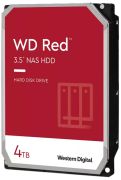
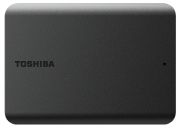
- Toshiba and Western Digital are well-known manufacturers of storage volumes
- External 3.5-inch hard drives require the use of a power supply or power cable