

Newly Added Products







PC components: Consumer tips
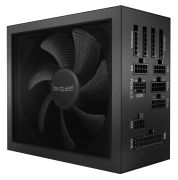
Even with defective individual parts, the entire computer does not need to be replaced immediately. Sometimes only the power supply is faulty or a case fan is not functioning properly. Case modders will also find numerous accessories for their next gaming case in this category. In addition to the appropriate case, powerful fans, power supplies, or server-specific racks should also be used. Case modders, in turn, value innovative designs for their PCs and thus also seek corresponding cases and components with RGB lighting.
More storage with an external case for hard drives?
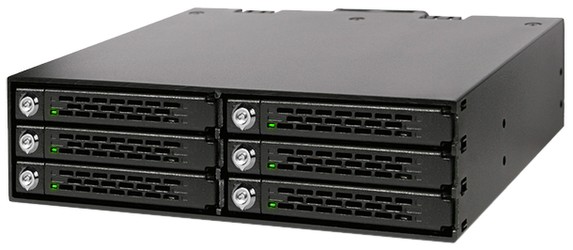
External hard drive enclosures are useful tools for anyone who wants to store their data securely and efficiently. They transform internal hard drives (HDDs) or solid-state drives (SSDs) into portable storage devices by serving as protective and connection enclosures. Older hard drives that have outlived their usefulness as internal storage solutions can still be used and expand the available storage. It is also possible to buy entire docks and install multiple volumes, which can then be conveniently connected to the computer via an interface. External enclosures are available in various sizes and materials such as plastic, aluminium, and steel. They support various interfaces like USB, Thunderbolt, and eSATA, making them compatible with a wide range of devices. Most enclosures are also equipped with tool-free mounting systems that facilitate the installation and replacement of hard drives. Furthermore, external enclosures not only provide protection and mobility but also improved heat dissipation. High-quality enclosures often come with ventilation slots or heat sinks that ensure efficient heat dissipation and extend the lifespan of the hard drive.
What should I pay attention to when choosing a PC case?
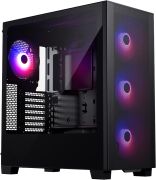
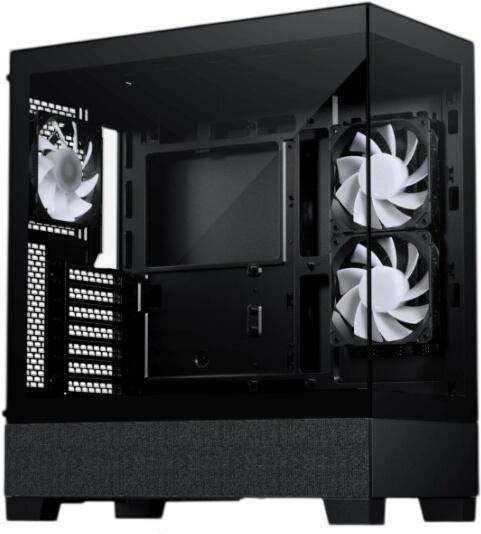
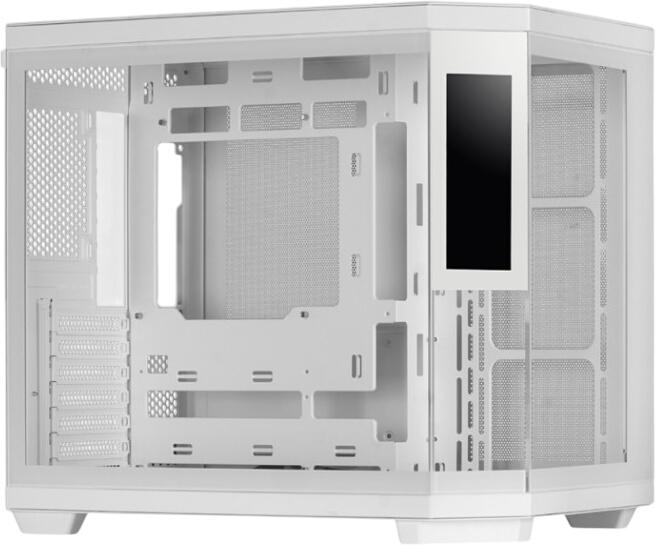
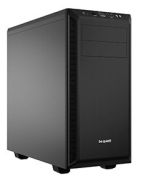
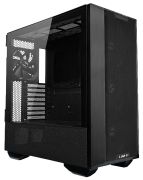
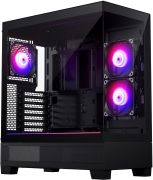
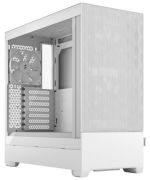
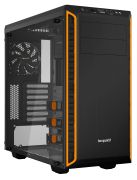
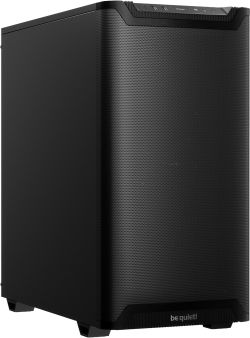
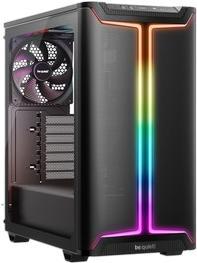
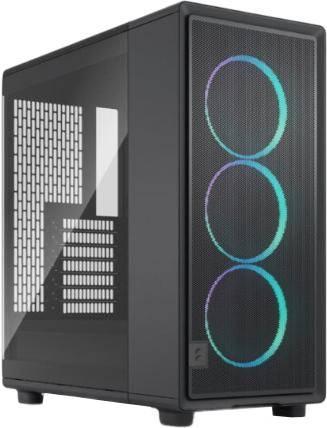
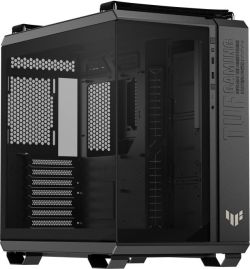
PC cases are an essential part of any computer system, as they house all components such as the motherboard, processor, graphics card, power supply, and storage media. They are available in various sizes and form factors such as ATX, Micro-ATX, and Mini-ITX to meet different requirements. The cases are made from various materials such as aluminium, steel, glass, and plastic. The metal variants offer the best heat dissipation. Those looking for a lightweight and cost-effective case should choose a plastic case. To ensure optimal ventilation and cooling of the components inside the case, it should provide enough space for fans. Very small PC cases, while space-saving, do not offer good air circulation. For particularly efficient cooling of the components, some cases support water cooling systems.
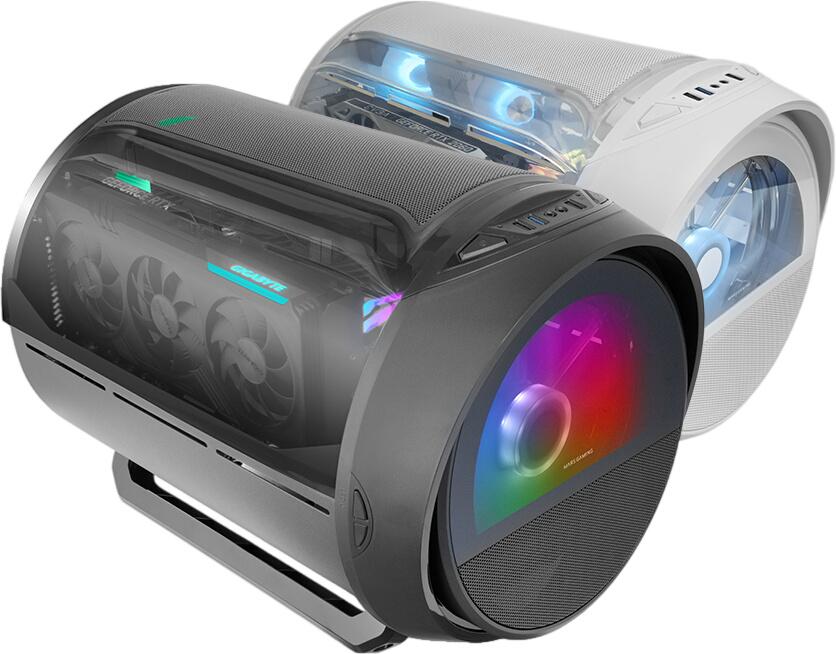
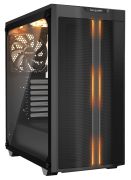
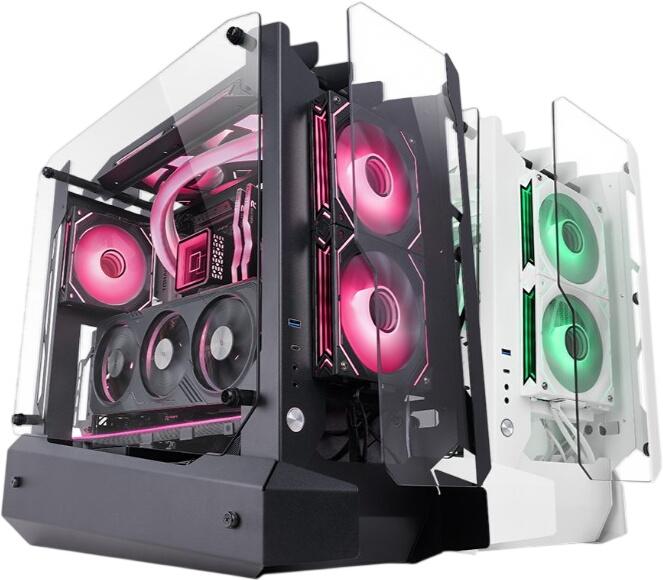
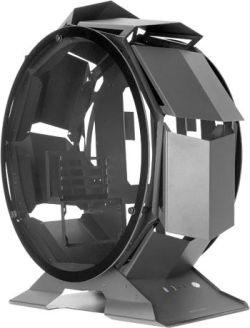
In addition to cooling and functionality, the design of the case is also important for many. Here, many manufacturers offer PC cases specifically tailored for gamers, featuring RGB lighting, transparent side panels, and modular designs. There are no limits to case modding. It allows for a custom build limited only by one's imagination. Ultimately, the choice of the right PC case depends on the components installed and the user's requirements.
How do I keep my PC cool?
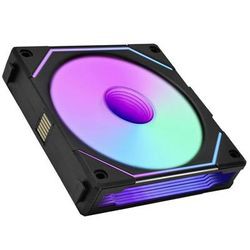
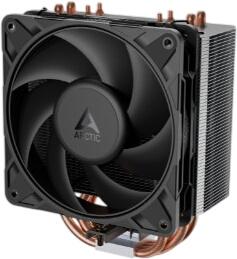
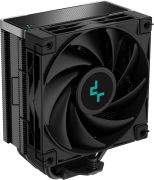
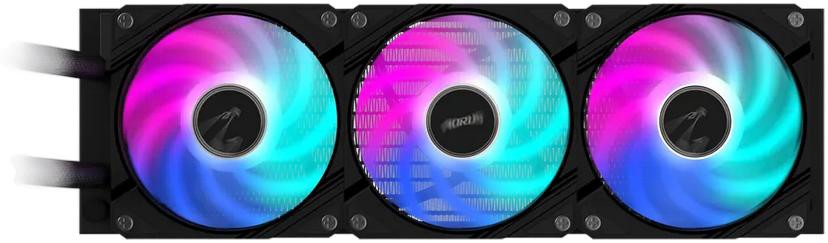
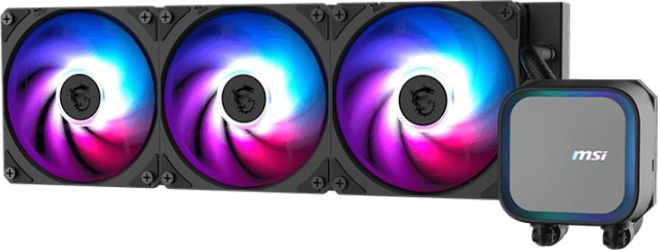
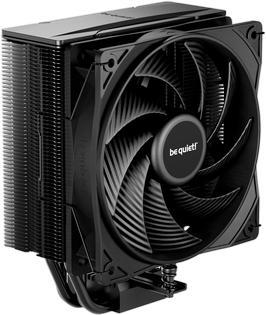
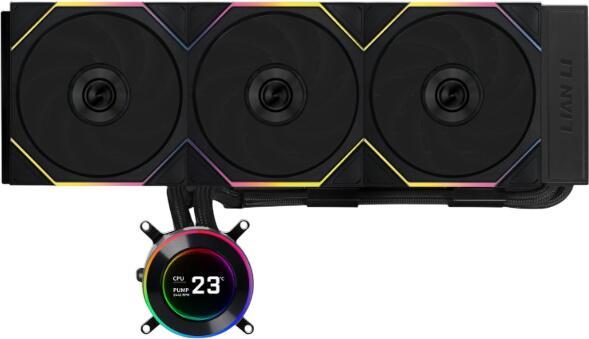
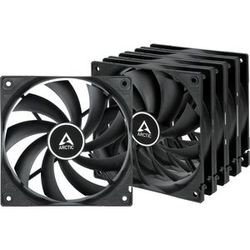
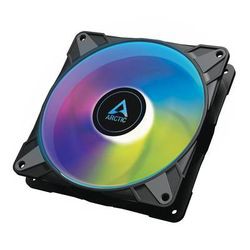
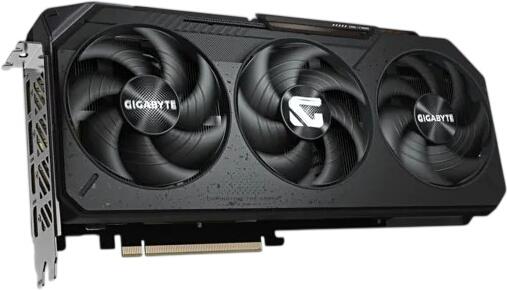
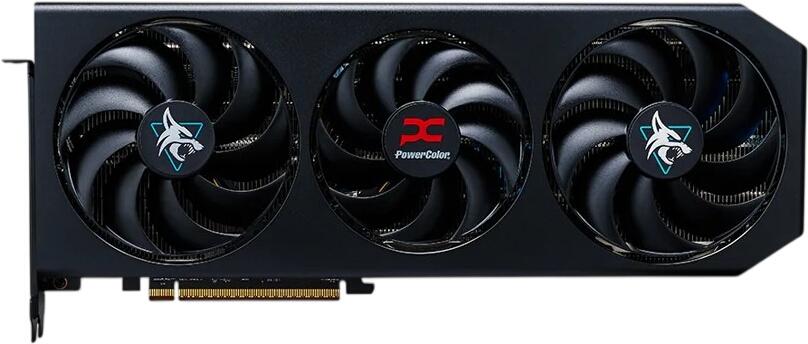
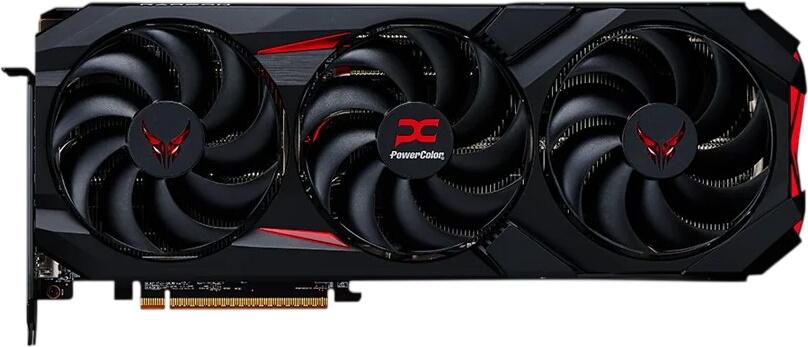
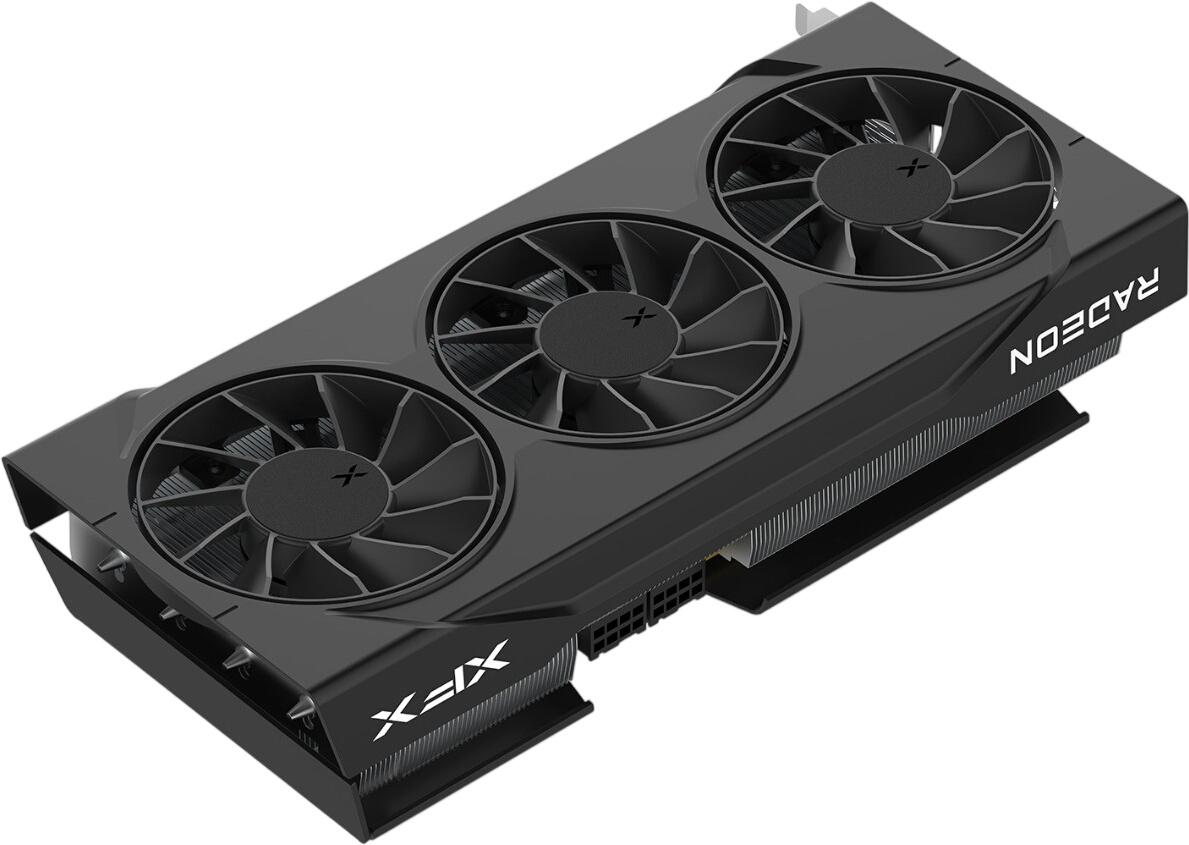
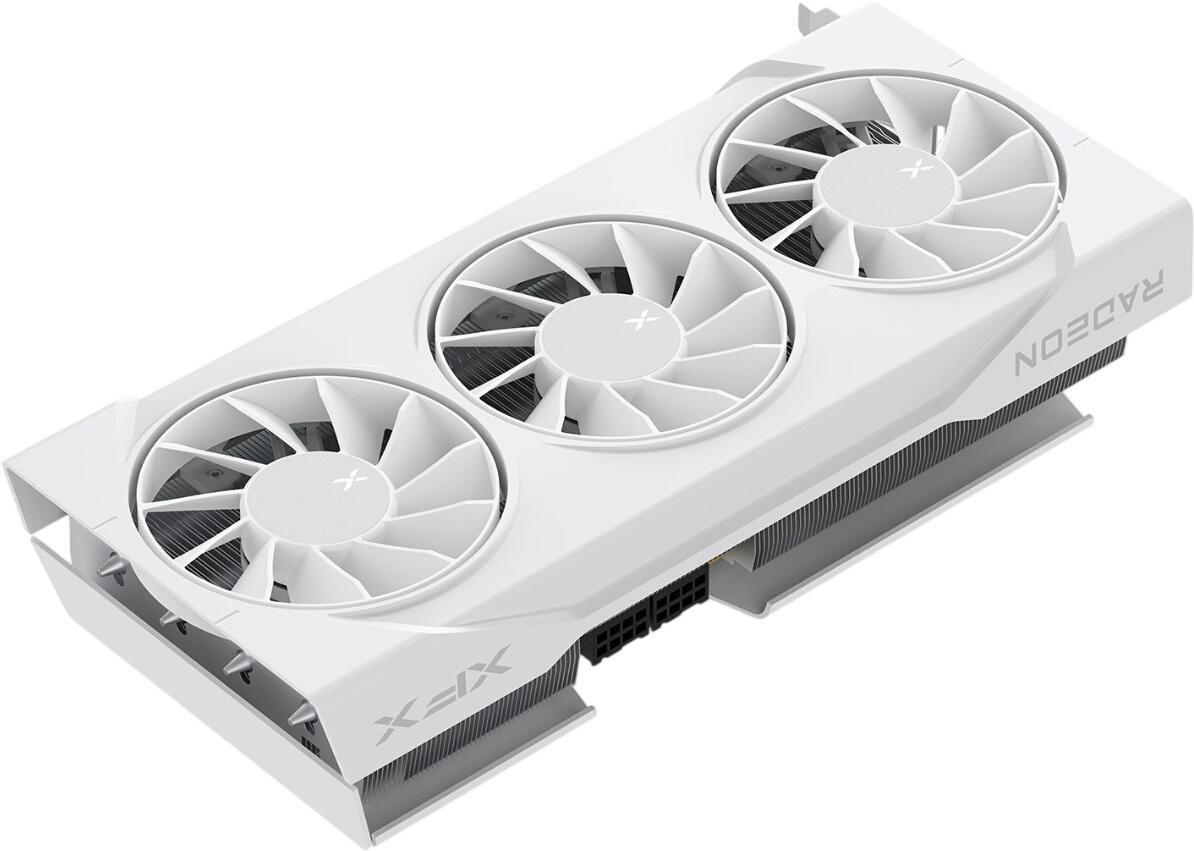
Anyone building a particularly powerful computer needs exceptionally good cooling to ensure that the installed components function optimally and do not overheat. The most heat is produced by the CPU and graphics card(s). For them, there are special CPU or GPU coolers that differ in their cooling performance, size, and noise levels. The main types of computer case fans are axial fans, radial fans, and liquid cooling systems. Axial fans are the most commonly used fans in computers and provide good cooling performance with moderate noise levels. Radial fans, also known as blowers or centrifugal fans, are more powerful than axial fans and are particularly used in high-performance PCs and servers. Liquid cooling systems, also known as liquid cooling, are an alternative cooling method that uses a liquid to dissipate heat from the components. They are quieter than traditional fans because they have fewer moving parts and provide more efficient cooling for high-performance systems. However, they are more complex to install and more expensive than conventional fans. The noise generated by fans can be reduced by using soundproofing materials in the case, anti-vibration pads, or by using fans with special bearings, such as fluid dynamic bearings.
How many watts does my power supply need?
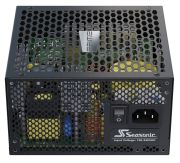
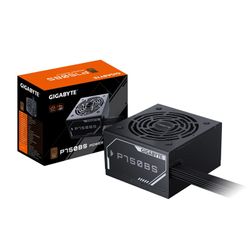
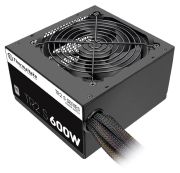
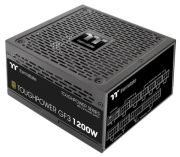
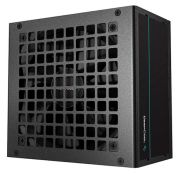
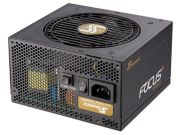
Anyone needing a new power supply should know how many watts it needs. Depending on the installed components and the power consumption of the power-hungry main components like the graphics card and CPU, the power supply must provide varying amounts of power. A simple home or office computer without a dedicated graphics card and with a standard HDD or SSD typically requires a power supply of 300 to 350 watts. However, a gaming PC or a system for demanding tasks like video editing requires more power and should have a power supply of at least 500 to 650 watts. For high-end gaming PCs or workstations with multiple powerful graphics cards and processors that require high performance, even 750 to 1000 watts or more may be necessary. A larger power buffer for future upgrades or additional components is recommended. When selecting a power supply, one should pay attention to energy efficiency. An efficient power supply with 80 PLUS certification reduces electricity consumption and operating costs. It is also advisable to choose a power supply with modular cables to improve cable management and airflow in the case.
What is a barebone PC?
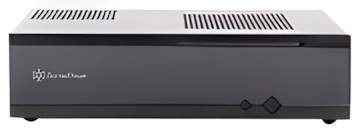
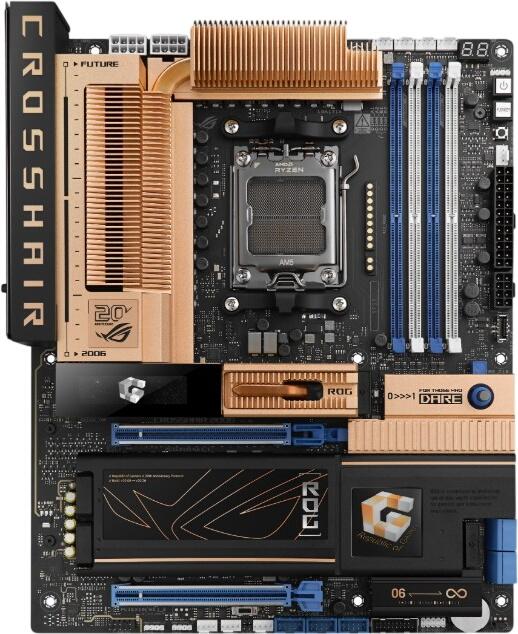
Also dependent on various components are so-called barebone PCs. A barebone PC is a partially pre-assembled computer system that contains the basic components for operating a computer but is not yet fully equipped. The main components of a barebone PC are usually the case, the motherboard, and the power supply. These systems are designed for the user to add the missing components such as processor, memory, hard drives, and possibly a dedicated graphics card themselves. They are suitable for simple office applications at home. There are indeed models capable of supporting demanding multimedia applications. However, the devices are not recommended for high-end gamers. Barebone PCs offer the opportunity to assemble a custom system that is easier to build than a completely self-configured computer and provides sufficient performance for many applications.
What does a RAID controller do?
What are RAID controllers? In simple terms, RAID (Redundant Array of Independent Disks) refers to the combining of multiple hard drives into a logical drive to increase performance and data security. SATA or SAS serve as interfaces. Hardware RAID controllers are separate cards that are inserted into a PCI or PCIe slot of the computer. They are more powerful than software solutions because they have their own processor that handles the calculations and management of the RAID functionality without burdening the CPU performance of the host system. Hardware RAID controllers also offer advanced features such as hot-swapping, caching, and automatic recovery after failures. RAID controllers support various RAID levels such as RAID 0, 1, 5, 6, and 10. Each RAID level offers different advantages in terms of performance, redundancy, and storage capacity.
Additional components for computers and servers
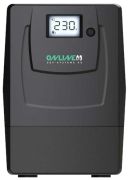
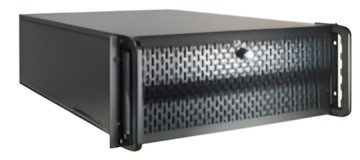
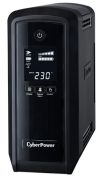
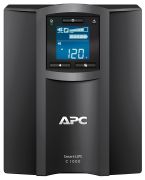
Other components include battery systems for uninterruptible power supplies ( UPS), which are used, for example, in the event of a power failure. UPS systems are available in various sizes and power classes and can be used in both small home offices and large data centres. The main function of a UPS is to provide connected devices with a stable and continuous power source during a power failure or power supply disruption. This allows users to back up their data and properly shut down critical systems to avoid potential damage or data loss. Surge protectors, fingerprint sensors, controllers, server cases, and much more are additional components that can be used to equip a computer.