







Other PC Components: Consumer tips
Thermal paste, thermal pads, mounting frames and drive bays
Not every useful PC component is a headline part such as a processor or graphics card. Smaller accessories such as thermal paste, thermal pads, mounting frames and drive bays can make a real difference when building, upgrading or maintaining a desktop PC. These parts help with cooling, compatibility and installation, and they are often essential when replacing hardware or fitting components into an existing case.
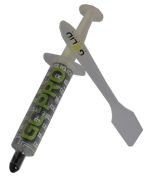
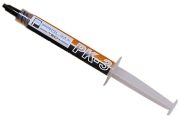
Thermal paste: improving heat transfer between CPU and cooler
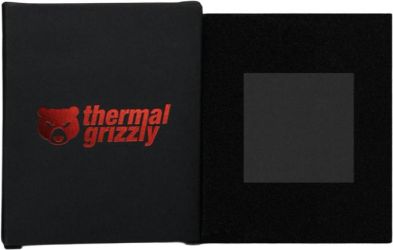
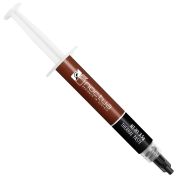
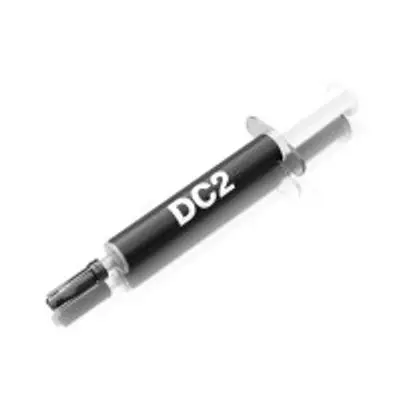
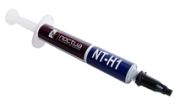
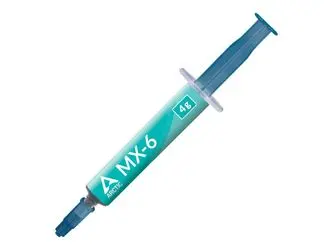
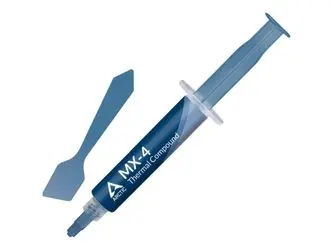
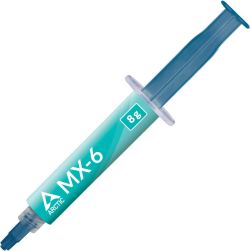
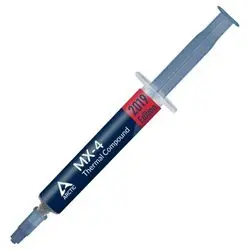
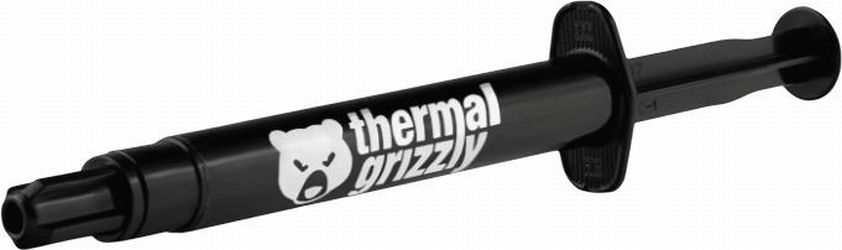
Thermal paste is used between a processor and its cooler to improve heat transfer. Even surfaces that look smooth have tiny imperfections, and thermal paste helps fill those microscopic gaps so heat can move more efficiently from the CPU into the heatsink.
In modern PC builds, thermal paste is a small but important item. Many coolers include paste in the box, but replacement paste is needed when:
- Installing a new CPU cooler
- Re-seating a cooler
- Upgrading a processor
- Refreshing an older system with dried or ageing paste
When buying thermal paste, what matters most is reliability, ease of application and suitability for the job. Most mainstream users do not need extreme enthusiast compounds. A good-quality standard thermal paste is more than enough for the majority of gaming, office and home PCs.
Useful things to consider:
- Easy application
- Non-conductive formula for safer handling
- Suitable operating temperature range
- Long-term stability
- Whether paste is included with the cooler already
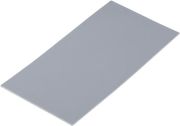
Thermal pads: simple cooling support for components beyond the CPU
Thermal pads are used where paste is not practical. They are commonly found on components such as:
- M.2 SSDs
- VRMs
- Memory chips
- Graphics card components
- Laptop or compact PC internals
A thermal pad transfers heat from the component to a heatsink or cooling surface while also bridging uneven spacing. They are especially useful where exact contact pressure is harder to control. In desktop PC use, many buyers encounter thermal pads when fitting or replacing M.2 heatsinks or when maintaining graphics cards and other cooled components.
The main buying point is thickness. A thermal pad that is too thin may not make proper contact, while one that is too thick can create pressure issues or poor fit. That means thermal pads should be chosen carefully for the intended component rather than bought as a one-size-fits-all accessory.
Important checks include:
- Correct thickness
- Suitable size for the target component
- Decent thermal conductivity
- Compatibility with the device or heatsink
- Whether replacement is actually necessary
Mounting frames: making components fit correctly
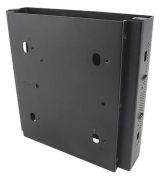
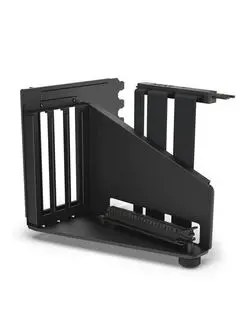
Mounting frames are small but essential compatibility accessories. They help install a component securely where direct fit is not otherwise possible. In desktop PC use, mounting frames are commonly needed for:
- CPU cooler socket compatibility
- SSD or hard drive fitting
- Adapter brackets
- Special case or bay conversions
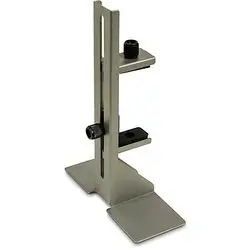
One of the most common examples is a CPU mounting frame or bracket used to match a cooler to a specific motherboard socket. If you are upgrading a processor platform but reusing an older cooler, a compatible mounting frame may be the difference between reusing that cooler and replacing it entirely.
Mounting frames are also useful for storage installation, especially when a case was designed around older-sized drives and needs an adapter for a newer one.
Before buying, always check:
- Exact socket or form-factor compatibility
- Whether the frame is brand-specific
- Included screws or fittings
- Case clearance
- Whether it supports the exact cooler, drive or component model
Drive bays: adapting storage to the case
Drive bays remain relevant in desktop PCs, especially when upgrading older systems or adding extra storage. While many modern builds now rely heavily on M.2 SSDs, drive bays are still important for:
- 2.5-inch SSDs
- 3.5-inch hard drives
- Storage expansion in older cases
- Front-access accessories in some chassis
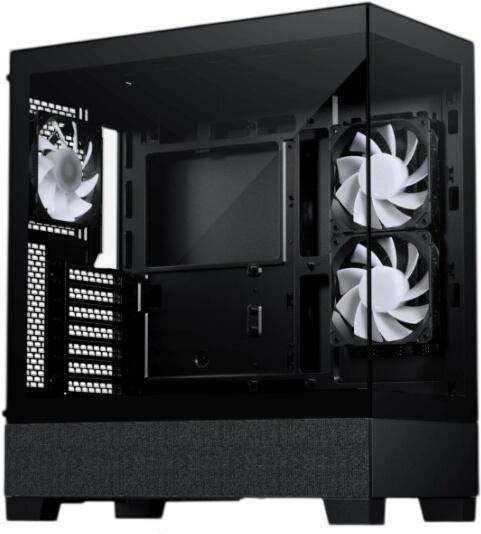
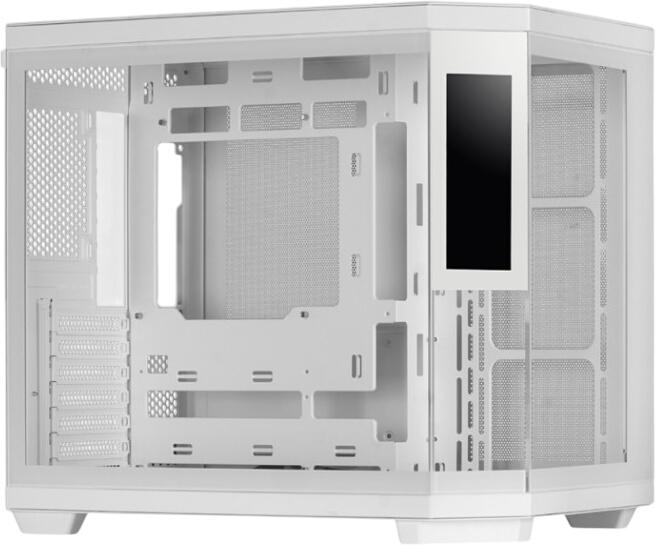
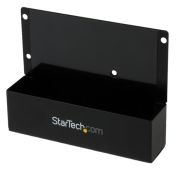
A drive bay is the physical space in the case used to install storage devices or certain front-mounted accessories. Depending on the case, you may find dedicated 2.5-inch mounts, 3.5-inch cages or adapter frames that allow one drive size to fit into another bay type.
Common examples include:
- 2.5-inch SSD into a 3.5-inch bay adapter
- Extra drive caddies for modular cases
- Replacement trays for hot-swap or tool-less bays
- Bay adapters for older desktop cases