
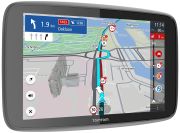
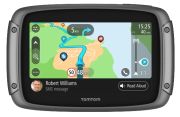
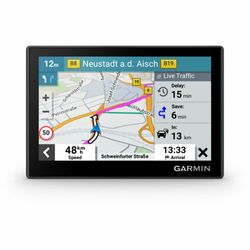
Navigation Devices: Consumer tips

Dedicated sat nav or smartphone app?
A smartphone with a navigation app can be an affordable and convenient option, particularly if you already have a reliable in-car mount and charging cable. It can offer frequent map updates, search functions and live traffic information, but depends on mobile signal for some features and may generate heat or drain the battery during long journeys.
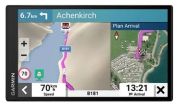
A dedicated sat nav is designed for navigation first. It normally includes preloaded maps in internal flash storage and can continue routing without a mobile-data connection. Many current devices can connect to a smartphone via Bluetooth or Wi-Fi to receive live traffic data, download map updates and access additional connected features.
A standalone device can be particularly useful if you:
- Drive long distances in areas with inconsistent mobile signal
- Travel abroad and want offline European mapping
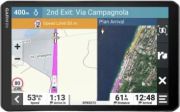
- Need specialist routing for a caravan, motorhome or HGV
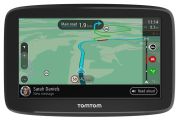
- Prefer a larger display and dedicated voice guidance
- Do not want navigation to interrupt phone calls or reduce phone battery life
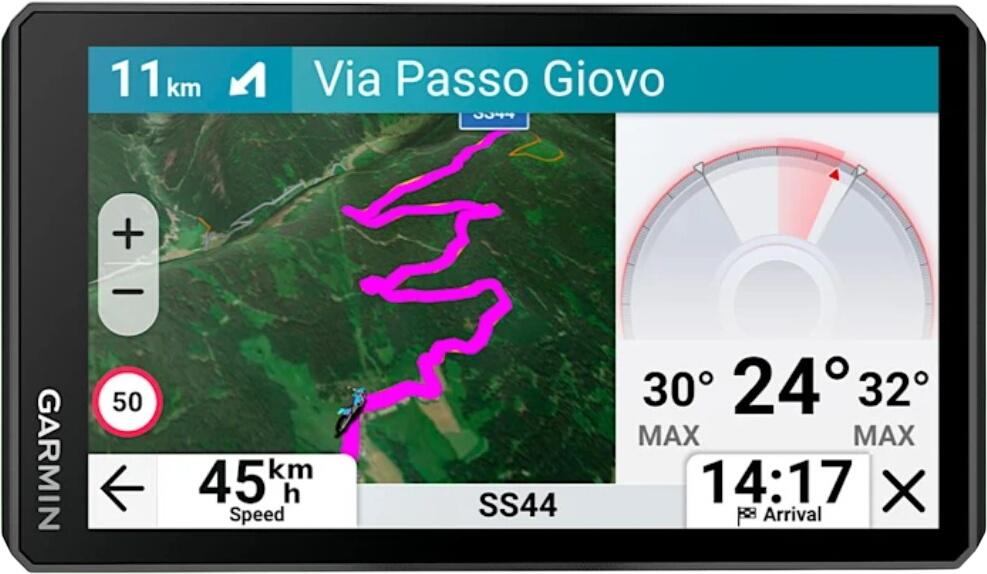
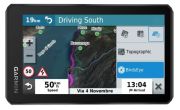
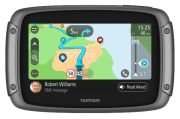
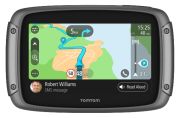
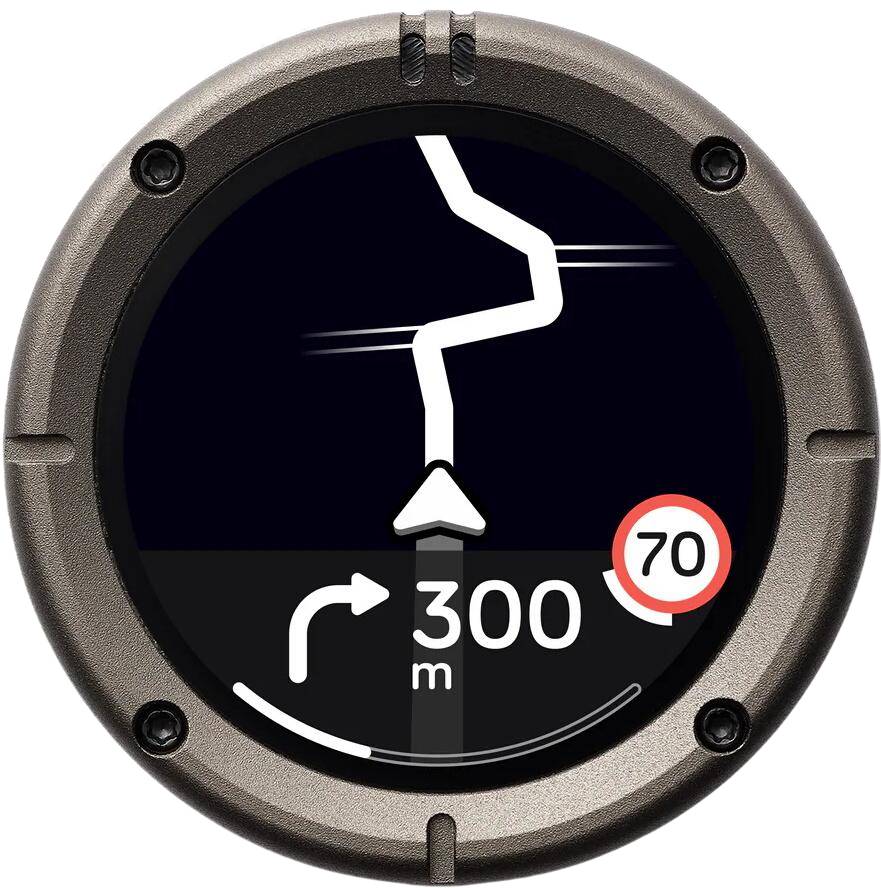
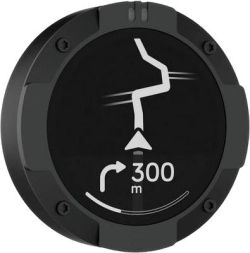
- Need a weather-resistant, glove-friendly unit for a motorcycle
Live traffic, route planning and driver assistance
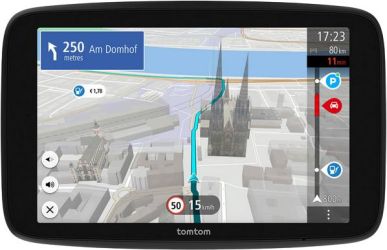
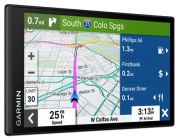
Modern sat navs use connected live-traffic services, often delivered through a paired smartphone, built-in mobile connection or Wi-Fi connection before a journey. These services use anonymised road-speed data, incident reports and traffic information to estimate delays and suggest alternative routes.
Traffic information quality depends on the service, local data coverage and your connection. It can help avoid congestion on motorways and major roads, but no device can guarantee that the quickest route will remain unchanged. Always follow road signs, temporary diversions and instructions from emergency services rather than relying solely on a sat nav.
Useful navigation features include:
- Live traffic updates and alternative-route suggestions
- Voice guidance so you do not need to keep looking at the screen
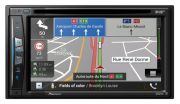
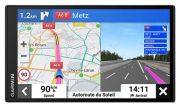
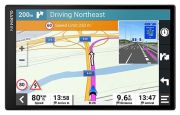
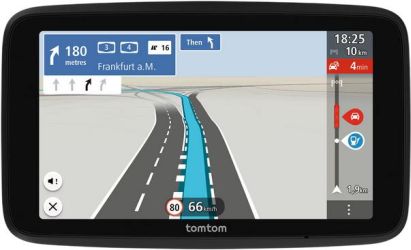
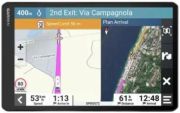
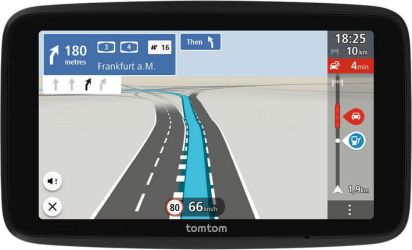
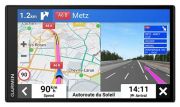
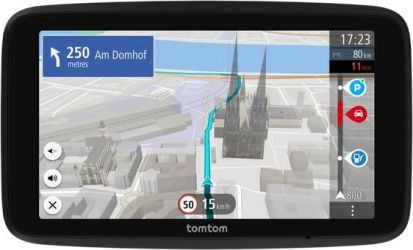
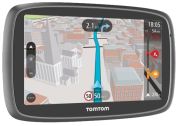
- Lane guidance for complex junctions, motorway interchanges and roundabouts
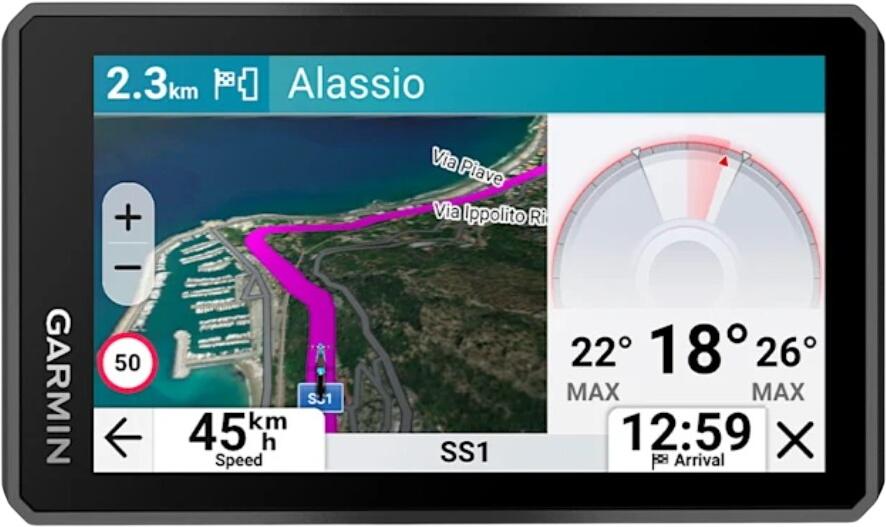
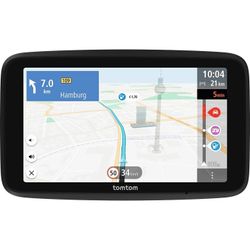
- Speed-limit display, where map data supports it
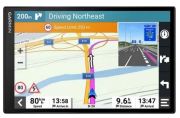
- Junction view or realistic lane graphics on selected models
- Route planning with multiple stops for deliveries, errands and road trips
- Points of interest (POIs) for fuel stations, car parks, charging points, supermarkets and attractions
- Parking information, including availability or pricing where supported
- Offline routing when mobile reception is unavailable
Some devices can learn frequently travelled routes and use historical traffic patterns to improve estimated arrival times. However, live traffic data, roadworks and temporary closures remain more important for day-to-day routing.
Mapping, updates and coverage
Current sat navs store maps on internal flash memory, sometimes with microSD expansion for additional regions. Avoid older devices that no longer receive map or software updates, as new roads, changed speed limits and updated junction layouts can make outdated mapping frustrating or unsafe.
Check exactly what maps are included. “UK and Ireland” coverage may be enough for everyday use, while frequent European travellers may prefer full Europe mapping. If you drive overseas, confirm whether the device includes the countries you visit and whether map updates are included for a fixed period or for the lifetime of the product.
Many sat navs support updates through Wi-Fi, a companion app or a computer connection. A model with Wi-Fi updates is often the simplest option, as you can update maps without connecting it to a PC.
Before buying, check:
- Map coverage for the UK, Ireland and Europe where required
- Whether map and software updates are included
- How updates are delivered: Wi-Fi, app or computer
- Internal storage capacity and microSD support, if relevant
- Availability of postcode search and full UK address search
- Support for charging-point, low-emission-zone or parking information, where useful
Choose a device for your vehicle
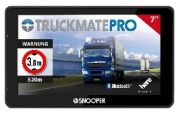
Car sat navs are designed for standard vehicles and normally provide routes based on ordinary road restrictions. For a caravan, motorhome or HGV, a specialist model can take account of vehicle dimensions and settings such as height, width, weight and length. This can help avoid routes with low bridges, weight limits or unsuitable narrow roads, although you must still check road signs and use your own judgement.
Motorcycle sat navs should have weather resistance, a secure powered mount, a screen designed for gloves and sunlight, and route options that suit touring. Cycling and walking devices tend to focus on battery life, route tracking, mapping detail and weather resistance rather than driving-specific live traffic.
Screen, power and mounting
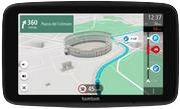
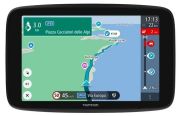
A clear, bright screen is essential. For car use, displays around 5 to 7 inches are common, while larger screens may be easier to read but need more windscreen or dashboard space. Check that the display remains readable in sunlight and that the interface is simple enough to use before setting off.
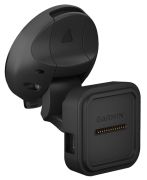
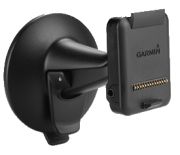
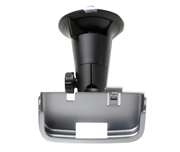
A windscreen mount must be positioned so that it does not block your view of the road. In the UK, you must not allow a device or mount to obstruct your view, and you should not handle or programme a sat nav while driving. Set the destination before you move off, use voice control where available, and stop safely if you need to make changes.
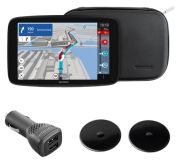
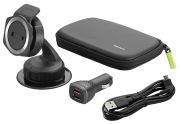
Most car sat navs are powered from a 12V vehicle socket or USB power outlet. Check that the correct cable and mount are included. A dashboard mount may be preferable if the windscreen is steeply angled or if you want to keep the driver’s view as clear as possible.
Speed-camera and safety alerts
Some sat navs provide alerts for fixed speed-camera locations or high-risk areas. In the UK, using a device that alerts you to the location of fixed cameras is not generally prohibited, but devices that detect or interfere with police speed-measurement equipment are illegal. Laws also differ outside the UK, and camera-alert features may be restricted in some European countries.
Safety alerts should never encourage faster driving. Always observe the speed limit, drive to the conditions and treat sat-nav information as supplementary to road signs and your own awareness.
Sat nav buying checklist
- Choose a car, motorcycle, caravan, motorhome, HGV, cycling or walking model for your intended use.
- Check map coverage for the UK, Ireland and any European countries you visit.
- Look for Wi-Fi or app-based map updates and confirm whether they are included.
- Choose a bright, readable screen that fits your vehicle without obstructing your view.
- Consider live traffic capability and how it connects: phone, Wi-Fi or built-in mobile service.
- Look for lane guidance and junction view if you often drive on unfamiliar motorways and major routes.
- Select specialist vehicle routing if you drive a caravan, motorhome or HGV.
- Check what is included: mount, charging cable, case and any subscription.
- Programme the device before driving and use it safely and legally.