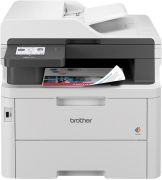
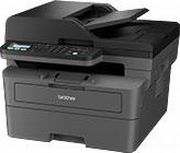
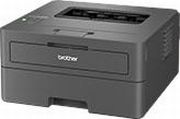
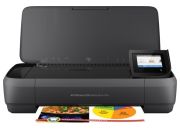

Newly Added Products







Printers: Consumer tips
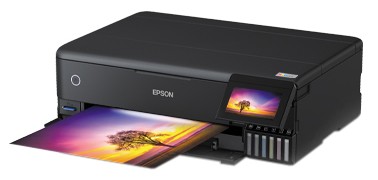
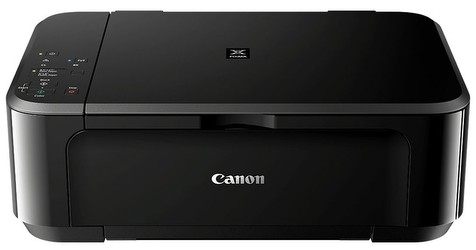
Classic inkjet printers
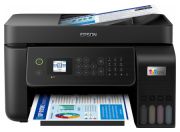
Inkjet printers remain a popular choice for home users because they are widely available, compact and affordable to buy. They work by spraying tiny droplets of liquid ink onto the page and are particularly well suited to colour printing, schoolwork and photos on compatible paper. If you want a printer for mixed home use rather than large volumes of text, an inkjet model is often the most sensible place to start.
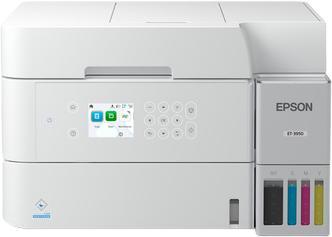
Inkjet printers vary much more than they used to. Some still rely on standard cartridges, while others use refillable ink tank systems designed for lower long-term running costs. That means the cheapest inkjet is not always the best value.
Things to keep in mind with inkjet printers:
- Best for: colour documents, schoolwork, occasional photo printing and mixed home use
- Pros: lower upfront cost, good colour output, wide model choice
- Potential drawback: cartridge costs can be high on some entry-level models
- Important check: replacement ink prices and page yield in the UK market
- Worth considering: refillable ink tank models if you print regularly
Ink drying is still a possible issue on some printers that sit unused for long periods, but current models are generally better managed than older generations. Even so, very occasional users should still check maintenance requirements before buying.
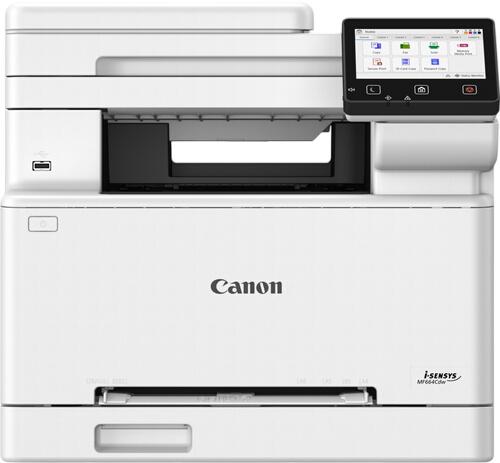
Laser printers
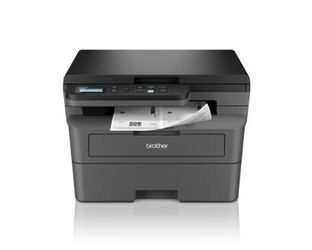
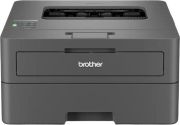
Laser printers remain a strong choice for people who print lots of text documents and want speed, crisp black print and lower interruption from consumable changes. They use toner rather than liquid ink and are especially popular in home offices and small business environments.
For everyday document printing, a mono laser printer can be excellent value over time. Colour laser printers are also available, although they are usually more expensive to buy and run than mono models.
Laser printers are a good fit if you want:
- Fast document printing
- Sharp text output
- Better suitability for frequent printing
- Less worry about ink drying out
- Predictable running costs for office-style use
Rather than relying on older fixed speed claims, it is better to compare actual specifications by model. Print speeds, toner yields and first-page-out times vary widely across budget, mid-range and business-focused machines. If speed matters, compare manufacturer figures carefully and focus on real use cases such as black-and-white letters, shipping labels and multi-page reports.
Laser printers are usually less suitable than good inkjets for photo printing, so they are best chosen for documents first and foremost.
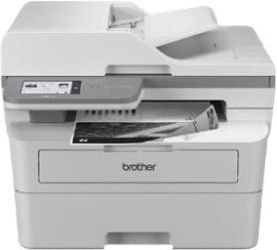
All-in-one printers and multifunction models
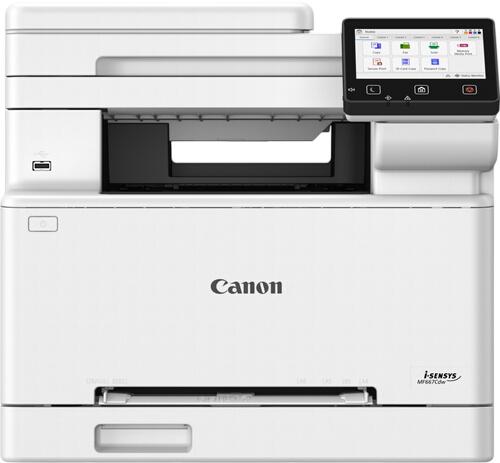
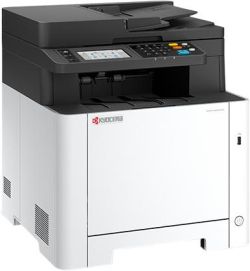
Many households now prefer an all-in-one printer, also called a multifunction printer, because it combines printing, scanning and copying in one device. Some models also include an automatic document feeder, duplex printing and app-based mobile setup. For most home users, this type of machine offers the best balance of convenience and space-saving design.
An all-in-one printer is the right choice if you want:
- One device instead of several
- Scanning for homework, forms or ID documents
- Copying without switching on a computer
- Wireless printing from phones, tablets and laptops
- Better use of limited desk or shelf space
The trade-off is that if one machine develops a fault, several functions may be affected at once. Multifunction devices are also usually larger than basic single-function printers, so dimensions still matter if space is tight.
Inkjet or laser: which should you buy?
The simplest way to decide is to think about your typical weekly use. If you print colour pages, homework, craft materials or occasional photos, an inkjet printer is usually the better fit. If you mostly print text documents, labels and office paperwork in higher volumes, a laser printer is often the smarter long-term choice.
A quick comparison:
- Inkjet printer: better for colour and photo printing
- Laser printer: better for fast, frequent text printing
- Ink tank printer: better for users who print regularly and want lower refill costs
- Mono laser printer: better if you rarely need colour and want efficient document printing
- All-in-one model: better if you also need scanning and copying
What should shoppers check before buying?
The printer itself is only part of the decision. Ongoing support, consumable availability and practical ownership can make a big difference. It is worth checking whether replacement ink or toner is easy to buy and whether the manufacturer offers straightforward warranty support.
Useful checks before buying include:
- Replacement ink or toner availability
- Page yield and long-term consumable cost
- Manufacturer warranty and support
- Return policy from the retailer
- Subscription ink availability if you want automated delivery
- Wi-Fi setup, app support and compatibility with your devices
- Automatic duplex printing if you print often
- Scanner features such as flatbed scanning or an automatic document feeder
Subscription ink services can suit some households, especially if you print consistently each month, but they are not always the cheapest option for low-volume users. Compare the plan carefully against buying cartridges or bottles as needed.
Wide-format printers and plotters
If you need to print larger documents such as posters, plans, design proofs or oversized photos, a wide-format printer is the more current term many shoppers now use, although plotter is still recognised in professional contexts. These machines are typically aimed at designers, photographers, architects, engineers and other specialist users rather than general households.