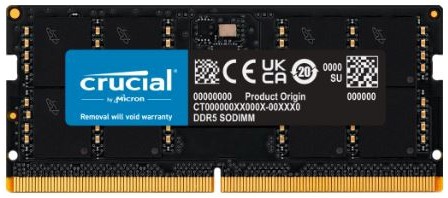
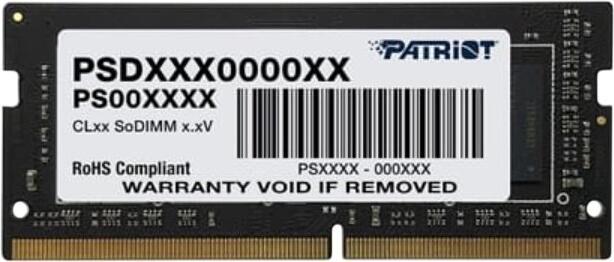
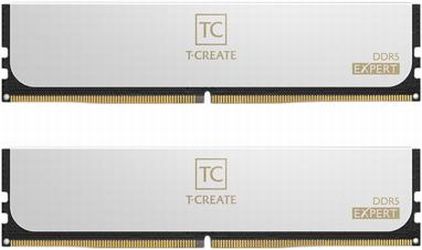
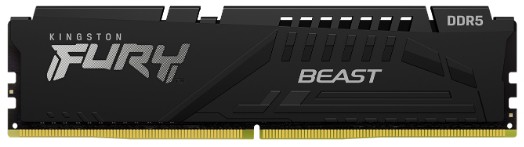
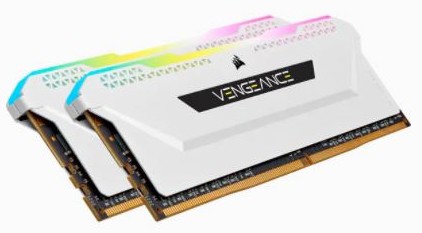
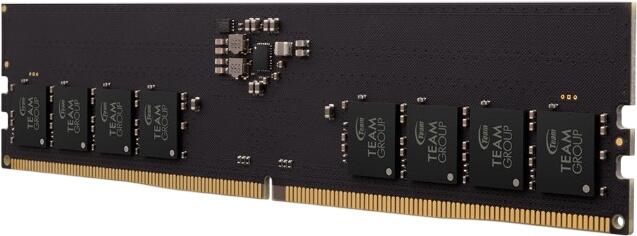
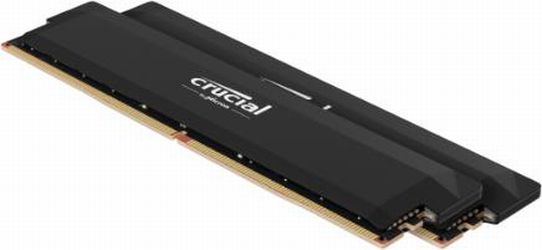
Newly Added Products






Buy good memory: Consumer tips

Buying memory is often difficult for laypeople, as there are various form factors and sizes. To ensure you don't get stuck when upgrading your temporary PC memory, we would like to briefly introduce the hardware here. This way, you can quickly find the suitable module for desktop PCs and laptops.
A look at the tasks of the memory
The working or main memory is a module that works closely with the processor inside the computer. Its capacity is measured in gigabytes. While you are working on your PC, all relevant data is stored on the memory module in the form of binary words in a table. Since the memory is volatile, the exchange of data only occurs as long as the storing capacitor on the module is charged. When you shut down your computer, the memory is automatically cleared. Therefore, it is fully available again at the next system start. Working without delays and quick access to programmes and files is especially possible with fast memory modules that have a high clock rate and low latency.
(S)DRAM, DDR and DIMM: A small translation aid for common terms
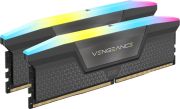
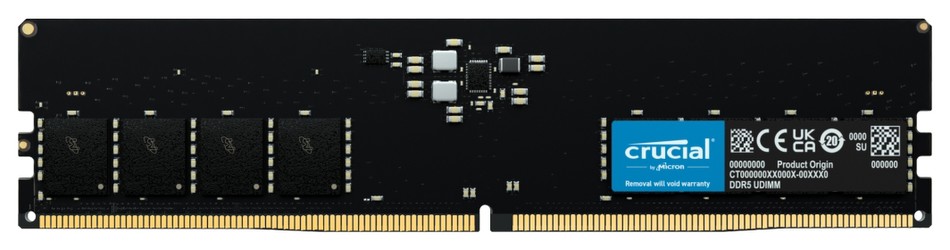
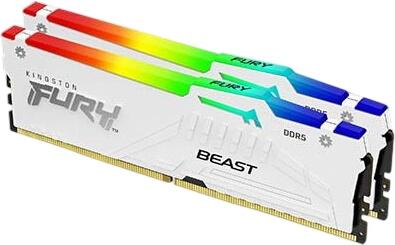
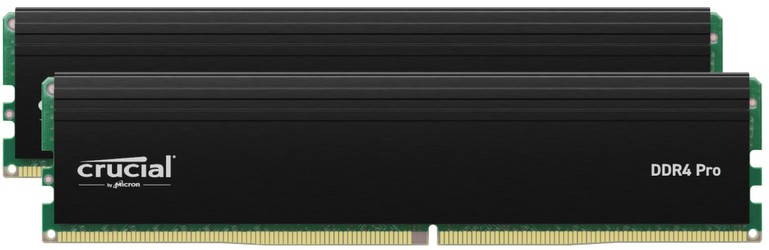
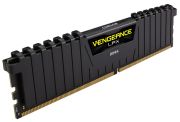
When buying memory, you will repeatedly encounter abbreviations and terms that classify and describe the memory. The term DRAM stands for Dynamic Random Access Memory. This indicates that it is a dynamic memory with random access. A preceding S denotes synchronisation and the resulting time gain during accesses. The term DDR, on the other hand, stands for Double Data Rate, as DDR memory is nearly twice as fast as its predecessor. DIMM refers to the memory module and stands for Dual Inline Memory Module. This form factor is commonly found in computers.
What memory you need for desktop PCs
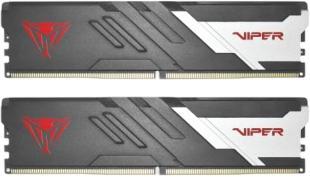
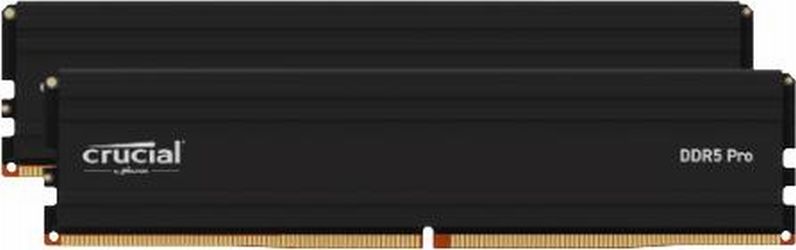
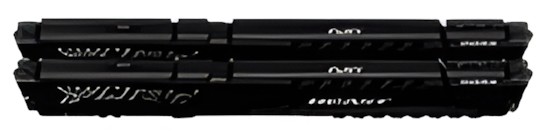
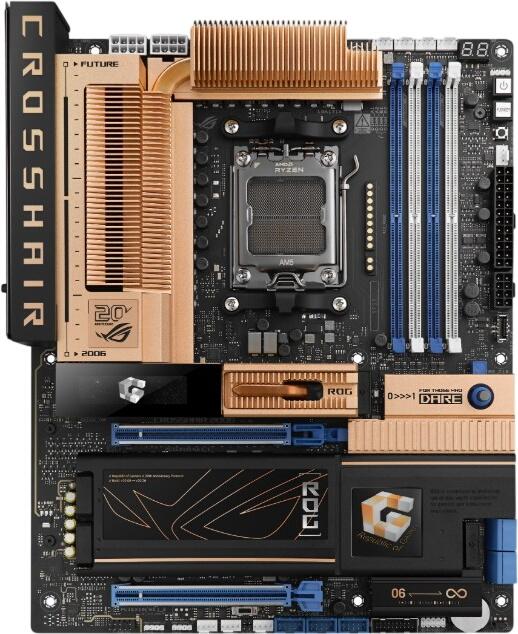
If you want to buy additional or new memory for your desktop PC, you will need DIMM modules. Depending on the motherboard and the age of your system, these have different designations such as DDR, DDR2, or currently DDR3. The number behind the abbreviation indicates the generation of the memory. These differ mainly in terms of memory capacity, clock rate, and the number of contacts present on the module. If you are using a computer with a recent Intel generation processor, you will need DDR3 memory. You can use the modules individually or in dual-channel mode. For most entertainment systems, four or eight gigabytes of memory is sufficient.
Tips for buying SO-DIMM memory for laptops
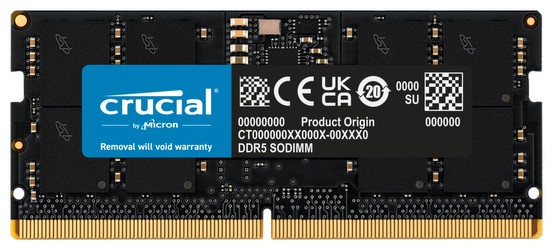
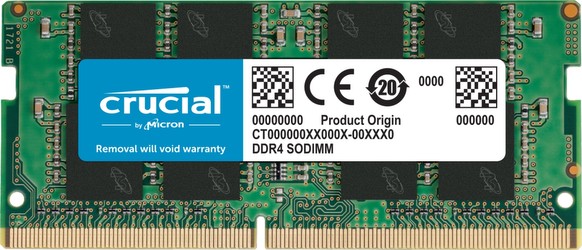
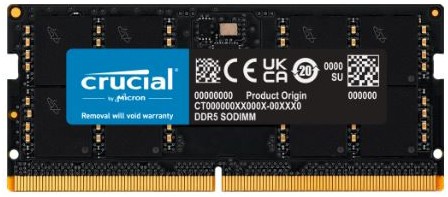
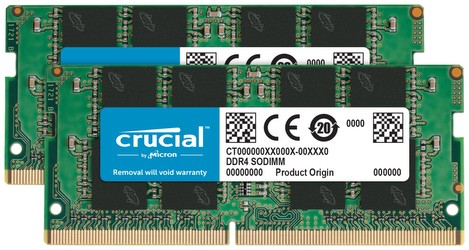
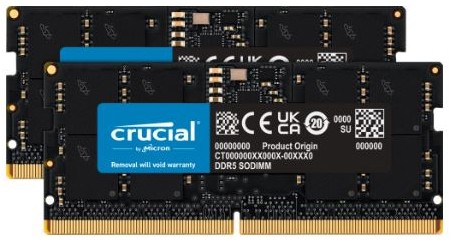
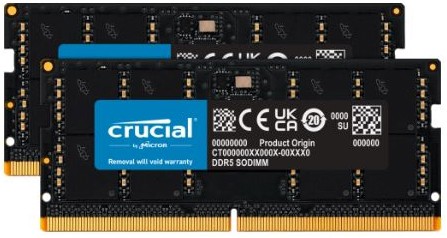
Modern laptops, like corresponding desktop PCs, use DDR3 RAM. However, the memory modules have a different form factor and improved energy efficiency. Unlike a DIMM memory module, SO-DIMM memory is laid on the board after being slanted into the laptop. You can tell whether the memory is compatible with your laptop by looking at the notches on the connector bar. The size of memory you choose depends on the model of your laptop and how you use it.
Overview of memory characteristics
- Memory modules for desktop PCs and laptops come in different formats
- Depending on the age of the computer, different RAM modules such as DDR2 and DDR3 are used
- A higher access rate makes the memory faster
- You can optionally use one or two modules in the laptop