
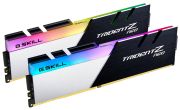
DDR4 Memory: Consumer Tips
How does DDR4 work and what improvements does it have over DDR3?
DDR4 memory (Double Data Rate 4) brings significant improvements in speed, efficiency, and capacity compared to its predecessor DDR3. The operating voltage has been reduced from 1.5 volts in DDR3 to 1.2 volts, which lowers power consumption by about 20 percent while also reducing heat generation. This allows for denser memory modules and more stable operation at high speeds. The prefetch architecture remains at 8n, but the internal bank organisation has been improved, allowing for more parallel accesses and increasing effective bandwidth. DDR4 introduces improved refresh cycle management, which reduces latency and increases data integrity. An important advancement is the increase in maximum module capacity: while DDR3 modules top out at 8 GB, DDR4 standard modules allow up to 32 GB and in special implementations even 64 GB or more per module. Signal integrity is optimised through better termination, enabling higher overclocking rates. DDR4 also supports enhanced training and calibration sequences at system startup, ensuring more stable connections between the memory controller and memory modules. The bank group architecture allows for more efficient interleaving techniques, resulting in practical performance often exceeding theoretical bandwidth increases.
What speeds and timings are available for DDR4?
DDR4 memory offers a wide range of speeds, from JEDEC standard specifications to extreme overclocking speeds, with the selection today being larger than ever. The JEDEC base speeds start at DDR4-2133 (2133 MT/s) and include DDR4-2400, DDR4-2666, and DDR4-3200 as official industry standards that must be supported by all compatible systems. Mainstream memory typically ranges between DDR4-3000 and DDR4-3600, with DDR4-3200 and DDR4-3600 considered the sweet spot for most modern systems. Overclockers can achieve DDR4-4000, DDR4-4400, or even DDR4-5000 and higher, although these speeds require special cooling and top-tier hardware. Timings for DDR4 are typically specified as CL-tRCD-tRP-tRAS, where lower values indicate better performance. Typical memory shows timings like DDR4-3200 CL16 (16-18-18-38) or DDR4-3600 CL18 (18-22-22-42), while premium kits achieve tighter timings like CL14 or CL15. Samsung B-Die ICs have long been the gold standard for low timings and high overclockability, while newer ICs like Micron Rev.E or Samsung C-Die present good alternatives. XMP (Intel) and A-XMP (AMD) profiles allow for easy activation of optimised settings without manual BIOS configuration. Importantly, practical performance depends not only on speed but also on timings. DDR4-3200 CL14 can be faster than DDR4-3600 CL20.
What capacities and configurations are recommended?
The memory requirements of modern applications have significantly increased in recent years, with DDR4 providing flexible solutions for different budgets and use cases due to its availability in various capacities. For current gaming systems, 16 GB (2x8 GB) has established itself as the minimum standard, as modern games like Cyberpunk 2077, Microsoft Flight Simulator, or Call of Duty can require 12 to 14 GB or more, while simultaneously running browsers, voice chat, and other background applications. With 32 GB (2x16 GB or 4x8 GB), you are on the safe side, as it not only meets current demands but also provides sufficient memory for the future and allows for simultaneous streaming or content creation. Content creators, programmers, or power users should plan for at least 32 GB, as applications like Adobe Creative Suite, virtualisation, or large IDEs require significant amounts of memory. Professional workstations can benefit from 64 GB or more, with DDR4 ECC memory available for critical applications. In terms of kit configuration, dual-channel operation (2 modules) is essential for optimal performance, as single-channel halves memory bandwidth and causes noticeable performance losses. Quad channel is only supported by platforms like Threadripper or Intel Core-X and requires corresponding motherboards. Mixing different memory kits afterwards can lead to compatibility issues, which is why directly purchasing the desired final configuration is recommended.
Which platforms support DDR4 and how is compatibility?
Support for DDR4 is included in nearly all relevant desktop and laptop platforms from modern processors in recent years, with maximum speeds varying between different generations. Intel has supported DDR4 since the 4th generation (Haswell-E) on HEDT platforms and the 6th generation (Skylake) on mainstream sockets. The 11th generation (Rocket Lake) offers official support up to DDR4-3200, while DDR4-4000 or higher is often informally possible. For AMD, DDR4 support begins with the first Ryzen processors (Zen architecture), with the original Ryzen 1000 and 2000 series best harmonising with DDR4-3200 or DDR4-3600. The Ryzen 3000 (Zen 2) and 5000 (Zen 3) series offer improved memory controllers with stable support for DDR4-3600 and higher, with DDR4-3600 CL16 considered the sweet spot. The Infinity Fabric in AMD Ryzen ideally runs synchronously with the memory clock, which is why DDR4-3600 (1800 MHz IF) provides optimal performance. The quality of the motherboard plays a role in achieving high DDR4 speeds: budget boards typically only support JEDEC speeds, while premium models allow for DDR4-4000+. The QVL (Qualified Vendor List) from the motherboard manufacturer lists tested memory kits but does not guarantee exclusive compatibility. BIOS updates further improve memory compatibility and should be installed before memory upgrades. Laptops usually only support JEDEC speeds and often offer very limited overclocking options.
For which applications is DDR4 still completely sufficient?
DDR4 memory still offers excellent performance for the vast majority of applications today and is by no means outdated, with the performance difference to DDR5 being minimal in many areas. Gaming benefits only marginally from DDR5, especially in GPU-limited scenarios at high resolutions: current games show practically identical frame rates between fast DDR4-3600 and DDR5-5600, while the price difference can be significant. Office applications, web browsing, and multimedia playback show no difference between the memory generations. Content creation and video editing partially benefit from higher bandwidths, but DDR4-3600 or DDR4-4000 provide sufficient performance for 4K editing or 3D rendering in consumer applications. Programming and software development are usually not limited by memory bandwidth but benefit more from larger capacity, which is more cost-effective to achieve with DDR4. Streaming and multitasking work excellently with DDR4 as long as sufficient capacity is available. Performance differences to DDR5 are mainly visible in synthetic benchmarks, less so in practical applications. What matters more is sufficient capacity and dual-channel operation rather than absolute peak speed.
What manufacturers and quality levels are available for DDR4?
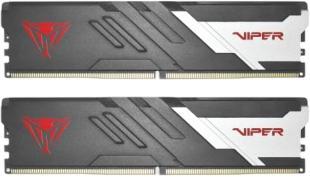
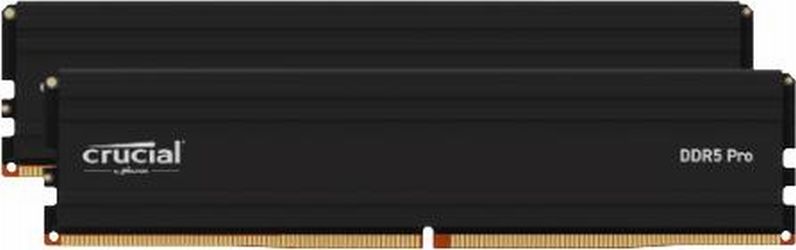
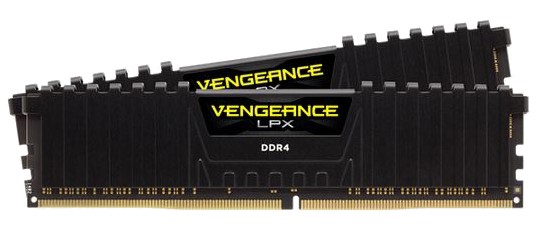
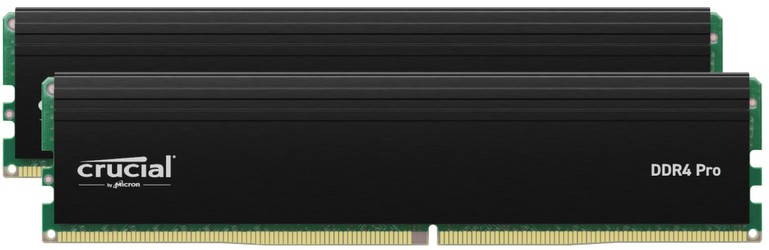
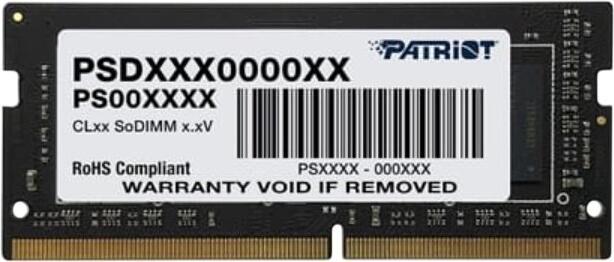
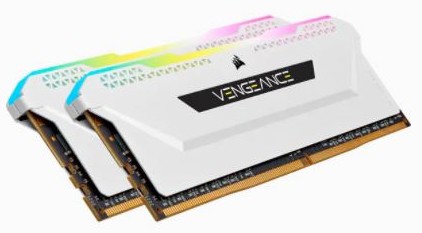
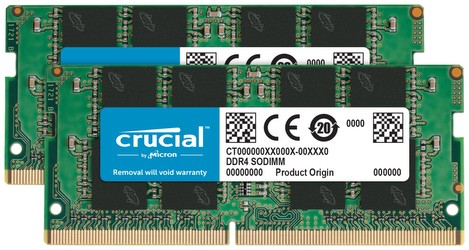
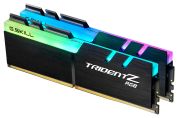
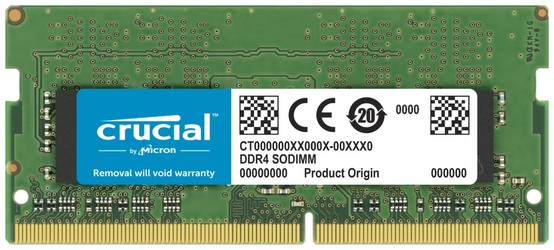
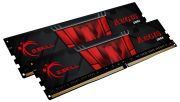
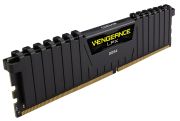
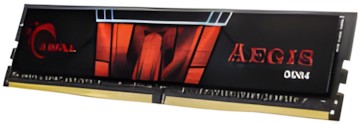
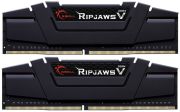
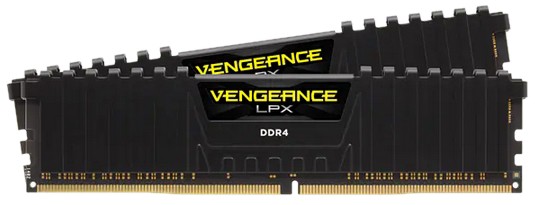
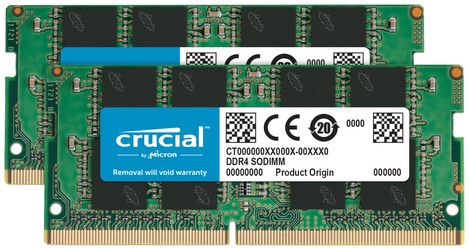
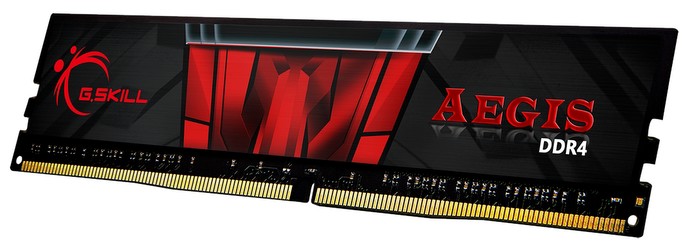
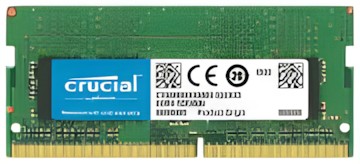
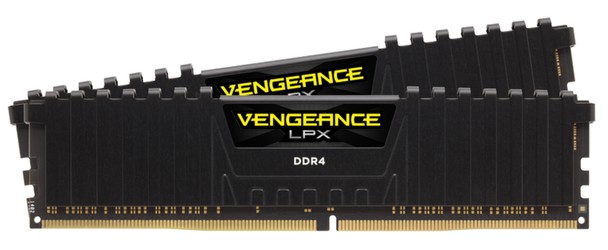
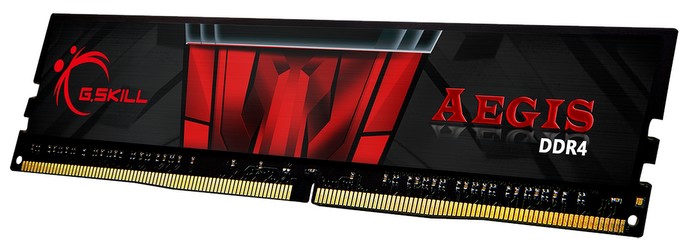
The market is mature and offers a wide range of established manufacturers with various quality levels, price points, and target audiences, with the differences between premium and budget products being smaller today than in previous generations. Manufacturers like G.Skill, Corsair, and Kingston dominate the market with high-end series like G.Skill Trident Z, Corsair Dominator, or Kingston HyperX Predator, which use Samsung B-Die or other premium ICs and achieve extreme overclocking rates. These kits offer elaborate RGB lighting, massive heat sinks, and are selected for speeds beyond DDR4-4000. Crucial, as a Micron subsidiary, offers good price-performance with its own memory chips and is particularly valued for compatibility with Ryzen systems, with the Ballistix series showing good overclocking properties. Teamgroup, ADATA, and PNY successfully serve the mid-range with solid quality at attractive prices, while Patriot and GeIL target niche markets with special designs or features. Budget options from manufacturers like Crucial Value, Kingston ValueRAM, or generic brands offer JEDEC speeds without frills at very low prices. The key quality features are the memory ICs used (Samsung, SK Hynix, Micron), with Samsung B-Die long considered the gold standard, but now complemented by newer, cheaper ICs with similar performance. Binning quality determines overclockability: carefully selected ICs achieve higher speeds at lower voltages. RGB lighting and software ecosystems like Corsair iCUE or G.Skill RGB software are standard in gaming-oriented products.
Is DDR4 compatible with all computers?
No, DDR4 requires a motherboard and CPU that support this standard.
Can I mix DDR4 and DDR3 RAM?
No, DDR4 and DDR3 modules are mechanically and electrically incompatible and cannot be used together in a system.
How fast is DDR4 memory?
DDR4 RAM typically operates in the range of 2133 MHz to 3200 MHz.
How much DDR4 RAM do I need for a PC?
For everyday tasks, 8 to 16 GB is sufficient. Gamers and professional users benefit from 16 to 32 GB or more, depending on the use case.