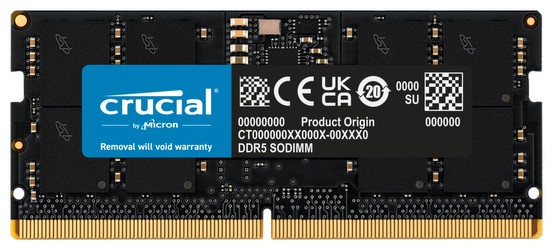
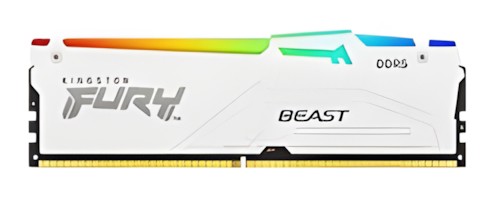
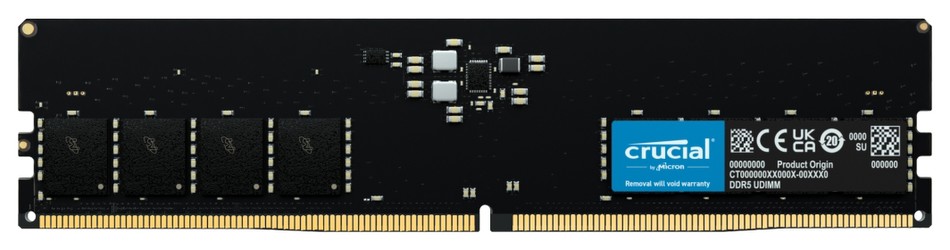
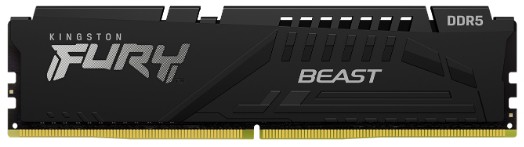
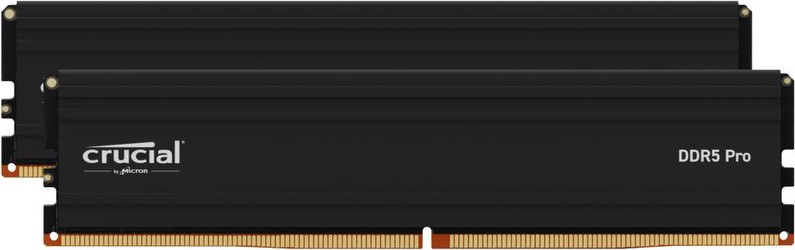

DDR5 Memory: Consumer tips
How DDR5 works and what it improves over DDR4
DDR5 brings more than a simple clock-speed increase. It introduces several architectural changes that improve throughput, scalability and platform behaviour:
- lower standard voltage than DDR4, helping efficiency
- more memory banks and bank groups, allowing more parallel operations
- longer burst length and expanded prefetch design, improving data handling efficiency
- on-die ECC for internal signal reliability
- improved power management
- support for much larger module capacities than typical DDR4 consumer DIMMs
In practical terms, this means DDR5 is better suited to modern workloads that benefit from bandwidth, high core-count CPUs and larger memory pools. That includes gaming, creation workloads, virtual machines, compiling code and heavy multitasking.
DDR5 speeds: what is mainstream and what is enthusiast-grade?
Base JEDEC DDR5 starts at DDR5-4800, but that is no longer where most PC builders stop. The consumer market spans much further:
- DDR5-5600 to DDR5-6400 is a common mainstream range
- DDR5-6000 remains a popular sweet spot, especially on many AMD builds
- DDR5-6800 to DDR5-8000+ is now firmly within enthusiast territory on compatible Intel platforms
- premium kits can go well beyond 8000 MT/s, though stability, motherboard quality and CPU memory controller strength all matter
It is important not to chase headline speed blindly. Real performance depends on the balance between frequency, timings, motherboard quality and CPU platform. A well-tuned DDR5-6000 or DDR5-6400 kit is often the smarter purchase than a far more expensive ultra-high-speed kit that offers smaller real-world gains.
Timings, latency and profiles
DDR5 usually has higher CAS latency numbers than DDR4 on paper, but that does not automatically make it slower. Because the transfer rates are much higher, the real-world memory response can still be highly competitive or better overall depending on the workload.
You will commonly see support for:
- Intel XMP 3.0
- AMD EXPO
These profiles let you apply rated memory settings easily in BIOS without manual tuning. If you want the kit to run at its advertised speed, enabling the correct profile is often essential.
How much DDR5 RAM should you buy?
Capacity matters just as much as speed, and the old advice needs updating for 2026.
For general use
- 16GB is still workable for lighter office and home PCs
- 32GB is now the more comfortable mainstream choice for a new all-round desktop
For gaming
- 32GB is the realistic baseline for many current gaming builds
- 48GB or 64GB is increasingly common in premium or multitasking-heavy systems
- if you game while streaming, recording, modding or keeping lots of background apps open, higher capacity is easier to justify than it was a few years ago
For content creation and heavier workloads
- 64GB is a strong starting point for serious editing, 3D work, larger development environments and heavier productivity
- 96GB and 128GB are increasingly practical for advanced creator and workstation builds
Module sizes and kit configurations
Buyers will commonly encounter:
- 16GB modules
- 24GB modules
- 32GB modules
- 48GB modules
- 64GB modules
For most consumer systems, the best approach is still to use matched kits in 2-DIMM dual-channel configurations, such as:
- 2x16GB for 32GB
- 2x24GB for 48GB
- 2x32GB for 64GB
- 2x48GB for 96GB
Buying your intended final capacity from the start is the safest option. DDR5 can be more sensitive than older memory generations when mixing kits later, especially at higher speeds.
DDR5 compatibility: which CPUs and motherboards support it?
DDR5 support started with Intel 12th Gen Core and AMD Ryzen 7000, but that is only the starting point historically.
- modern Intel desktop platforms widely support DDR5, with newer generations offering stronger memory controllers and better support for high-speed kits
- modern AMD AM5 platforms are DDR5-based and remain a key destination for DDR5 desktop builds
- DDR4 and DDR5 are not interchangeable, and motherboards are designed for one or the other
The most important checks before buying are:
- exact motherboard memory support
- supported DIMM count at your target speed
- whether the board is optimised for overclocked kits
- BIOS maturity and updates
- QVL guidance from the motherboard maker
A premium board is not mandatory for good DDR5 performance, but board quality matters more once you start pushing higher transfer rates or larger multi-DIMM configurations.
What speeds make sense on Intel and AMD?
The answer depends on the platform, but a practical 2026 guide is:
- for many AMD AM5 gaming builds, DDR5-6000 remains a very common target because it tends to offer strong balance
- for Intel enthusiast systems, very high-speed DDR5 beyond 7200 MT/s is more common than it was a few years ago, assuming the board and CPU memory controller can handle it
- the higher you go, the more you should care about motherboard tier, BIOS maturity and memory IC quality
For most buyers, stability and value matter more than chasing the most extreme rated speed on the box.
Where DDR5 makes the biggest difference
DDR5 is especially worthwhile in workloads that benefit from bandwidth, capacity or both.
Gaming
Gaming gains vary by title and by whether the system is CPU-limited. The improvement over fast DDR4 is not always dramatic, but DDR5 is now the normal path for a new gaming platform. More importantly, modern games and multitasking habits make 32GB+ increasingly sensible.
Content creation
Video editing, motion graphics, 3D rendering and large image workflows often benefit far more clearly from DDR5 bandwidth and larger capacities. Applications such as Premiere Pro, DaVinci Resolve and Blender still make good examples because they remain widely used and memory-hungry.
Development, VMs and technical workloads
Compiling larger projects, running containers, using virtual machines or processing large datasets can make both DDR5 speed and capacity worthwhile.
AI and data-heavy tasks
Workloads involving large local datasets or memory-intensive preprocessing can also gain from higher-capacity DDR5 setups.
Manufacturers and quality differences
The major differences between DDR5 kits usually come down to:
- memory IC quality
- heat spreader design
- profile tuning
- RGB and aesthetics
- support and warranty
- price efficiency
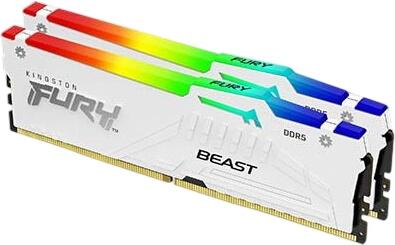
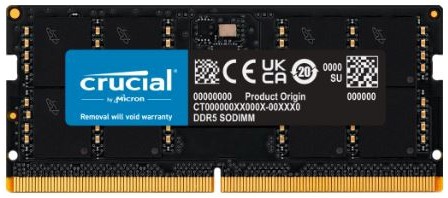
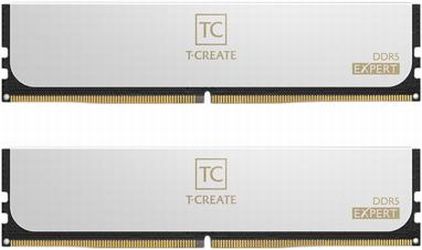
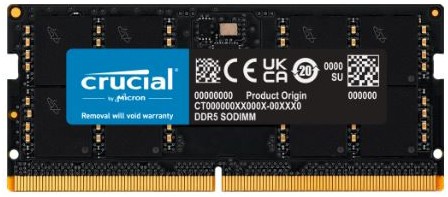
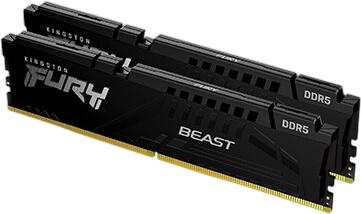
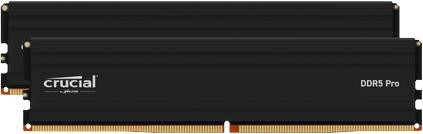
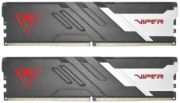
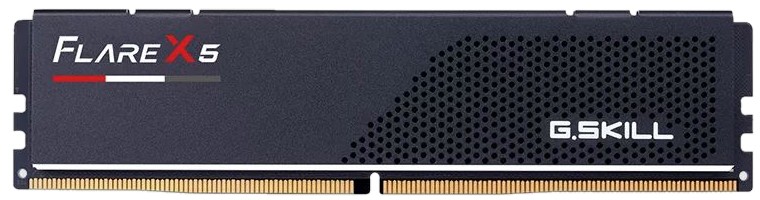
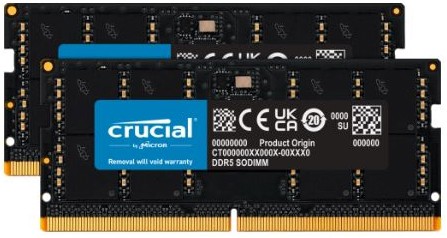
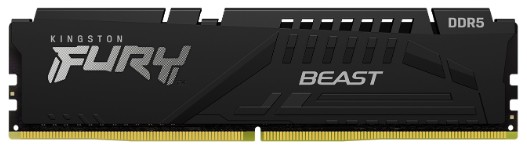
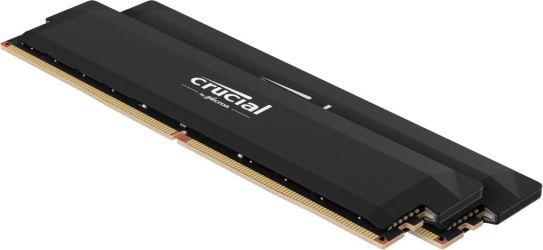
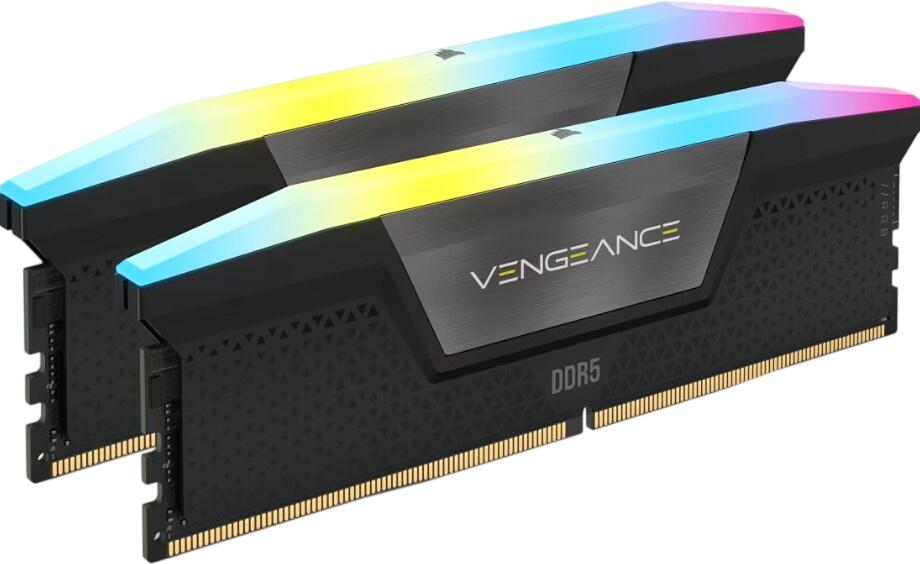
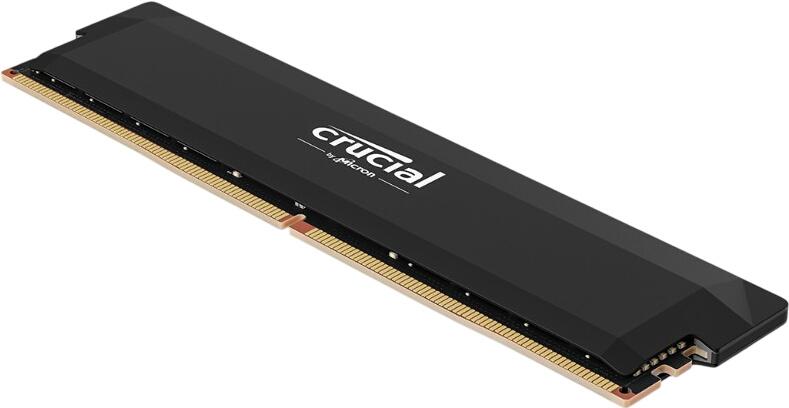
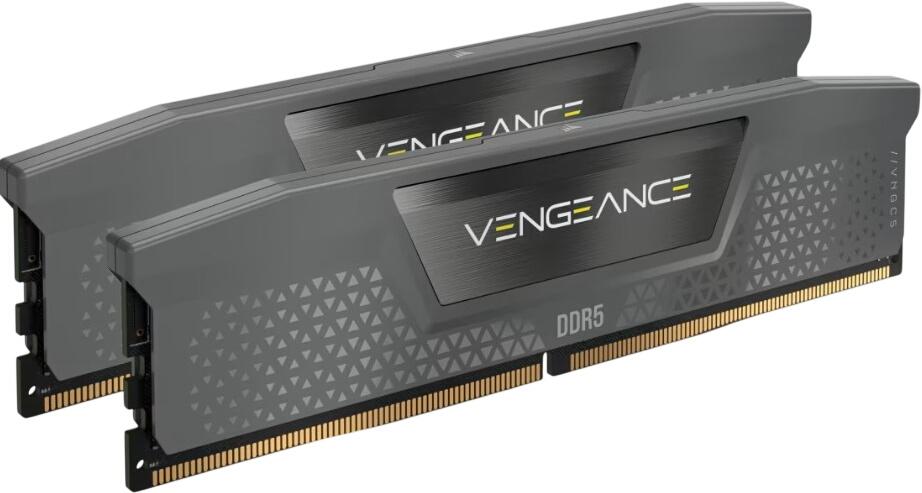
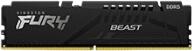
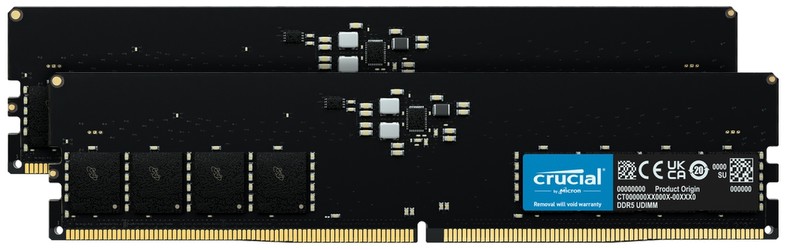
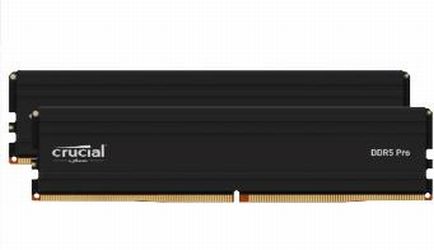
Brands such as G.Skill, Corsair, Kingston, Crucial, Teamgroup, ADATA and PNY all serve different parts of the market, from basic JEDEC modules to highly tuned RGB enthusiast kits. For most buyers, the best-value purchase is not the flashiest module but the one that gives the right balance of speed, capacity and compatibility for the platform.
What to check before buying DDR5
Before choosing a kit, make sure you know:
- your motherboard supports DDR5, not DDR4
- your CPU platform is designed for the speed tier you want
- your target capacity now and in the future
- whether you want XMP or EXPO
- whether the kit is on, or close to, the motherboard QVL
- whether a 2-DIMM configuration is preferable for your build