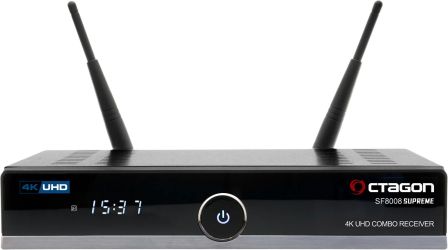

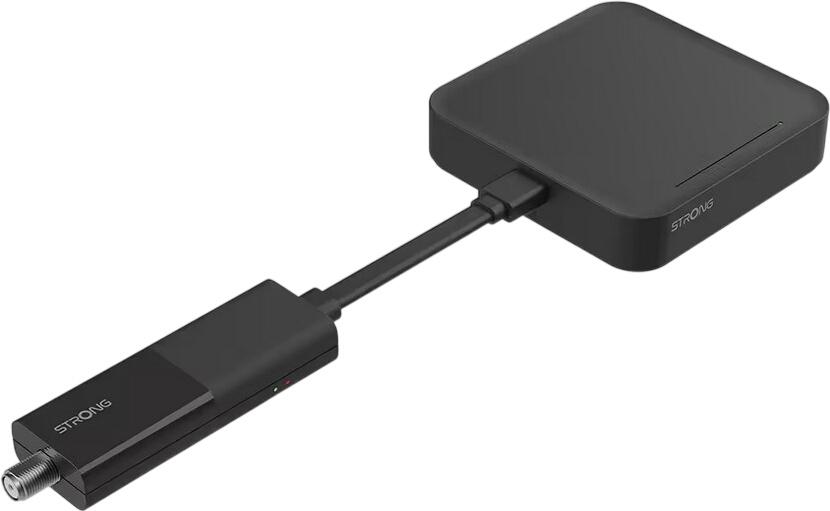
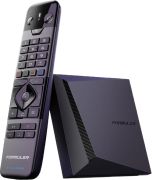
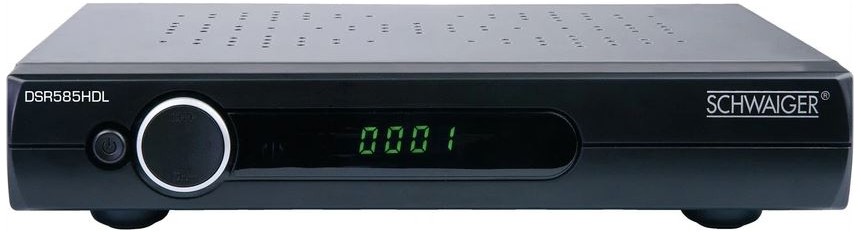
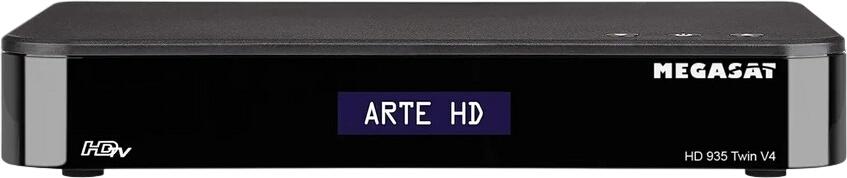
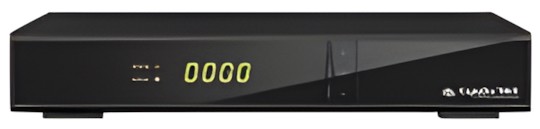
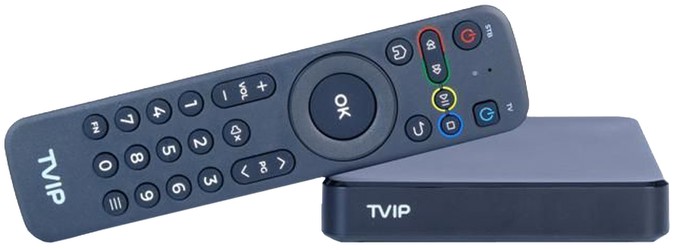
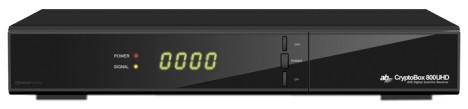
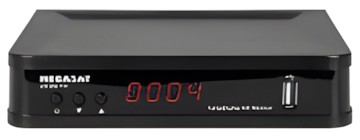

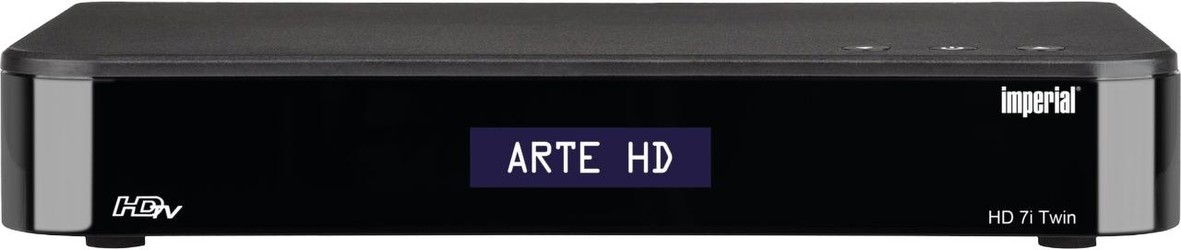
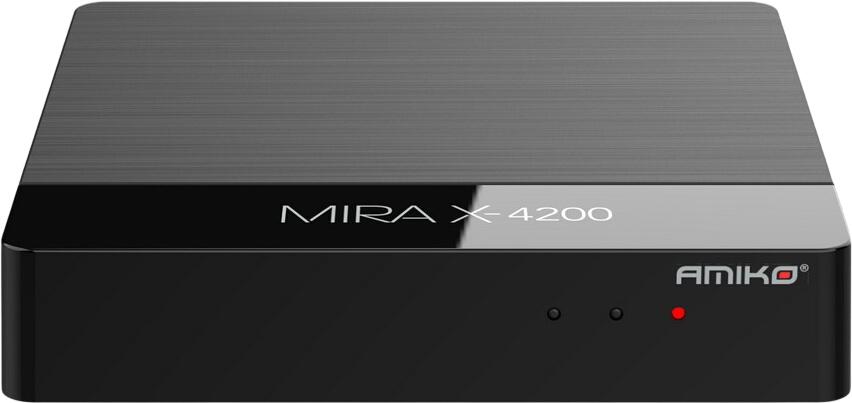
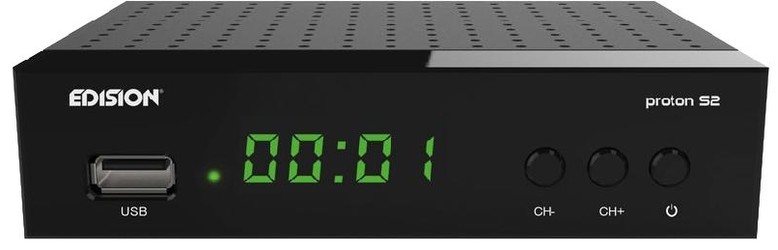
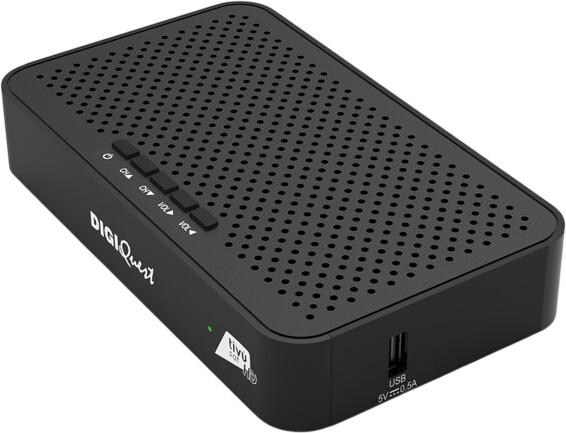
Newly Added Products







Set-Top Boxes: Consumer tips

Match the set-top box to your TV signal
Before buying, check the type of TV connection available at your property. A set-top box is designed for a particular broadcast platform, and a satellite box cannot receive channels from a standard terrestrial aerial or cable feed.
For homes in the UK, the main options are:
- Freeview boxes: receive digital terrestrial television through a rooftop or indoor aerial. Look for DVB-T2 support for Freeview HD channels.
- Freesat boxes: receive free-to-air satellite television through a compatible satellite dish. These use DVB-S/DVB-S2 reception.
- Cable TV boxes: supplied by a cable provider and connected to its network. In the UK, these are generally provider-specific rather than products you buy independently.
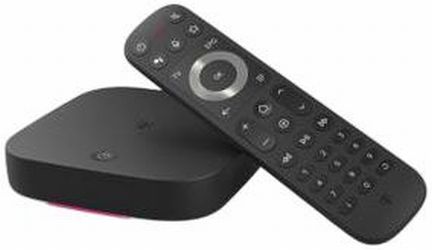
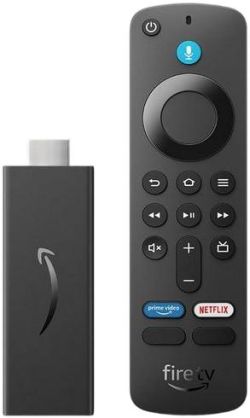
- Streaming TV boxes: connect through broadband and provide apps, catch-up services and, depending on the platform, live television channels.
- Combination boxes: some products support more than one tuner type, but check the exact specifications carefully before ordering.
If you use an aerial, signal quality is important. Freeview availability can vary by postcode, local terrain and the condition of your aerial system. If reception is unreliable, a satellite or broadband-based option may be more suitable.
Picture quality, connections and compatibility
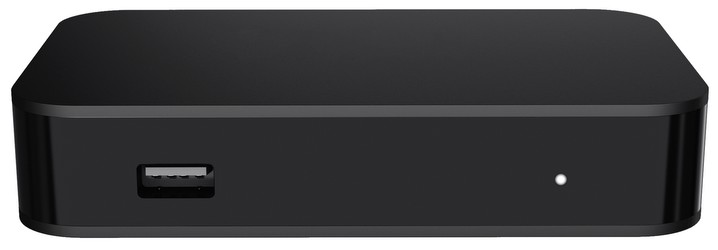
Most current televisions have HDMI inputs, and this is the standard connection for set-top boxes. For the best experience, choose a box with an HDMI output that suits your television’s resolution.
A Full HD box is sufficient for standard HD broadcasts and older TVs. However, if you own a 4K television and want the box to handle compatible ultra-high-definition content, look for 4K/UHD output. HDR support can improve contrast and colour where the programme, TV and service all support the same HDR format, but availability varies by provider and channel.
Check these essentials before buying:
- HDMI output: required for straightforward connection to most modern TVs.
- Resolution support: Full HD is common; 4K/UHD is useful for compatible content and displays.
- HDR compatibility: check supported formats if HDR is important to you.
- Wi-Fi or Ethernet: needed for catch-up, on-demand services, software updates and some programme-guide features.
- USB ports: may support playback of personal media or external storage, but recording support is not guaranteed.
- Audio output: useful if connecting to a soundbar, AV receiver or hi-fi system.
- Remote control design: large buttons, voice control or accessibility features can make a noticeable difference in daily use.
Live TV, catch-up and streaming services
Viewing habits have changed, and recording is no longer the only way to watch a missed programme. Many platforms offer catch-up and on-demand services, allowing you to watch selected shows after broadcast through broadband. Availability, programme windows and advert arrangements differ between services.
A connected set-top box may provide access to UK catch-up apps and streaming platforms, but app availability can change over time. Check that the exact model supports the services you use most, such as BBC iPlayer, ITVX, Channel 4, My5, YouTube or subscription streaming services. Some apps require an account, a paid subscription or a compatible broadband connection.
Do not assume that every smart TV box provides every UK catch-up service. Retail listings and manufacturer support pages are the best place to confirm current app compatibility before purchase.
Recording, pausing and twin tuners
Personal video recorder (PVR) set-top boxes can record live TV to an internal hard drive or, on selected models, approved external storage. They are useful for households that regularly watch live channels and prefer to keep programmes locally available.
A twin tuner is especially valuable. It allows the box to receive two channels at once, so you can record one programme while watching another. Depending on the model and signal source, you may also be able to record two programmes simultaneously or watch a recording while another programme is being captured.
Common recording features include:
- Pause and rewind live television
- Scheduled recordings from the electronic programme guide
- Series links for regular programmes
- Recording while watching another channel, with a twin tuner
- Playback of stored programmes without relying on broadband
There are important restrictions to consider. Recordings may be encrypted, tied to the set-top box or unavailable for copying to another device. Some broadcasters and providers also limit fast-forwarding through adverts or impose rules on recording particular programmes. If long-term archiving is important, check the product’s recording policy rather than relying on USB connectivity alone.
Pay TV and CI+ modules
Some television services require a subscription, viewing card or provider-supplied box. A CI+ slot can allow compatible televisions or receivers to use a conditional-access module, but compatibility depends on the broadcaster, platform and subscription arrangement.
For UK pay-TV services, the provider’s own hardware is often the simplest route, as it is designed to work with that service’s channels, programme guide and on-demand features. Do not buy a CI+ module or third-party receiver unless it is explicitly supported by your chosen provider.
When a separate TV box is worth buying
A standalone set-top box can be a good choice when your existing TV lacks Freeview HD, satellite reception, recording facilities or reliable smart features. It can also extend the life of an older television with an HDMI port, avoiding the need to replace a perfectly usable screen.
Choose a straightforward Freeview HD box if you mainly want live channels through an aerial. Select a PVR with twin tuners if recording and live-TV pausing matter most. For app-based viewing, catch-up and subscription streaming, prioritise a well-supported streaming box or smart platform with regular software updates.
TV set-top box buying checklist
- Choose the right platform: Freeview, Freesat, cable or streaming
- For aerial reception, look for DVB-T2 / Freeview HD compatibility
- Check whether your television has a free HDMI port
- Choose 4K/UHD and HDR support if it suits your TV and chosen services
- Consider a twin-tuner PVR for flexible recording
- Confirm which UK catch-up and streaming apps are currently supported
- Check whether Wi-Fi is strong enough, or use Ethernet for a more stable connection
- Verify storage capacity and recording restrictions before choosing a hard-drive model
- Remember that cable and many pay-TV services usually require provider-approved equipment