


Satellite DVB-S: Consumer tips

DVB-S is the most widely used DVB variant and can transmit most television and radio programmes as well as additional services thanks to a high data transmission rate. Unlike DVB-T and DVB-C, reception can also occur in remote or rural areas, as DVB-S does not require any special additional infrastructure. Furthermore, the use is free of charge, with costs only incurred for the purchase of a receiver needed for reception.
What is DVB-S 2?
DVB-S2 refers to the further development of the DVB-S standard. With new technology, the data rate can be increased by up to 30 per cent. In addition to a higher data rate, DVB-S2 also has other advantages. For example, it can transmit not only MPEG-2 but also MPEG-4 signals. It is also possible to transmit programmes in HDTV resolution alongside transmission in an additional standard definition. However, DVB-S2 can only be received with receivers that are designed for the new standard.
What receivers are available?
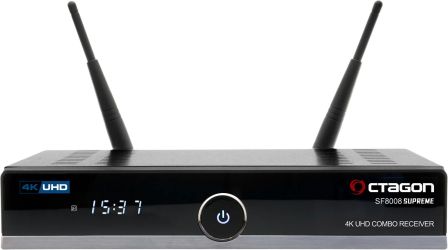
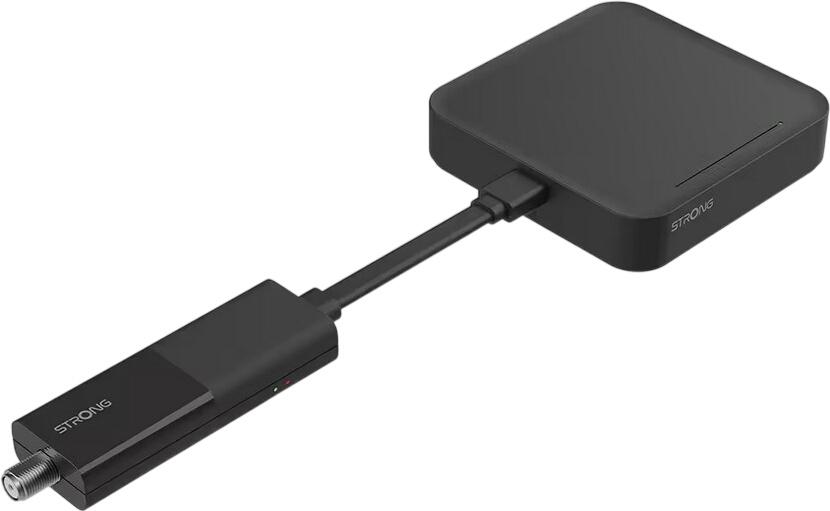
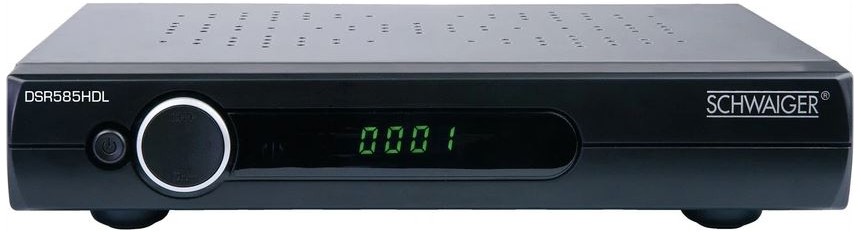
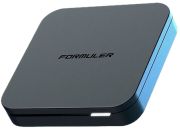
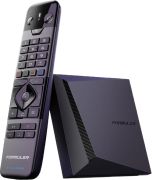
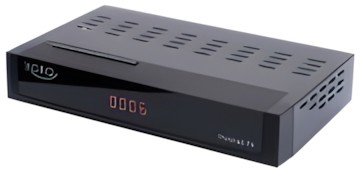
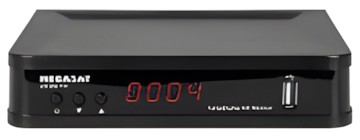
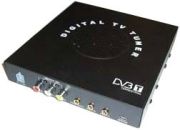
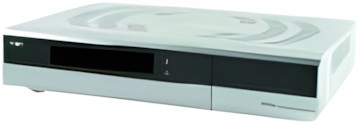
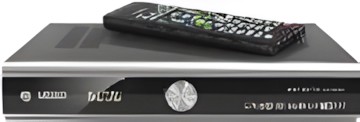
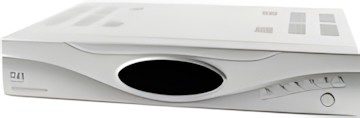
DVB-S receivers come with very different features, so it is important to ensure that the device meets the desired requirements. For example, there are receivers that can only receive certain channels. FTA receivers (Free To Air) only receive unencrypted channels. Additionally, they have a card reader for pay-TV, which only decrypts channels with the appropriate smart card. The smart card must also match the encryption system. For instance, if a receiver is designed for Premiere, the card slot can only read Premiere smart cards. If you want to receive all encrypted programmes, the receiver should have a CI interface, which is a universal interface for all encryption systems. If you want to record programmes with the receiver and save them on a hard drive, it is recommended to use so-called HDD receivers (HDD stands for Hard Disk Drive), which have an internal hard drive. You should consider getting an HDTV-capable receiver if you want to invest in the future.
What should be considered when purchasing?
To use DVB-S, you need to acquire a suitable digital receiver. Since these receivers are equipped very differently, you should ensure that all necessary connections are available. An important aspect is, for example, the number of SCART connections. If you want to connect other devices (such as a DVD player) to the receiver, it should be equipped with at least two connections. An HDMI interface transmits video and audio signals digitally. If you also want to record programmes with the receiver and save them on a hard drive, you should pay attention to sufficient storage capacity. Also, keep in mind that a receiver with many connections has a larger form factor, which often compromises design. If you want to upgrade your receiver after purchase, you should invest in a larger form factor from the outset.