


DVB-C cable receiver: Consumer tips

The reception of radio programmes is also possible. The quality of the transmitted signals depends on the digital source material, the encoder used, and the bandwidth provided. The encoder converts the data source into a suitable format. The bandwidth is provided by the cable provider. More programmes can be received if the bitrate per programme is low, but this also means poorer quality.
What should a DVB-C receiver be able to do?
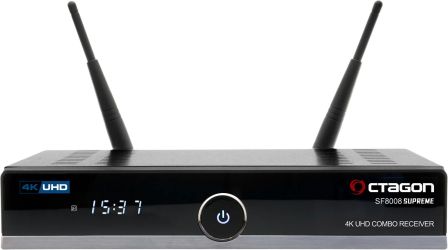
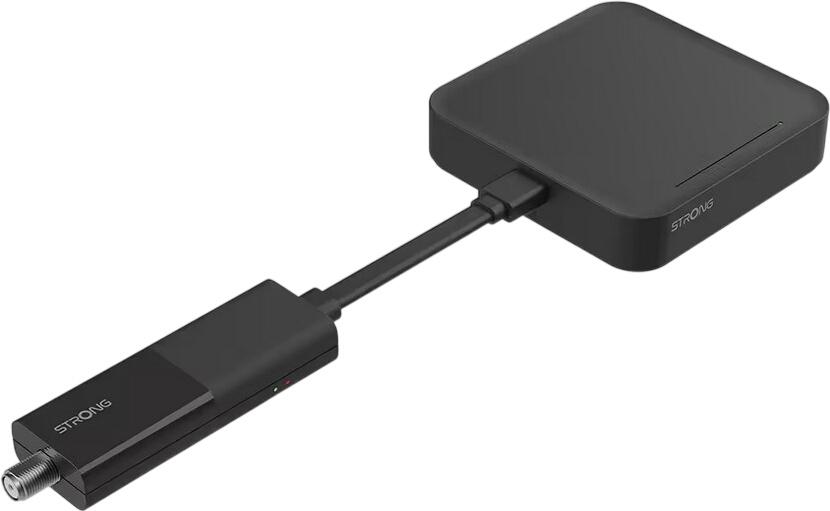
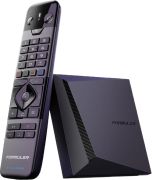
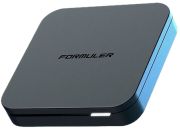
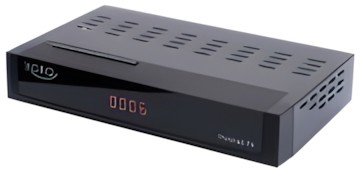
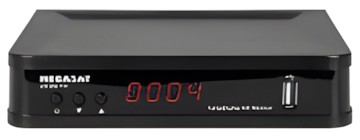
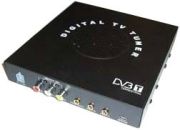
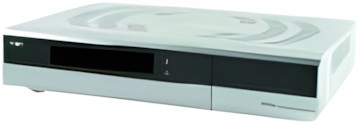
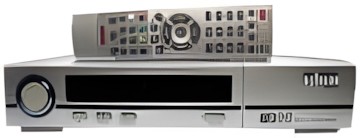
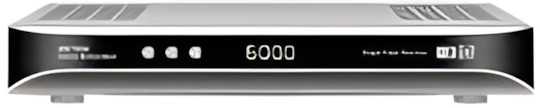
The DVB-C receiver is used for receiving and decoding digitally transmitted television or radio signals via cable and is either integrated into the playback device or can exist externally as a so-called set-top box. In addition to the EPG (electronic programme guide) function, which almost every digital receiver now has, the receiver should also have enough SCART connections. Usually, the television is connected to the receiver via this interface. To connect other electronic devices such as a DVD player, the receiver should have at least two SCART connections. It should also be ensured that all desired connections are available if, for example, you want to connect the receiver to a PC or connect a surround sound system. With an HDMI interface, video and audio data can be transmitted digitally. If you do not want to miss out on high-definition television in the long term, you should pay attention to an HDMI interface when purchasing. You should consider getting an HDTV-capable receiver if you want to invest in the future. However, to use HDTV, the TV set must also be appropriately equipped. The reception of pay-TV is also a frequently used application of digital receivers. Pay-TV often offers a wide variety of programmes and different broadcasting times. To use pay-TV, you need a so-called decoder card (or smart card), which is used to decrypt the encoded data. If you also want to record programmes and save them on a hard drive, you should consider getting a so-called HDD DVB-C receiver. HDD is the abbreviation for Hard Disk Drive and is the English term for hard drive. Depending on how many programmes you want to record, you should pay attention to sufficient storage capacity.
What should I consider when buying?
Before purchasing, you should definitely be aware of the purpose for which the receiver will be used and what functions it must fulfil. Most receivers have a lot of connections, but the appropriate cables are not always included. Depending on which of the numerous connections you want to use, you should also consider that the prices of the cables can significantly add to the purchase price of the receiver. It must be clear that the receiver does not work without firmware, and this should be regularly updated through updates. This is done either via cable or via the internet. It should also be noted that a receiver with many connections has a larger form factor, which can compromise the design. If you want to upgrade your receiver after purchase, you should invest in a larger form factor from the outset.