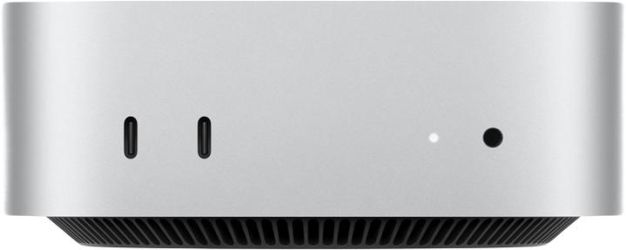
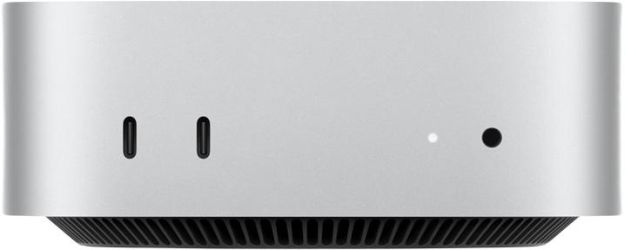
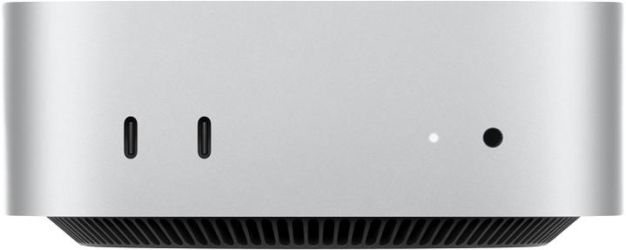
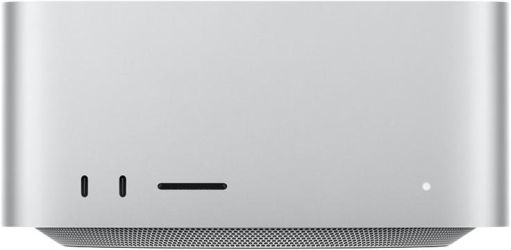


Newly Added Products






Personal Computer: Consumer tips

A pre-built system can be excellent value, but it is important to look beyond the headline price. Entry-level models are often configured to look affordable rather than to perform well over the next few years. For that reason, it is worth deciding in advance what you actually need the PC for: everyday home use, office work, creative software, schoolwork, photo editing or gaming. Buying for the right use case is the best way to avoid paying twice.
Avoid under-specced entry models
The cheapest desktop PCs can still cut corners in ways that matter in daily use. In the main warning signs are:
- Too little memory: 8GB RAM is now the bare minimum for a very basic machine, while 16GB is the sensible starting point for most buyers
- Slow or limited storage: a modern PC should have an SSD as standard, not an HDD-only setup
- Older or weaker processors: current systems should use a recent-generation AMD Ryzen or Intel Core / Core Ultra processor rather than outdated legacy parts
- No upgrade headroom: limited RAM slots, poor cooling or a low-quality power supply can shorten the useful life of the system
- Weak graphics for the intended use: integrated graphics are fine for web browsing, streaming and office tasks, but not every machine is suitable for gaming or heavier creative workloads
A very cheap desktop may cope with light tasks on day one, but it can feel restrictive surprisingly quickly once you start using multiple browser tabs, video calls, Office apps, cloud storage, photo libraries or basic editing software.
What counts as a good desktop specification?
These are sensible starting points.
For everyday home and office use
Look for:
- Processor: AMD Ryzen 5 or Intel Core 5 / Core Ultra 5 class
- Memory: 16GB RAM
- Storage: 512GB SSD minimum
- Graphics: integrated graphics are usually sufficient
- Connectivity: Wi‑Fi, Bluetooth and enough USB ports for your accessories
This level suits web browsing, Microsoft 365, streaming, study, video calls and general family use very well.
For heavier multitasking, creative work and longer lifespan
A stronger all-rounder should offer:
- Processor: AMD Ryzen 7 or Intel Core 7 / Core Ultra 7 class
- Memory: 16GB to 32GB RAM
- Storage: 1TB SSD
- Graphics: integrated graphics for general productivity, or a dedicated GPU for editing, 3D work or gaming
If you expect to keep the PC for several years, stepping up to 32GB RAM or 1TB storage can be worthwhile.
For gaming
Gaming desktops need more careful specification. Prioritise:
- a modern 6-core or 8-core processor
- 16GB RAM minimum, with 32GB worth considering for higher-end builds
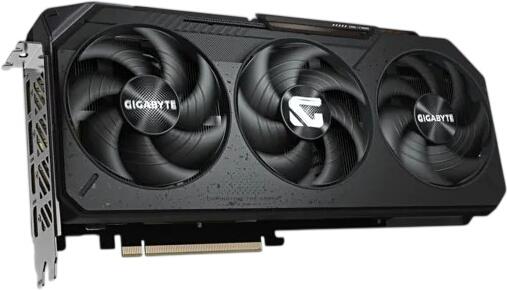
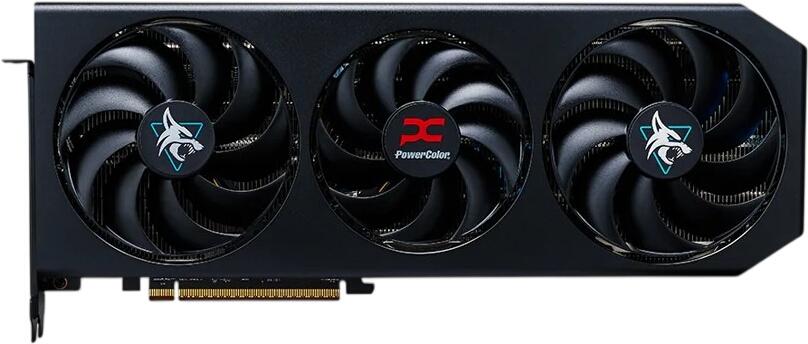
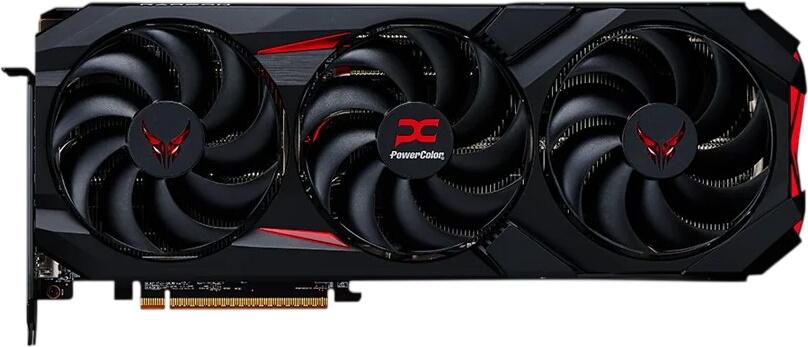
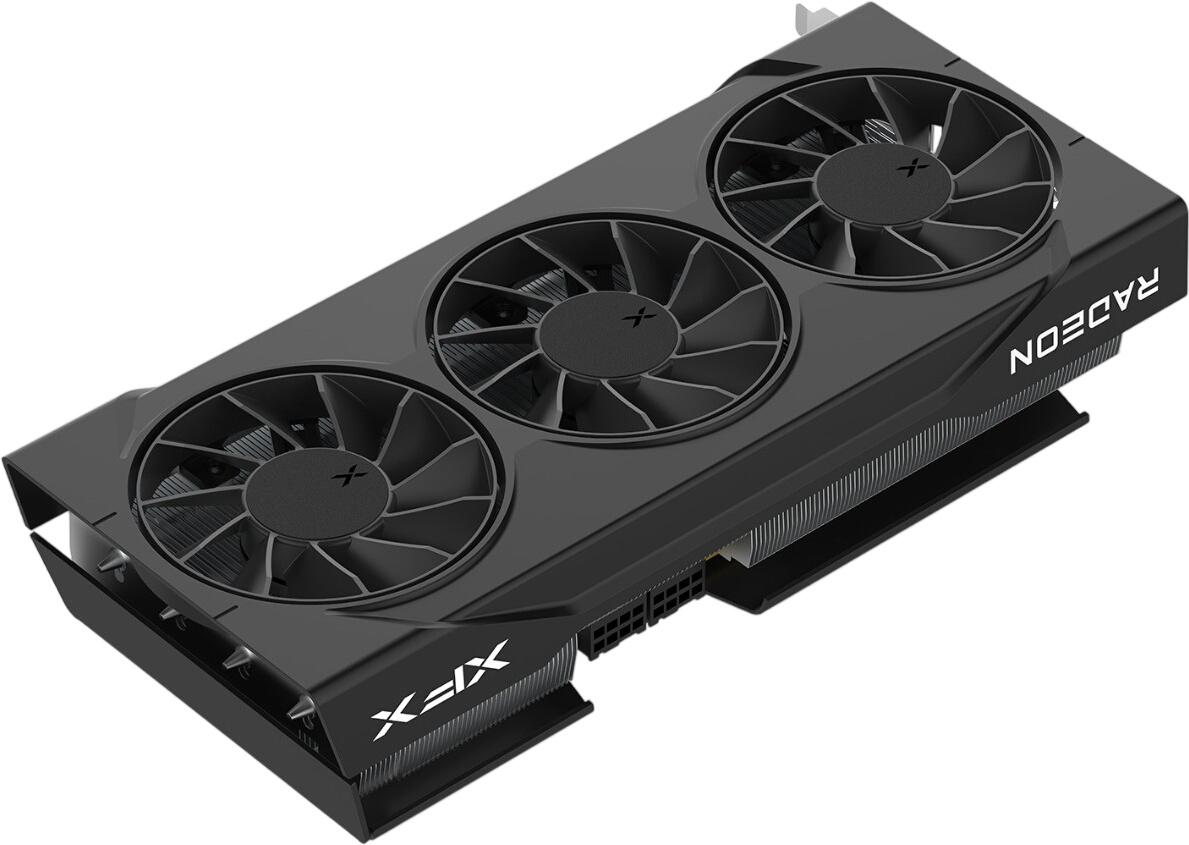
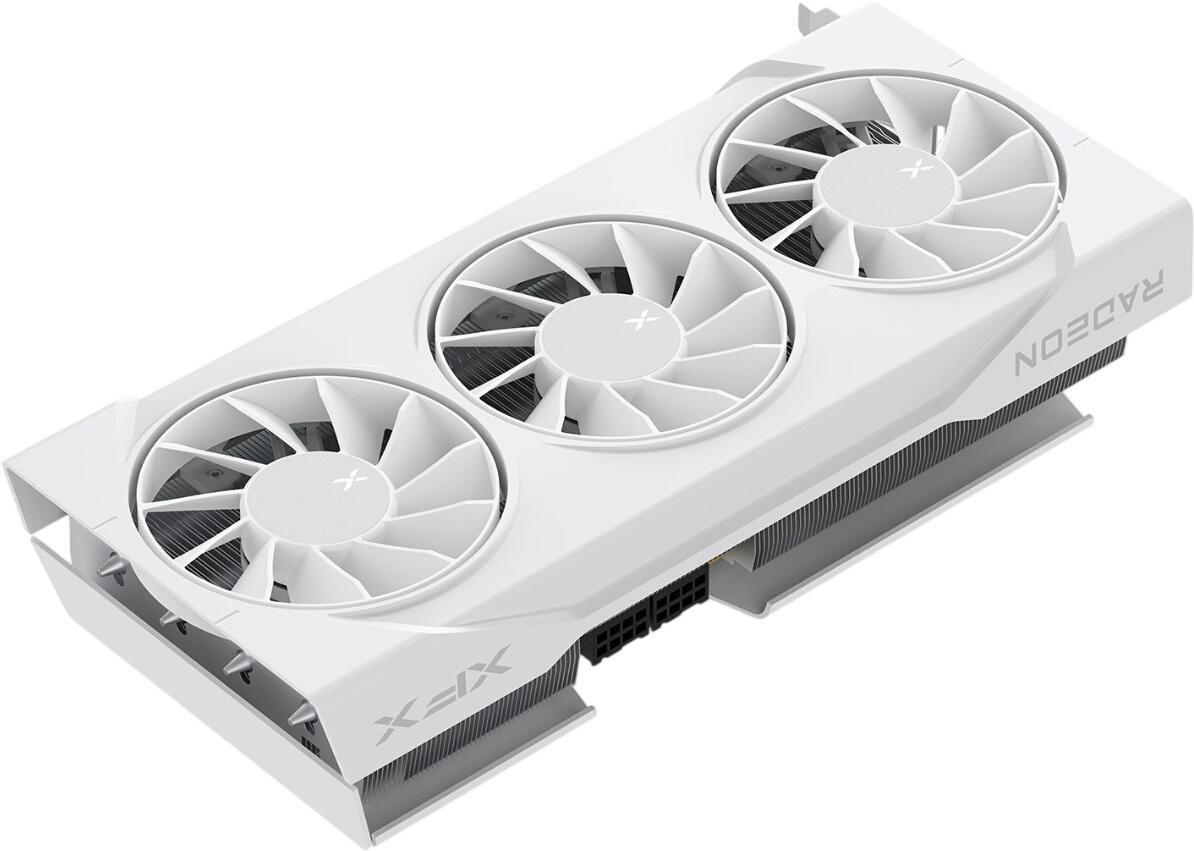
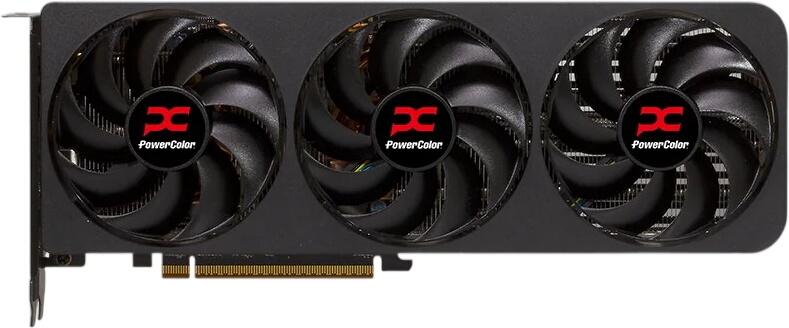
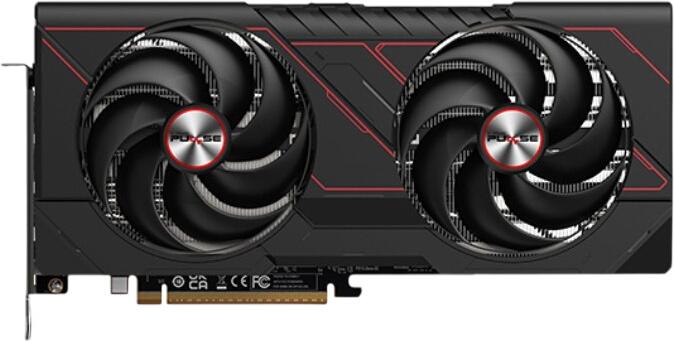
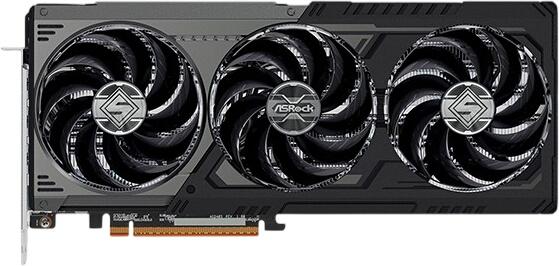
- a dedicated graphics card
- an SSD as the main drive
- a power supply matched to the graphics card rather than a generic wattage claim
For 1080p gaming, many buyers will be well served by modern mid-range graphics. For 1440p gaming or more demanding titles, move higher up the stack. Current examples from recent desktop ranges include cards such as the NVIDIA GeForce RTX 5060 / 5060 Ti and AMD Radeon RX 9060 XT, depending on budget and target resolution.
SSD is no longer optional
A solid-state drive should be the default in any new desktop PC you are seriously considering.
An SSD improves:
- boot times
- app loading
- file transfers
- software updates
- general responsiveness
A 512GB SSD is a sensible minimum for a general-purpose PC, while 1TB is the better fit if you store lots of photos, install many applications or want room for games. Traditional hard drives still have a place as secondary storage for large media libraries, but they should not be the only drive in a modern system.
How much RAM do you need?
For a refreshed buying guide, the old 4GB recommendation should be retired completely. In practical terms:
- 8GB RAM: only suitable for very light use and tight budgets
- 16GB RAM: the best baseline for most people
- 32GB RAM: ideal for gaming, creative work, heavier multitasking and better future-proofing
You should also expect modern systems to use DDR5 in many current configurations, although some value-focused models may still use DDR4. What matters most for shoppers is capacity first, then platform quality. DDR3 should not feature in any current buying recommendation.
Integrated graphics or dedicated graphics?
Many pre-built desktop PCs now come with capable integrated graphics for everyday computing. That is absolutely fine if your main tasks are:
- browsing
- streaming
- office work
- schoolwork
- light photo editing
However, if you want to play current games, edit video more comfortably, work with 3D software or use GPU-accelerated creative apps, choose a desktop with a dedicated graphics card.
The safest rule is simple: do not pay extra for a gaming-style case and RGB lighting if the graphics hardware inside is entry-level or outdated. Performance matters more than appearance.
Do not judge a PC by processor name alone
A desktop advertised with a familiar processor badge can still disappoint if the rest of the specification is weak. Always check:
- RAM capacity
- SSD size
- graphics solution
- number of USB ports
- monitor outputs
- Wi‑Fi support
- upgrade options
- warranty length
A well-balanced specification is usually better value than a machine with one eye-catching part and several compromises elsewhere.
Power supply and cooling matter more than many buyers realise
A blanket recommendation such as “500W is enough” is too simplistic. The correct power supply depends on the full component list, especially the graphics card. For example, AMD lists a 450W minimum PSU recommendation for the Radeon RX 9060 XT, showing that PSU requirements are component-specific rather than one-size-fits-all.
When comparing gaming or performance desktops, look for:
- a reputable power supply
- sensible airflow
- enough cooling for the processor and graphics card
- room for future upgrades
This is especially important if you want the PC to stay quiet under load or remain reliable over several years.
Wi‑Fi: built-in is usually best
You will of course need internet access, but desktop networking advice has moved on. Built-in Wi‑Fi and Bluetooth are common on many pre-built PCs and motherboards, especially for mainstream home systems. That means you often do not need to buy a separate wireless adapter at all.
If a desktop does not include Wi‑Fi, you still have options:
- USB Wi‑Fi adapter: the easiest and cheapest fix for basic use
- PCIe Wi‑Fi adapter: a better choice if you want stronger performance, better antennas or more stable long-term wireless use
- Ethernet: still the best option for the most stable connection, especially for gaming, large downloads or home office setups
The most convenient route is usually to choose a system with Wi‑Fi 6 or Wi‑Fi 6E built in from the start, then use Ethernet if your desk is close to the router.
Check the operating system before you buy
Not every desktop includes the same software setup. Some are sold with Windows pre-installed, while others may come without an operating system or with a different licence tier. If you want a machine that works straight away, confirm this before checkout.
For most buyers, Windows 11 remains the expected choice on a new desktop PC, and Microsoft’s requirements include items such as a compatible 64-bit processor, 4GB RAM minimum, 64GB storage minimum, UEFI, Secure Boot capability and TPM 2.0. Those are only minimum operating system requirements, however, and they should not be mistaken for good buying targets in general.
A simple buying checklist
Before you buy a pre-built desktop PC, make sure it offers:
- 16GB RAM for most users
- 512GB SSD or larger
- a recent AMD Ryzen or Intel Core / Core Ultra processor
- built-in Wi‑Fi if you need wireless connectivity
- the right graphics setup for your use
- enough ports for your monitor and accessories
- a clear warranty and returns policy
- room to upgrade storage or memory later if possible
Our verdict
A pre-built desktop PC is a smart choice if you want convenience, support and a system that works out of the box. The key is to ignore outdated minimum specifications and focus on a balanced, modern setup. Currently that means SSD-first storage, 16GB RAM as the mainstream sweet spot, current-generation processors and graphics matched to your actual workload. Recent desktop platforms from Intel and AMD reflect that shift clearly, with current Intel Core Ultra desktop ranges and new AMD Ryzen desktop launches aimed at far more capable mainstream systems than the old quad-core, 4GB-era recommendations.