


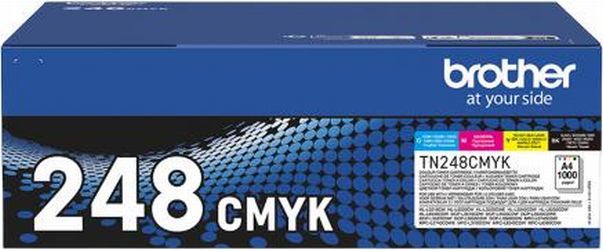
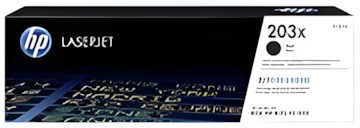

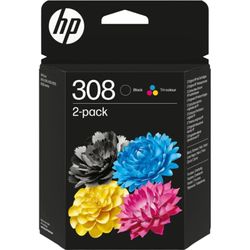


Newly Added Products







Printer accessories: Consumer tips

In addition, printer or photo paper is also considered essential accessories. Ink cartridges and toner cartridges bring colour to the paper, while the print head serves to direct and distribute this from the cartridge in a targeted manner. You can read here what accessories you need for your printer and how many toners and cartridges are required.
When you need printer accessories and how to find the right product
If there is a printer in the office or in your home office, you mainly need colour and paper. Whether you need printer accessories like a USB connection cable depends on how you use your device. If it is integrated into a wireless network, no additional cables are required. Instead, a supply of suitable paper is necessary. If you use a multifunction printer that can not only print documents but also scan or copy, you should buy packs with an average of 500 sheets. For a photo printer, however, you need coated photo paper that reproduces colours and contrasts particularly well. To buy a new toner for the laser printer or cartridges for an inkjet printer, you only need the model designation of the printer. This will help you select suitable products.
Important printer accessories: cartridges for inkjet printers
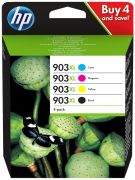
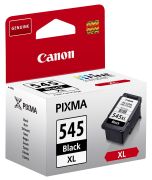
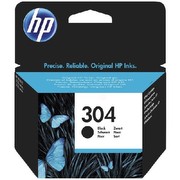
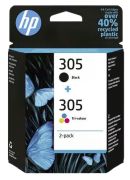
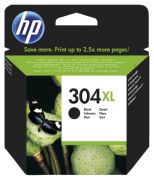
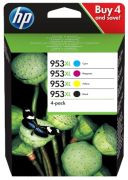
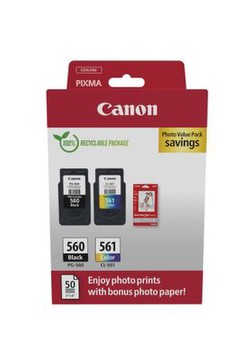
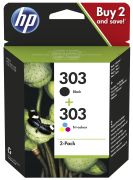
Accessories include not only cables and expansions for the paper tray but also the corresponding cartridges for each model. Whether HP, Epson, or Canon – you need the exact model designation and series if you want to buy new printer cartridges. These are available in different sizes depending on the manufacturer, so you can save money when purchasing larger cartridges. Whether you need three cartridges in black, cyan, and magenta in addition to the black cartridge, or whether the printer uses a different colour distribution can be found in the user manual. There you will also find instructions on how to change the cartridges of the inkjet printer.
Replaceable print heads
Some manufacturers integrate the print heads into the ink cartridges. This makes them more expensive, but regular printing processes as well as the cleaning and maintenance of the print heads are eliminated. Usually, the print head is installed in the device and transfers the ink to the paper via mechanical drive. Make sure that the print head does not remain idle for too long, as otherwise, you will have to replace it. If this is the case, you can purchase the appropriate printer accessories based on the model designation of the inkjet printer.
Toner and other printer accessories for laser printers
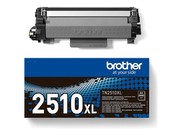
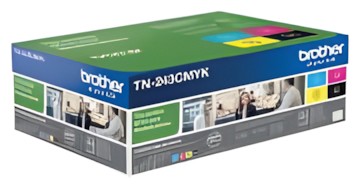
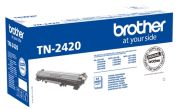
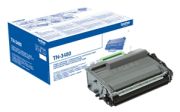
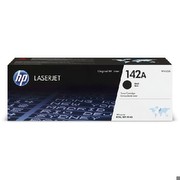
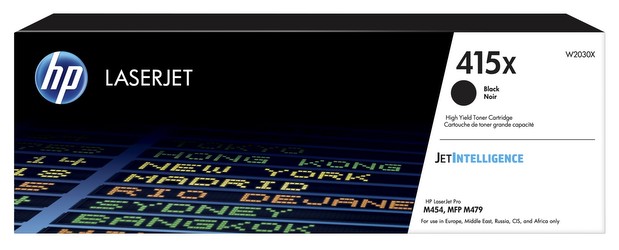
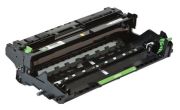
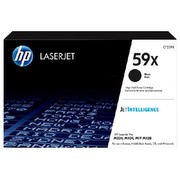
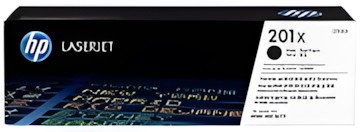
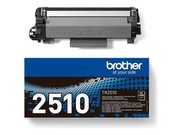
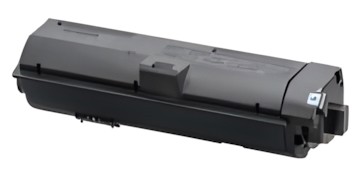
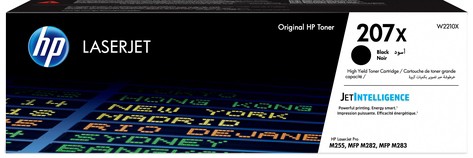
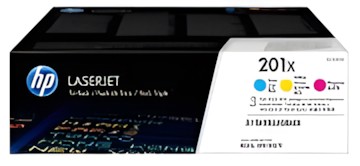
If you own a laser printer, you need toner in black or, if you are using a colour laser printer, additional colour toners in yellow, cyan, and magenta. The cartridges are available in different sizes, so depending on the model, you can print up to 7,000 sheets or more with one toner. If you buy a kit that includes all the required cartridges, you can save a few pounds compared to buying them individually. Make sure before purchasing that the selected toner is compatible with the laser printer. In addition to this, the image drum installed in the printer is an important element. Without it, printing is not possible. If the drum is defective outside the manufacturer's warranty, you will need to repurchase and replace this printer accessory.
Tips for buying printer accessories
- Note the model designation and type of your printer
- Sets with multiple cartridges or toners are often cheaper than individual printer accessories
- Large cartridges and toners are more economical
- Before purchasing spare parts, check if you can replace them yourself
- When buying paper, pay attention to which printer types it is suitable for