

Newly Added Products







Graphics card: Consumer tips
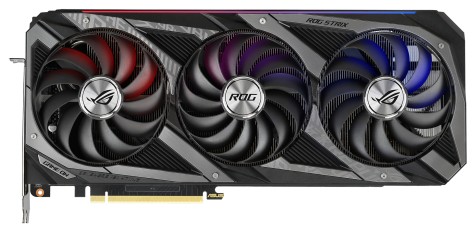
Graphics cards are available in a wide range of models with different performance levels and features. When buying a graphics card, it is worth considering factors such as GPU performance, VRAM, power consumption, connectivity, and support for modern technologies. The following criteria can help you find the right model for your needs.
What is a graphics card?
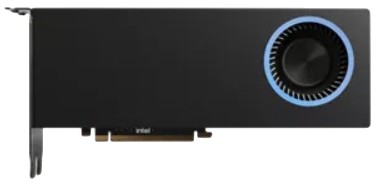
A graphics card, also known as a GPU (graphics processing unit), is one of the key hardware components in a PC. It processes and renders visual data, allowing images, videos, and games to be displayed on a monitor. The main manufacturers of consumer graphics processors are NVIDIA, AMD, and Intel. GPUs handle complex 2D and 3D workloads and are especially important for gaming, content creation, and image or video editing. As modern games and creative applications become more demanding, more powerful graphics cards are often required.
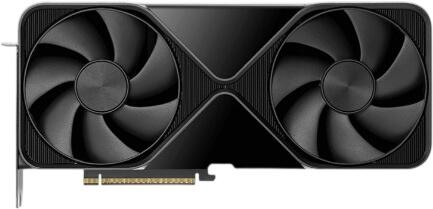
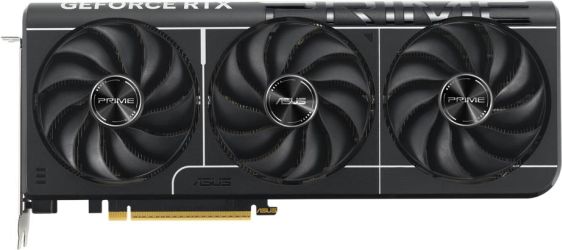
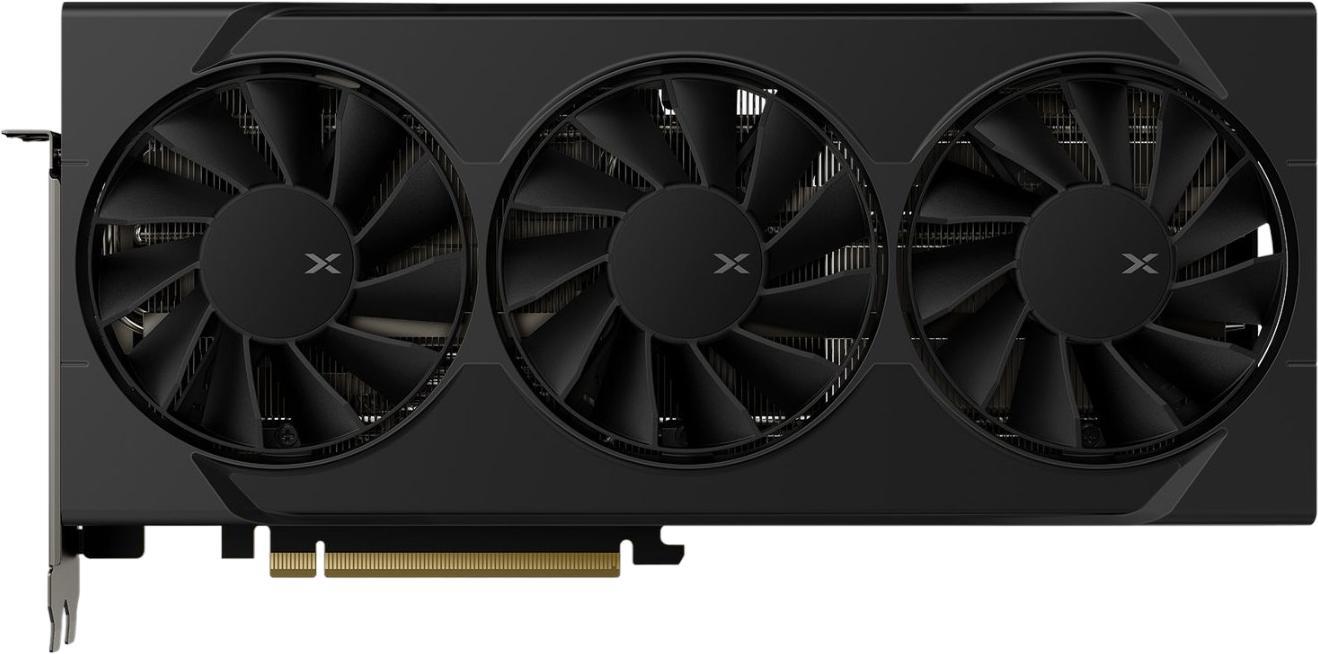
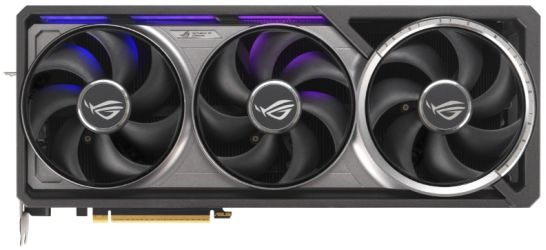
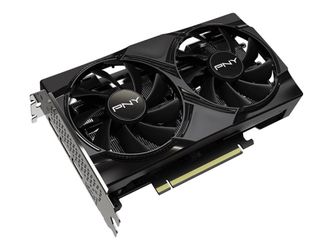
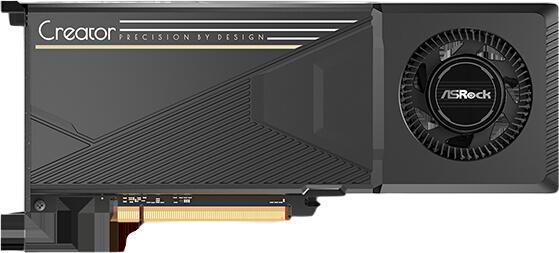
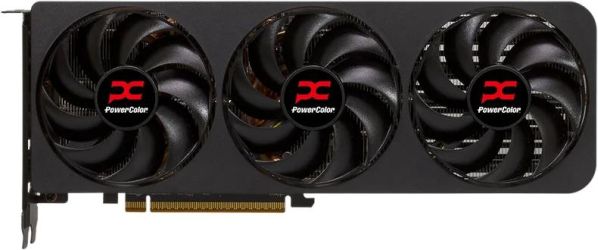
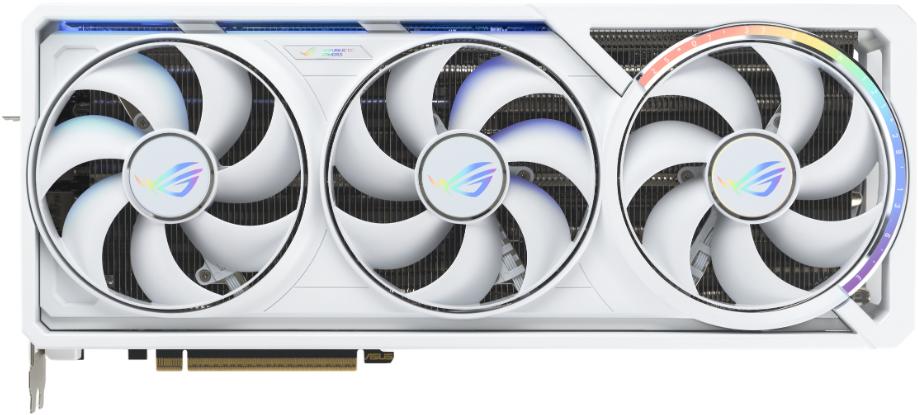
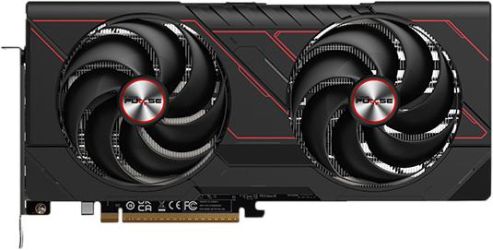
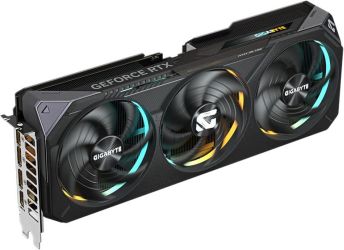
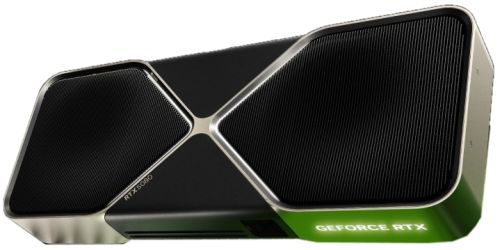
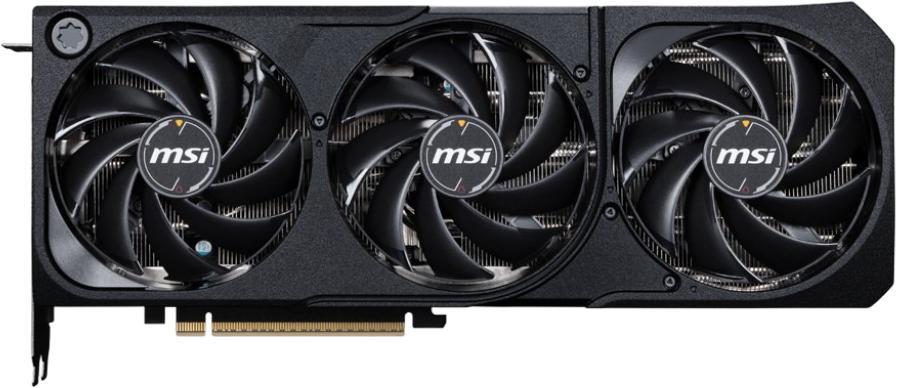
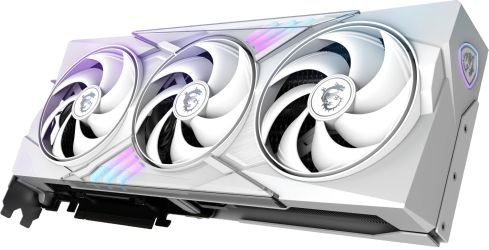
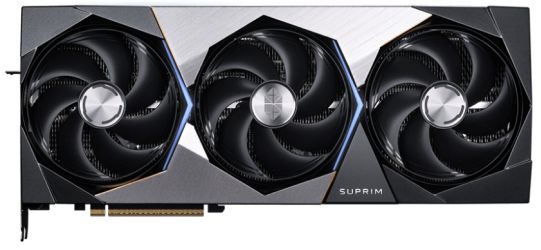
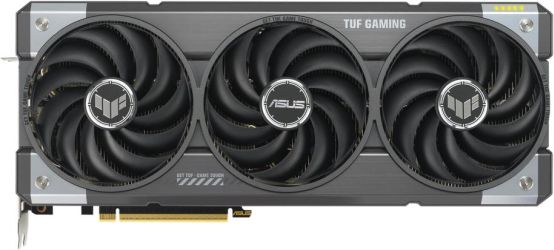
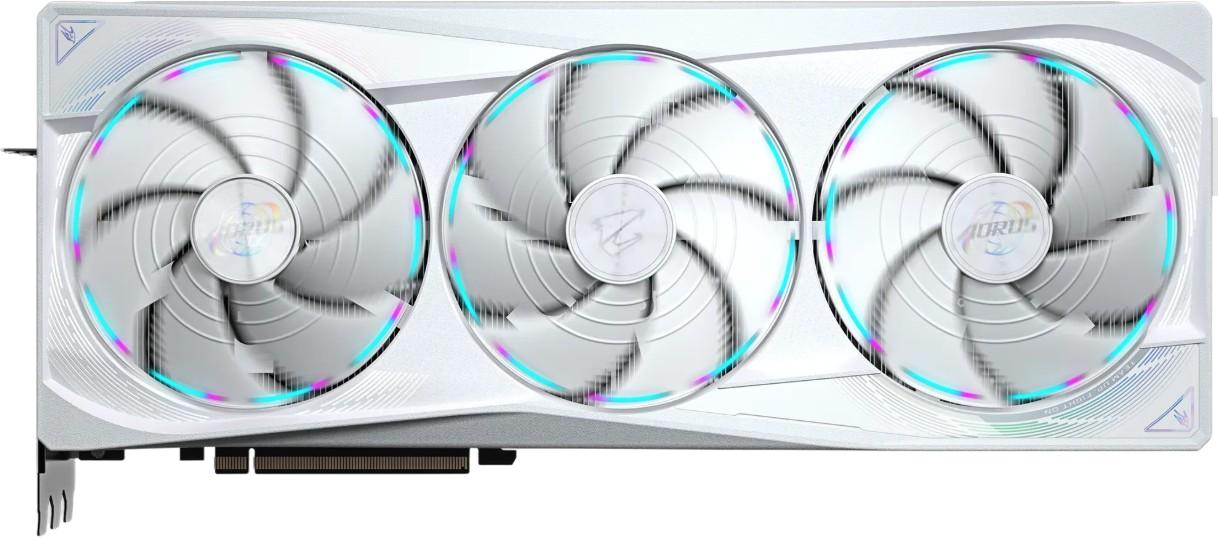
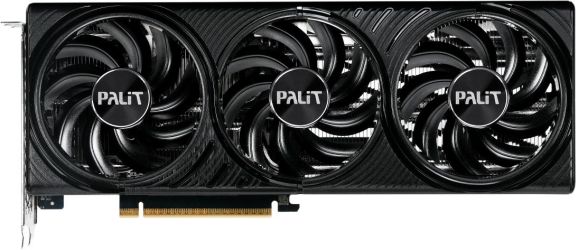
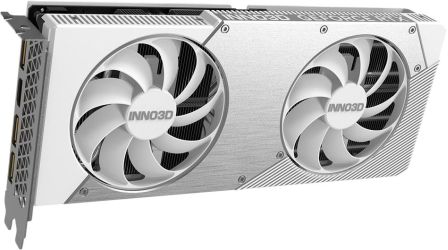
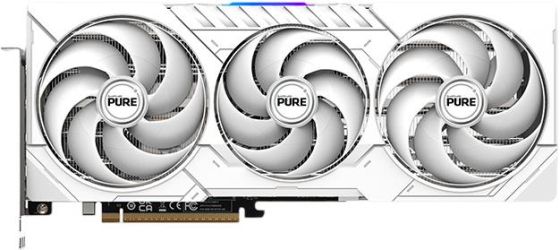
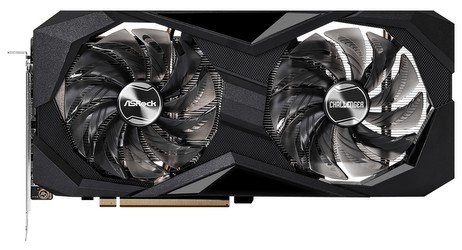
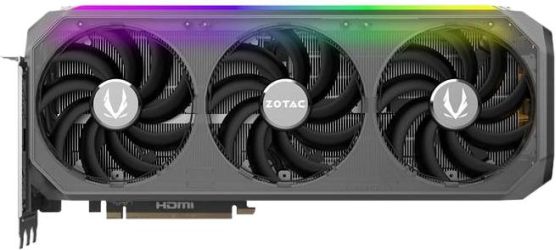
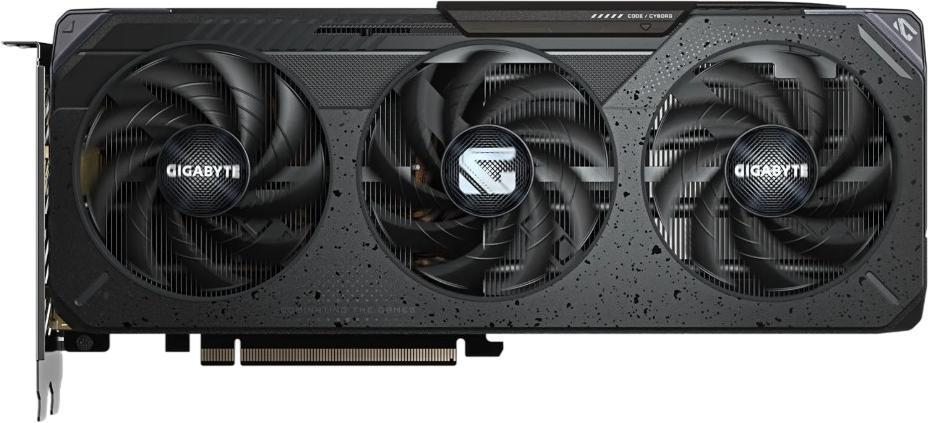
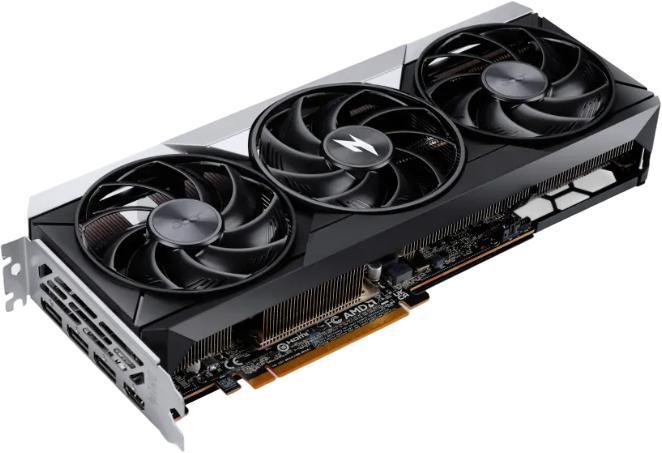
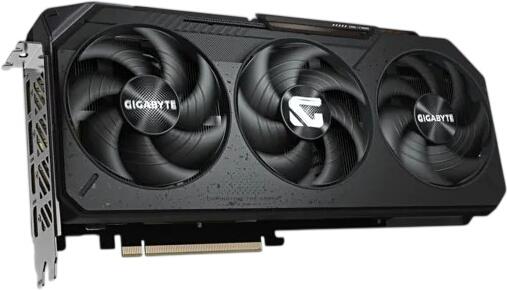
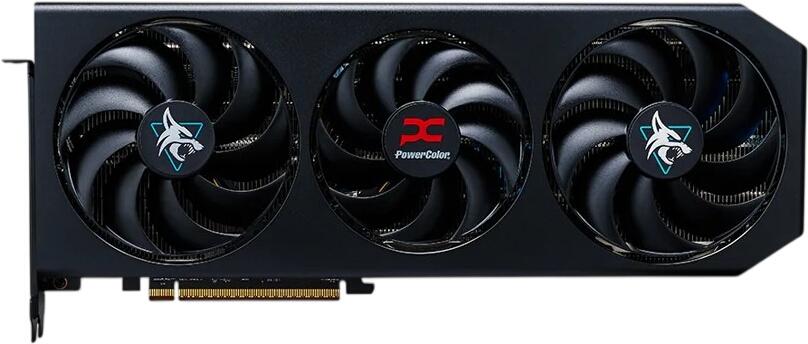
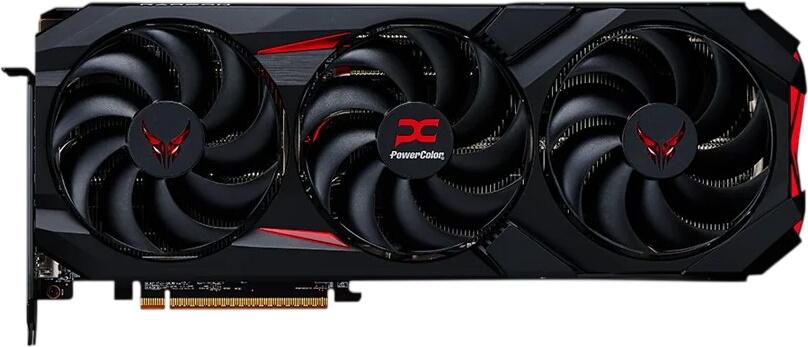
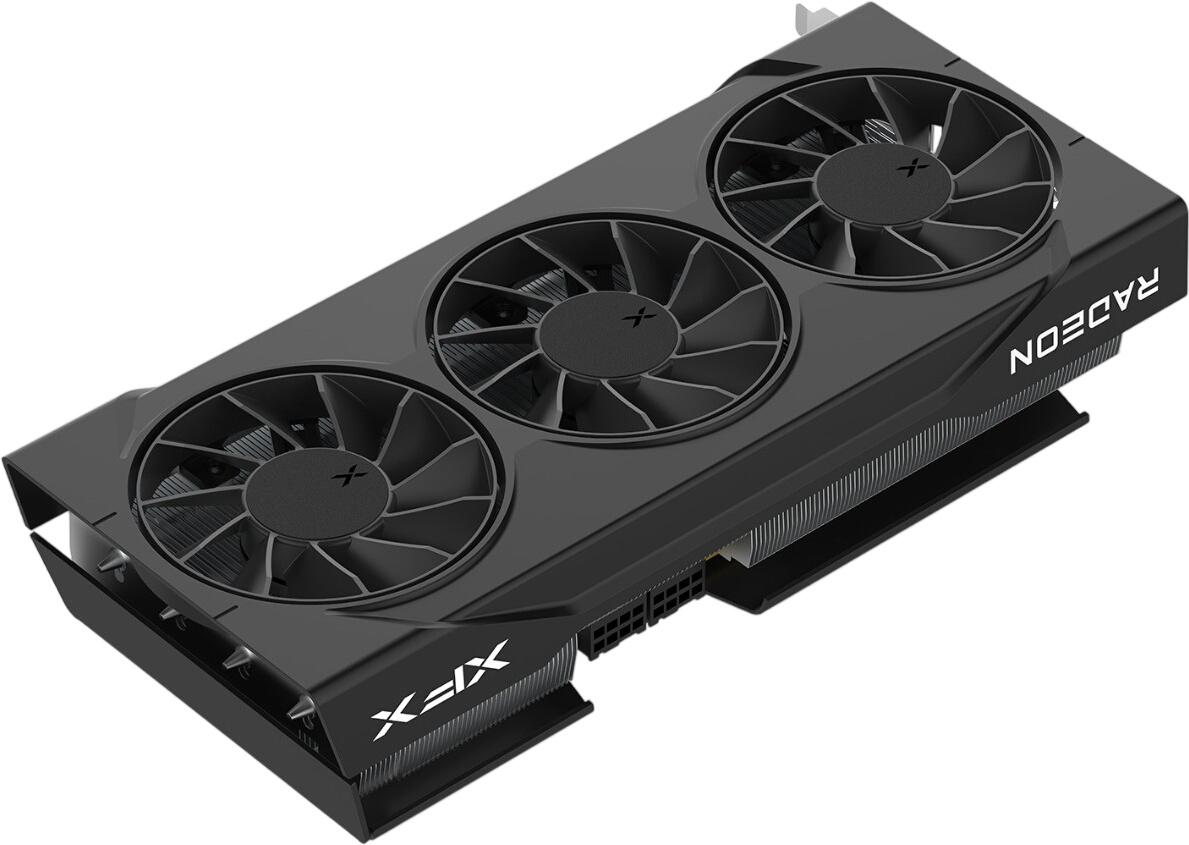
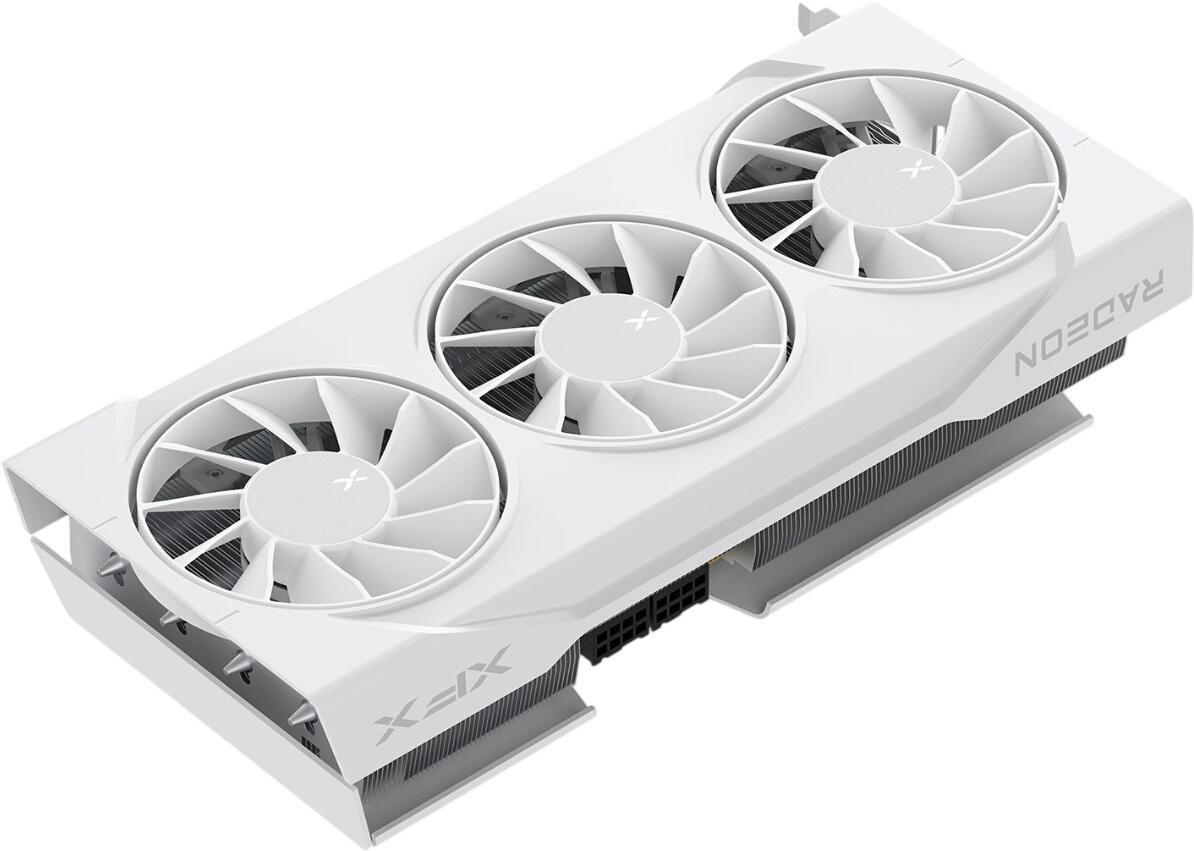
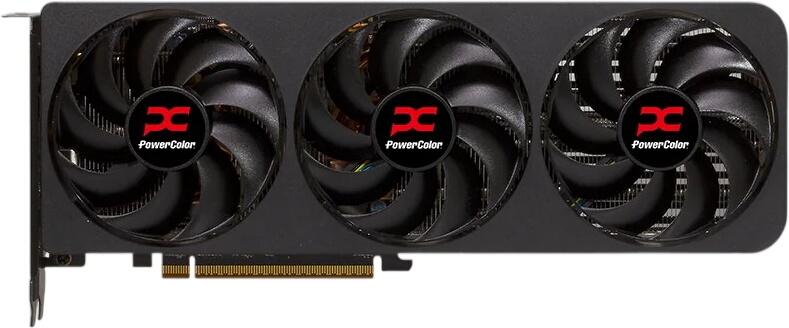
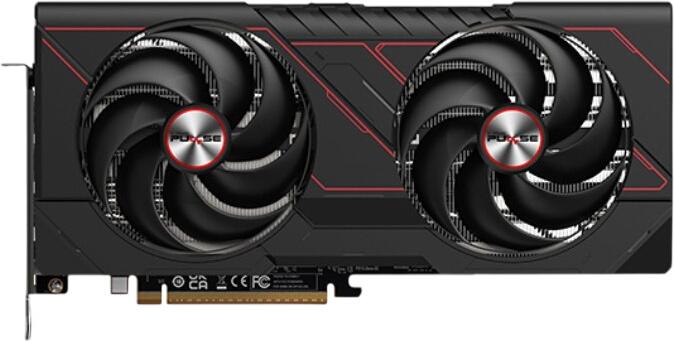
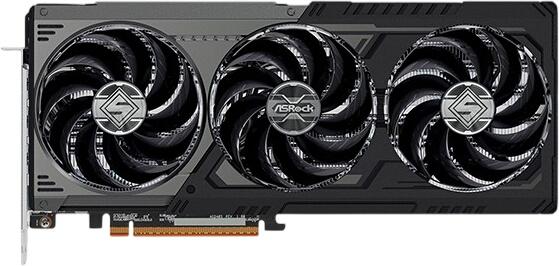
A PCIe graphics card typically consists of a circuit board, the GPU itself, video memory, a cooling system with heatsink and fans, and display outputs for connecting one or more monitors. Modern graphics cards usually offer HDMI and DisplayPort connections, while older standards such as VGA and DVI are now largely obsolete. Many models support multiple external displays at the same time. When choosing a graphics card, it is also important to check whether it will fit inside the PC case, as high-performance models can be very large. Power supply requirements and case airflow should also be considered to ensure stable operation and adequate cooling.
What should you consider when buying a graphics card?
When choosing a graphics card, there are several important factors to consider. Your budget is one of the most important, as graphics cards are available across a wide range of price points. You should also think about how you plan to use your PC. If you want to use multiple monitors, make sure the card has the right number and type of display outputs, typically HDMI and DisplayPort. Gamers often look at higher-end models from NVIDIA or AMD, which offer stronger overall performance and more VRAM for demanding games. However, these cards also tend to consume more power, generate more heat, and require a suitable power supply. For everyday tasks such as web browsing, office work, media playback, or casual streaming, a mid-range model is usually more than sufficient. In addition to performance, it is important to check overall system compatibility, including the power supply, available space in the case, and motherboard support.
What are DirectX and Vulkan for games and applications?
Whether a graphics card supports DirectX and Vulkan depends on the specific model and its technical capabilities. Both are graphics APIs (application programming interfaces) that allow games and other software to communicate efficiently with the hardware, especially the GPU. DirectX is a collection of APIs developed by Microsoft and is primarily used on Windows systems. Modern versions of DirectX, especially DirectX 12, offer improved performance and advanced features, but they also require compatible hardware. Most current graphics cards support DirectX 12, although it is still worth checking the requirements of individual games or applications.
Vulkan is another graphics API developed by the Khronos Group. Like DirectX, it gives developers low-level access to graphics hardware, but it is cross-platform and can be used on Windows, Linux, and Android, among other systems. Vulkan can reduce overhead and improve performance in well-optimised, multi-threaded applications. Although it is supported by many modern graphics cards, Vulkan is generally less widely used than DirectX in PC gaming and is not supported equally well by all games and software.
What is ray tracing?
Ray tracing is an advanced rendering technique used to simulate realistic lighting in 3D scenes. It improves the visual quality of reflections, shadows, global illumination, and refractions by modelling light behaviour more accurately than traditional rasterisation alone. This can result in much more realistic and immersive graphics. Because ray tracing places a heavy load on the GPU, it generally requires powerful hardware. Many current graphics cards include dedicated ray-tracing hardware to accelerate these calculations, which has helped increase adoption in modern games and content-creation workflows. Even so, ray tracing remains performance-intensive and is often offered as an optional graphics setting rather than a standard requirement.