





Car Hi-Fi: Consumer tips
What matters in car hi-fi
Most buyers care about:
- Apple CarPlay
- Android Auto
- Bluetooth hands-free calling
- music streaming
- DAB+ digital radio
- USB or USB-C connectivity
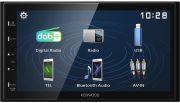
- touchscreen control on compatible units
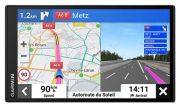
- optional navigation via phone apps or built-in systems
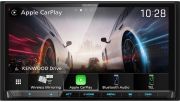
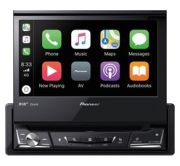
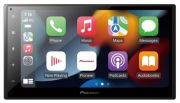
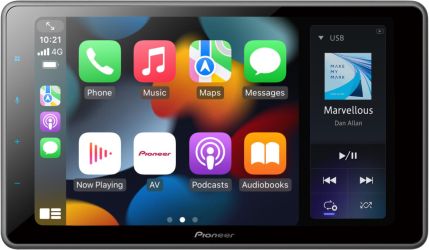
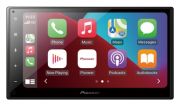
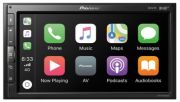
That makes current car multimedia systems much more useful than older-style car radios, especially if your existing vehicle lacks modern connectivity. Apple says CarPlay lets you use phone, messages, maps and music apps through the car’s controls, and can work wired or wirelessly depending on the system.
Smartphone integration should be a top priority
For most drivers, smartphone integration is now the single most useful upgrade. A good head unit can make navigation, calls and media much easier and safer to use on the move.
Apple CarPlay
CarPlay is ideal if you use an iPhone and want access to:
- Maps
- music and podcasts
- calls
- messages
- voice control via Siri
Apple’s official guidance confirms that some systems support CarPlay via USB, while others support wireless CarPlay.
Android Auto
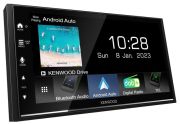
Android Auto serves the same role for Android users, giving access to navigation, media and communication apps through an in-car interface. Current Google support materials confirm Android Auto remains an active platform for app-based in-car use.
If you regularly rely on your phone for maps or streaming, CarPlay or Android Auto is usually far more important than legacy features such as CD playback.
Sound quality: think beyond the head unit
A new head unit can improve usability immediately, but sound quality also depends heavily on the rest of the setup. If you want better audio, consider:
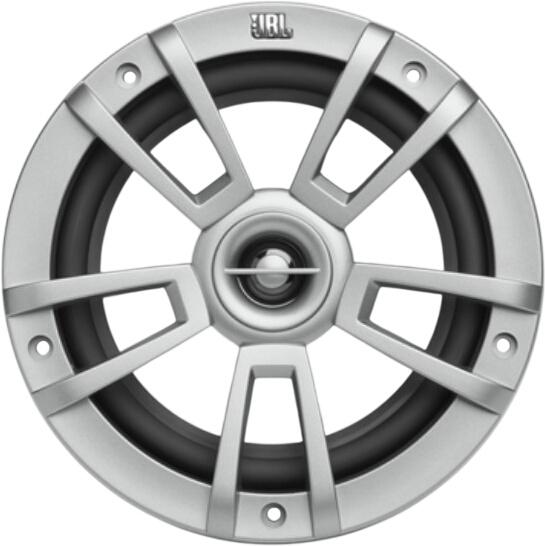
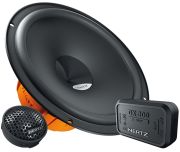
- upgraded door speakers
- tweeters
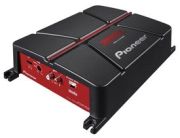
- an amplifier
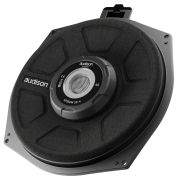
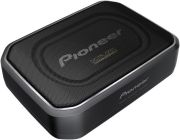
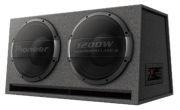
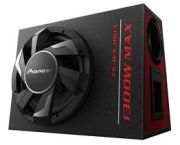
- a subwoofer
- sound deadening in the doors
Factory speakers are often the weak point, especially in older vehicles. Replacing them with better-matched components can make a much bigger difference than simply swapping the radio.
Check speaker compatibility carefully
If you plan to replace speakers, check:
- speaker size
- mounting depth
- impedance
- power handling
- connector compatibility
You should also check whether your car uses standard mounts or needs adaptors. A speaker that looks right on paper may still need extra fitting parts to work properly in the vehicle.
Check before purchasing
For a smoother upgrade, make sure you confirm:
- the car takes single DIN or double DIN
- you need a fascia kit
- the unit supports DAB+
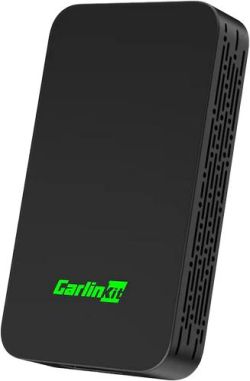
- you want wired or wireless CarPlay/Android Auto
- the steering wheel controls can still work
- your car needs aerial or wiring adaptors
- the unit has the right ports for your devices
If installation seems complicated, professional fitting is often worth considering.
Quick buying advice
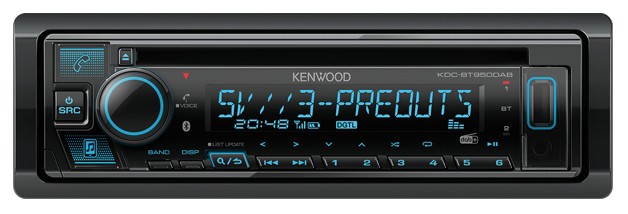
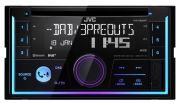
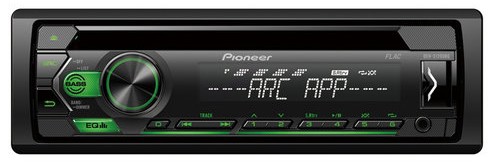
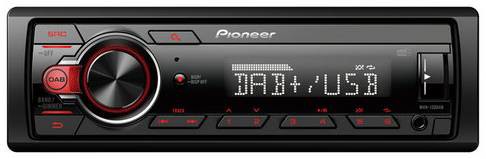
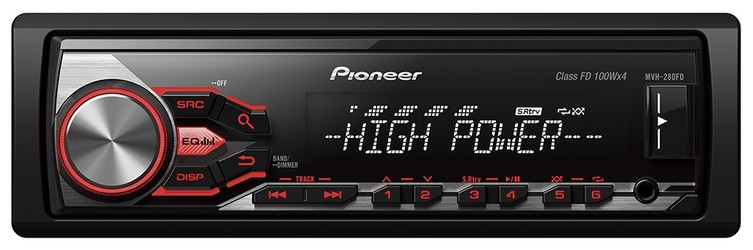
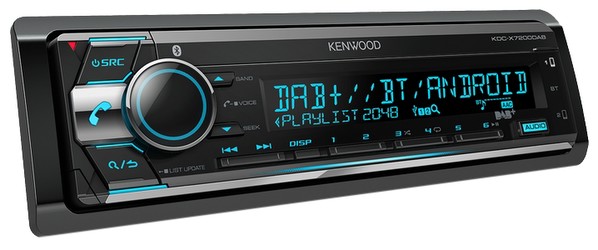
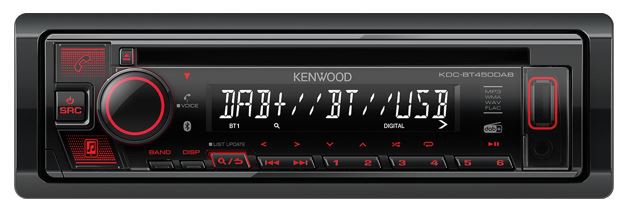
Choose a simple head unit if you mainly want:
- Bluetooth calling
- music streaming
- USB playback
- DAB+ radio
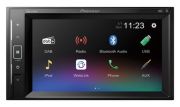
Choose a touchscreen multimedia unit if you want:
- Apple CarPlay or Android Auto
- easier navigation use
- a more modern infotainment feel
- better integration with your phone
Upgrade speakers as well if your goal is:
- noticeably better sound quality
- stronger bass
- clearer vocals
- more enjoyable long-distance listening