



Baby Monitors: Consumer tips
Audio, video and app-connected monitors
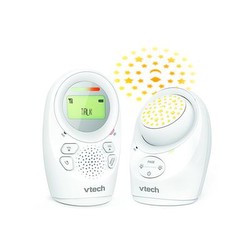
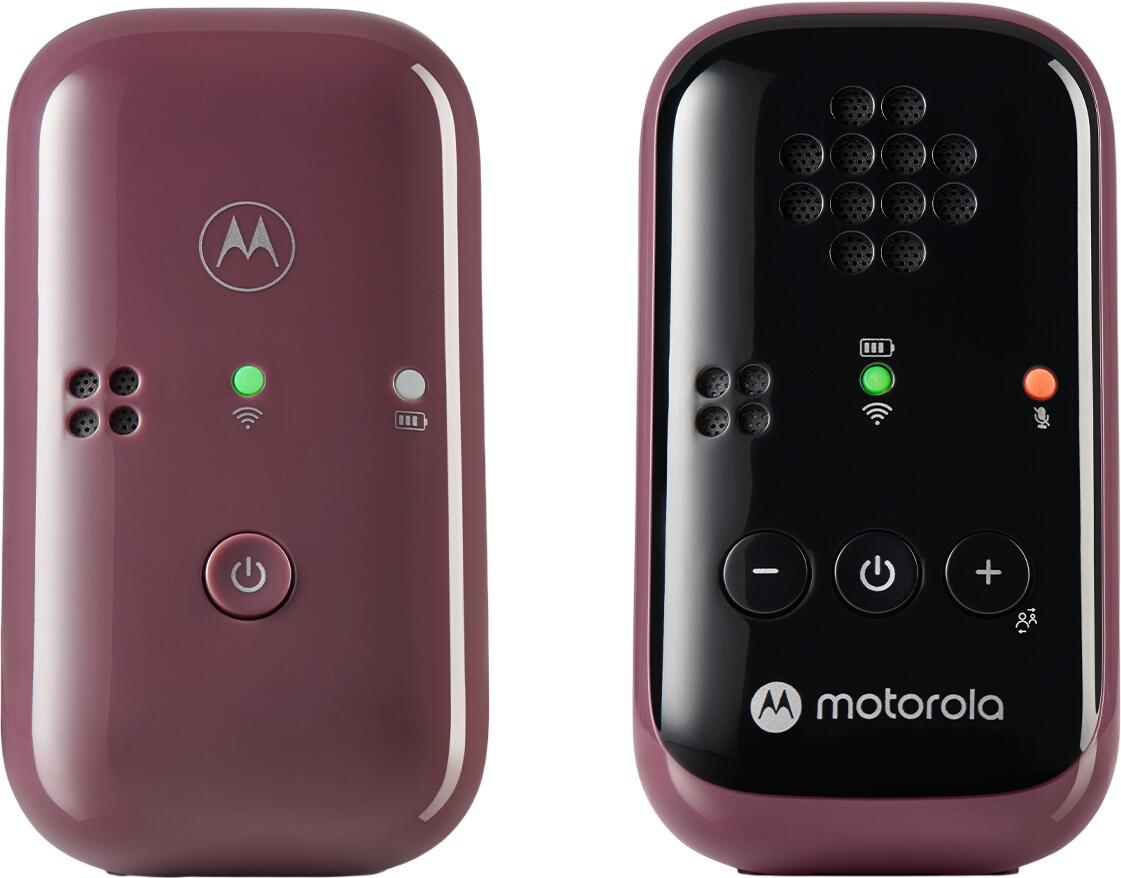
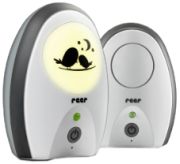
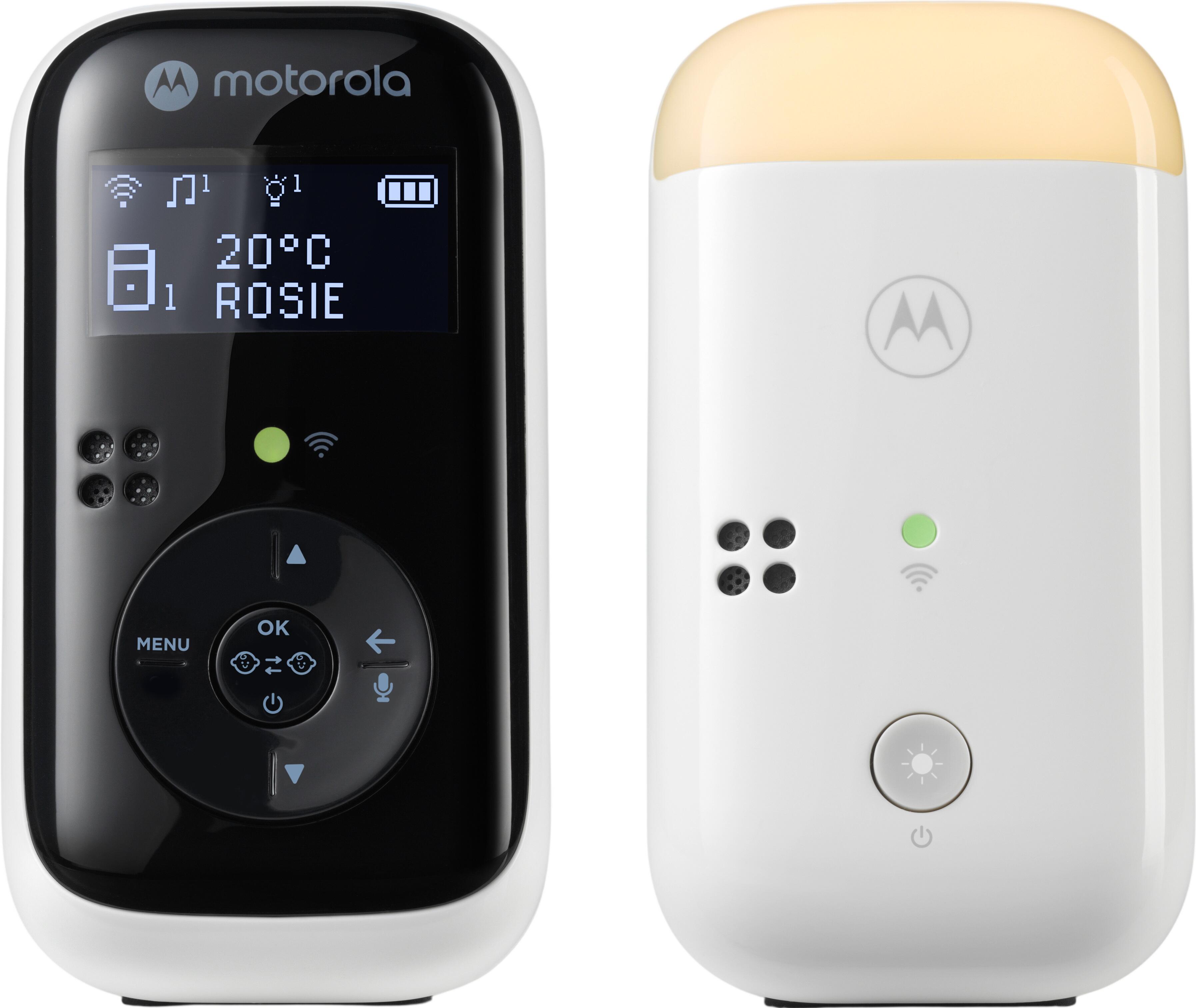
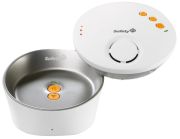
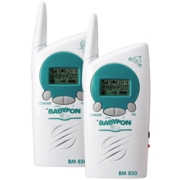
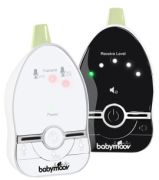
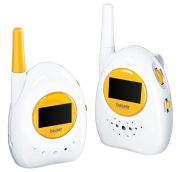
An audio baby monitor is usually the simplest and most affordable choice. It includes a nursery unit with a microphone and a portable parent unit with a speaker. Sound-activated lights are helpful when the television is on, when you are vacuuming or if you are hard of hearing. Some models also provide vibration alerts.
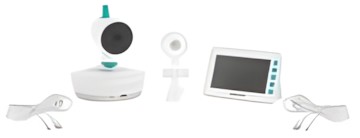
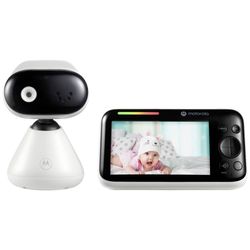
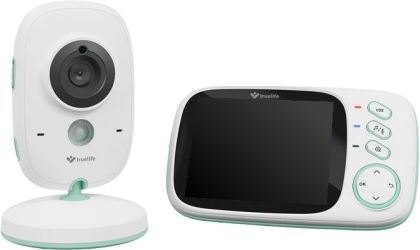
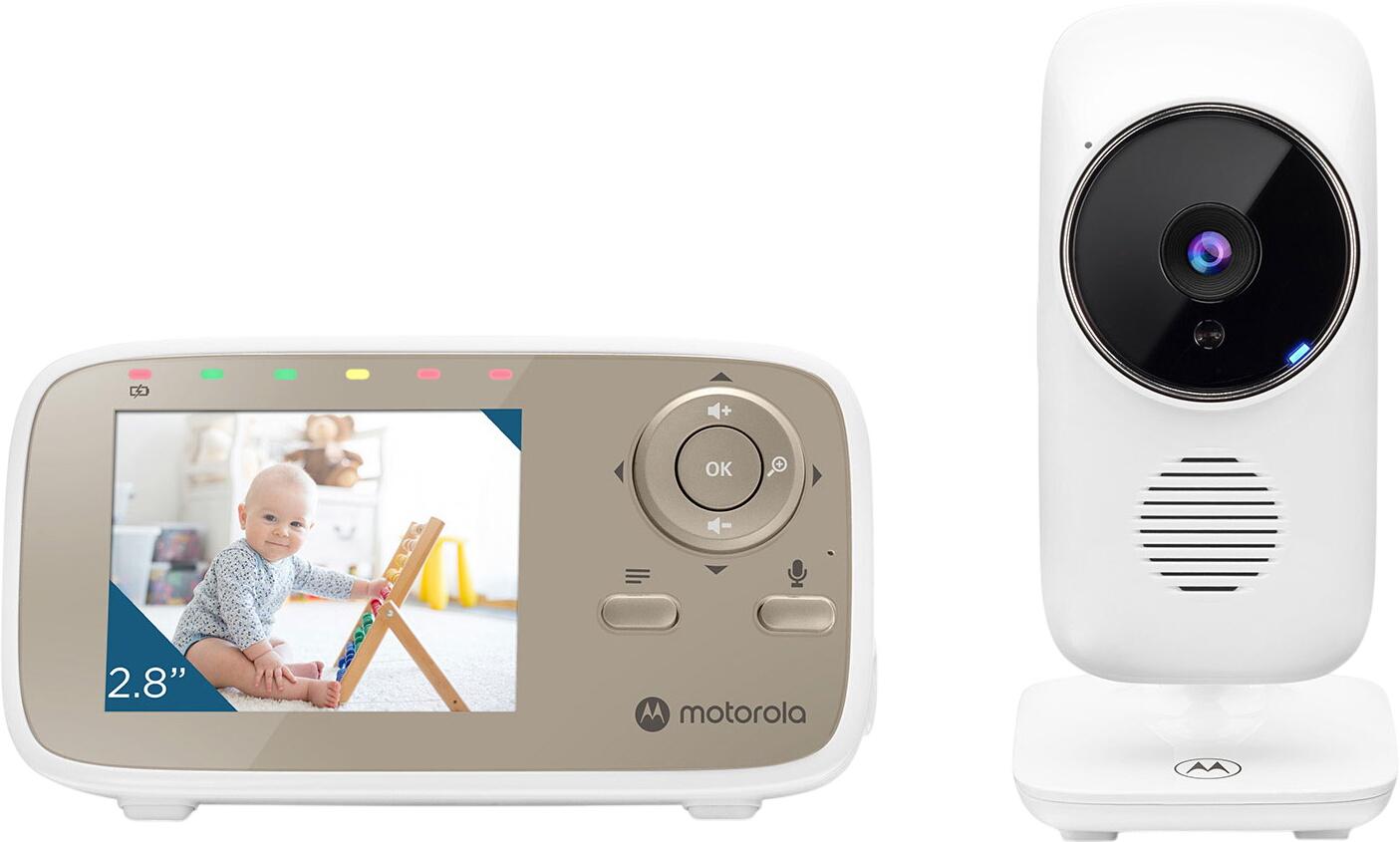
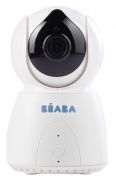
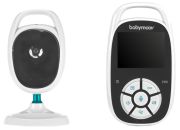
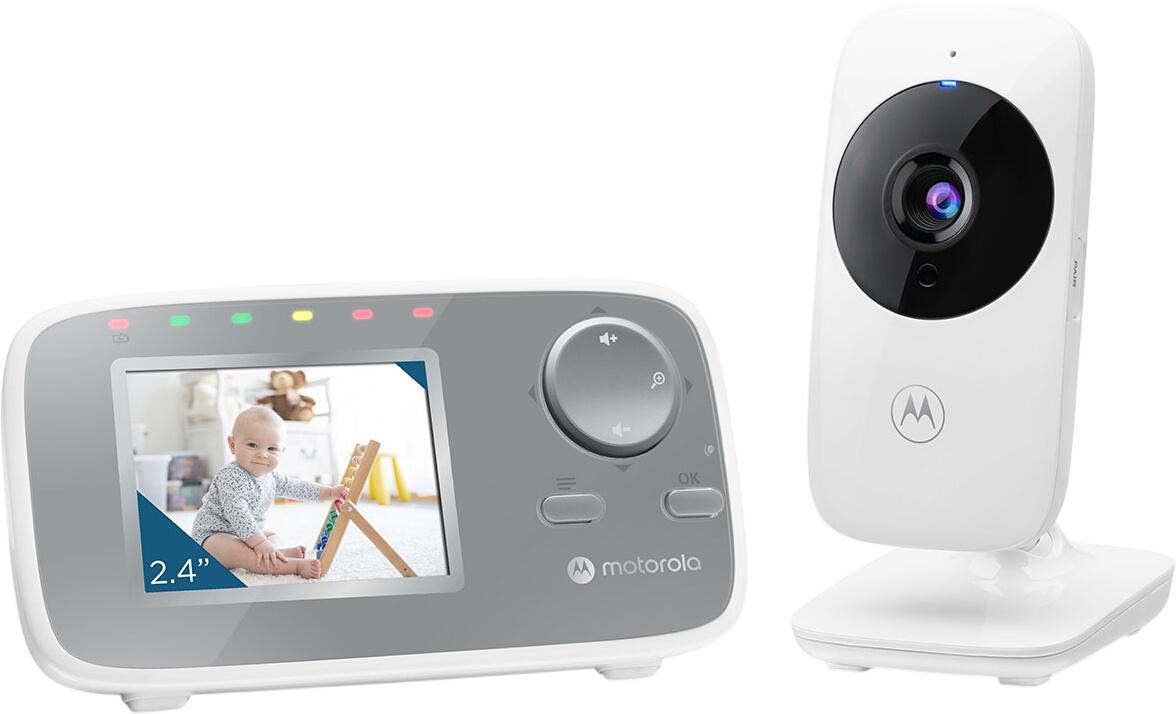
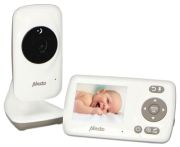
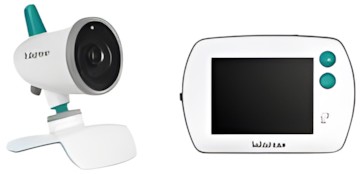
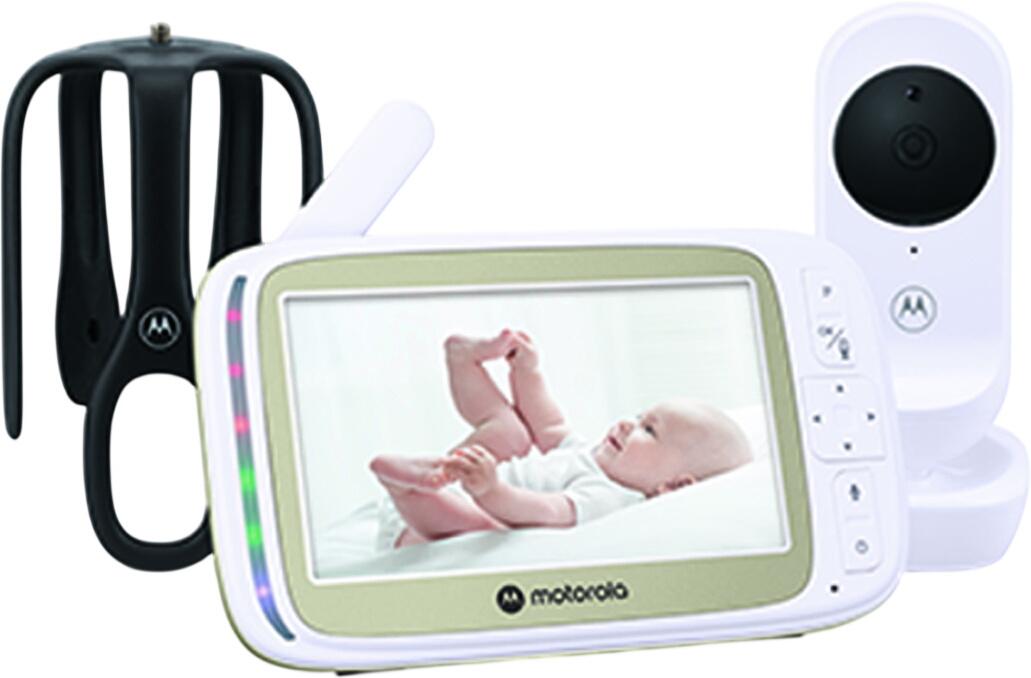
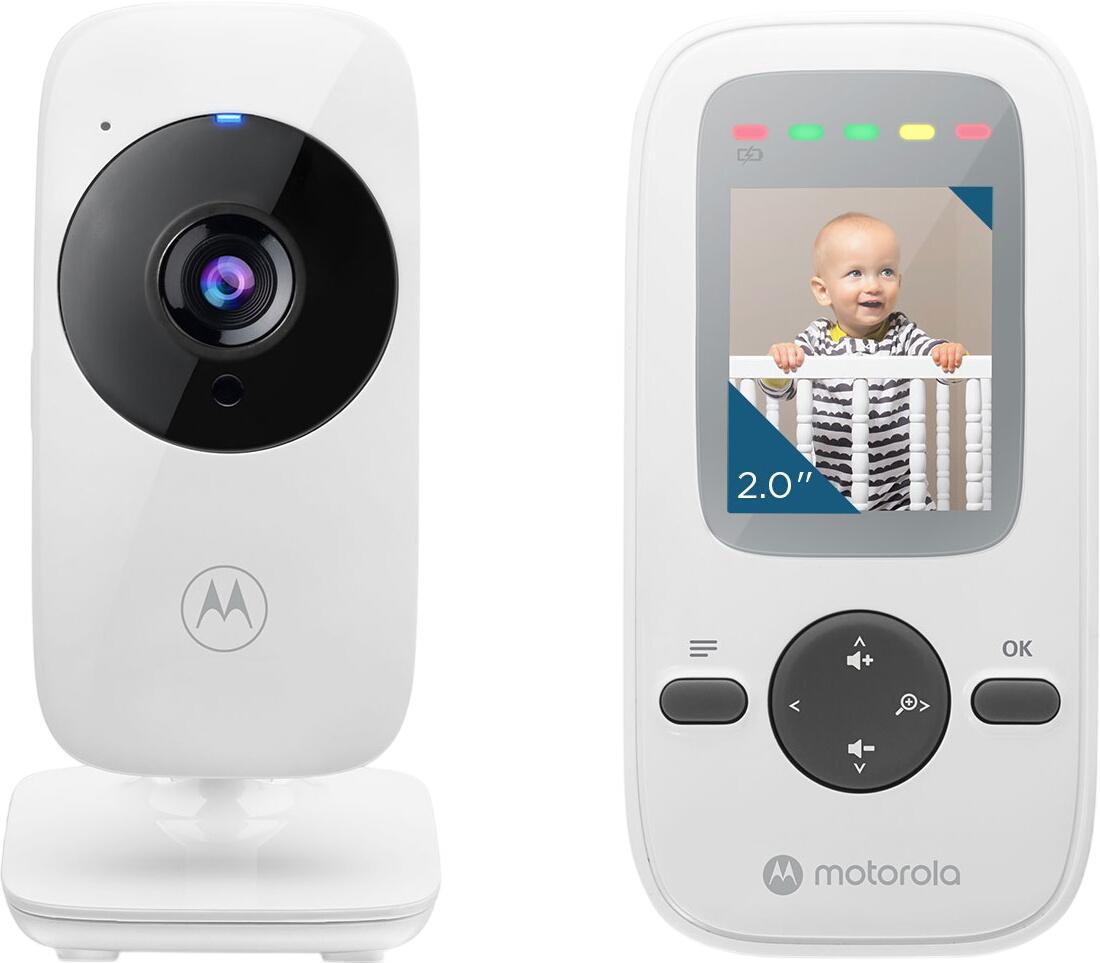
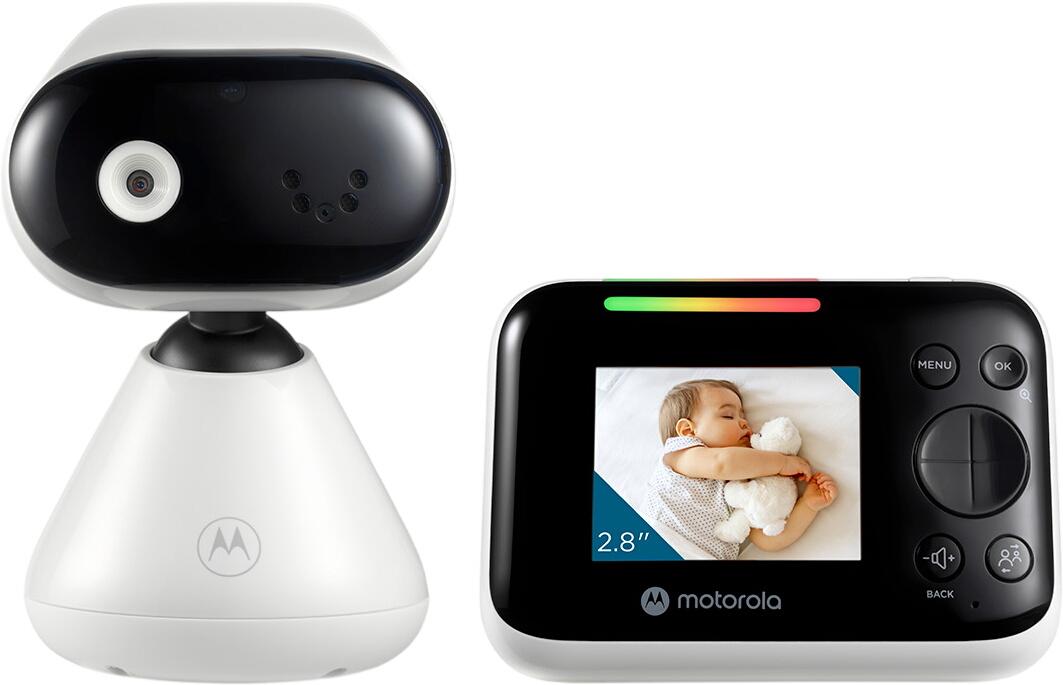
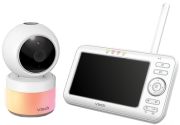
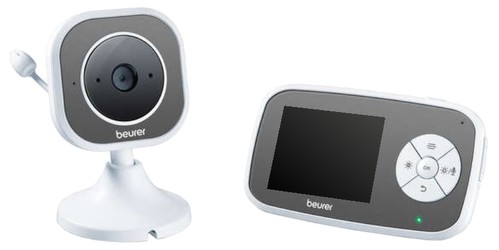
A video baby monitor adds a camera and screen, allowing you to check whether your child is sleeping, stirring or needs attention without entering the room. Look for a clear display, reliable night vision and a camera that can be securely positioned away from the cot.
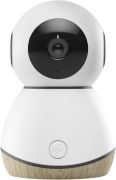
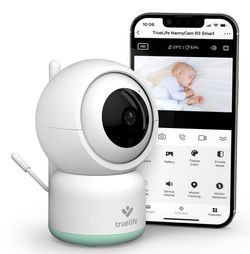
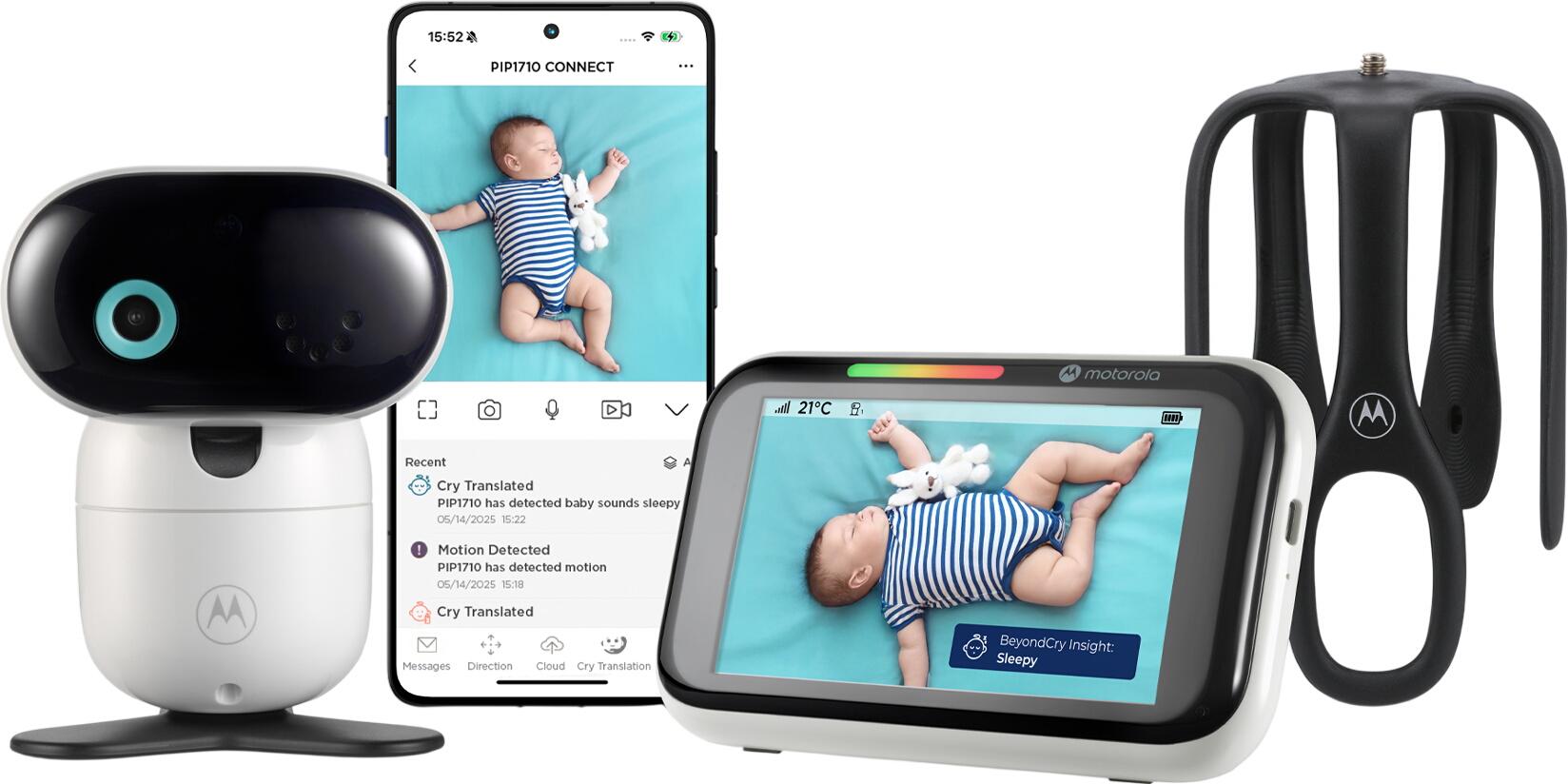
Wi-Fi baby monitors stream video and audio through a smartphone app, often allowing more than one caregiver to check in remotely. They can be convenient for parents working away from home or for checking a child with another caregiver. However, they rely on a reliable broadband connection and should have strong security settings.
Common baby-monitor options include:
- Digital audio monitor: straightforward sound monitoring, often with sound lights and alerts.
- Video monitor with parent unit: private local connection with a dedicated screen; does not necessarily require Wi-Fi.
- Wi-Fi camera and app: remote monitoring via phone or tablet, often with notifications and shared access.
- Two-way talk: allows you to soothe your child with your voice from another room.
- Room-temperature display: useful as a general guide, although it should not replace checking the room and dressing your baby appropriately.
- Multi-camera system: practical for monitoring more than one child or room.
- Portable or rechargeable parent unit: useful for moving around the house and garden.
Signal security and range
Current digital baby monitors are designed to provide clearer sound and more secure transmission than older analogue products. DECT audio monitors are common and can offer dependable sound quality and a private connection between the nursery and parent units. Video monitors may use their own encrypted connection or Wi-Fi, depending on the model.
For app-connected monitors, use a strong, unique Wi-Fi password and update the app, camera and home router when software updates are available. Choose models that support encrypted video transmission and two-factor authentication where offered. Avoid sharing account access unnecessarily, and review who can access the camera if it supports multiple users.
Quoted range figures are usually measured in open outdoor conditions. Walls, floors, insulation, metalwork and other wireless devices can reduce the effective range indoors. If you live in a large house, flat with thick walls or older property, choose a monitor with a reliable connection alert and test it in the rooms where you will use it.
Features worth considering
Not every family needs the same functions. A simple audio monitor may be all that is required for a small home, while a video model can be useful if you want to see whether your baby has settled before going into the nursery.
When comparing models, consider:
- Battery life: check how long the parent unit lasts between charges.
- Low-battery and out-of-range alerts: useful for avoiding unexpected loss of connection.
- Sound activation: reduces background noise and may preserve battery life.
- Adjustable volume and vibration alert: helpful in noisy homes or for hearing accessibility.
- Night vision: essential for usable video in a darkened nursery.
- Pan, tilt and zoom: useful in larger rooms, although manual camera positioning is often sufficient.
- Two-way communication: useful for reassurance, but it does not replace attending to a distressed child.
- Multiple parent units or cameras: helpful for shared care and more than one room.
- Local recording or cloud storage: check privacy settings, subscription costs and how footage is stored before choosing a Wi-Fi camera.
Breathing and movement monitoring
Some products include movement mats, breathing alerts or wearable sensors. These devices may provide reassurance for some parents, but they should not be relied upon to prevent sudden infant death syndrome (SIDS) or to diagnose illness. Consumer monitors are not a replacement for medical equipment, professional advice or safe-sleep practices.
If you have concerns about your baby’s breathing, health or sleep, speak to a GP, health visitor, midwife or NHS 111 rather than depending on a monitor alert. Follow current NHS safer-sleep advice, including placing babies on their back to sleep and keeping the sleep space clear.
Wireless signals and safe placement
Baby monitors and Wi-Fi devices sold in the UK must meet applicable safety and radio-equipment requirements. Current public-health guidance does not establish a health risk from wireless devices used within applicable exposure limits. If you would prefer to minimise unnecessary exposure, select a model with sound-activated transmission or an eco mode, and avoid placing the transmitter directly beside the cot.
More importantly, keep the nursery unit, mains lead and any camera cable far enough away that a child cannot reach or become entangled in them. Follow the manufacturer’s stated minimum distance; as a general precaution, place the unit well away from the cot rather than attaching it to cot bars or leaving cables within reach.
Baby monitor buying checklist
- Choose between an audio monitor, video monitor or Wi-Fi/app-connected camera.
- Look for secure digital transmission or encrypted Wi-Fi access.
- Check real-world range, connection alerts and parent-unit battery life.
- Consider night vision, sound lights, vibration alerts and two-way talk.
- Use strong passwords and software updates for Wi-Fi monitors.
- Keep cameras, monitors, cables and chargers safely out of reach of the cot.
- Treat movement or breathing alerts as an additional feature, not medical protection.
- Follow current NHS safer-sleep guidance and carry out regular in-person checks.